
AdGuard DNS

Best Self Hosted Alternatives to AdGuard DNS

A curated collection of the 4 best self hosted alternatives to AdGuard DNS.

AdGuard DNS is a privacy-focused DNS resolver that blocks ads, trackers, malware and phishing at the DNS level. It supports encrypted transports (DoH/DoT), optional parental control and customizable filtering to improve privacy and security.

Alternatives List

#1
Pi-hole

Pi-hole

DNS sinkhole that blocks ads, trackers, and malicious domains network-wide with a web dashboard, per-client controls, and optional DHCP/DNS features.

Pi-hole screenshot

Pi-hole is a DNS sinkhole that blocks ads, trackers, and known malicious domains for all devices on your network by responding to unwanted DNS queries locally. It provides visibility into DNS activity and lets you enforce filtering policies centrally without requiring browser extensions.

Key Features

  • DNS-based blocking using gravity lists (blocklists) and a local “sinkhole” response
  • Web admin dashboard for query logs, client activity, and real-time statistics
  • Per-client management (group-based allow/deny rules and client identification)
  • Custom allowlist/denylist, regex filtering, and local DNS records
  • Built-in DNS forwarding and caching; works with upstream resolvers or recursive DNS setups
  • Optional DHCP server for networks where router DHCP customization is limited
  • API and CLI tooling for automation and integration (telemetry, enable/disable, list management)

Use Cases

  • Block ads/trackers across phones, TVs, consoles, and IoT devices without installing plugins
  • Reduce exposure to malware domains and improve network visibility via DNS query logging
  • Centralize DNS policy for a home lab or small office with client- or group-specific rules

Limitations and Considerations

  • DNS-level blocking cannot remove first-party ads served from the same domains as content, and does not perform cosmetic page element hiding
  • Encrypted DNS (DoH/DoT) from clients can bypass filtering unless controlled at the network/device level

Pi-hole is a widely used DNS filtering solution suited to home and small-network environments, pairing straightforward installation with strong observability and control. It is commonly combined with upstream privacy-focused resolvers or recursive DNS for tighter policy and performance.

55.1kstars
3kforks

#2
AdGuard Home

AdGuard Home

Self-hosted DNS server with ad/tracker blocking, custom filtering, parental controls, encrypted DNS, and per-client statistics for home networks.

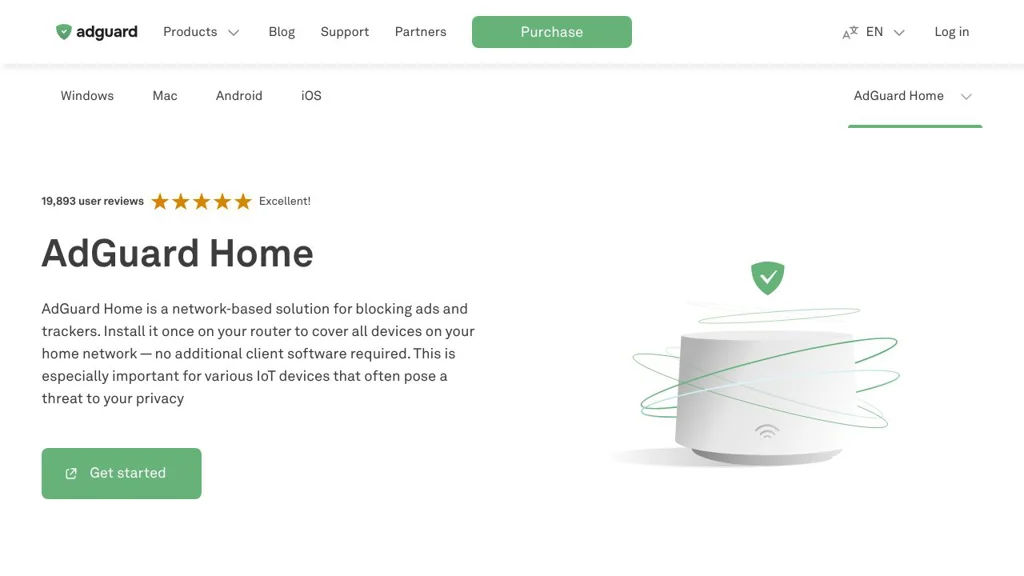
AdGuard Home screenshot

AdGuard Home is a network-level DNS server that blocks ads, trackers, and malicious domains for all devices on your LAN without requiring client-side apps. It provides a web UI for managing blocklists, custom rules, and DNS settings, and can act as a DNS resolver with support for encrypted upstreams.

Key Features

  • DNS-based blocking using filter lists (Adblock-style rules) plus custom allow/deny lists
  • Per-client controls and visibility (identify clients, view queries, and apply rules per device)
  • Built-in DHCP server (optional) for simple home-network deployments
  • Parental control features (e.g., safe search / adult content filtering options)
  • Encrypted DNS support for upstreams and clients (DNS-over-HTTPS, DNS-over-TLS, DNSCrypt)
  • DNS caching and local DNS rewrites (custom hostnames for local services)
  • Query log and statistics dashboard (top domains, clients, blocked requests)
  • Runs on many platforms (Linux, macOS, Windows, ARM SBCs) and as a Docker container

Use Cases

  • Replace ISP/router DNS with a local resolver to block ads and trackers on all devices
  • Provide safer DNS for families via safe-search and content filtering controls
  • Centralize DNS for homelabs with local hostnames and per-device allow/block rules

Limitations and Considerations

  • As a DNS-layer blocker, it cannot remove ads served from the same domain as content; effectiveness depends on lists and DNS-level constraints.

AdGuard Home is well-suited for home networks and homelabs that want centralized DNS management with privacy-focused blocking. Its per-client insights, encrypted DNS options, and straightforward web UI make it a common alternative to other DNS sinkhole solutions.

31.9kstars
2.2kforks
#3
Technitium DNS Server

Technitium DNS Server

Self-hosted DNS server with recursive resolver, authoritative zones, DoH/DoT, ad-blocking, DHCP, and a web UI with optional app-based extensibility.

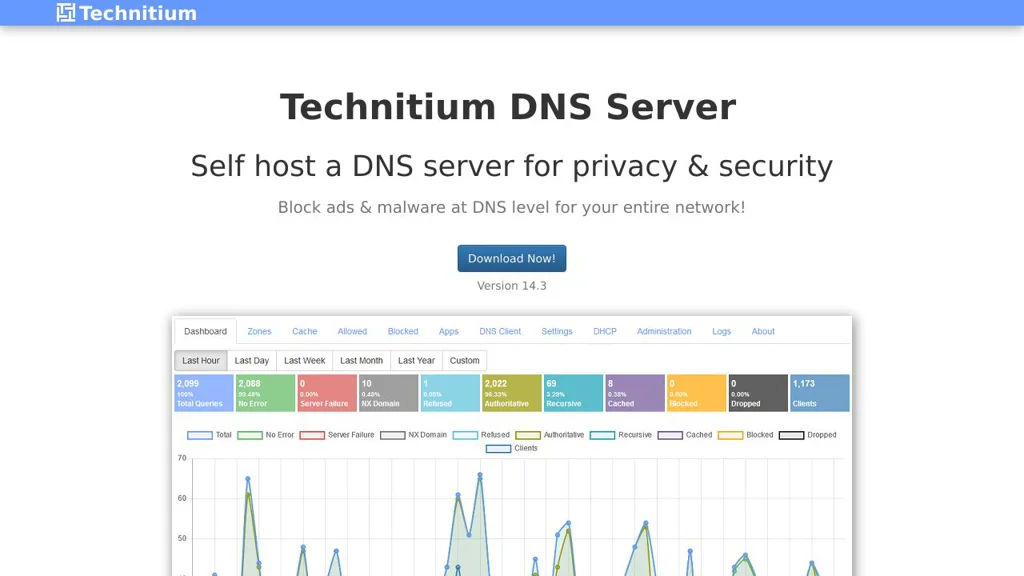
Technitium DNS Server screenshot

Technitium DNS Server is a self-hosted DNS platform that can act as a recursive resolver (with caching) and as an authoritative DNS server for your own zones. It includes a web-based admin interface and security/privacy-focused DNS features such as encrypted DNS protocols and blocklists.

Key Features

  • Recursive DNS resolver with caching for faster local name resolution
  • Authoritative DNS hosting for zones with common record types and zone management
  • DNS-over-HTTPS (DoH) and DNS-over-TLS (DoT) for encrypted client and forwarder traffic
  • Built-in DNS-based blocking (ad/malware domain blocklists) with configurable allow/deny lists
  • DNS forwarding/upstream configuration options (including encrypted upstreams)
  • DHCP Server integration (optional) for LAN IP assignment and DNS configuration
  • Web UI for configuration, logs, stats, and administration
  • Extensible “Apps” system to add capabilities (plugin-like modules)

Use Cases

  • Replace ISP/router DNS with a private LAN resolver supporting DoH/DoT
  • Run internal authoritative DNS for homelab or small business domains
  • Network-wide ad/malware domain blocking without client-side browser plugins

Limitations and Considerations

  • Some advanced enterprise DNS features (e.g., anycast clustering) depend on external design/ops rather than being a single turnkey feature.

Technitium is a strong fit when you want an all-in-one DNS stack: recursive + authoritative, a web UI, encrypted DNS support, and optional DHCP and filtering features. It’s commonly deployed in homelabs and SMB networks as a Pi-hole/AdGuard Home alternative with deeper DNS server capabilities.

7.2kstars
607forks
#4
Blocky

Blocky

Lightweight DNS proxy and local DNS server with blocklists, allowlists, custom DNS rules, caching, and optional DoH/DoT upstream for network-wide ad and tracker blocking.

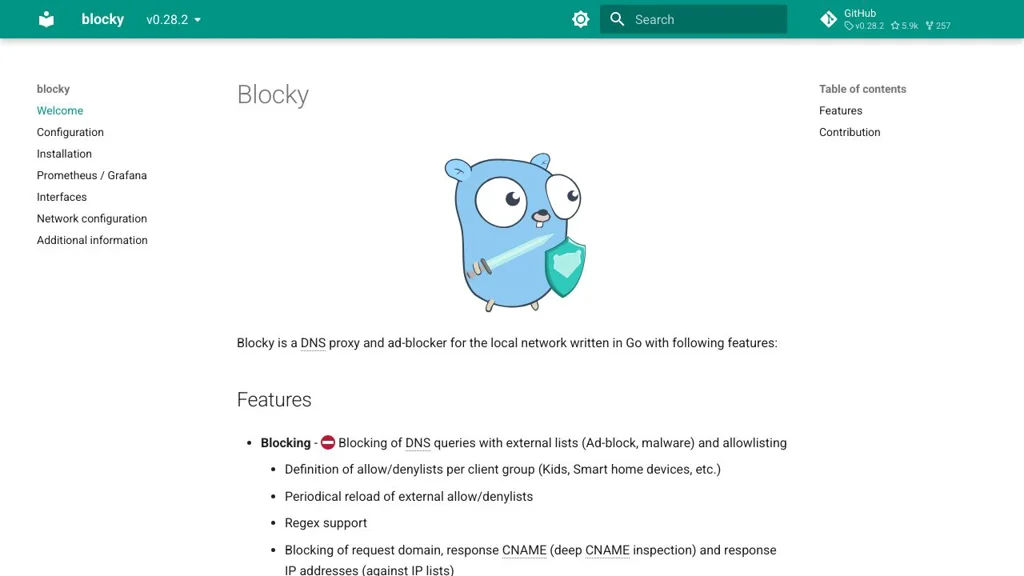
Blocky screenshot

Blocky is a lightweight DNS proxy and local DNS server designed for network-wide blocking of ads, trackers, and malicious domains. It runs as a single binary and focuses on predictable DNS behavior, performance, and simple configuration.

Key Features

  • DNS proxy with local filtering (blocklists/allowlists) for ads, trackers, and malware domains
  • Supports multiple upstream DNS resolvers with configurable selection and fallback behavior
  • Local DNS features: custom records and conditional forwarding (e.g., split DNS per domain zone)
  • DNS caching to reduce latency and upstream queries
  • Optional upstream encryption support (DNS-over-HTTPS / DNS-over-TLS) depending on configuration
  • Built-in Prometheus metrics endpoint for monitoring and alerting integration
  • Designed to run well in containers and small environments (single static Go binary)

Use Cases

  • Network-wide ad/tracker blocking for a home network without browser plugins
  • Secure and observable DNS for homelabs (metrics + encrypted upstream resolvers)
  • Split-horizon DNS for internal services (custom records + zone-based forwarding)

Blocky is a solid choice when you want a small, configurable DNS layer with filtering, caching, and monitoring. It fits well as a Pi-hole-style component in a homelab, especially when you also want flexible upstream routing and Prometheus-friendly telemetry.

5.9kstars
257forks

Why choose an open source alternative?

  • Data ownership: Keep your data on your own servers
  • No vendor lock-in: Freedom to switch or modify at any time
  • Cost savings: Reduce or eliminate subscription fees
  • Transparency: Audit the code and know exactly what's running