
Adobe Lightroom (cloud galleries)

Best Self Hosted Alternatives to Adobe Lightroom (cloud galleries)

A curated collection of the 3 best self hosted alternatives to Adobe Lightroom (cloud galleries).

Adobe Lightroom (cloud) is a cloud-based photo service for importing, organizing, editing and syncing photos across devices. It offers non-destructive editing, cloud storage, and shareable web galleries for collaboration and presentation.

Alternatives List

#1
Piwigo

Piwigo

Piwigo is a self-hosted photo gallery for organizing, tagging, searching, and sharing large photo collections with albums, permissions, and extensibility via plugins.
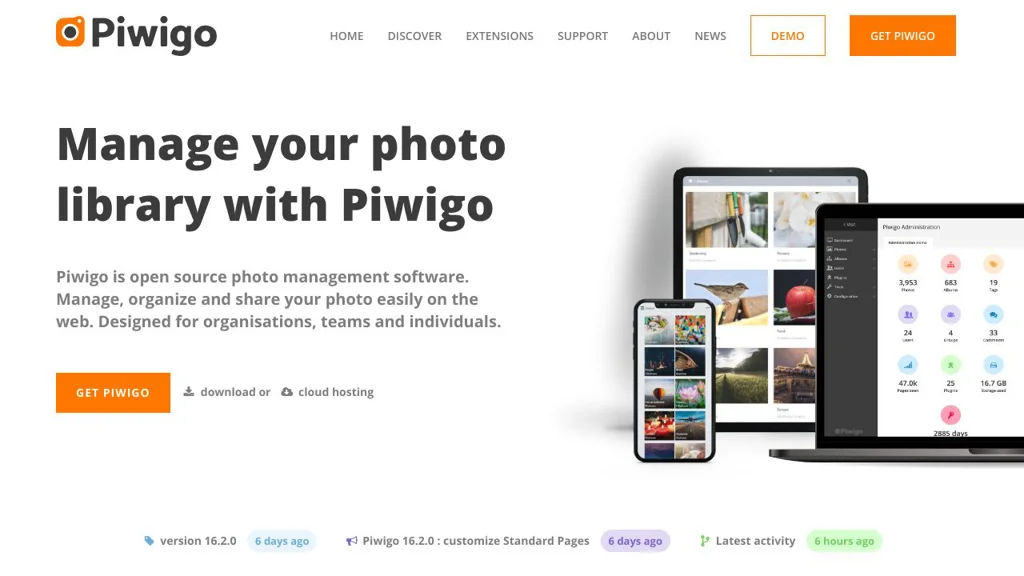
Piwigo screenshot

Piwigo is a web-based photo gallery and photo management application designed for organizing and publishing photo collections, from personal libraries to large team or organizational archives. It focuses on scalable organization (albums, tags, metadata), granular sharing/permissions, and a plugin/theme ecosystem to adapt the gallery to different workflows.

Key Features

  • Album-based organization with nested categories and multiple display options
  • Tagging, ratings, comments, and powerful search/browse features
  • Metadata support (e.g., EXIF/IPTC) and batch management tools for large libraries
  • User and group management with configurable permissions for private/public galleries
  • Extensible via plugins and themes to add features and customize appearance
  • Upload workflows for web, FTP/sync tools, and bulk import for large collections
  • Multi-language interface and configurable gallery settings for different audiences

Use Cases

  • Create a private family or personal photo library with sharing links and access control
  • Publish a public photography portfolio or event gallery with albums and comments
  • Maintain an internal media archive for teams (marketing/assets) with tags and search

Limitations and Considerations

  • Advanced features often depend on selecting and maintaining the right plugins
  • Performance and storage planning becomes important for very large libraries

Piwigo provides a mature, customizable photo gallery with strong organization and permission controls. Its plugin/theme ecosystem makes it flexible for many scenarios, especially when you need a structured library rather than a simple “photo stream” experience.


3.7kstars
465forks
#2
PiGallery2

PiGallery2

Self-hosted web photo gallery that indexes folders, reads EXIF/IPTC, supports maps/search, and serves optimized thumbnails with a responsive UI.

PiGallery2 screenshot

PiGallery2 is a self-hosted web photo gallery focused on browsing existing photo/video folders without importing them into a separate library. It indexes your directory structure, extracts common metadata, and provides a modern, responsive UI with fast thumbnail generation and search.

Key Features

  • Directory-based albums (mirrors your existing folder structure)
  • Automatic media indexing with configurable scanner/database
  • EXIF/IPTC metadata reading (camera data, dates, keywords where available)
  • Map view for GPS-tagged photos
  • Full-text style search/filtering across metadata
  • On-the-fly thumbnail generation and image resizing for fast browsing
  • Video support (with metadata and preview handling depending on setup)
  • Multi-user support with authentication and permission concepts
  • Sharing options (public links/albums depending on configuration)

Use Cases

  • Host a private family photo website from an existing NAS folder tree
  • Browse and search a large archive (events/trips) using metadata and map view
  • Lightweight gallery for photographers who want folder-based organization

Limitations and Considerations

  • Features depend heavily on extracted metadata; inconsistent EXIF/IPTC can reduce search/map usefulness
  • Not intended as a full “DAM” with heavy editing workflows; it focuses on browsing and viewing

PiGallery2 is a good fit when you want a fast, web-based viewer on top of a directory tree, with metadata-driven search and a clean UI. It works especially well for large collections where automatic thumbnails and responsive browsing matter more than complex asset-management workflows.

2.1kstars
247forks
#3
Damselfly

Damselfly

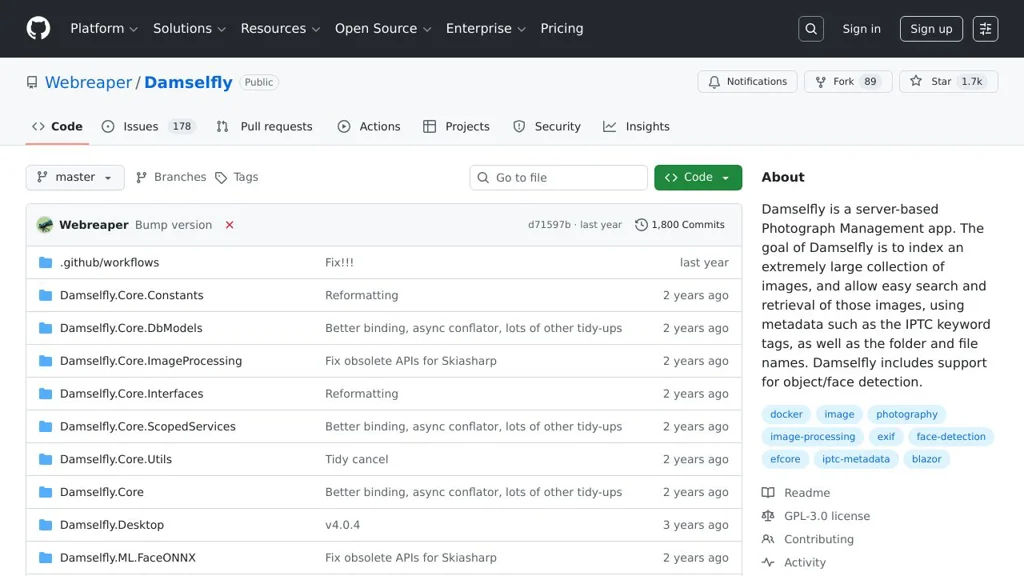
Self-hosted photo management app for browsing, tagging, and searching large photo libraries, with face recognition, metadata support, and a responsive web UI.

Damselfly screenshot

Damselfly is a self-hosted photo management application focused on fast browsing and search across large local photo libraries. It indexes folders of images, extracts metadata, and provides a responsive web interface to organize and find photos quickly, including people-based discovery using face recognition.

Key Features

  • Library indexing from filesystem folders with background scanning
  • Responsive web UI optimized for fast browsing of large collections
  • Face recognition for grouping and searching people (face tagging/workflows)
  • Metadata support (EXIF/IPTC) and keyword/tag-based organization
  • Powerful search and filtering (by tags, people, and common photo attributes)
  • Thumbnail generation and caching for performance
  • Container-friendly deployment (commonly run via Docker)

Use Cases

  • Replace cloud photo services for private browsing and search of a home photo archive
  • Curate and find photos for creative work using tags/metadata and fast filtering
  • Identify and organize photos of family members using face recognition

Limitations and Considerations

  • Face recognition requires additional compute and works best with well-lit, clear faces; initial indexing can be time-consuming on large libraries

Damselfly is a good fit for users who want a lightweight, performance-oriented photo library browser with strong local search, metadata handling, and face-based organization. It is commonly used as a private alternative to cloud photo galleries while keeping files in normal folders on disk.

1.7kstars
89forks

Why choose an open source alternative?

  • Data ownership: Keep your data on your own servers
  • No vendor lock-in: Freedom to switch or modify at any time
  • Cost savings: Reduce or eliminate subscription fees
  • Transparency: Audit the code and know exactly what's running