
Akamai Kona Site Defender

Best Self Hosted Alternatives to Akamai Kona Site Defender

A curated collection of the 2 best self hosted alternatives to Akamai Kona Site Defender.

Akamai Kona Site Defender is a cloud-based web application firewall (WAF) and DDoS protection service that defends websites and APIs from application-layer attacks, bots, and volumetric DDoS, helping ensure application availability and security.

Alternatives List

#1
SafeLine

SafeLine

SafeLine is an open-source web application firewall (WAF) that protects web apps and APIs from common attacks using HTTP traffic inspection, rules, and management UI.
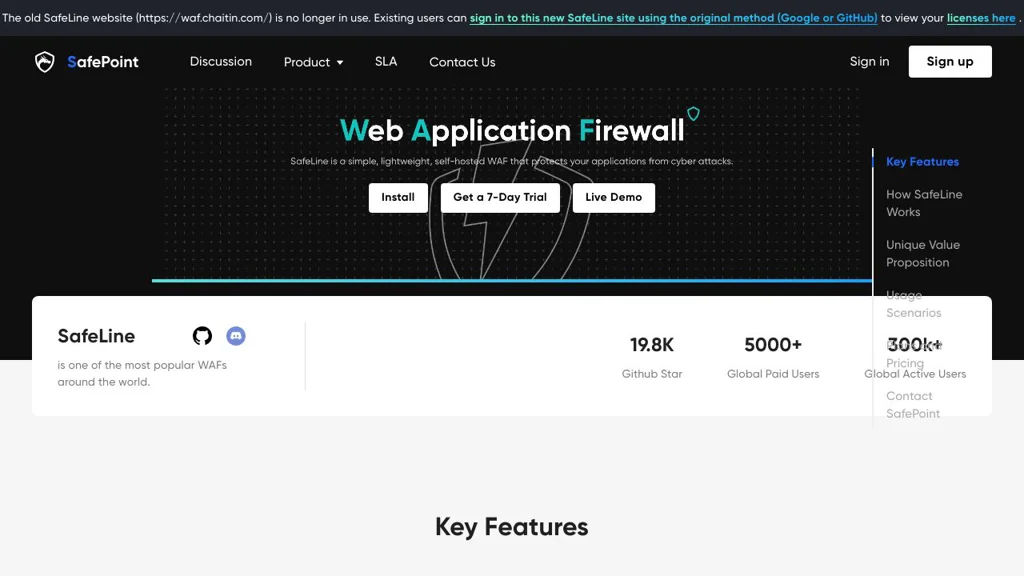
SafeLine screenshot

SafeLine is an open-source Web Application Firewall (WAF) by Chaitin Technology designed to protect web applications and APIs by inspecting HTTP(S) traffic and blocking malicious requests. It is typically deployed in front of your apps as a reverse proxy/gateway and provides a management UI for configuring protected sites and security policies.

Key Features

  • Reverse-proxy WAF deployment in front of web apps and APIs
  • Protection against common web attacks (e.g., SQL injection, XSS, path traversal, command injection)
  • Rule/policy-based request inspection and blocking for HTTP traffic
  • Web console for configuring sites, policies, and viewing security events
  • Access logs and security event visibility to aid investigation and tuning
  • Containerized deployment (commonly via Docker/Docker Compose)

Use Cases

  • Protect a self-hosted website or admin panel from automated scans and exploit attempts
  • Add a security layer in front of internal business apps exposed to the internet
  • Shield API endpoints from injection attacks and suspicious request patterns

Limitations and Considerations

  • As with most WAFs, tuning policies may be required to reduce false positives for complex applications
  • Advanced enterprise features (e.g., large-scale centralized management) may not be present depending on the edition

SafeLine fits teams that want a deployable, self-managed WAF to reduce exposure to common web threats. It is especially useful when placed at the edge in front of multiple services to standardize inbound traffic inspection and blocking.

20kstars
1.3kforks

#2
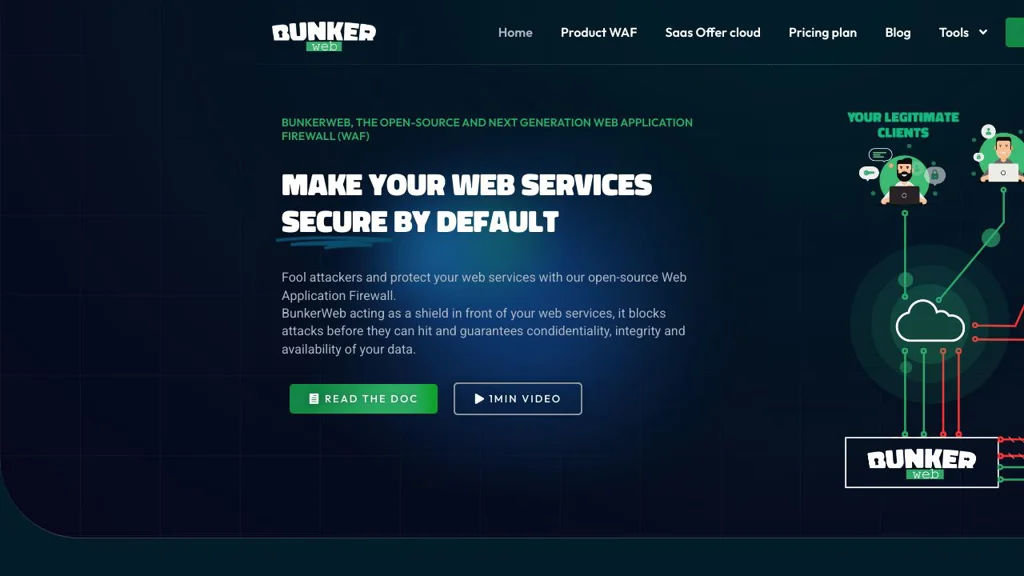
BunkerWeb

BunkerWeb

Self-hosted WAF and reverse proxy built on NGINX, with a web UI, ModSecurity/OWASP rules, automatic HTTPS, and hardened defaults for securing web apps.

BunkerWeb screenshot

BunkerWeb is a security-focused web server and reverse proxy designed to protect web applications with a built-in Web Application Firewall (WAF) and hardened defaults. It is typically deployed in front of one or more HTTP applications (as a reverse proxy) and can be managed via a web-based UI and configuration templates.

Key Features

  • NGINX-based reverse proxy/web server with security-first default configuration
  • Integrated WAF capabilities (commonly deployed with ModSecurity + OWASP Core Rule Set)
  • Web UI for configuration and operational management
  • Automated TLS certificate management (ACME/Let’s Encrypt) for HTTPS enablement
  • IP/geo-based access controls and request filtering features (e.g., allow/deny lists)
  • Rate limiting and protections targeting common OWASP Top 10 attack patterns
  • Container-friendly deployment options (Docker) for homelabs and production setups

Use Cases

  • Put a WAF in front of self-hosted services (e.g., dashboards, CMS, admin panels)
  • Centralize HTTPS and security controls for multiple internal web applications
  • Add request filtering, rate limiting, and hardened headers to legacy apps

Limitations and Considerations

  • Full protection depends on correct rule tuning (WAF rules can cause false positives)
  • Advanced scenarios may require NGINX/WAF knowledge for optimal configuration

BunkerWeb is a practical option for teams and self-hosters who want an NGINX-based reverse proxy with an integrated WAF and a management UI. It focuses on providing common web security controls in a deployable package while keeping compatibility with typical reverse-proxy architectures.

9.7kstars
555forks

Why choose an open source alternative?

  • Data ownership: Keep your data on your own servers
  • No vendor lock-in: Freedom to switch or modify at any time
  • Cost savings: Reduce or eliminate subscription fees
  • Transparency: Audit the code and know exactly what's running