
Apple Hide My Email (iCloud+)

Best Self Hosted Alternatives to Apple Hide My Email (iCloud+)

A curated collection of the 3 best self hosted alternatives to Apple Hide My Email (iCloud+).

Hide My Email (part of iCloud+) creates unique, random email addresses that forward to your personal inbox so you can sign up for apps and websites without revealing your real email, protecting privacy and reducing spam.

Alternatives List

#1
SimpleLogin

SimpleLogin

Self-hostable email alias manager that generates aliases, forwards mail, and shields your real address with reply support, custom domains, and anti-tracking options.
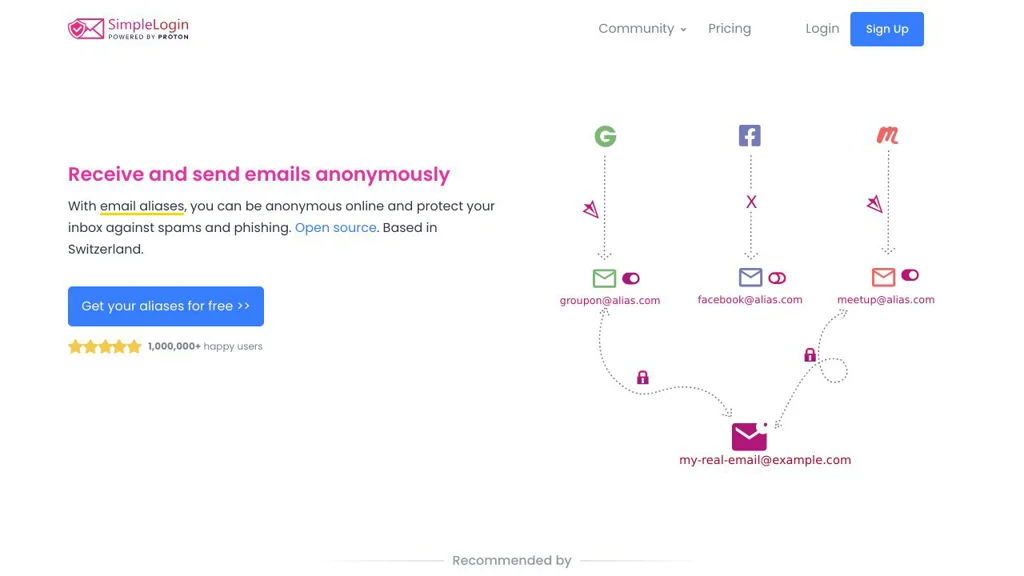
SimpleLogin screenshot

SimpleLogin is an email aliasing service that helps you protect your real email address by creating aliases that forward mail to your inbox. It lets you quickly generate unique addresses per website/app and control forwarding, replies, and privacy options from a web UI and browser extensions.

Key Features

  • Create and manage email aliases that forward to one or multiple mailboxes
  • Reply/send emails from an alias (so your real address remains hidden)
  • Custom domains and catch-all/domain-wide aliasing
  • Mailbox management and routing rules for where forwarded mail is delivered
  • Disable/pause/delete aliases to stop spam at the source
  • Browser extensions and web UI for fast alias creation and management
  • Optional privacy protections on forwarded messages (e.g., removing tracking elements)
  • API and automation support for alias management workflows

Use Cases

  • Use unique aliases for every online account to reduce breach/spam impact
  • Create disposable aliases for newsletters, trials, and one-off sign-ups
  • Use a custom domain to provide permanent, portable addresses without exposing your inbox

Limitations and Considerations

  • Requires reliable email deliverability and correct DNS/mail configuration (e.g., SPF/DKIM/DMARC) for best results
  • Some advanced functionality depends on the mail transfer/forwarding setup and correct handling of inbound/outbound mail flows

SimpleLogin is well-suited for individuals and teams that want practical email privacy with fine-grained control over aliases. It provides day-to-day tooling (UI, extensions, API) to manage identities per service while keeping a single real mailbox private.

6.3kstars
551forks

#2
AnonAddy

AnonAddy

Create unlimited email aliases and forward mail to your inbox to reduce spam, protect identity, and control who can reach you.

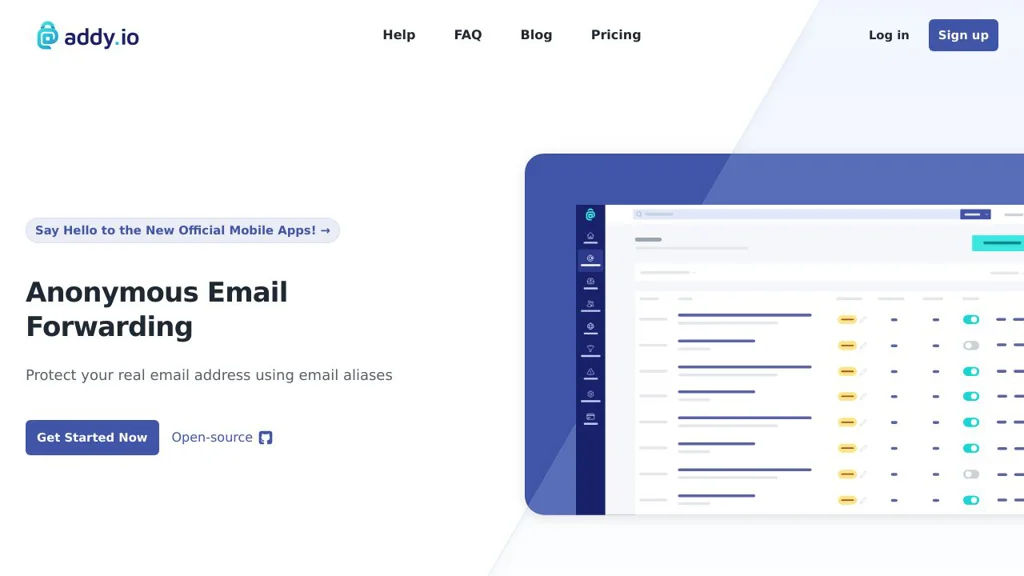
AnonAddy screenshot

AnonAddy is a self-hostable email aliasing and forwarding platform that lets you create unique alias addresses and route incoming mail to one or more real inboxes. It is designed to reduce spam, prevent tracking across services, and give you control over how others can contact you.

Key Features

  • Create and manage email aliases (standard aliases and catch-all/domain aliases)
  • Forward incoming email to verified recipient addresses
  • Reply/send from an alias (so your real address stays hidden)
  • Custom domains and domain-wide catch-all support
  • Turn aliases on/off and delete them to stop unwanted mail
  • SMTP/transport integration intended for running with a mail stack (e.g., Postfix) and DNS records (SPF/DKIM/DMARC) for deliverability
  • API and web UI for alias lifecycle management and automation
  • Browser extension and integration options (for quickly generating/using aliases)

Use Cases

  • Use unique aliases per website to identify and block data leaks or spam sources
  • Create role-based aliases (e.g., billing@, support@) that forward to personal/team inboxes
  • Shield your primary inbox when signing up for newsletters, trials, and one-off services

Limitations and Considerations

  • Requires correct mail/DNS configuration (MX, SPF, DKIM, DMARC) to ensure reliable delivery and sending
  • “Send/reply as alias” depends on outbound mail setup and can be impacted by provider policies and deliverability constraints

AnonAddy is a strong choice for privacy-focused email workflows where you want fine-grained control over inbound addresses, simple alias management, and the ability to respond without revealing your real mailbox. It can be operated with your own domain(s) to fully own your addressing and reduce long-term spam exposure.

4.3kstars
243forks
#3
AliasVault

AliasVault

Self-hosted manager for email aliases and credentials, designed to compartmentalize logins and reduce tracking and account takeover impact.

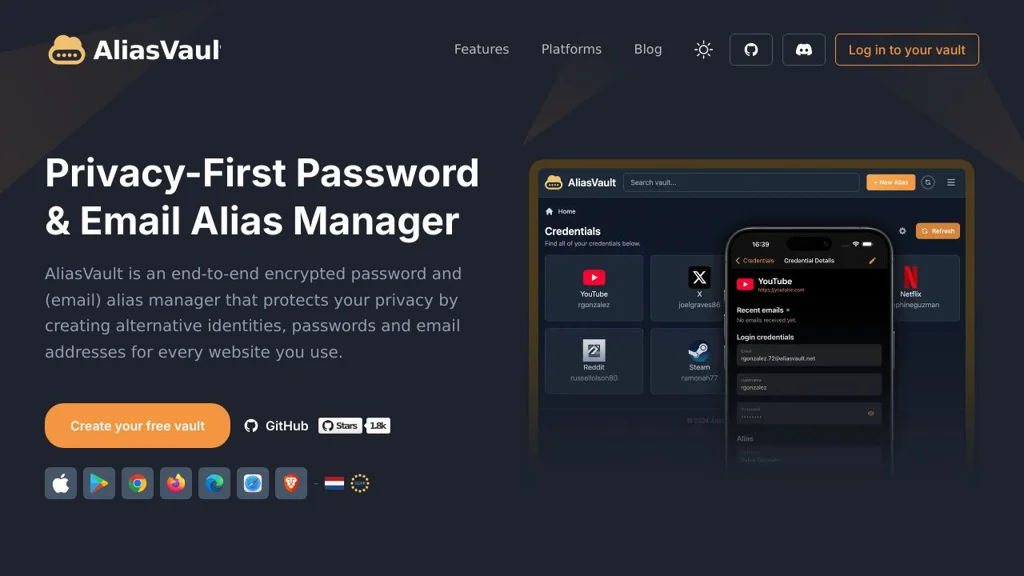
AliasVault screenshot

AliasVault is a self-hosted service that helps you create and manage email aliases and store the corresponding website credentials, so each account can be isolated behind a unique identity. It’s aimed at reducing spam, tracking, and blast radius from credential leaks by pairing alias management with a vault-style workflow.

Key Features

  • Create and manage per-service identities (email aliases) from a central dashboard
  • Store credentials associated with each alias (username/password and related notes)
  • Search and organize entries for quick retrieval
  • Designed for privacy-focused account compartmentalization
  • Web-based UI for managing aliases and vault items

Use Cases

  • Use unique aliases for every signup to identify and stop sources of spam
  • Keep credentials organized per alias to reduce reuse and cross-site correlation
  • Separate personal, family, and project identities with distinct alias groups

Limitations and Considerations

  • Alias creation/forwarding typically depends on your email domain/DNS and mail setup; correct mail routing is required for full functionality.

AliasVault is best suited for users who want a single, self-hosted place to manage masked identities alongside the logins that belong to them. If you already use email aliasing, it can act as the missing “binder” between aliases and stored credentials while keeping data under your control.

1.8kstars
48forks

Why choose an open source alternative?

  • Data ownership: Keep your data on your own servers
  • No vendor lock-in: Freedom to switch or modify at any time
  • Cost savings: Reduce or eliminate subscription fees
  • Transparency: Audit the code and know exactly what's running