
AWS Amplify

Best Self Hosted Alternatives to AWS Amplify

A curated collection of the 6 best self hosted alternatives to AWS Amplify.

AWS Amplify is a set of tools and services for building, deploying, and hosting full‑stack web and mobile applications. It simplifies front‑end development, backend provisioning (APIs, authentication, storage), CI/CD, and hosting.

Alternatives List

#1
Supabase

Supabase

Self-hostable backend platform combining Postgres, Auth, Storage, realtime APIs, edge functions, and an admin dashboard to build and scale apps quickly.
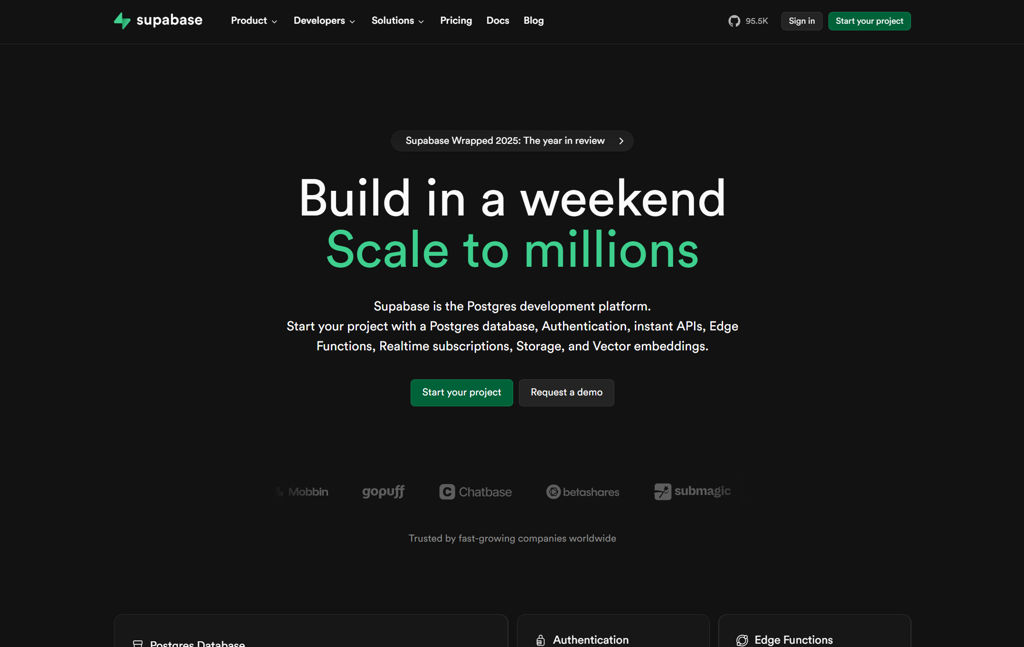
Supabase screenshot

Supabase is a self-hostable backend platform that provides a Postgres database plus common application backend services such as authentication, file storage, realtime updates, and serverless functions. It exposes auto-generated APIs and tools so teams can build production apps with a single, SQL-first backend.

Key Features

  • Postgres database with extensions and SQL-first development
  • Auto-generated REST API via PostgREST and GraphQL via pg_graphql (where enabled)
  • Realtime subscriptions for database changes (Postgres logical replication)
  • Authentication and user management (GoTrue), including JWT-based auth and social/OAuth providers
  • Object storage service with access control and signed URLs (S3-style semantics)
  • Edge Functions for server-side logic (Deno-based)
  • Web dashboard for database/admin tasks, logs, and configuration
  • Local development tooling and Docker-based self-hosting stack

Use Cases

  • Build mobile/web apps needing auth, database, and file uploads without a custom backend
  • Add realtime collaboration features (presence, live updates) backed by Postgres
  • Host internal tools/backends with SQL, row-level security, and API generation

Limitations and Considerations

  • Full feature parity with the hosted Supabase platform may require operating multiple services (database, auth, storage, realtime, functions) and configuring integrations yourself.

Supabase is suited for teams who want a single Postgres-centered backend with batteries included, while retaining the ability to run the whole stack on their own infrastructure. It is especially useful when you want strong relational data modeling and SQL/RLS while still getting Firebase-like developer experience.

95.8kstars
11.2kforks
#2
PocketBase

PocketBase

Single-file backend with built-in database, auth, admin UI, files, and real-time APIs for web and mobile apps.

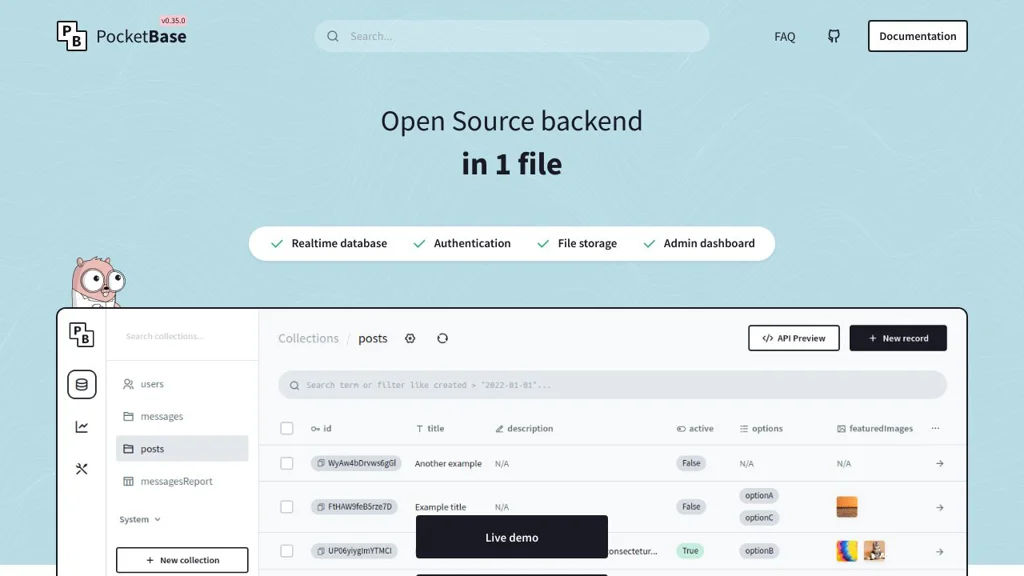
PocketBase screenshot

PocketBase is a lightweight backend-as-a-service you run as a single executable. It provides a built-in SQLite database, an admin dashboard, authentication, file storage, and a generated API so you can ship web/mobile apps without standing up a full backend stack.

Key Features

  • Embedded SQLite database with collections (schema), migrations, and query filters
  • Admin UI to manage collections, records, users, and access rules
  • Auth system for email/password plus OAuth2 providers, with user management and sessions
  • REST-style API for CRUD and auth flows, plus real-time subscriptions for record changes
  • File uploads/attachments stored locally with access rules and signed/file-serving endpoints
  • Access control rules per collection/record (rule-based API permissions)
  • Extendable backend via Go: hooks/events, custom routes, and plugins
  • Single binary deployment; can be run via Docker and supports basic configuration via env/flags

Use Cases

  • Backend for a single-page app or mobile app needing auth + CRUD + files
  • Rapid prototyping of internal tools with an admin panel and API out of the box
  • Replacing managed BaaS for small/medium projects that prefer SQLite-backed simplicity

Limitations and Considerations

  • Primary datastore is SQLite (excellent for many workloads, but not a drop-in for horizontally scaled SQL clusters)
  • Server-side extensibility is Go-centric; advanced customization typically requires writing Go code

PocketBase is a strong fit when you want a minimal operational footprint while still getting a full backend stack (data, auth, files, admin UI, and real-time APIs). It’s especially useful for prototypes and production apps that fit well within an embedded-database deployment model.

55kstars
3kforks
#3
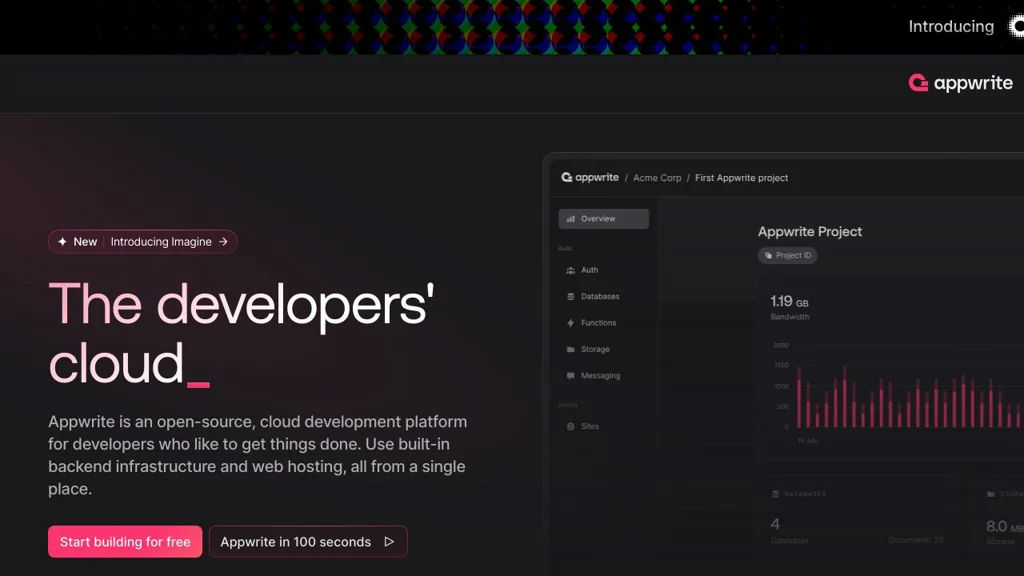
Appwrite

Appwrite

Self-hosted backend-as-a-service with auth, databases, storage, functions, and realtime APIs for web and mobile apps.

Appwrite screenshot

Appwrite is an open-source Backend-as-a-Service (BaaS) that provides a complete backend layer for web, mobile, and Flutter applications. It offers a unified API and SDKs for common backend needs such as authentication, databases, file storage, serverless functions, and realtime events.

Key Features

  • Authentication with multiple providers (email/password, OAuth2 providers) and session management
  • Databases with document collections, indexes, querying, and granular permissions/roles
  • File Storage with buckets, upload/download APIs, and access control
  • Serverless Functions to run backend logic on events or via HTTP execution
  • Realtime subscriptions for database and other events
  • Teams, roles, and permissions model for multi-user and multi-tenant apps
  • Webhooks and event system to integrate with external services
  • SDKs for multiple platforms (web/Node.js, Flutter, and others) and REST API
  • Console (web UI) for project administration and monitoring of resources

Use Cases

  • Build Firebase-like backends for mobile and web apps with local control
  • Add authentication, file uploads, and data APIs to internal tools quickly
  • Implement event-driven workflows (e.g., image processing on upload) with functions and webhooks

Limitations and Considerations

  • Functions runtime and scaling characteristics depend on deployment configuration and container resources
  • Feature parity with managed BaaS platforms can vary (some advanced managed integrations may require extra setup)

Appwrite is well-suited for teams that want an integrated backend platform with strong developer ergonomics and broad SDK support. Its modular services (Auth/DB/Storage/Functions/Realtime) make it practical for both MVPs and production applications where consistent APIs and permissions are required.

54.3kstars
4.9kforks
#4
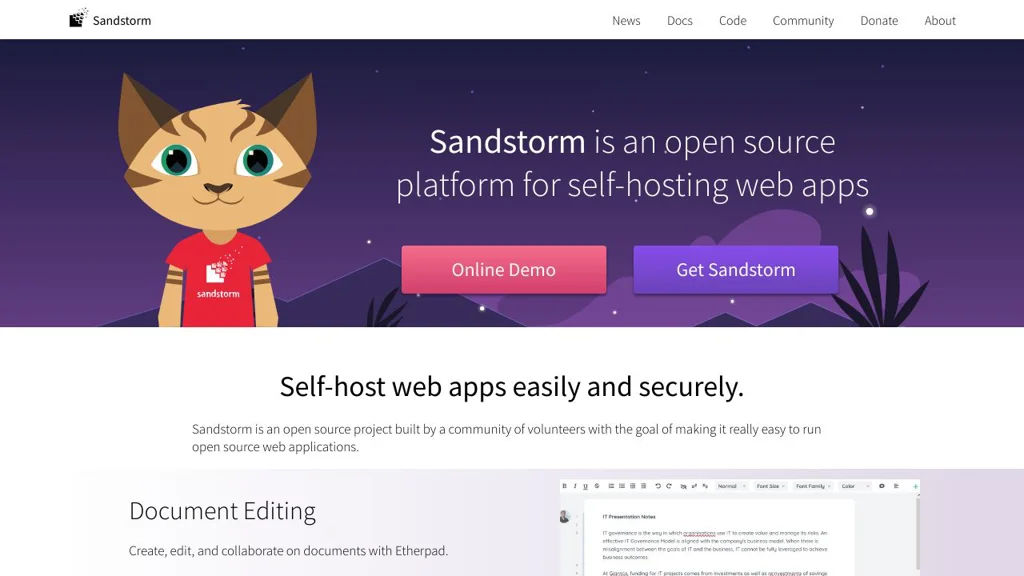
Sandstorm

Sandstorm

Self-hosted platform for running web apps with per-user sandboxes, easy install, app store packaging, and sharing via secure links and access controls.

Sandstorm screenshot

Sandstorm is a self-hosted “personal cloud” platform that lets you install and run multiple web applications on your own server with strong isolation between apps and users. It provides an app-market style workflow, integrated identity/sharing, and a capability-based security model so apps can be safely shared and accessed.

Key Features

  • One-command install and web-based admin for managing users, apps, backups, and updates
  • App installation via Sandstorm “apps” (packaged as Cap’n Proto/SPK bundles) with an app market concept
  • Per-app/per-user isolation (each document/workspace runs in its own sandbox) to limit data access between apps
  • Capability-based security and sharing: share specific documents/apps using granular permissions and unguessable links
  • Built-in identity and access management with multiple login providers (e.g., email/password and OAuth-based providers)
  • Reverse-proxy style routing and HTTPS support (typically deployed behind a TLS terminator)
  • Integrated email notifications and background tasks support for apps (app-dependent)
  • Backup/restore tooling for app data (grain backups) and server migration support

Use Cases

  • Host a private suite of collaboration apps (notes, wikis, chats, file tools) with consistent login and sharing
  • Provide a secure multi-user environment for small teams to run web apps without giving them full server access
  • Run “single-document” app instances (e.g., one shared pad/wiki doc) that can be shared by link with permissions

Limitations and Considerations

  • Project activity has historically slowed compared to peak years; verify current maintenance status and security updates before production use.
  • Sandstorm relies on its own packaging/runtime model; not all generic Docker/web apps can be installed without a Sandstorm-specific package.

Sandstorm is best suited for users who want an integrated, security-focused way to host multiple web apps with simple sharing and strong isolation. If you value per-document sandboxes and capability-based sharing over generic container hosting, it provides a distinctive approach to self-managed web apps.

7kstars
709forks
#5
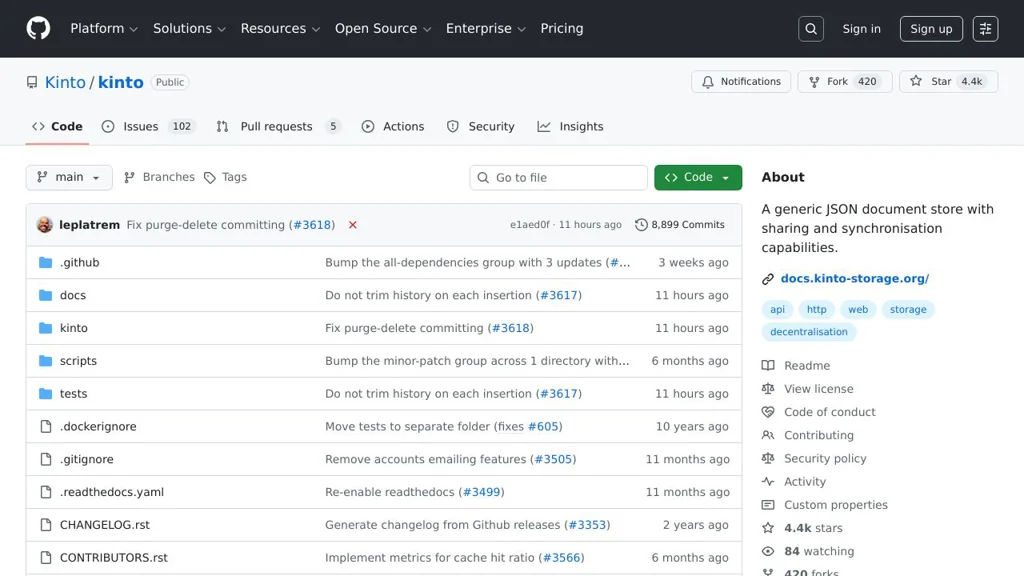
Kinto

Kinto

Self-hosted JSON storage server with REST APIs, versioning, auth, and sync primitives used by Mozilla for offline-first and synchronization use cases.

Kinto screenshot

Kinto is a self-hosted, generic JSON storage service that exposes a REST API for storing and querying records, designed to support synchronization and offline-first workflows. It provides server-side features like versioning, access control, and validation so apps can reliably store structured data and sync changes across clients.

Key Features

  • RESTful JSON storage with collections/records, filtering, sorting, pagination, and field selection
  • Concurrency control via ETag and conflict detection for safe multi-client updates
  • Change tracking and incremental sync primitives (timestamps/last-modified)
  • Built-in authentication and authorization (pluggable), including per-bucket/collection/record permissions
  • Schema validation and payload size controls to enforce data contracts
  • Pluggable storage backends and caches (commonly PostgreSQL and Redis)
  • Event and webhook support via plugins for integrating with external systems

Use Cases

  • Building offline-first apps that need a sync-capable JSON backend
  • Central configuration/feature data distribution to many clients
  • Lightweight backend for structured app data without designing custom endpoints

Limitations and Considerations

  • Not a full BaaS: focused on JSON records/sync patterns (not file storage or realtime pub/sub)
  • Functionality often depends on selecting and configuring the right plugins (auth, webhooks, etc.)

Kinto is a good fit when you need a robust, sync-friendly JSON store with strong API semantics, versioning, and fine-grained permissions. It is commonly used as a dependable building block for data distribution and client synchronization scenarios.

4.4kstars
420forks
#6
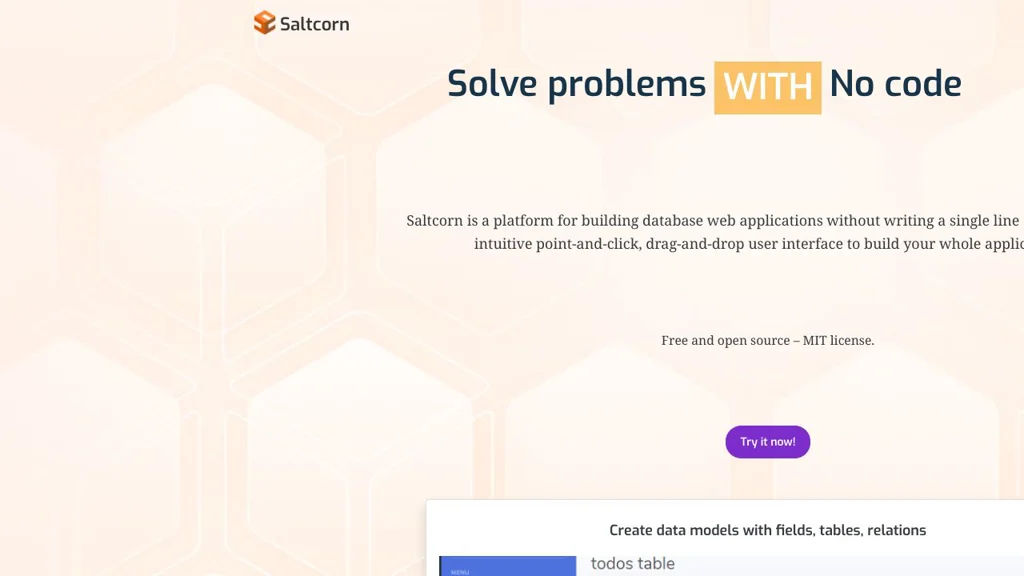
Saltcorn

Saltcorn

Saltcorn is an open-source no/low-code platform to build data-driven web apps on top of SQL databases, with forms, views, workflows, authentication, and plugins.

Saltcorn screenshot

Saltcorn is a no/low-code platform for building database-backed web applications. It provides a UI to define tables and relationships, generate forms and views, and add logic (workflows) and access control—aimed at quickly delivering internal tools and custom business apps.

Key Features

  • Data modeling for tables, fields, and relationships with a built-in admin UI
  • Auto-generated CRUD apps: forms, list views, detail pages, and dashboards
  • Multiple view types (e.g., tables, cards, calendars, maps, charts) via core and plugin views
  • Role-based access control (RBAC) and user authentication for securing pages and data
  • Workflow/automation actions triggered by events (e.g., form submits) to implement business logic
  • Plugin architecture for extending field types, views, authentication, and integrations
  • SQL database support with a focus on PostgreSQL; can connect to existing schemas
  • Import/export utilities and configurable page routing/navigation

Use Cases

  • Build internal admin tools (inventory, CRM-lite, request/approval apps) on an existing database
  • Rapidly prototype and deploy custom data collection apps with forms and dashboards
  • Create lightweight portals with authenticated access to records and reports

Limitations and Considerations

  • Advanced UI customization may require writing templates/plugins rather than only point-and-click configuration
  • Feature depth depends on available plugins; some enterprise features (e.g., complex BI) may require external tools

Saltcorn is a good fit when you want Airtable/Retool-style speed while keeping data in your own SQL database and retaining the option to extend functionality in code. Its plugin system and RBAC make it practical for real-world internal applications beyond simple CRUD prototypes.

2kstars
345forks

Why choose an open source alternative?

  • Data ownership: Keep your data on your own servers
  • No vendor lock-in: Freedom to switch or modify at any time
  • Cost savings: Reduce or eliminate subscription fees
  • Transparency: Audit the code and know exactly what's running