
Azure DevOps

Best Self Hosted Alternatives to Azure DevOps

A curated collection of the 4 best self hosted alternatives to Azure DevOps.

Azure DevOps is Microsoft’s cloud DevOps platform offering CI/CD pipelines, Git repos, work tracking (Boards), artifact feeds, and test management. It helps teams plan, build, test, and deploy applications reliably across cloud and on-premises environments.

Alternatives List

#1
OneDev

OneDev

OneDev is a self-hosted all-in-one DevOps platform combining Git hosting, pull requests/code review, CI/CD pipelines, package registries, and issue tracking.
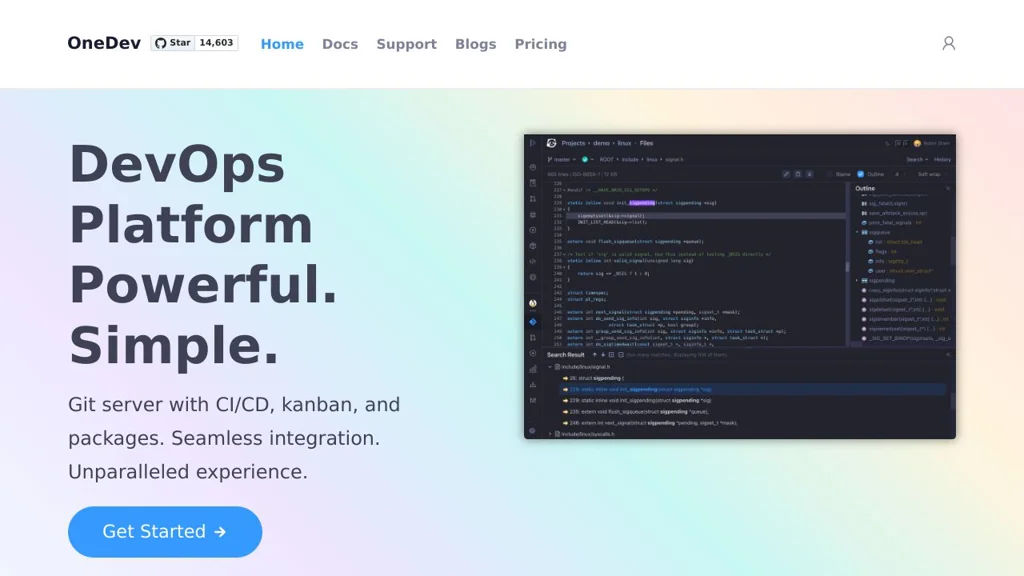
OneDev screenshot

OneDev is an all-in-one DevOps platform that bundles a Git server, code review, CI/CD automation, and project management into a single application. It’s designed to reduce integration overhead by providing source hosting, pipelines, and issues in one place, with a web UI for day-to-day developer workflows.

Key Features

  • Git repository hosting with web UI, permissions, and repository browsing
  • Pull requests with code review workflows, discussions, and approvals
  • Built-in CI/CD with declarative pipelines (YAML) and self-hosted build agents
  • Docker/agent-based job execution with caching/artifacts to speed up builds
  • Issue tracking with customizable fields/workflows and agile boards
  • Package registries (commonly used for publishing/consuming build outputs)
  • Integrations via webhooks and API for automation and external tooling
  • Search and traceability across commits, pull requests, builds, and issues

Use Cases

  • Replace a GitHub/GitLab-style workflow for small-to-mid teams on private infrastructure
  • Run CI/CD pipelines close to your code with integrated reviews and issue tracking
  • Maintain internal developer platforms where unified permissions/auditability matter

Limitations and Considerations

  • Smaller ecosystem than GitLab/GitHub; fewer third-party add-ons and marketplace-style integrations
  • Some advanced enterprise features (varies by release) may require careful evaluation vs. larger suites

OneDev fits teams wanting a single, cohesive system for code hosting, reviews, and pipelines without stitching together many separate services. It is particularly useful when you prefer an integrated UI and centralized project data for development workflows.

14.6kstars
933forks

#2
OpenProject

OpenProject

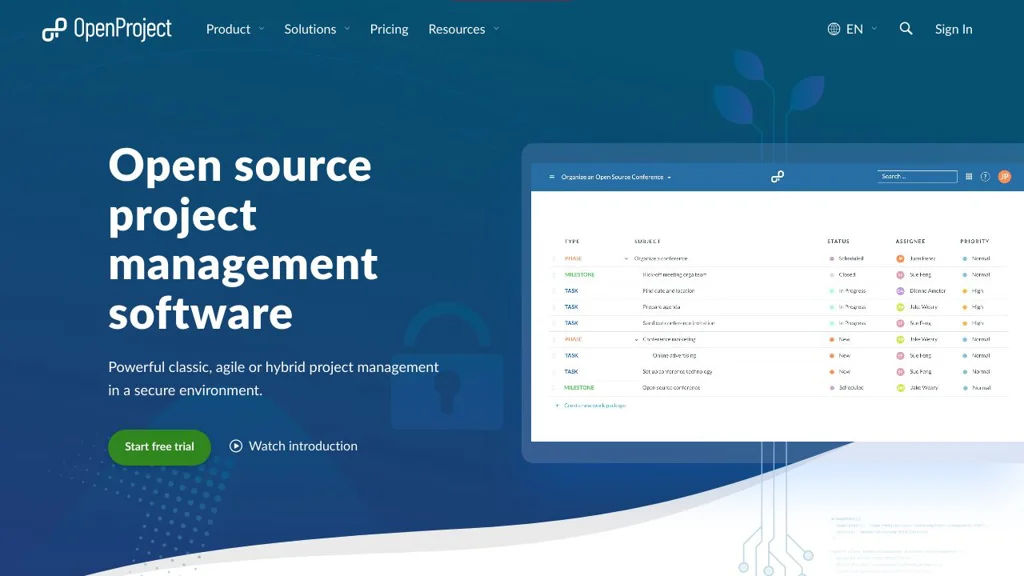
Self-hosted project management platform with work packages, Agile boards, Gantt charts, roadmaps, wikis, time tracking, and team collaboration.

OpenProject screenshot

OpenProject is a web-based project management platform for planning, tracking, and collaborating across projects. It supports both classic project planning and agile delivery, combining task/issue tracking with timelines, documentation, and reporting in one application.

Key Features

  • Work packages for unified task/issue management with custom fields, relations, watchers, and notifications
  • Agile boards (Scrum/Kanban) with backlogs, sprints, and swimlanes (depending on configuration)
  • Gantt charts and interactive project timelines, including dependencies and milestone planning
  • Roadmaps and release planning views for progress and deliverables
  • Time tracking and cost reporting features (project/accounting-oriented reporting varies by edition/config)
  • Wiki and project documentation features integrated with project navigation
  • Role-based permissions and project-level access control for multi-project organizations
  • Integrations via REST API and webhooks for automation and external tooling

Use Cases

  • Software teams running Scrum/Kanban with backlogs, sprints, and issue tracking
  • PMOs managing multi-project plans with Gantt charts, dependencies, and milestones
  • Cross-functional teams centralizing project docs (wiki) and progress reporting

Limitations and Considerations

  • Some advanced features are edition-dependent (community vs. enterprise), so feature availability may vary
  • Migrating from Jira/MS Project can require careful mapping of workflows, fields, and permissions

OpenProject fits organizations that want a single, auditable system for project planning and execution across agile and traditional approaches. It is commonly used as an alternative to hosted PM suites when teams need strong timeline planning, structured permissions, and on-prem control.

13.5kstars
3kforks
#3
Kanboard

Kanboard

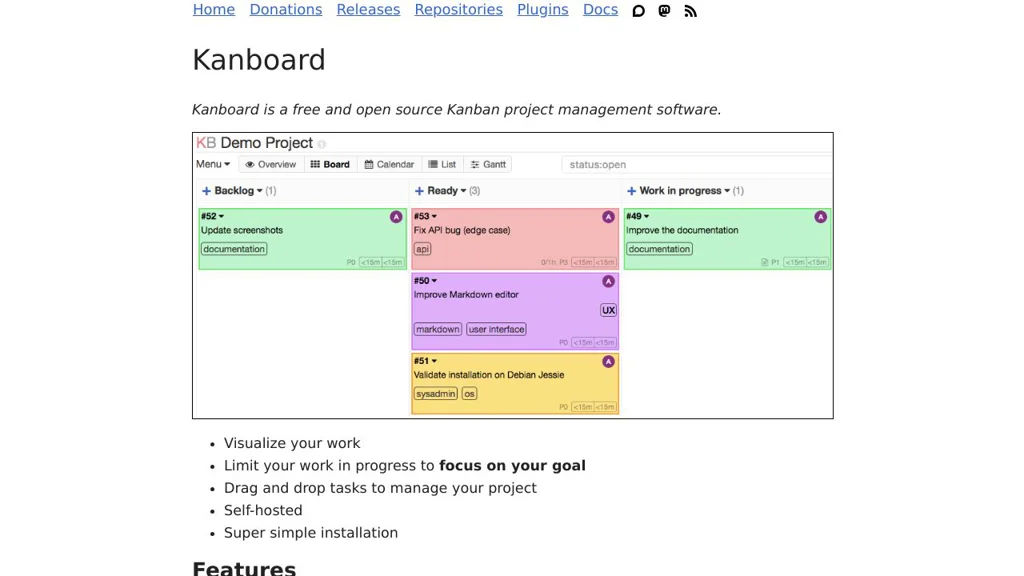
Self-hosted Kanban project management tool with boards, swimlanes, WIP limits, analytics, and integrations via plugins and webhooks.

Kanboard screenshot

Kanboard is a lightweight project management application built around the Kanban method. It helps teams visualize work, limit work-in-progress, and collaborate on tasks using configurable boards, swimlanes, and automation.

Key Features

  • Kanban boards with configurable columns, swimlanes, and WIP limits
  • Tasks with due dates, attachments, comments, subtasks, checklists, and recurring tasks
  • User roles and project permissions; multi-project support
  • Built-in analytics and reporting (e.g., cumulative flow/lead & cycle time views)
  • Email integration (notifications and “email to task” workflows) and activity stream
  • Automation rules and triggers; webhooks for event-driven integrations
  • Plugin architecture for extending features and connecting external services
  • Public and private project sharing options and task duplication/templates

Use Cases

  • Manage software development or ops work with WIP limits and swimlanes
  • Run editorial/content pipelines (ideas → drafting → review → published)
  • Track personal or small-team projects needing a simple, fast Kanban tool

Limitations and Considerations

  • UI and feature set are intentionally minimal compared to large enterprise suites; advanced portfolio planning may require plugins or external tools

Kanboard focuses on speed, simplicity, and a clear Kanban workflow while still providing the essentials for collaboration and integrations. Its extensibility via plugins and webhooks makes it suitable for teams that want a compact core with optional add-ons.

9.4kstars
1.9kforks
#4
Review Board

Review Board

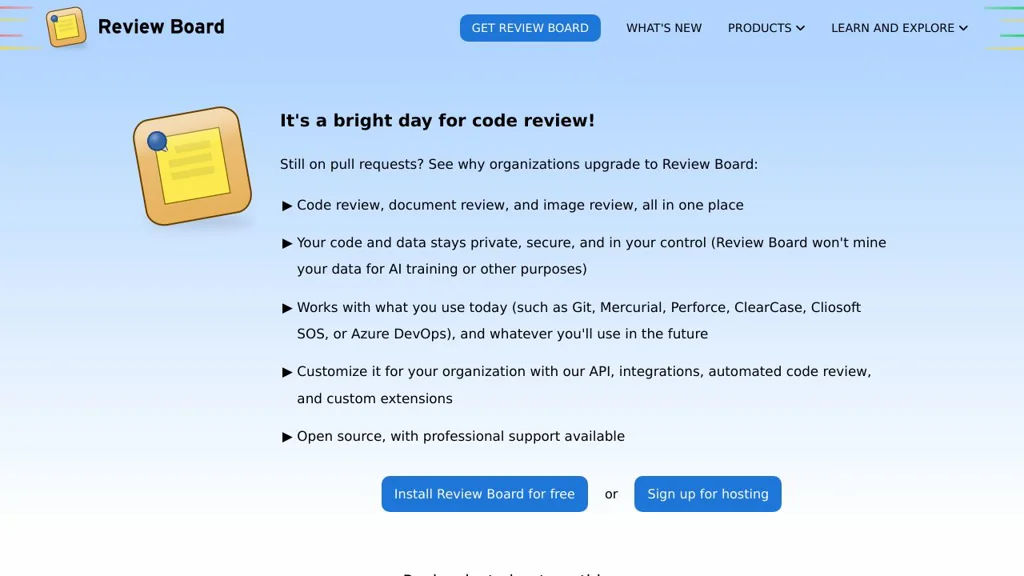
Review Board is a web-based code review tool supporting Git/SVN/Perforce/CVS/Mercurial, inline comments, diff viewing, issue tracking, and integrations.

Review Board screenshot

Review Board is a web-based code review and document review platform designed to review changes from many version control systems and repositories in a consistent UI. It focuses on rich diff viewing, threaded discussions, and structured review workflows that can integrate with existing developer tools.

Key Features

  • Supports multiple SCMs/repositories (commonly Git, Subversion, Perforce, Mercurial, CVS) through repository backends
  • Rich diff viewer with inline comments, interdiffs (diff between revisions), file viewing, and reviewable file attachments
  • Review requests with reviewers/groups, approvals/ship-its, issue tracking, and “fix it then close” style workflows
  • Email notifications and configurable review/notification behavior
  • Integrations/hooks for external systems (e.g., bug trackers and CI) and extensibility via extensions/plugins
  • Admin UI for repository configuration, authentication options, and site-wide policy controls

Use Cases

  • Team code review for on-prem or regulated environments needing a dedicated review tool
  • Reviewing patches/changes across heterogeneous repositories (e.g., Git and Perforce in the same org)
  • Design/spec/document review using file attachments alongside code diffs

Limitations and Considerations

  • Some advanced integrations/workflows may require additional configuration or companion components (e.g., RBTools/CI hooks)
  • UI/feature set is optimized for Review Board’s review-request model rather than Git hosting “pull request” semantics

Review Board fits teams that want a mature, SCM-agnostic review system with strong diff tooling and structured review requests. It is especially useful where organizations need consistency across multiple repository types and prefer a dedicated review UI integrated into existing infrastructure.

1.7kstars
436forks

Why choose an open source alternative?

  • Data ownership: Keep your data on your own servers
  • No vendor lock-in: Freedom to switch or modify at any time
  • Cost savings: Reduce or eliminate subscription fees
  • Transparency: Audit the code and know exactly what's running