
BeyondTrust Privileged Remote Access

Best Self Hosted Alternatives to BeyondTrust Privileged Remote Access

A curated collection of the 9 best self hosted alternatives to BeyondTrust Privileged Remote Access.

BeyondTrust Privileged Remote Access provides secure, audited remote access and privileged session management for vendors, administrators, and support teams. It enforces least-privilege, manages credentials, records sessions, and reduces risk of unauthorized access.

Alternatives List

#1
Teleport

Teleport

Open-source platform that provides unified, audited, identity-based access to servers, Kubernetes clusters, databases, and desktops without static credentials.
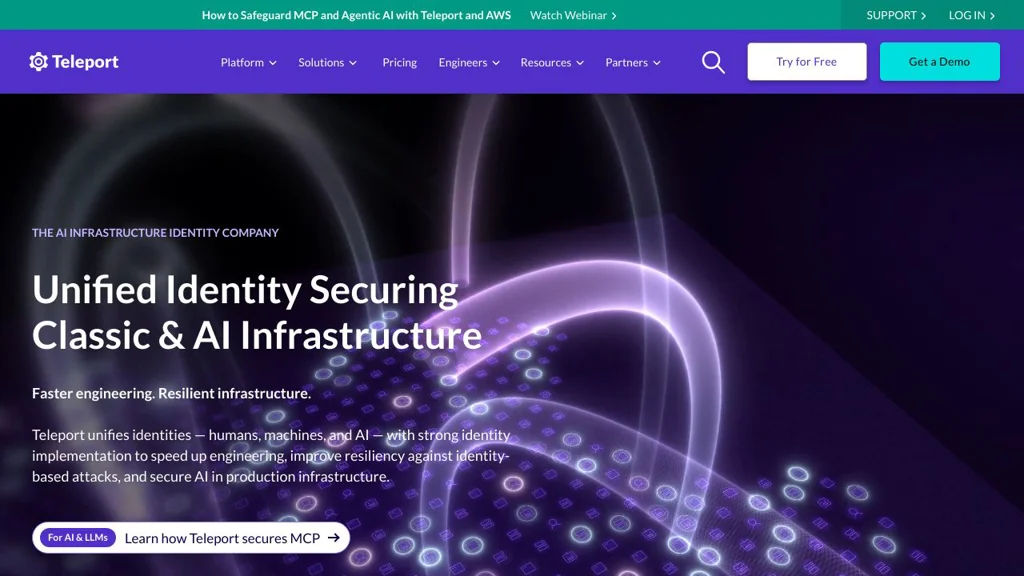
Teleport screenshot

Teleport is an identity-native access platform that unifies secure access to infrastructure (SSH), Kubernetes, databases, web apps, and desktops through a single control plane. It focuses on eliminating long-lived credentials by using short-lived certificates and strong identity, while providing centralized visibility and audit trails.

Key Features

  • Unified access proxy for SSH, Kubernetes, databases, Windows desktops (RDP), and internal web apps
  • Short-lived, automatically issued certificates (no shared SSH keys) and session-based access
  • Built-in audit logging and session recording/playback (SSH and Kubernetes activity; RDP recording in supported editions)
  • Role-based access control (RBAC) with fine-grained policies and access workflows
  • Single sign-on integrations (e.g., SAML/OIDC providers) and device-aware access options
  • Infrastructure discovery and inventory (nodes, clusters, apps, databases) with a central web UI and CLI (tsh)
  • High availability and clustering for running Teleport at scale

Use Cases

  • Replace bastion hosts and shared SSH keys with centralized, identity-based SSH access
  • Provide secure, auditable Kubernetes access for platform and developer teams
  • Centralize database access with consistent authentication, authorization, and auditing

Limitations and Considerations

  • Some capabilities (notably certain enterprise features such as advanced access workflows/recording options) may require paid editions depending on your needs
  • Operational complexity can be higher than simple SSH bastions due to certificate-based architecture and multi-component deployment

Teleport is well-suited for organizations that want consistent authentication and auditing across multiple infrastructure access methods. It provides a single access plane that scales from small teams to multi-cluster environments while improving credential hygiene and traceability.

19.6kstars
2kforks
#2
Pangolin

Pangolin

Pangolin provides a self-hosted access gateway for securely exposing internal apps via tunnels, with identity-aware access controls and a web UI.

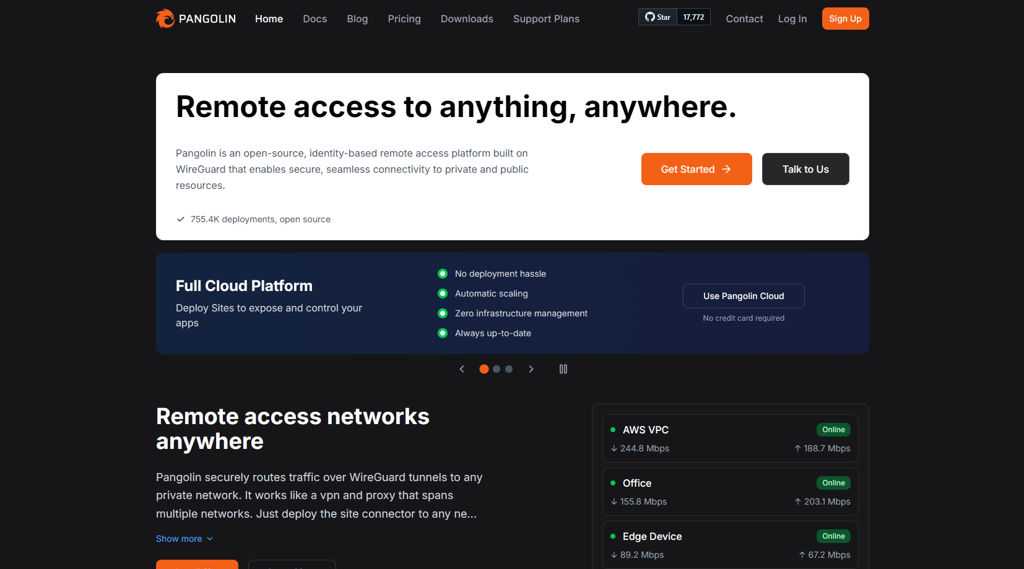
Pangolin screenshot

Pangolin is a self-hosted secure access gateway designed to publish internal web apps and services without directly exposing your network. It focuses on simplifying tunneled publishing, centralizing access control, and providing an admin UI for managing endpoints and users.

Key Features

  • Secure tunneling to expose private services behind NAT/firewalls
  • Reverse-proxy style routing to multiple apps/services under one gateway
  • Identity-aware access controls for protected routes (authentication/authorization)
  • Web-based admin UI for managing services, users, and configuration
  • Designed for homelab and small-team deployments with straightforward setup

Use Cases

  • Publish homelab dashboards and internal tools to the internet with access control
  • Provide remote access to self-hosted business apps without opening inbound ports broadly
  • Create a single entry point for multiple internal services with centralized policy

Limitations and Considerations

  • Feature set and integrations may be less extensive than large, mature zero-trust platforms; validate required auth providers and policies before adopting.

Pangolin is a good fit when you want a single, manageable gateway to expose internal services via tunnels while keeping access policies centralized. It targets practical deployments where ease of operation and controlled access are more important than complex enterprise features.

17.8kstars
529forks
#3
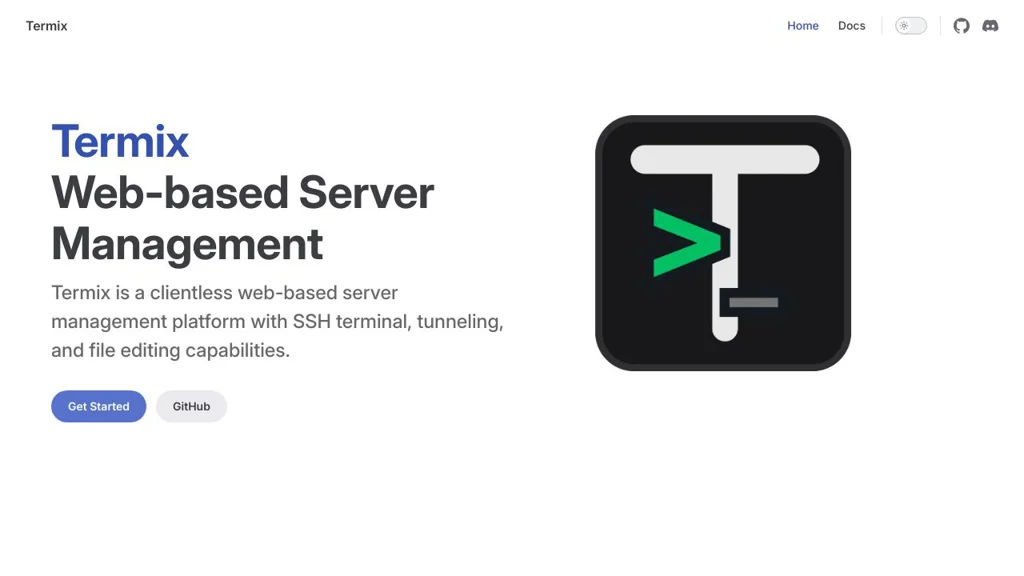
Termix

Termix

Self-hosted web app for managing SSH connections, organizing hosts, and accessing terminals from a browser with a focus on team-friendly workflows.

Termix screenshot

Termix is a self-hosted, browser-based SSH workspace designed to manage servers and open terminal sessions from a centralized web UI. It focuses on organizing hosts, credentials, and connections so you can access infrastructure consistently across devices and (optionally) teams.

Key Features

  • Web UI for launching and using SSH terminal sessions from a browser
  • Host inventory/organization to group and quickly access servers
  • Saved connection settings to standardize how hosts are reached
  • Multi-user-oriented setup (where configured) for shared infrastructure access
  • Designed to run as a server application you can deploy via container-based workflows

Use Cases

  • Provide a central SSH access point for homelab or small-team server administration
  • Organize many SSH endpoints (VPS, on‑prem servers, routers) into a manageable inventory
  • Replace ad-hoc SSH bookmarks with a consistent web-based operations console

Limitations and Considerations

  • Feature depth and enterprise controls depend on the project’s current maturity; verify support for advanced access controls/auditing before adopting for regulated environments.

Termix is a practical choice when you want a web-accessible SSH terminal plus a simple way to catalog and manage many hosts. It is best suited for homelabs and small operations teams that value a lightweight, centralized SSH workflow over a full privileged-access management suite.

9.5kstars
387forks
#4
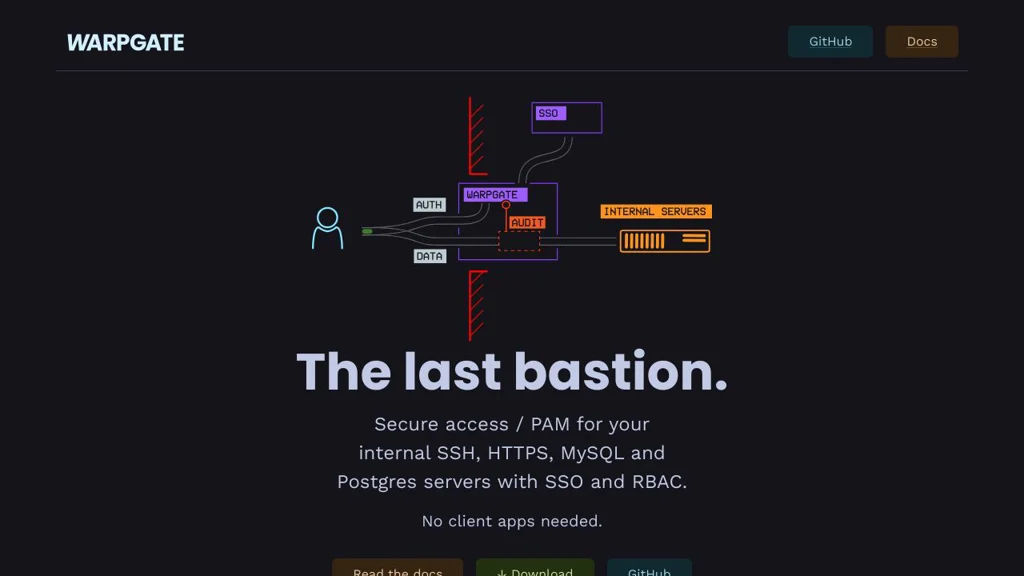
Warpgate

Warpgate

Self-hosted SSH bastion and access gateway with web UI, RBAC, just-in-time access, session recording, and audit logging for servers and infrastructure.

Warpgate screenshot

Warpgate is a self-hosted access gateway (bastion) for managing SSH access to internal servers through a centralized entry point. It provides a web admin UI and policy controls to reduce direct key sprawl while improving visibility and auditing of interactive access.

Key Features:

  • SSH bastion/access gateway to proxy connections to target hosts
  • Web-based administration UI for users, roles, and targets
  • Role-based access control (RBAC) to restrict who can access which hosts
  • Centralized authentication and authorization at the gateway
  • Audit logging of access events and administrative actions
  • Session recording/playback for SSH sessions (for forensic review)
  • Just-in-time / time-limited access policies (where configured)
  • Multi-user support and team-oriented access management

Use Cases:

  • Provide controlled SSH access to production servers without distributing keys widely
  • Centralize and audit contractor or temporary access to infrastructure
  • Record and review privileged sessions for compliance and incident response

Warpgate fits teams that need a lightweight, self-hosted alternative to commercial privileged access and bastion tooling. It focuses on tightening SSH access controls while adding observability (logs/recordings) around interactive administrative sessions.

6.3kstars
224forks
#5
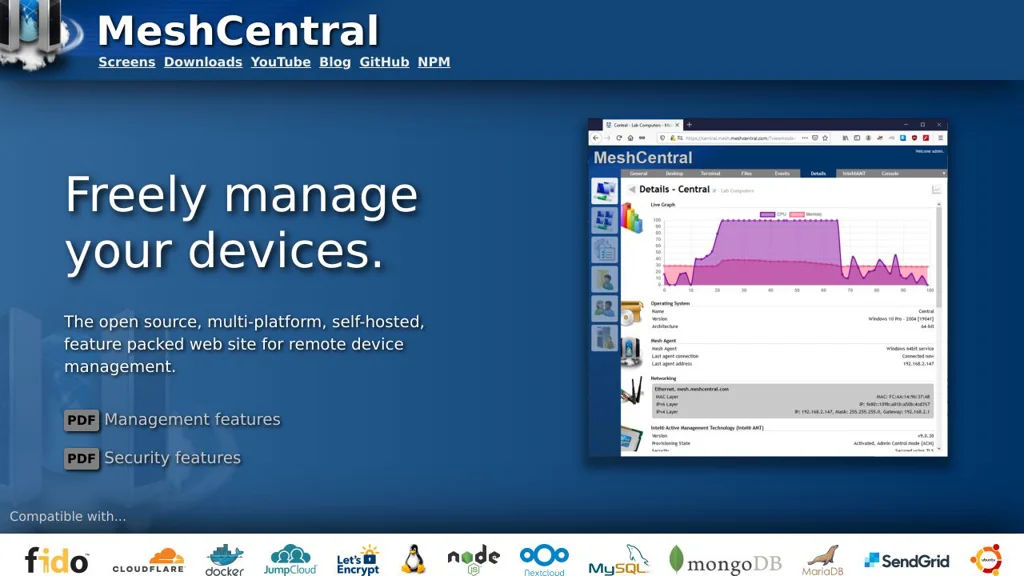
MeshCentral

MeshCentral

Web-based remote management server for computers and IoT devices with remote desktop/terminal, file transfer, user/device groups, and auditing.

MeshCentral screenshot

MeshCentral is a web-based remote device management (RMM) and remote access platform that you host yourself. It provides a centralized server for enrolling devices and securely administering them through a browser, including interactive remote control and automation.

Key Features

  • Browser-based remote desktop/control for Windows, macOS, and Linux (agent-based)
  • Remote terminal/command execution and background device management actions
  • File transfer and file system browsing between admin and managed endpoints
  • Device inventory and status (hardware/software info, connectivity, last seen, etc.)
  • Multi-user management with roles, groups, and device “meshes” (organization)
  • Built-in relay for connectivity across NAT/firewalls; supports LAN discovery modes
  • Two-factor authentication options and detailed event/audit logging
  • Extensible via plugins/modules and integrates with Intel AMT for out-of-band management (where available)

Use Cases

  • Helpdesk/IT support for remote troubleshooting and user assistance
  • Managing fleets of servers, kiosks, lab PCs, or distributed endpoints
  • Remote administration of compatible Intel AMT/vPro devices for out-of-band access

Limitations and Considerations

  • Some advanced RMM functions (patching, AV/EDR, ticketing) are not a core focus compared to full commercial RMM suites
  • Intel AMT features depend on specific hardware/firmware support and correct network provisioning

MeshCentral is well-suited for teams that need a single, web-accessible console to enroll devices and perform secure remote support and administration. Its agent-based approach and optional AMT support make it flexible for both standard endpoint management and certain out-of-band scenarios.

5.9kstars
776forks
#6
WeTTY

WeTTY

WeTTY provides a browser-based SSH terminal so you can access remote shells over HTTPS with optional authentication and proxy support.

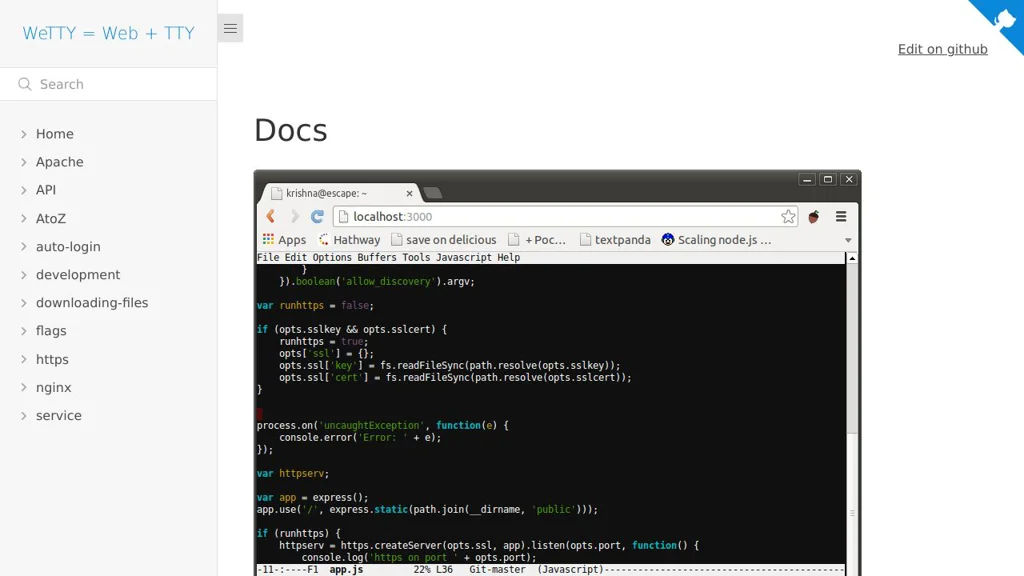
WeTTY screenshot

WeTTY is a web terminal that lets you access SSH sessions directly from a browser. It runs as a small Node.js web app and bridges the browser to SSH, making it useful for lightweight remote administration without installing a local SSH client.

Key Features:

  • Browser-based SSH terminal UI for interactive shell access
  • Uses a local SSH client under the hood to connect to remote hosts
  • Optional HTTP authentication to protect access to the web terminal
  • Supports connection presets/parameters via URL options (useful behind portals)
  • Reverse-proxy friendly deployment (commonly used behind Nginx/Traefik)
  • Container-friendly setup (commonly deployed via Docker)

Use Cases:

  • Provide “jump host” terminal access from a web portal for admins/operators
  • Embedded terminal access in internal tools, dashboards, or support environments
  • Quick remote access from locked-down machines where installing SSH clients is not possible

Limitations and Considerations

  • Exposing SSH in a browser increases security risk; it should be tightly access-controlled and ideally placed behind SSO/VPN/reverse-proxy auth.
  • Feature set is intentionally minimal compared to full remote access gateways (audit, session recording, RBAC depend on external components).

WeTTY is a practical, lightweight way to deliver SSH access over the web with minimal infrastructure. It fits best for small teams or internal environments that need a simple web terminal front-end while keeping SSH as the underlying transport.

5.1kstars
741forks
#7
Apache Guacamole

Apache Guacamole

Web-based remote access gateway that provides clientless RDP, VNC, and SSH sessions via a browser, with centralized authentication and connection management.

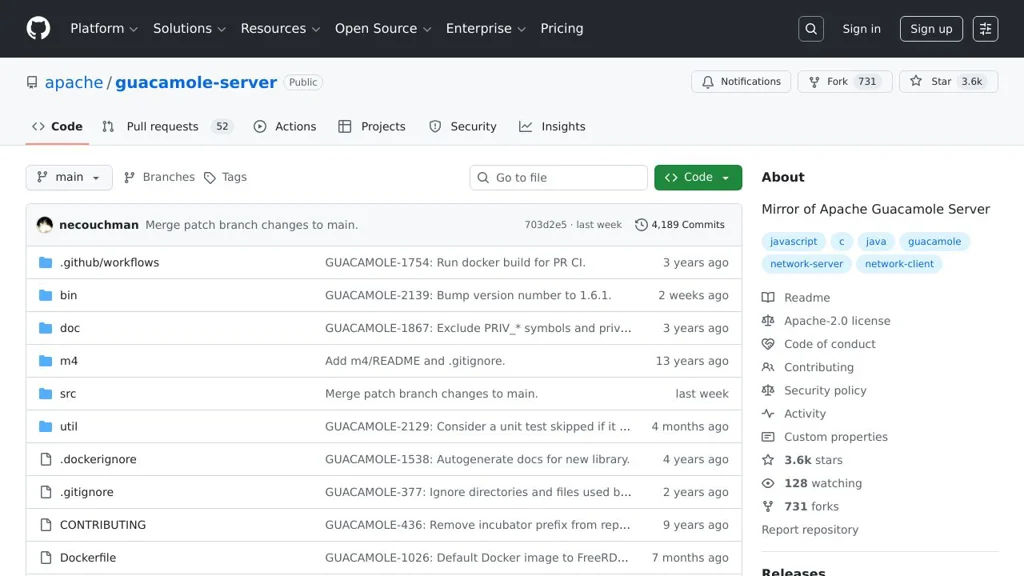
Apache Guacamole screenshot

Apache Guacamole is a clientless remote desktop gateway that provides access to machines over standard protocols like RDP, VNC, and SSH directly from a web browser. It centralizes connection management and authentication, allowing users to reach remote desktops and terminals without installing native client software.

Key Features

  • Browser-based access (“clientless”): no plugins or local clients required
  • Supports RDP, VNC, and SSH through the guacd proxy/daemon
  • Central connection management (organize, share, and control access to connections)
  • Multiple authentication options via extensions (e.g., LDAP/Active Directory, RADIUS, SSO options)
  • Database-backed configuration (commonly MySQL/MariaDB or PostgreSQL via the web app)
  • Session features typically expected of remote access portals: clipboard integration, file transfer (protocol/extension dependent), and in-session controls
  • Auditing/visibility features via logs and extension ecosystem (deployment dependent)

Use Cases

  • Provide a secure, browser-based jump host for admins to reach servers/desktops
  • Offer helpdesk/IT remote access to internal machines without distributing VPN/RDP clients
  • Enable BYOD access to lab/VDI resources through a controlled web portal

Limitations and Considerations

  • Some capabilities (SSO methods, advanced auditing, storage integrations) depend on installing/configuring specific extensions and external identity systems
  • Performance/UX is workload- and network-dependent (especially for graphics-heavy desktops), and tuning (RDP settings, compression) may be required

Guacamole is widely used as a remote access gateway because it is protocol-focused, browser-native, and extensible through an established server/webapp architecture. It fits organizations needing centralized, controlled remote access while keeping endpoints lightweight.

3.7kstars
731forks
#8
Sshwifty

Sshwifty

A lightweight web SSH/Telnet client with a terminal UI, bookmarks, and optional authentication for securely accessing remote hosts from a browser.

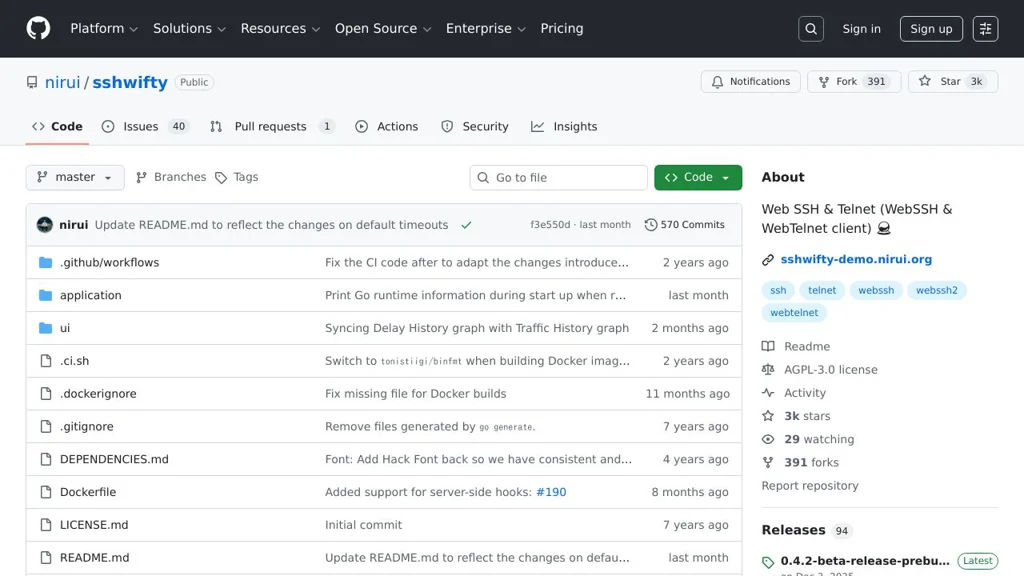
Sshwifty screenshot

Sshwifty is a small web application that provides SSH and Telnet access directly in your browser. It acts as a web terminal gateway so you can connect to remote machines without installing a local SSH client, and is commonly deployed behind an existing reverse proxy.

Key Features

  • Browser-based terminal UI for SSH and Telnet sessions
  • Lightweight single-binary distribution and container-friendly deployment
  • Connection profiles/bookmarks for frequently used hosts (as supported by the UI)
  • Optional authentication and access controls (configurable)
  • Runs as a web server and proxies connections to target hosts

Use Cases

  • Provide jump-host style web terminal access to internal servers for admins
  • Offer browser SSH access in restricted environments (e.g., locked-down laptops)
  • Simple remote access tool for homelab/server management without extra clients

Limitations and Considerations

  • Exposes a powerful remote-access surface; should be placed behind TLS and strong authentication and restricted by network policy
  • Feature depth is narrower than full remote-access suites (e.g., auditing/recording and advanced PAM features may be limited depending on deployment)

Sshwifty is best suited when you need a minimal web terminal for SSH/Telnet with straightforward deployment. With proper perimeter controls (TLS, auth, and network restrictions), it can serve as a convenient browser-based entry point to remote systems.

3kstars
392forks
#9
ShellHub

ShellHub

ShellHub is a self-hosted SSH access gateway for managing and auditing remote access to servers and IoT devices with RBAC, device inventory, and session visibility.

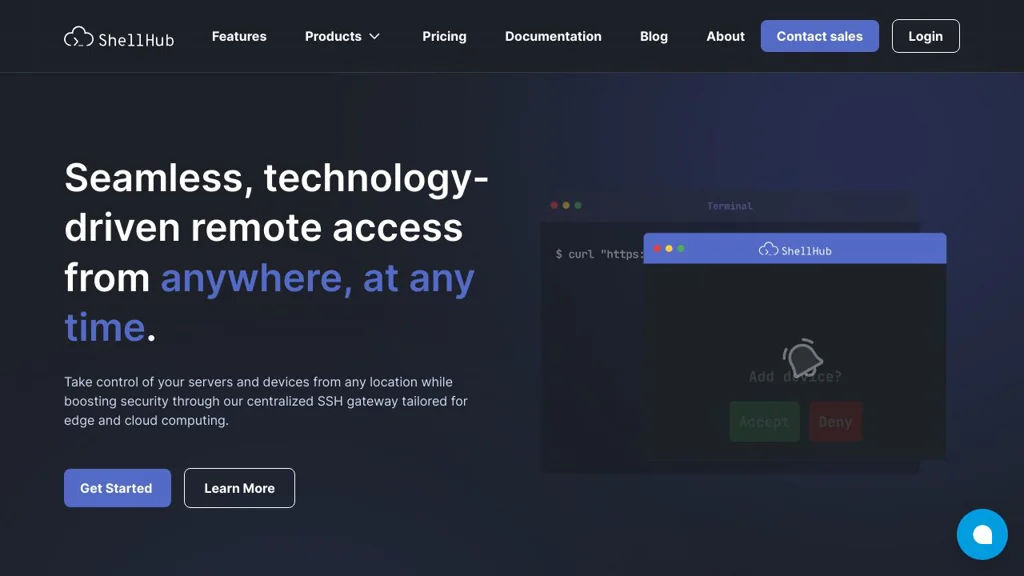
ShellHub screenshot

ShellHub is a centralized SSH access gateway and device management platform designed to control, simplify, and audit remote access to servers and IoT/edge devices. It provides a web-based control plane where devices enroll and users connect through controlled, policy-based access.

Key Features

  • Device onboarding and inventory with identification and metadata
  • SSH access brokerage (gateway) to enrolled devices without exposing them directly
  • Web interface to manage devices, users, and access policies
  • Role-based access control (RBAC) for organizing and restricting access
  • Session visibility/auditing capabilities (connection and access tracking)
  • Multi-device fleet management oriented to IoT/edge environments

Use Cases

  • Centralize SSH access to production servers with controlled entry points
  • Manage remote access to IoT/edge fleets (industrial gateways, kiosks, routers)
  • Provide auditable operator/vendor access to customer or branch devices

Limitations and Considerations

  • Feature depth and enterprise controls can vary by edition/version; verify required auditing/recording needs in the current release.

ShellHub fits teams that want a single place to enroll devices and broker SSH access with governance controls. It’s especially useful where devices are distributed, behind NAT, or otherwise difficult to access directly, and where access control and traceability matter.

1.9kstars
169forks

Why choose an open source alternative?

  • Data ownership: Keep your data on your own servers
  • No vendor lock-in: Freedom to switch or modify at any time
  • Cost savings: Reduce or eliminate subscription fees
  • Transparency: Audit the code and know exactly what's running