
Bitwarden Send

Best Self Hosted Alternatives to Bitwarden Send

A curated collection of the 4 best self hosted alternatives to Bitwarden Send.

Bitwarden Send offers end-to-end encrypted, ephemeral sharing of text and files via secure links. It enables one-time or time-limited sharing of sensitive data (passwords, notes, files) without exposing your Bitwarden vault.

Alternatives List

#1
PrivateBin

PrivateBin

Self-hosted, zero-knowledge pastebin that encrypts text in the browser, supports file attachments, expiration, burn-after-reading, and discussion threads.
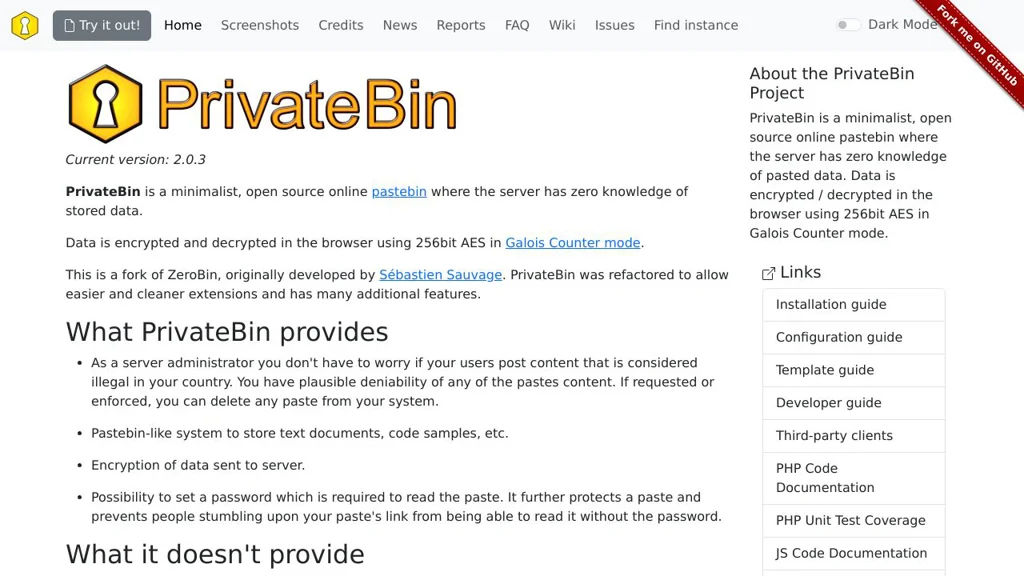
PrivateBin screenshot

PrivateBin is a minimalist pastebin designed for privacy: paste content is encrypted and decrypted in the browser so the server cannot read it (“zero knowledge”). It supports sharing sensitive text (and optional attachments) via a link, with controls for expiration and one-time reading.

Key Features

  • Client-side end-to-end encryption (server stores only ciphertext)
  • Optional password protection (in addition to E2EE)
  • Expiration settings for pastes (time-based)
  • “Burn after reading” / one-time view option
  • Discussion mode with threaded comments on a paste
  • Syntax highlighting for many languages
  • File attachments (stored encrypted alongside the paste)
  • Optional formatter support (e.g., Markdown) and configurable templates/themes
  • No user accounts required; designed for simple, anonymous sharing

Use Cases

  • Share secrets or configuration snippets with a team using expiring links
  • Send one-time incident notes or credentials via “burn after reading”
  • Publish encrypted snippets for support/debugging without exposing plaintext on the server

Limitations and Considerations

  • If the decryption key embedded in the URL is leaked (e.g., via referrer logs or chat previews), confidentiality is lost; deployments should consider referrer policy and HTTPS.

PrivateBin is well-suited for organizations and individuals who want a lightweight, auditable paste service where the host cannot access paste contents. Its focus on client-side encryption and practical sharing controls makes it a common replacement for hosted paste and “secure note” services.

7.9kstars
952forks

#2
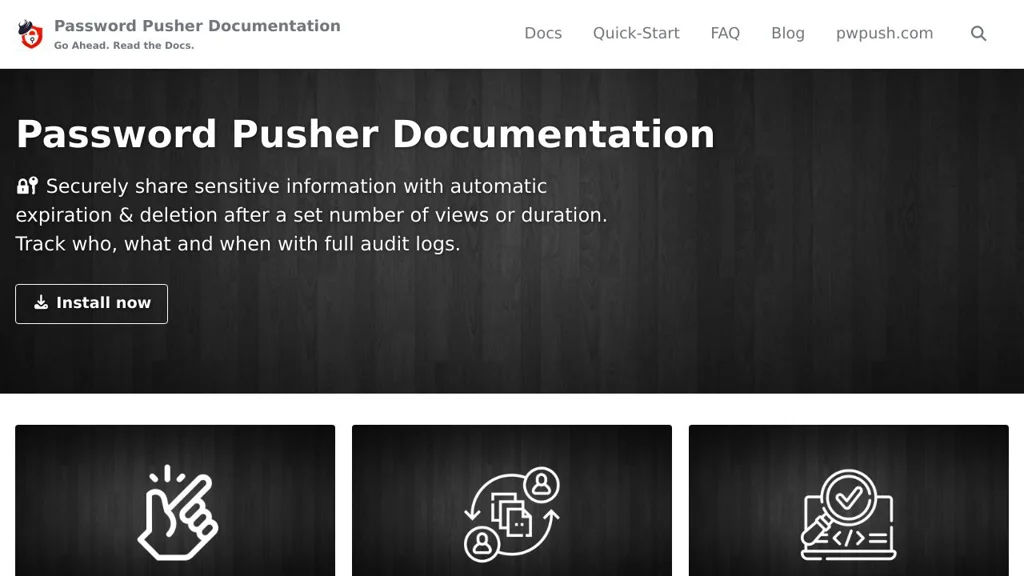
Password Pusher

Password Pusher

Self-hosted app to share passwords or files via expiring links with view limits, auditing, and optional encryption—designed to avoid sending secrets over email or chat.

Password Pusher screenshot

Password Pusher is a web application for securely sharing sensitive information (passwords, API keys, notes, and files) via short-lived links. Secrets automatically expire after a configurable number of views and/or a set duration, reducing the risk of accidental long-term exposure.

Key Features

  • Create “pushes” (text or file) that expire by time and/or number of views
  • Optional passphrase protection and client-side encryption modes (where supported) to reduce server-side exposure of plaintext
  • One-time / limited-view secret retrieval with clear expiration metadata
  • Support for file pushes (not only text), enabling sharing of certificates, configs, and other sensitive artifacts
  • Administrative configuration for default/maximum expiration policies and limits
  • Audit/history style metadata for pushes (e.g., created/expired) to support operational accountability
  • Web UI designed for quick sharing; API/automation support via HTTP endpoints (for scripted secret creation)

Use Cases

  • Share a password or 2FA recovery code with a colleague without sending it in email/chat history
  • Send an API token or SSH private key to a contractor with strict time/view limits
  • Provide short-lived access details during incident response or on-call handoffs

Limitations and Considerations

  • Not a full password manager/vault (no long-term credential storage, rotation, or team vault workflows)
  • Security properties depend on deployment/configuration (e.g., TLS, secret retention policy, and whether encryption/passphrase modes are enforced)

Password Pusher fits teams that need a simple, auditable way to transmit secrets with built-in expiration controls. It complements (rather than replaces) a password manager by focusing on secure, ephemeral delivery.

2.8kstars
424forks
#3
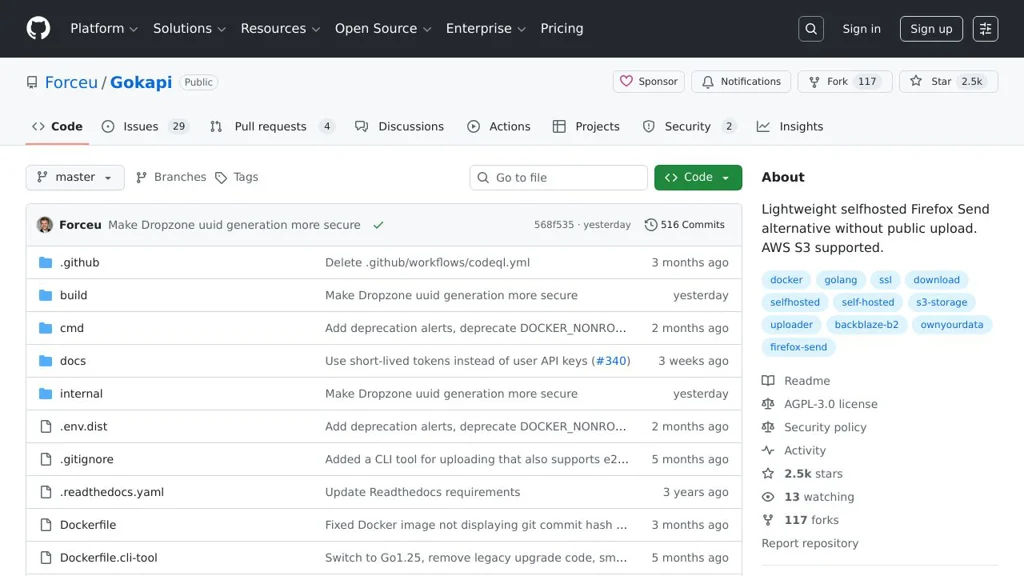
Gokapi

Gokapi

Gokapi is a lightweight file-sharing server that provides expiring links, download statistics, and an admin UI for managing uploads and retention policies.

Gokapi screenshot

Gokapi is a lightweight web application for securely sharing files via links. It focuses on simple uploads, configurable retention, and visibility into how shared files are being accessed, making it suitable for personal and small-team “send a file” workflows.

Key Features

  • Web UI for uploading files and generating shareable download links
  • Expiration and retention controls (time-based validity and automatic cleanup)
  • Download tracking and basic statistics (e.g., number of downloads)
  • Optional password protection for shared files/links
  • Admin interface for managing uploads, users/settings, and storage behavior
  • Works well behind a reverse proxy and supports custom domain setups

Use Cases

  • Replace ad-hoc transfers via public services for sending large files to clients
  • Share one-off downloads inside a team with expirations and simple tracking
  • Provide temporary download links for build artifacts or documents

Limitations and Considerations

  • Designed for straightforward file sharing rather than full sync/collaboration (not a Dropbox-style platform)
  • Feature scope is intentionally minimal; advanced enterprise governance/workflows are out of scope

Gokapi aims to be easy to deploy and operate while still providing the essentials—expiring links, optional access controls, and visibility into downloads. If you need a small, focused file-sharing service with an admin UI and retention controls, it fits well.

2.5kstars
117forks
#4
Hemmelig

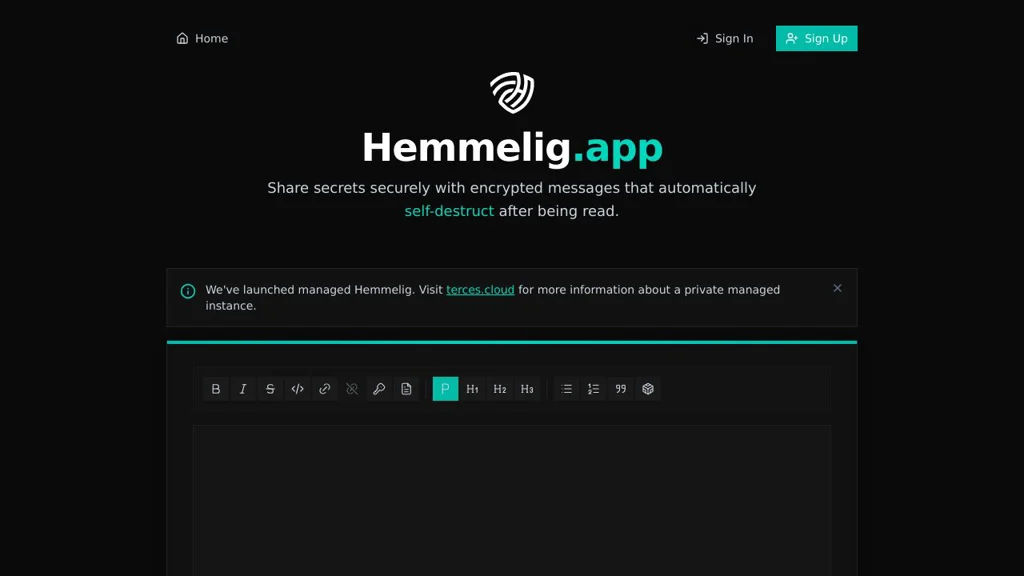
Hemmelig

Self-hosted secret sharing and paste service with E2EE, expiring links, view limits, and optional passwords—built for safely sharing sensitive text and files.

Hemmelig screenshot

Hemmelig is a self-hosted secret sharing service for securely sending sensitive information (tokens, passwords, notes, and files) using end-to-end encryption in the browser. It creates shareable links that can be configured to expire, be viewed only a limited number of times, and optionally require a password.

Key Features

  • End-to-end encryption (encryption/decryption happens client-side)
  • One-time or limited-view secrets with configurable view count
  • Expiration controls (time-based) to automatically invalidate secrets
  • Optional password protection in addition to E2EE
  • File and text secret support (depending on deployment configuration)
  • Simple web UI for creating and retrieving secrets
  • API support for programmatic secret creation (documented in project materials)

Use Cases

  • Share deployment credentials, API keys, and recovery codes with teammates
  • Send temporary access details to contractors with automatic expiry
  • Provide one-time links for sensitive onboarding information

Limitations and Considerations

  • E2EE means lost client-side password/key cannot be recovered by the server
  • Operational security depends on correct HTTPS/TLS setup and secure hosting

Hemmelig is suited for organizations and individuals who need a straightforward, auditable way to share secrets with strong client-side encryption and automatic lifetimes. It focuses on minimizing exposure by limiting how long and how often a secret can be accessed.

1.1kstars
89forks

Why choose an open source alternative?

  • Data ownership: Keep your data on your own servers
  • No vendor lock-in: Freedom to switch or modify at any time
  • Cost savings: Reduce or eliminate subscription fees
  • Transparency: Audit the code and know exactly what's running