
ByClick Downloader

Best Self Hosted Alternatives to ByClick Downloader

A curated collection of the 4 best self hosted alternatives to ByClick Downloader.

ByClick Downloader is a Windows app that downloads videos, playlists and audio from YouTube, Facebook, Vimeo and other sites. It converts to MP3/MP4, supports batch downloads, browser integration and subtitles.

Alternatives List

#1
MeTube

MeTube

MeTube is a web interface for yt-dlp that lets you queue and manage video/audio downloads from many sites, with presets, playlists, and Docker-based deployment.
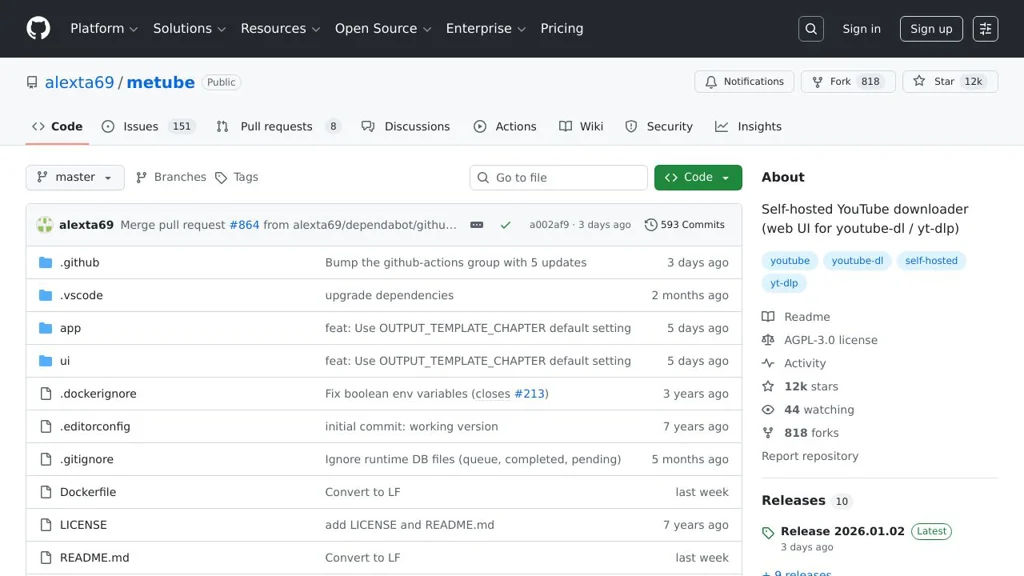
MeTube screenshot

MeTube is a lightweight web application that provides a browser-based UI for yt-dlp, making it easier to download videos or extract audio from supported sites without using the command line. It focuses on simple queue-based downloads with configurable options and a persistent download history.

Key Features

  • Web UI to submit download URLs and manage a download queue
  • Uses yt-dlp as the backend downloader (supports many video sites)
  • Audio-only downloads and format selection via yt-dlp options
  • Playlist/channel support (submit a playlist URL for batch downloads)
  • Configurable output directory for downloaded files (volume-mounted in Docker)
  • Presets for commonly used yt-dlp options (quality/format/flags)
  • Basic download status tracking and history in the UI
  • Container-first deployment (official Docker image and docker-compose examples)

Use Cases

  • Run a home media “ingest” tool to download videos/music into a media library
  • Provide a simple downloader UI for non-technical users on a LAN
  • Batch-download playlists/channels for offline viewing or archiving

Limitations and Considerations

  • Functionality is constrained by yt-dlp capabilities and site changes; some sites may break until yt-dlp updates
  • Not a full media manager/player; it focuses on downloading rather than library browsing/streaming

MeTube is a practical companion for users who like yt-dlp’s power but prefer a web UI and queued downloads. It is best suited for personal or small-team environments where a simple, containerized downloader service is needed.

12.1kstars
829forks

#2
Tube Archivist

Tube Archivist

Download, index, and stream YouTube channels/playlists with full-text search, metadata, and a web UI powered by yt-dlp and Elasticsearch.

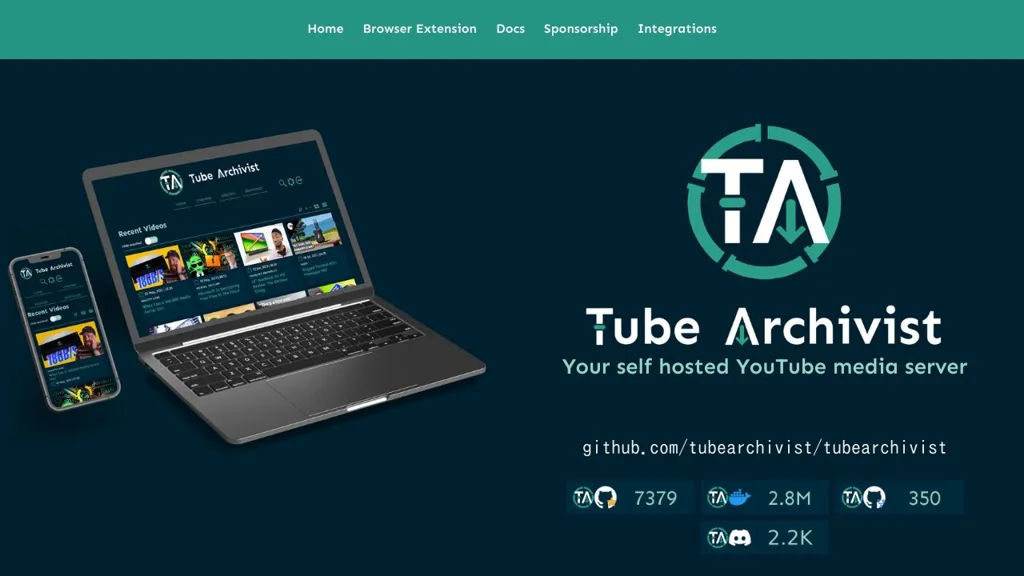
Tube Archivist screenshot

Tube Archivist is a self-hosted application for building and maintaining a local YouTube library. It automates downloading from channels/playlists, enriches videos with metadata, and provides a web interface to browse and stream your archived collection.

Key Features

  • Automated downloads for channels and playlists with scheduling and queue-based processing
  • Web UI to browse channels, videos, and playlists with progress and library management tools
  • Full-text search and filtering over indexed video metadata (powered by Elasticsearch)
  • Playback/streaming from your server, including thumbnails and rich metadata pages
  • Subtitle support (download and indexing when available)
  • Multi-user support with authentication for shared libraries
  • Docker-based deployment with companion services (Elasticsearch/Kibana, Redis)

Use Cases

  • Maintain an offline archive of educational channels and reference playlists
  • Build a private “YouTube library” for a household or team with searchable metadata
  • Preserve important videos that may be deleted or region-restricted later

Limitations and Considerations

  • Resource usage can be significant for large libraries due to Elasticsearch indexing and thumbnail generation
  • Focused on YouTube ingestion; broader multi-site video ingestion depends on yt-dlp support and project configuration

Tube Archivist combines a download pipeline with a media-library-style UI to manage long-term YouTube collections. It is best suited for users who want automated acquisition plus fast search and convenient playback from a curated local archive.

7.4kstars
350forks
#3
Pinchflat

Pinchflat

A web UI for managing YouTube downloads with yt-dlp, metadata, and organized library exports for media servers or offline viewing.

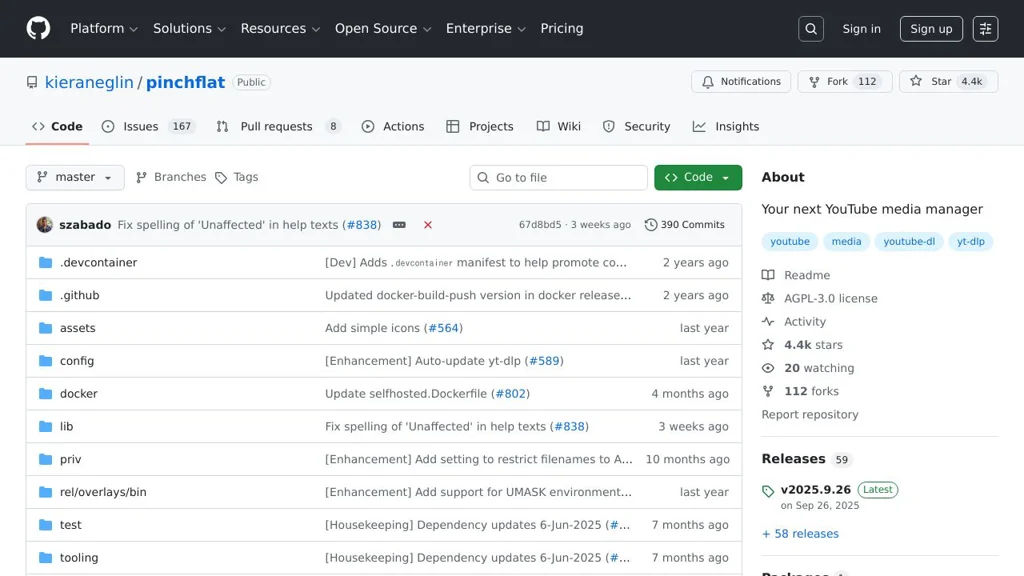
Pinchflat screenshot

Pinchflat is a self-hosted web application for downloading and managing YouTube videos (and other sites supported by yt-dlp) as a local media library. It focuses on automation and organization: you define sources and rules, and Pinchflat keeps your downloads up to date and stored in a predictable structure.

Key Features

  • Web-based UI to configure and manage downloads powered by yt-dlp
  • Supports channels/playlists and ongoing “keep in sync” style downloading
  • Template-based file/folder naming for consistent library organization
  • Metadata enrichment and sidecar files (where supported) for better media library integration
  • Per-source download options (quality/format, audio-only, etc. via yt-dlp options)
  • Container-friendly deployment and persistent configuration storage
  • Job/queue style processing to manage download tasks and updates

Use Cases

  • Build a personal offline archive of favorite channels and playlists
  • Maintain a curated YouTube library structured for Plex/Jellyfin ingestion
  • Download audio-only versions of talks/podcasts for local playback

Limitations and Considerations

  • Feature scope depends on yt-dlp site support and ongoing upstream changes
  • Downloading from YouTube may require additional configuration when rate-limited or blocked

Pinchflat is a practical choice for users who want a simple web UI around yt-dlp with library-oriented organization. It fits well alongside media servers by producing consistently named files and metadata for long-term local collections.

4.4kstars
113forks
#4
TubeSync

TubeSync

TubeSync automatically downloads and organizes YouTube videos from channels/playlists into your library using a web UI, background jobs, and yt-dlp integration.

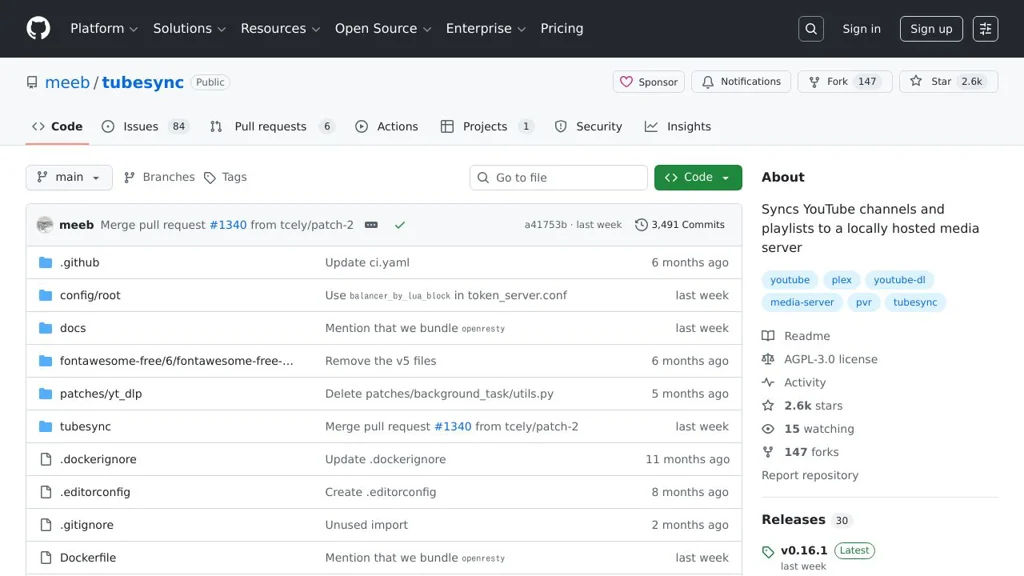
TubeSync screenshot

TubeSync is a web application for automatically downloading and archiving videos from YouTube sources (such as channels and playlists) into a local library. It provides a management UI to add sources, control download behavior, and keep content up to date via scheduled/background syncing.

Key Features

  • Web UI to manage YouTube sources (e.g., channels/playlists) and sync settings
  • Automatic syncing to download new videos as they appear
  • Uses yt-dlp for extraction/downloading and supports common yt-dlp options
  • Library-style organization of downloaded media and metadata
  • Background task processing for queued/scheduled downloads
  • Docker-based deployment with persistent volumes for configuration and media

Use Cases

  • Maintain an offline archive of specific YouTube channels/playlists
  • Build a personal media library of educational content for local playback
  • Automated collection of new uploads from selected creators

Limitations and Considerations

  • Primarily focused on YouTube-style sources supported by yt-dlp; availability depends on upstream site changes
  • Download success and metadata quality can vary based on yt-dlp extractor behavior and source restrictions

TubeSync is best suited for users who want a simple, repeatable way to track chosen YouTube sources and keep an offline library current. It pairs a straightforward web interface with a reliable downloader backend to automate ongoing updates.

2.6kstars
147forks

Why choose an open source alternative?

  • Data ownership: Keep your data on your own servers
  • No vendor lock-in: Freedom to switch or modify at any time
  • Cost savings: Reduce or eliminate subscription fees
  • Transparency: Audit the code and know exactly what's running