
Dashlane

Best Self Hosted Alternatives to Dashlane

A curated collection of the 3 best self hosted alternatives to Dashlane.

Dashlane is a password manager and digital wallet that securely stores and autofills passwords and payment details, generates strong passwords, syncs across devices, and provides breach monitoring and identity protection.

Alternatives List

#1
Bitwarden

Bitwarden

Self-hostable password manager with end-to-end encryption, vault sharing, TOTP, passkeys, and cross-platform apps plus browser extensions.
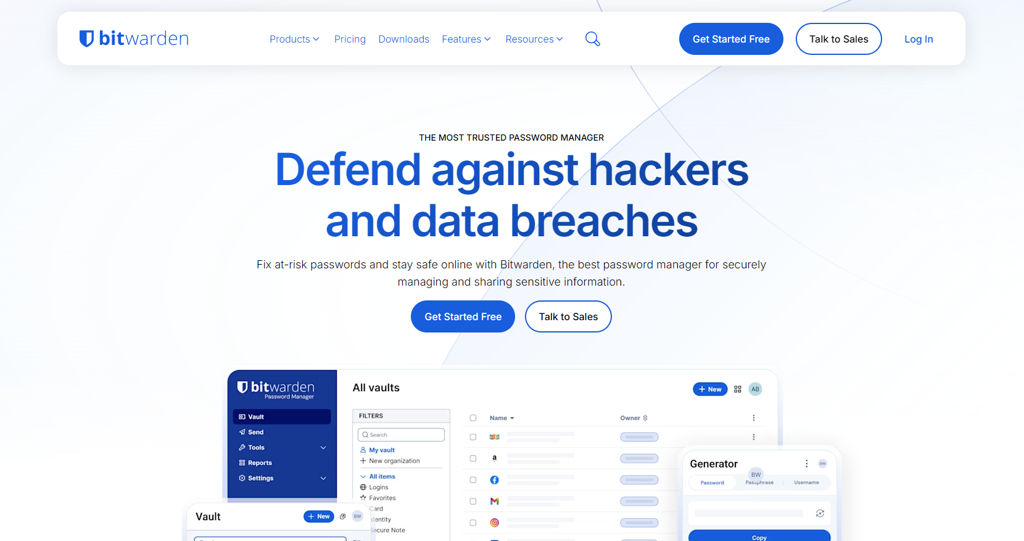
Bitwarden screenshot

Bitwarden is a password manager that stores and syncs credentials and other sensitive data across devices using end-to-end encryption. It supports personal and organizational vaults, secure sharing, and access from web, desktop, mobile, CLI, and browser extensions.

Key Features

  • End-to-end encrypted vault for logins, secure notes, cards, and identities
  • Organization vaults with collections, group/user access controls, and sharing
  • Password generator and security reports (e.g., weak/reused passwords)
  • Two-factor authentication options and support for TOTP authenticator storage
  • Passkeys support (platform-dependent by client) and modern authentication flows
  • Cross-platform clients: web vault, desktop apps, mobile apps, browser extensions, and CLI
  • Import/export tools to migrate from other password managers
  • APIs and integrations for enterprise features (e.g., directory/SSO options on paid tiers)

Use Cases

  • Replace hosted password managers while keeping full control of vault data
  • Team credential sharing with role-based access to shared collections
  • Centralize secrets like server credentials and recovery codes with strong encryption

Limitations and Considerations

  • Some advanced enterprise capabilities (e.g., SSO/directory integrations) depend on specific Bitwarden plans and deployment configuration.

Bitwarden is widely adopted and well-documented, offering a mature ecosystem of official clients and an audited security model. The official server project is suitable for organizations needing a full-featured, self-managed password vault with secure sharing and broad client support.

17.8kstars
1.5kforks

#2
Passbolt

Passbolt

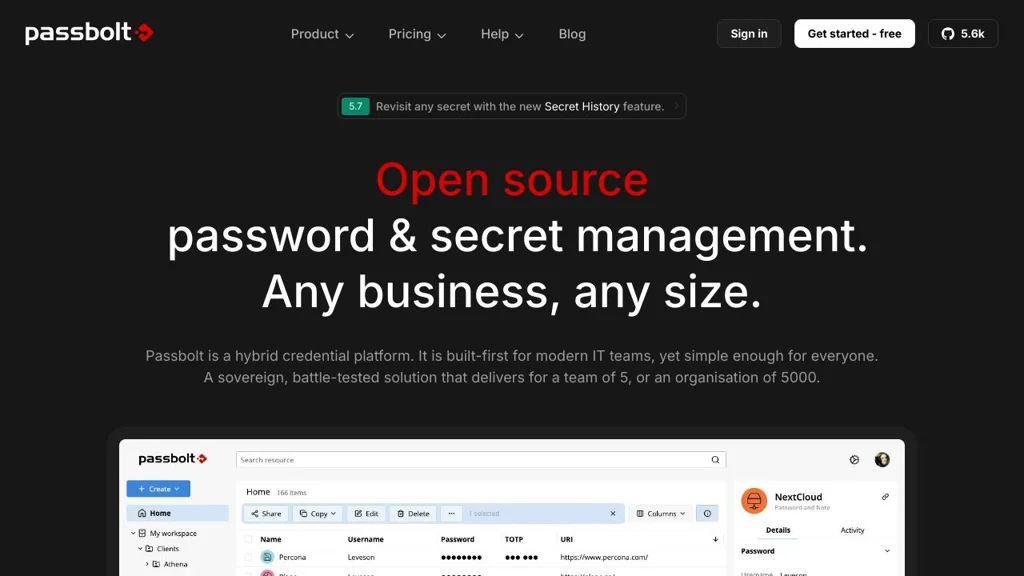
Self-hosted, GPG-based password manager for teams with shared vaults, RBAC, auditing, and browser extensions for secure credential sharing.

Passbolt screenshot

Passbolt is a team-focused password manager designed to securely store and share credentials across an organization. It provides shared vaults with fine-grained permissions, a web interface plus browser extensions, and strong cryptography built around OpenPGP.

Key Features

  • End-to-end encryption using OpenPGP (GPG) keys, with encryption/decryption performed client-side via the browser extension
  • Shared password folders/vaults for teams with granular access controls (e.g., read, write, owner)
  • User and group management for organizing access at scale
  • Audit logs and activity tracking for governance and incident investigation
  • Password and passphrase generation and secure sharing workflows
  • Integrations and automation via a REST API
  • Supports common enterprise deployment patterns (reverse proxy, TLS, backups) and multiple install options (packages/containers)

Use Cases

  • Share infrastructure and service credentials (SSH, databases, cloud consoles) across DevOps/SRE teams
  • Manage access for agencies/consultancies working with multiple clients and rotating staff
  • Centralize operational credentials with auditable access for security and compliance needs

Limitations and Considerations

  • Best experience requires the Passbolt browser extension (core cryptographic operations rely on it)
  • Mobile app capabilities may be more limited than desktop/browser workflows depending on the edition and platform

Passbolt is well-suited for organizations that need controlled credential sharing rather than a purely personal vault. Its OpenPGP-based model, combined with group permissions and auditing, makes it a strong fit for operational teams and security-conscious environments.

5.6kstars
361forks
#3
AliasVault

AliasVault

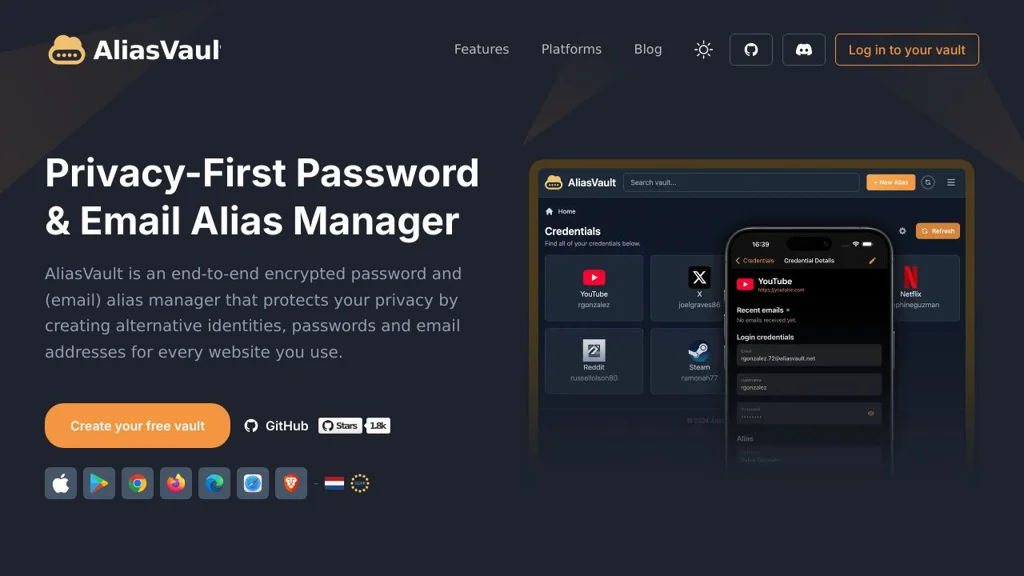
Self-hosted manager for email aliases and credentials, designed to compartmentalize logins and reduce tracking and account takeover impact.

AliasVault screenshot

AliasVault is a self-hosted service that helps you create and manage email aliases and store the corresponding website credentials, so each account can be isolated behind a unique identity. It’s aimed at reducing spam, tracking, and blast radius from credential leaks by pairing alias management with a vault-style workflow.

Key Features

  • Create and manage per-service identities (email aliases) from a central dashboard
  • Store credentials associated with each alias (username/password and related notes)
  • Search and organize entries for quick retrieval
  • Designed for privacy-focused account compartmentalization
  • Web-based UI for managing aliases and vault items

Use Cases

  • Use unique aliases for every signup to identify and stop sources of spam
  • Keep credentials organized per alias to reduce reuse and cross-site correlation
  • Separate personal, family, and project identities with distinct alias groups

Limitations and Considerations

  • Alias creation/forwarding typically depends on your email domain/DNS and mail setup; correct mail routing is required for full functionality.

AliasVault is best suited for users who want a single, self-hosted place to manage masked identities alongside the logins that belong to them. If you already use email aliasing, it can act as the missing “binder” between aliases and stored credentials while keeping data under your control.

1.8kstars
48forks

Why choose an open source alternative?

  • Data ownership: Keep your data on your own servers
  • No vendor lock-in: Freedom to switch or modify at any time
  • Cost savings: Reduce or eliminate subscription fees
  • Transparency: Audit the code and know exactly what's running