
Dashy (hosted offerings)

Best Self Hosted Alternatives to Dashy (hosted offerings)

A curated collection of the 4 best self hosted alternatives to Dashy (hosted offerings).

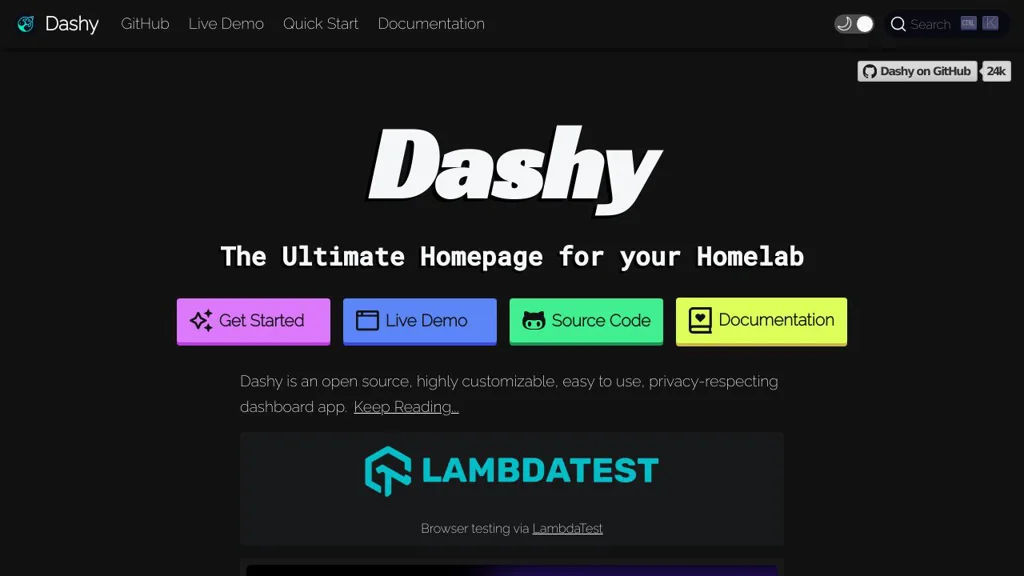
Dashy (hosted offerings) provides a managed, hosted version of Dashy — a customizable dashboard/home‑page for organizing links, apps, widgets and status panels. It offers managed deployment, backups, SSL and easy configuration without self‑hosting.

Alternatives List

#1
Glance

Glance

Glance is a lightweight self-hosted startpage/dashboard that aggregates RSS/Atom feeds and service widgets (e.g., weather, markets, GitHub) into a single customizable homepage.
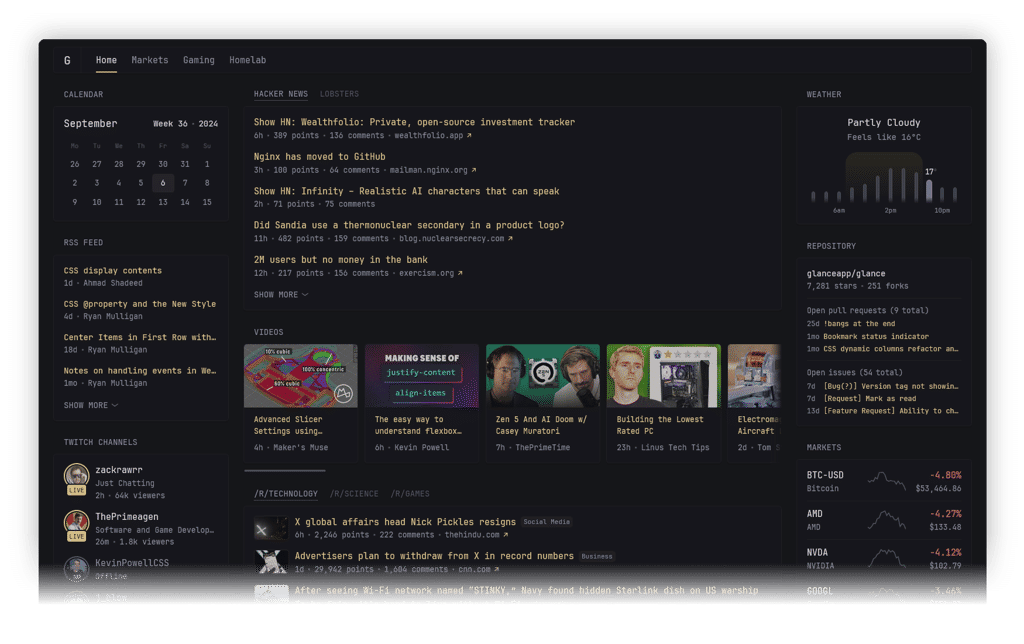
Glance screenshot

Glance is a lightweight, fast dashboard (startpage) that lets you build a single homepage to monitor information from many sources. It focuses on clean layout, simple configuration, and widgets for feeds and common web services, making it practical as a personal “home base” in a browser.

Key Features

  • Modular widget system to compose a dashboard (e.g., RSS/Atom feeds and other information tiles)
  • RSS/Atom feed aggregation for following news, blogs, and updates in one place
  • YAML-based configuration for dashboard layout and widget settings
  • Theming/custom styling options to adjust appearance
  • Designed to be lightweight and responsive for always-on use (desktop/tablet)

Use Cases

  • Personal startpage that consolidates news feeds, updates, and useful widgets
  • “Wallboard” display for a home lab showing key info at a glance
  • A simple team/internal landing page showing selected feeds and service summaries

Glance fits users who want a no-frills, self-managed homepage that replaces a mix of separate tabs and feed readers. Its widget approach and straightforward configuration make it easy to iterate on a dashboard as your needs change.

31.1kstars
1.2kforks

#2
Dashy

Dashy

Dashy is a configurable self-hosted start page for organizing apps, links, widgets, and status checks with themes, auth, and integrations.

Dashy screenshot

Dashy is a self-hosted dashboard/start page for organizing links, applications, and widgets in a single web UI. It is designed for homelabs and teams who want a highly customizable “homepage” with sections, icons, search, and status information.

Key Features

  • YAML-driven configuration with UI-based editing for pages, sections, and items
  • Built-in widgets (e.g., clock, weather, system info, RSS, custom HTML/iframe embeds)
  • App/endpoint health checks and status indicators for links and services
  • Theming and layout customization (multiple themes, icons, grid options)
  • Authentication options (including basic auth / configurable auth integrations depending on deployment)
  • Search and quick navigation across all configured items
  • Multi-page support for separating environments (home, work, monitoring, etc.)
  • Docker-first deployment with simple upgrades and environment-based config

Use Cases

  • Homelab start page to launch and monitor self-hosted apps from one place
  • Team portal for internal tools, documentation links, and service status
  • Wallboard/kiosk dashboard for a NOC-style display of important endpoints

Limitations and Considerations

  • Not intended to be a full monitoring suite; health checks are lightweight and dashboard-oriented
  • Advanced authentication/SSO setups typically require additional reverse-proxy configuration

Dashy provides a practical, flexible landing page that can consolidate navigation, basic status, and informational widgets. It fits well as a lightweight “control center” alongside existing monitoring and management tools.

23.6kstars
1.7kforks
#3
Heimdall

Heimdall

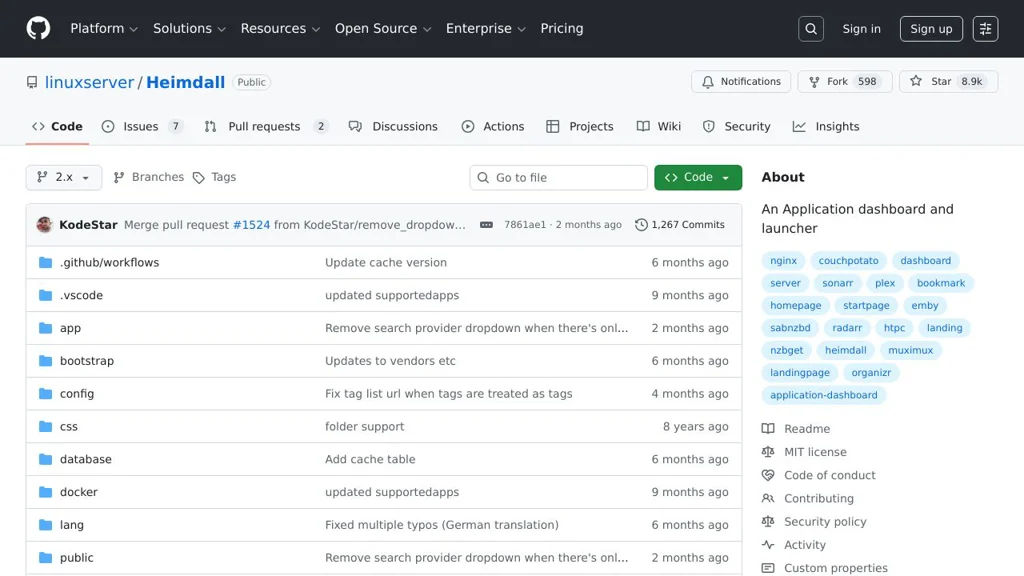
Heimdall is a simple web-based dashboard for organizing and launching links to your self-hosted apps, with searchable app integrations and optional status/API polling.

Heimdall screenshot

Heimdall is a lightweight, web-based “start page” for organizing links to your homelab, internal tools, and frequently used web services. It provides a clean grid of application tiles and includes optional integrations (“applications”) that can pull extra information from supported services.

Key Features

  • Customizable dashboard with tiles for applications, bookmarks, and common services
  • Built-in “Applications” catalog with optional integrations that can query supported services for additional data (where available)
  • Per-tile configuration (name, URL, icon/image) and organization into sections/categories
  • Searchable interface to quickly find and launch configured apps
  • User authentication support (optional), suited for personal or household use
  • LinuxServer.io distribution with container-friendly deployment patterns

Use Cases

  • Homelab landing page to centralize access to media servers, downloaders, monitoring, and admin tools
  • Team/household portal for shared internal services (NAS UI, routers, smart home controllers)
  • Personal start page to replace browser bookmarks with a visual, service-oriented launcher

Limitations and Considerations

  • Primarily a launcher/dashboard; it is not a full monitoring system (integrations vary by supported app and are not universal)
  • Feature development depends on community contributions; some integrations may require manual configuration and can break with upstream API changes

Heimdall fits best when you want a fast, minimal dashboard that is easy to maintain and works well alongside containerized homelab stacks. It focuses on quick navigation and optional app-aware tiles rather than deep analytics or alerting.

8.9kstars
597forks
#4
Homarr

Homarr

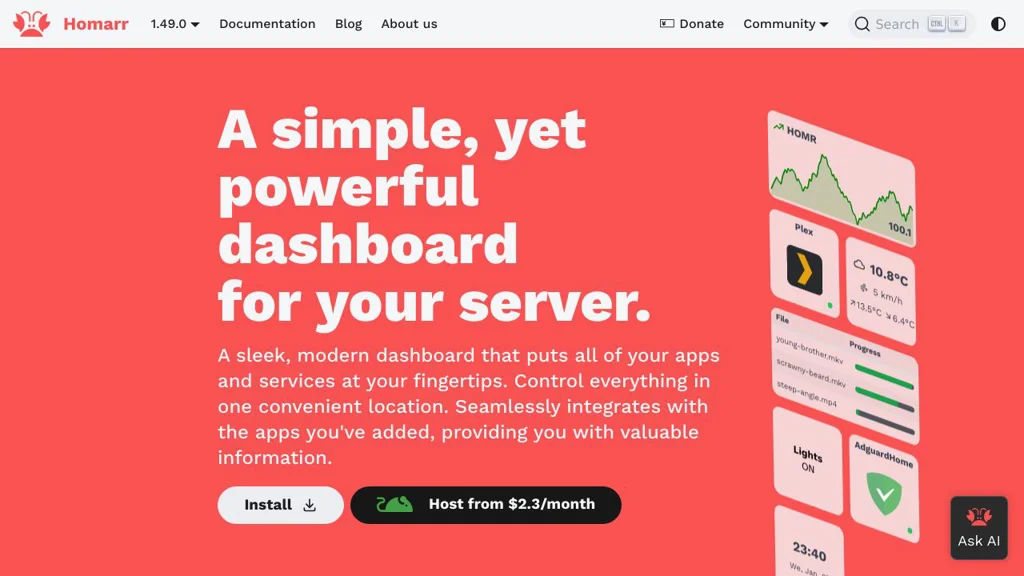
Homarr is a customizable dashboard for organizing and launching self-hosted apps, showing widgets (status, media, downloads), and centralizing links in one homepage.

Homarr screenshot

Homarr is a self-hosted homepage/startpage that lets you build a clean dashboard for all of your apps, bookmarks, and widgets in one place. It focuses on a drag-and-drop layout editor, theming, and ready-made integrations commonly used in homelabs.

Key Features

  • Drag-and-drop dashboard editor with responsive grid layout
  • App tiles for quick access to services and external links
  • Widget system to surface live data from integrations (service status and common homelab apps)
  • Multiple pages/sections for organizing apps by category (e.g., media, infrastructure, admin)
  • Customization options such as themes, icons, and background styling
  • Docker-friendly deployment and configuration aimed at homelab environments

Use Cases

  • Create a single landing page to launch and organize all homelab apps
  • Display at-a-glance widgets for media servers, downloaders, and monitoring tools
  • Provide a shared “family dashboard” for commonly used household services

Homarr is well-suited for users who want a visually polished, centrally managed startpage with integrations typical of self-hosted stacks. It provides a practical way to keep links and service context together, reducing the need to jump between multiple UIs for basic status and navigation.

2.6kstars
154forks

Why choose an open source alternative?

  • Data ownership: Keep your data on your own servers
  • No vendor lock-in: Freedom to switch or modify at any time
  • Cost savings: Reduce or eliminate subscription fees
  • Transparency: Audit the code and know exactly what's running