
Emby

Best Self Hosted Alternatives to Emby

A curated collection of the 19 best self hosted alternatives to Emby.

Emby is a media server platform that organizes and streams personal video, music, and photos to multiple devices. It offers live TV/DVR, on-the-fly transcoding, user profiles and remote streaming through web, mobile, smart TV, and streaming apps.

Alternatives List

#1
Jellyfin

Jellyfin

Self-hosted media server to organize, stream, and transcode your movies, TV, music, and photos across apps and devices.
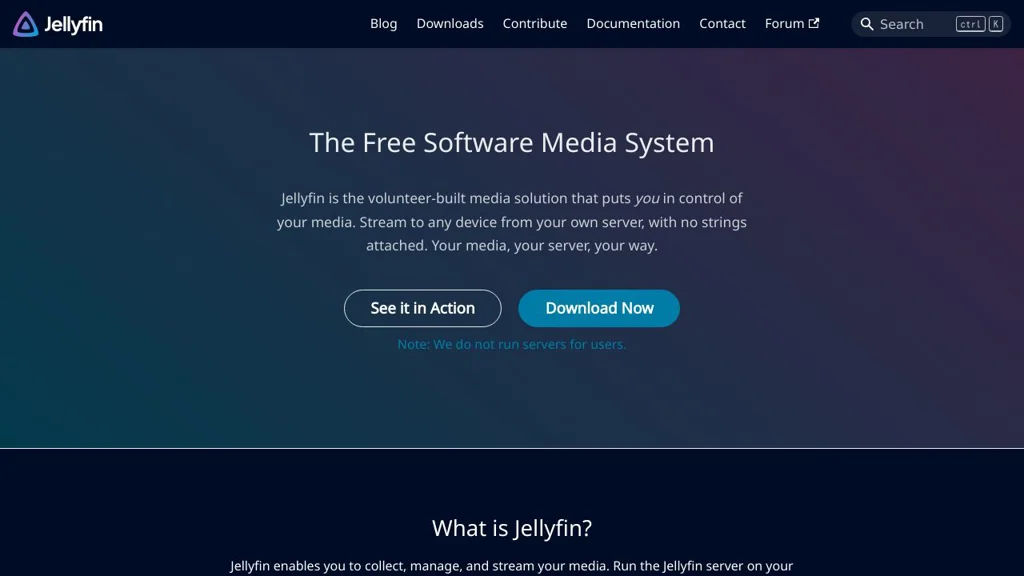
Jellyfin screenshot

Jellyfin is a personal media server that helps you manage and stream your media library (movies, TV shows, music, and photos) to many devices. It provides a web interface and native clients, user management, and streaming features typically found in commercial media platforms.

Key Features

  • Library management with metadata fetching, posters/backdrops, and organization for movies, series, music, and photos
  • Streaming to web, mobile, and TV clients with per-user profiles and access controls
  • Hardware-accelerated transcoding via FFmpeg (where supported) and adaptive streaming options
  • Live TV and DVR support via tuners and IPTV integrations, with guide data support depending on setup
  • Subtitle support (including external subtitles and subtitle extraction), audio track selection, and playback resume
  • Multi-user administration: accounts, policies, and permissions for libraries and playback features
  • Remote access support (typically behind a reverse proxy) and mobile-friendly web UI
  • Plugin ecosystem to extend metadata providers, authentication, and integrations

Use Cases

  • Replace hosted streaming platforms by serving a private home media library to TVs and phones
  • Centralize family media with separate users, parental restrictions, and watched-status tracking
  • Set up Live TV + DVR with a tuner or IPTV source for a unified “TV + library” experience

Limitations and Considerations

  • Some advanced features (certain metadata providers, authentication methods, Live TV/guide sources) may require plugins or third-party services
  • Playback compatibility can vary by client/device; server-side transcoding may be needed and can be resource-intensive

Jellyfin is commonly used as a Plex alternative for users who want a fully controllable media server. It supports a broad range of clients and can scale from a single-machine home server to more capable setups with hardware transcoding.

47.5kstars
4.3kforks

#2
Koel

Koel

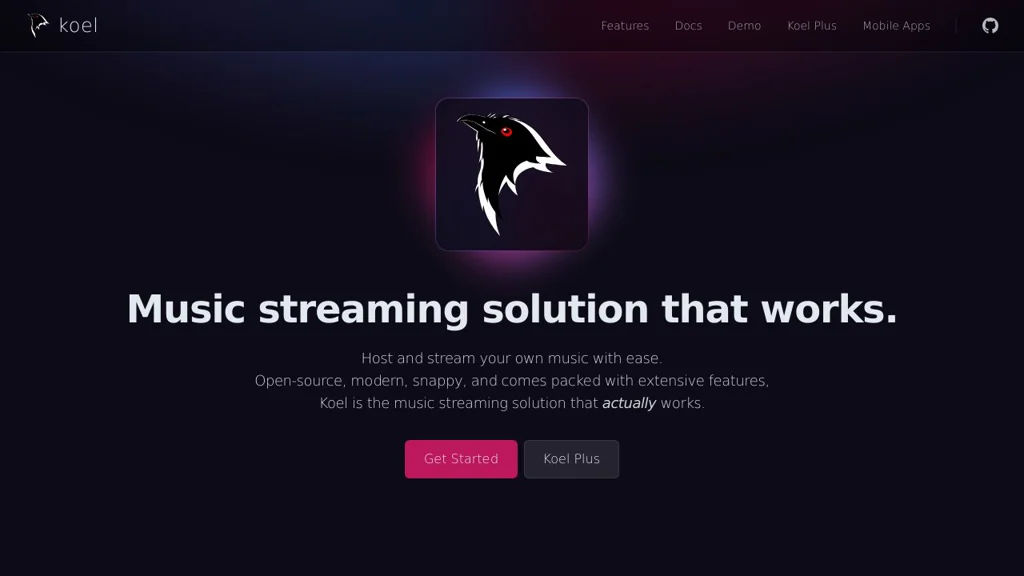
Koel is a self-hosted music streaming server that scans your audio library and provides a sleek web player with playlists, search, and multi-user access.

Koel screenshot

Koel is a web-based personal music streaming server that indexes your existing audio files and lets you stream them from anywhere through a modern browser UI. It focuses on a simple, fast library experience—searching, queuing, and playlisting—while keeping your collection under your control.

Key Features:

  • Scans and indexes local audio libraries into a searchable music catalog
  • Modern web player with queue management, browsing, and fast search
  • Playlist management (create, edit, reorder) for organizing listening
  • Multi-user support with authentication for shared servers
  • Artist/album/track browsing with artwork and metadata display
  • Mobile-friendly web UI suitable for phone/tablet streaming
  • Backend API used by the web UI (useful for integrations)

Use Cases:

  • Stream a personal FLAC/MP3 library at home or while traveling
  • Provide a shared music server for a family or small community
  • Centralize music on a NAS/server and play from any device via browser

Limitations and Considerations:

  • Requires correct filesystem permissions and a supported PHP/Laravel runtime; initial library scanning can take time on large collections
  • Primarily focused on browser-based playback; native app ecosystems may rely on third-party clients/integrations

Koel is a practical choice for users who want a polished “personal Spotify-like” experience on top of their existing music files. It emphasizes a clean UI, fast library navigation, and straightforward administration for running your own music server.

16.9kstars
2.1kforks

#3
Calibre-Web

Calibre-Web

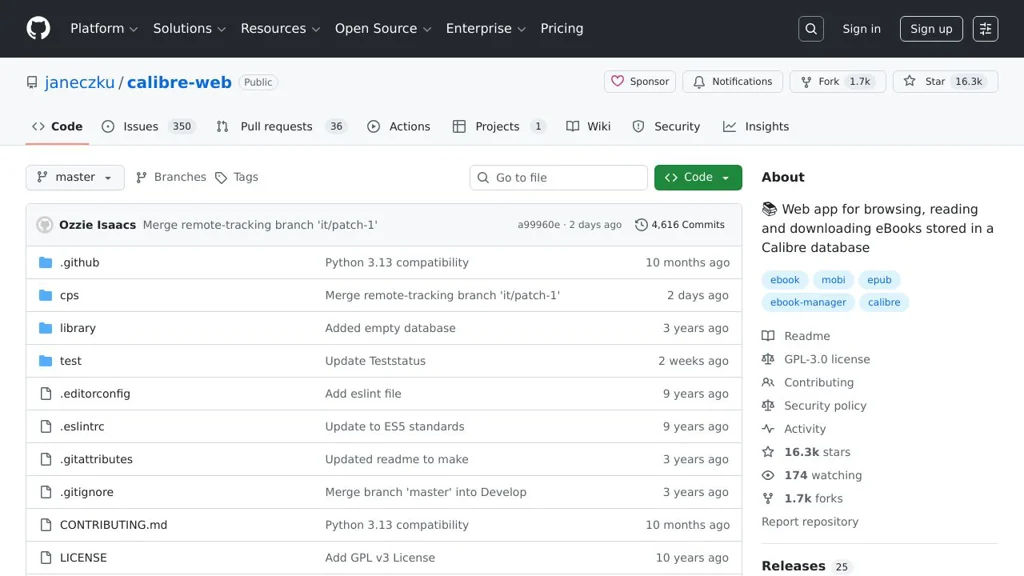
Web-based interface for a Calibre eBook library with reading, downloads, user management, and optional e-reader delivery via SMTP.

Calibre-Web screenshot

Calibre-Web is a lightweight web application that exposes your Calibre eBook database through a browser-friendly interface. It lets users browse, search, download, and read books from an existing Calibre library, with multi-user access controls and optional email/Kindle delivery.

Key Features

  • Integrates with an existing Calibre database (metadata.db) and library folder structure
  • Responsive web UI to browse by author/series/tags, view metadata, covers, and formats
  • Built-in web reader for supported formats (commonly EPUB) and direct downloads for available formats
  • Full-text search and filtering across library metadata
  • Multi-user support with roles/permissions (e.g., admin vs. regular users) and per-user settings
  • OPDS catalog support for e-reader/mobile catalog clients
  • Optional “send to e-reader”/email delivery via SMTP (commonly used for Kindle)
  • Basic library management features (depending on configuration), such as editing metadata and uploads

Use Cases

  • Host a private household eBook library accessible from any device on your network
  • Provide a small community/library portal with accounts, browsing, and OPDS feeds
  • Deliver purchased/public-domain books to e-readers via email while keeping the library centralized

Limitations and Considerations

  • Designed around Calibre’s library/database; best results require a properly maintained Calibre library
  • Feature scope is focused on web access/sharing rather than replacing the full Calibre desktop app

Calibre-Web is well-suited for turning a Calibre-managed collection into a convenient, multi-user web library. It emphasizes simple deployment, an accessible UI, and compatibility with common e-reader workflows (downloads, OPDS, and email delivery).

16.3kstars
1.7kforks
#4
PeerTube

PeerTube

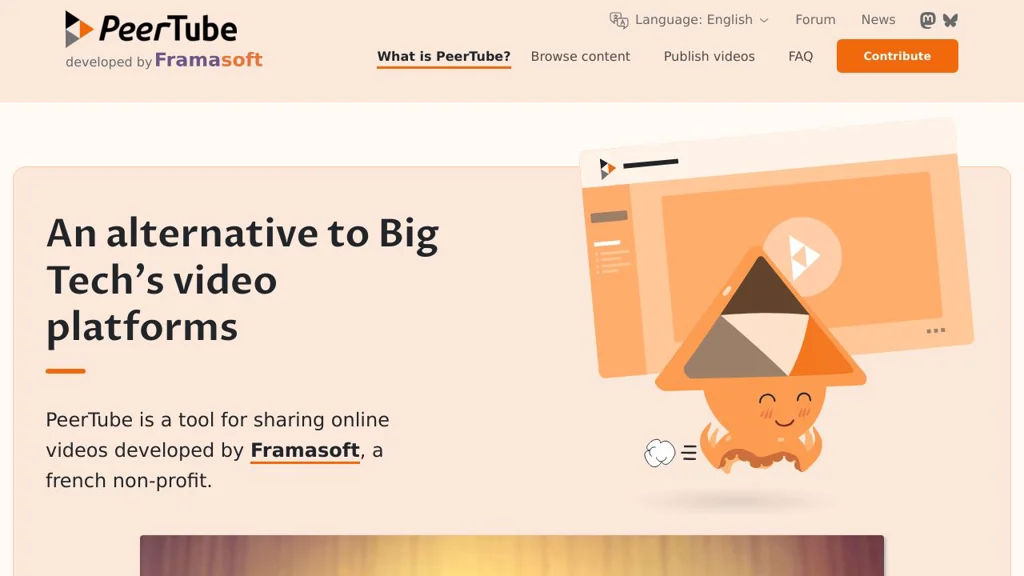
PeerTube is a self-hosted, federated video platform using ActivityPub and BitTorrent/WebTorrent to publish, stream, and share videos across interconnected instances.

PeerTube screenshot

PeerTube is a decentralized video hosting and streaming platform where anyone can run their own server (“instance”) and federate with others. It combines ActivityPub federation with peer-to-peer video delivery (WebTorrent) to reduce bandwidth costs and avoid a single central platform.

Key Features

  • ActivityPub federation: follow channels, interact and discover videos across instances
  • P2P-assisted delivery with WebTorrent (viewers can help seed while watching)
  • Full video publishing workflow: upload, transcode, manage channels, playlists, and metadata
  • Live streaming support (with HLS playback) for broadcasting events
  • Built-in moderation and safety tools: reporting, account/channel management, blocklists/allowlists
  • Embeddable player and sharing options for external websites
  • Plugin and theme system to extend functionality and customize UI
  • REST API for automation and integrations; supports third-party clients

Use Cases

  • Community- or organization-run “YouTube alternative” for publishing public video content
  • Educational institutions hosting lecture recordings and live streams under their own rules
  • Creators federating with like-minded instances while keeping control over policies and branding

Limitations and Considerations

  • Bandwidth and storage needs can be significant, especially without enough P2P participation
  • Federation features depend on other instances’ policies and uptime; discovery can vary by network

PeerTube fits teams and communities that want a modern video platform with federation, extensibility, and reduced centralized dependency. It is especially useful when governance, moderation rules, and hosting control need to remain in the hands of the publisher rather than a single global provider.

14.4kstars
1.7kforks
#5
Stash

Stash

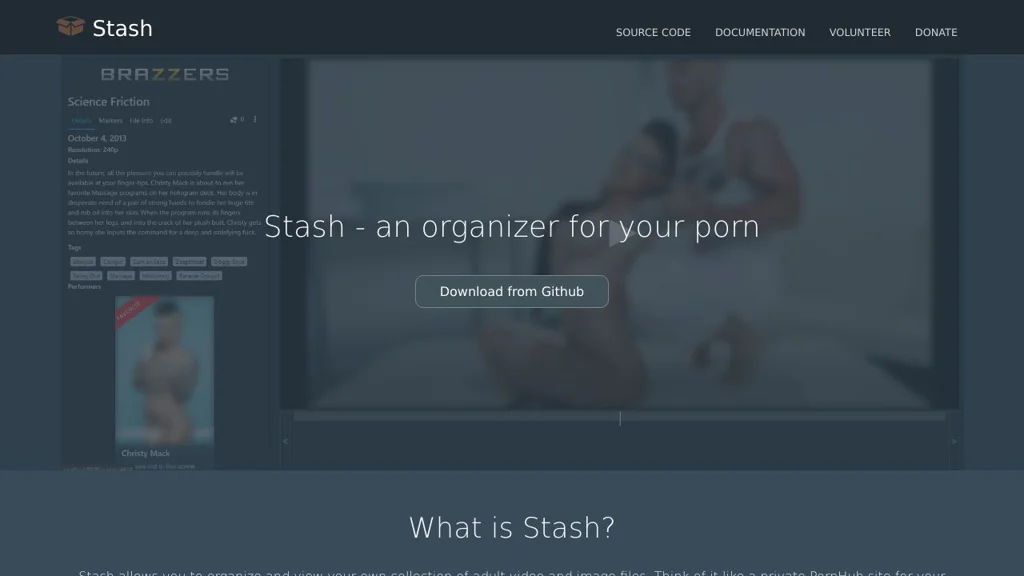
Self-hosted adult media organizer with metadata scraping, tagging, search, and a web UI for managing scenes, performers, studios, and galleries.

Stash screenshot

Stash is a self-hosted web application for organizing and browsing a personal adult media collection. It scans your library, builds a searchable database, and helps you enrich content with consistent metadata.

Key Features

  • Library scanning and indexing of local media files
  • Metadata management for scenes, performers, studios, tags, and galleries
  • Metadata scraping from community/online sources via configurable “scrapers”
  • Powerful search and filtering across your library (e.g., tags, performers, studios)
  • Automatic generation/management of previews and artwork (e.g., covers/thumbnails)
  • Web-based UI for editing metadata, tagging, and dedup/cleanup workflows
  • API-first architecture (GraphQL) for integrations and automation
  • Plugin system for extending functionality (community plugins available)

Use Cases

  • Build a private, searchable catalog of an adult video/image collection
  • Normalize metadata and tagging to keep a large library consistent over time
  • Integrate with external tools (downloaders, renamers, scripts) via the API

Limitations and Considerations

  • Primarily focused on adult media organization; not a general-purpose media server
  • Scraping quality and coverage depend on the chosen scraper sources and configuration

Stash is well-suited for users who want robust metadata tooling and fast discovery for a private adult library. Its combination of a web UI, scrapers, and a GraphQL API makes it flexible for both manual curation and automated workflows.

11.6kstars
977forks
#6
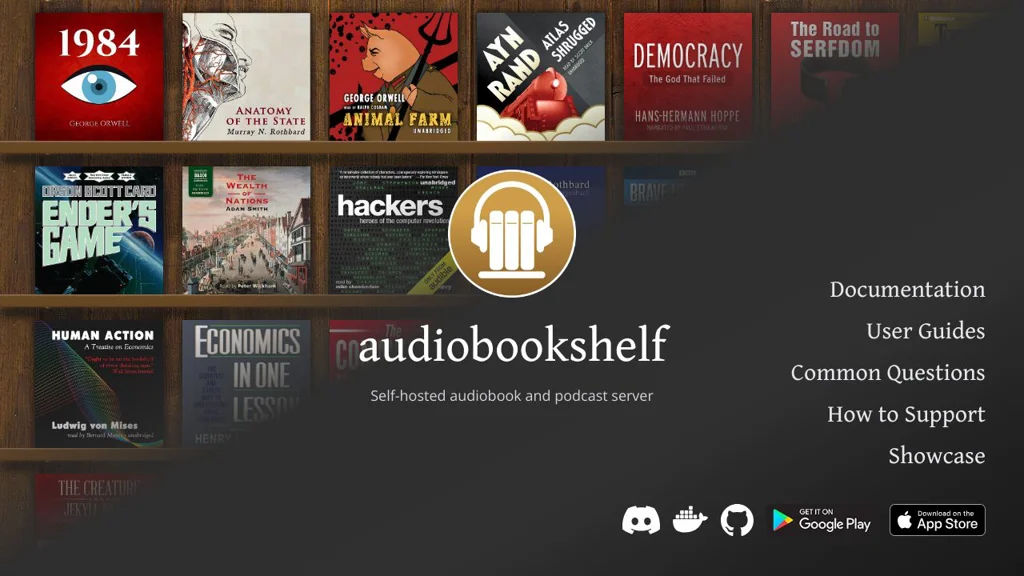
AudioBookshelf

AudioBookshelf

Stream and manage audiobooks and podcasts with metadata matching, progress sync, and mobile/web apps.

AudioBookshelf screenshot

AudioBookshelf is a media server focused on organizing and streaming audiobooks and podcasts from your own library. It provides rich metadata management, playback features built for long-form audio, and multi-device sync via web and mobile clients.

Key Features

  • Audiobook and podcast library management with automatic metadata matching (title/author/series, cover art, descriptions)
  • Multi-user support with per-user progress, listening stats, and library access controls
  • Web player and native mobile apps with streaming and progress sync
  • Chapter support (when available in source files) and playback speed control
  • RSS podcast support (subscribe/download/stream) alongside local media
  • Search, filters, and organization for authors, series, collections, and narrators
  • Supports common audiobook formats (e.g., M4B/MP3) and folder-based libraries
  • REST API for integrations and external clients

Use Cases

  • Host a personal/family audiobook library with per-user progress across devices
  • Replace proprietary audiobook/podcast apps with a unified self-managed library
  • Provide audiobooks to a LAN/VPN-connected community (book club, school, small org)

Limitations and Considerations

  • Feature depth and metadata accuracy depend on the quality/structure of your files and available match sources
  • Some advanced playback capabilities (e.g., chapters) may require specific container/metadata support (commonly M4B)

AudioBookshelf is a practical option for people who want a dedicated long-form audio server rather than a general-purpose media server. Its focus on audiobook/podcast workflows (progress sync, series/author organization, and long-play listening features) makes it a strong Plex/Emby alternative for spoken-word libraries.

11.3kstars
816forks
#7
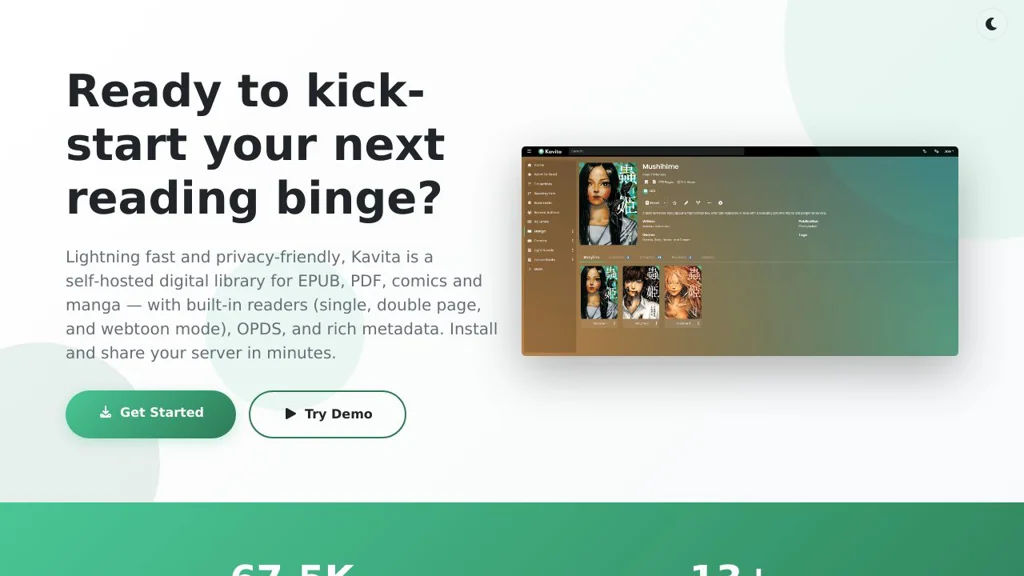
Kavita

Kavita

A self-hosted reading server for organizing and reading manga, comics, and ebooks with a modern web UI, metadata, series management, and multi-user support.

Kavita screenshot

Kavita is a self-hosted digital library server focused on reading and managing manga, comics, and ebooks from a browser. It scans folders into a structured library, enriches items with metadata, and provides a responsive reader experience for individuals, families, or small groups.

Key Features

  • Organizes content into libraries with series/volumes/issues and rich metadata
  • Web-based readers tailored for manga/comics and ebooks
  • Multi-user support with access control and user-specific progress/reading state
  • “Continue reading”, reading lists, and library browsing/searching for large collections
  • Metadata and cover management (including automatic matching for many titles)
  • Runs well in Docker and supports common reverse-proxy setups

Use Cases

  • Host a personal manga/comics server accessible from any device on your network/VPN
  • Share a curated family library with separate accounts and reading progress
  • Centralize scattered CBZ/CBR/EPUB/PDF folders into a searchable, browsable catalog

Kavita is a strong choice if you want a modern, web-first reading experience and library organization for comics/manga/ebooks, with multi-user progress tracking and metadata management. It’s commonly used as a lightweight alternative to larger media servers for reading-focused collections.

9.6kstars
535forks
#8
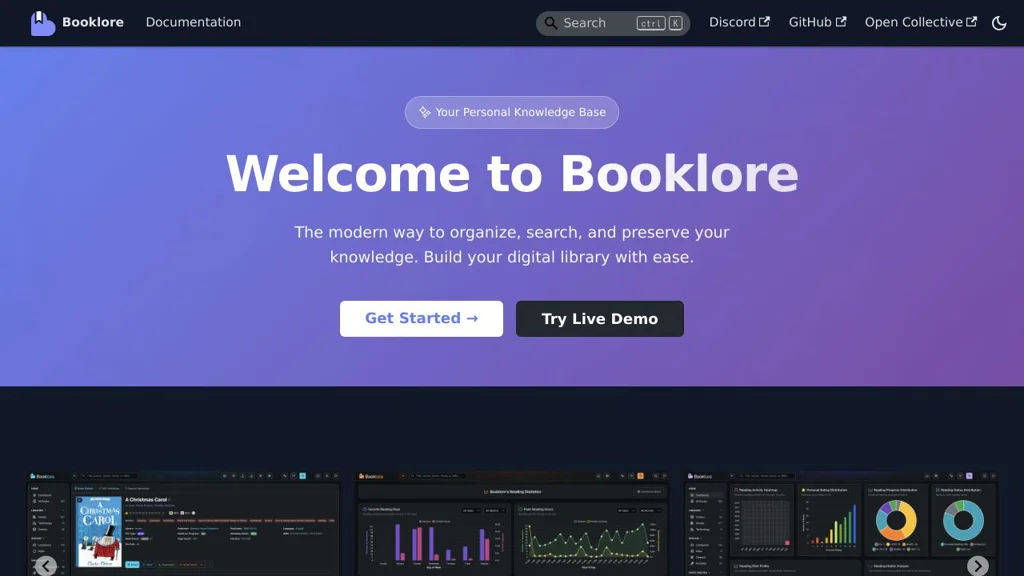
BookLore

BookLore

BookLore is a self-hosted ebook library manager for organizing, browsing, and reading your books with metadata, covers, search, and OPDS support.

BookLore screenshot

BookLore is a self-hosted web application for managing a personal ebook library. It helps you ingest and organize ebooks, enrich them with metadata and cover art, and browse, search, and read your collection from a web UI.

Key Features

  • Library management for ebooks with browsing, sorting, and filtering
  • Metadata handling (title/author/series/tags) and cover management
  • Full-text and/or fielded search across your collection
  • Built-in web reader for supported ebook formats
  • OPDS catalog support for connecting external reading apps
  • Multi-user support with authentication and user-specific experience
  • Docker-based deployment for straightforward installation and updates

Use Cases

  • Host a private “home Calibre-like” library accessible from any device
  • Provide an OPDS endpoint for ereaders/mobile reading apps on your network
  • Centralize and standardize metadata/cover art for a messy ebook collection

Limitations and Considerations

  • Feature set and format/DRM support depend on the ebook types you import (DRM-protected titles typically cannot be managed/read without prior removal).

BookLore is a practical choice for readers who want a clean web interface for managing ebooks, plus OPDS for integrating with existing reading clients. It focuses on library organization, discoverability, and convenient access to your collection.

8.5kstars
448forks
#9
LibrePhotos

LibrePhotos

A Google Photos alternative for organizing, searching, and sharing your photo library with face recognition, object search, timeline views, and multi-user support.

LibrePhotos screenshot

LibrePhotos is a self-hosted photo management and gallery application designed to help you organize and explore large personal photo libraries. It focuses on fast browsing and AI-assisted discovery (people, objects, locations) while supporting multiple users and common photo/video workflows.

Key Features

  • AI indexing for semantic discovery: face recognition, object/scene classification, and similarity search
  • People management: merge/rename people, confirm faces, and browse photos by person
  • Powerful search and filtering across metadata (date/time, camera info, location where available)
  • Timeline and album-style browsing with responsive web UI
  • Multi-user accounts with library separation and sharing-oriented workflows
  • Background indexing pipeline for large libraries; incremental scans to keep libraries up to date
  • Docker-based deployment with companion services (database/cache) commonly used in the stack

Use Cases

  • Replace cloud photo services by hosting a private, searchable family photo library
  • Quickly find photos of a person, pet, object, or scene across years of images
  • Create a local “photo hub” for multiple users to browse and curate collections

Limitations and Considerations

  • Initial AI indexing can be resource-intensive on large libraries and may take significant time
  • Accuracy of face/object recognition depends on the underlying models and photo quality

LibrePhotos is a strong option for users who want modern search and discovery on their own photo archive. It combines gallery browsing with machine-learning indexing to make large collections easier to navigate and curate.

7.9kstars
368forks
#10
RomM

RomM

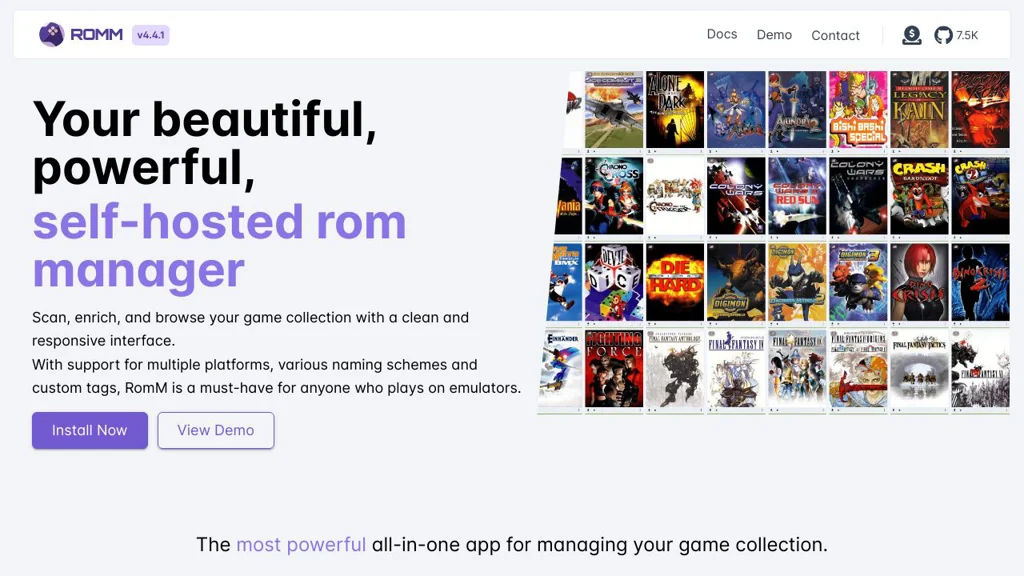
RomM is a self-hosted ROM and game library manager that scans your ROMs, enriches them with metadata and artwork, and provides a web UI to browse and play supported systems.

RomM screenshot

RomM is a self-hosted ROM and game library manager for organizing and browsing your retro game collection. It scans your filesystem, identifies games, fetches metadata and artwork from external databases, and presents everything in a clean web interface with powerful filtering.

Key Features

  • Library scanning and automatic matching of ROMs to game metadata
  • Rich metadata and media enrichment (box art, screenshots, logos, descriptions)
  • Platform/system organization with browsing, sorting, and filtering
  • Web UI for searching and managing your collection
  • Supports multiple users (auth-enabled deployments) and per-user experience
  • Import/maintenance tools for rescans, deduping-like workflows, and metadata refresh

Use Cases

  • Build a searchable “Netflix-style” catalog for a large ROM archive
  • Keep consistent metadata/artwork across devices and emulators
  • Centralize a household retro collection with a shared web interface

Limitations and Considerations

  • Metadata quality depends on external sources and accurate file naming; some titles may require manual fixes
  • Actual gameplay requires compatible emulators/clients; RomM focuses on library management rather than being a full emulator stack

RomM is best suited for retro enthusiasts who want a centralized, metadata-rich catalog of their ROMs with an easy web interface. It streamlines collection hygiene and discovery while integrating with external metadata providers for enrichment.

7.5kstars
322forks
#11
Tube Archivist

Tube Archivist

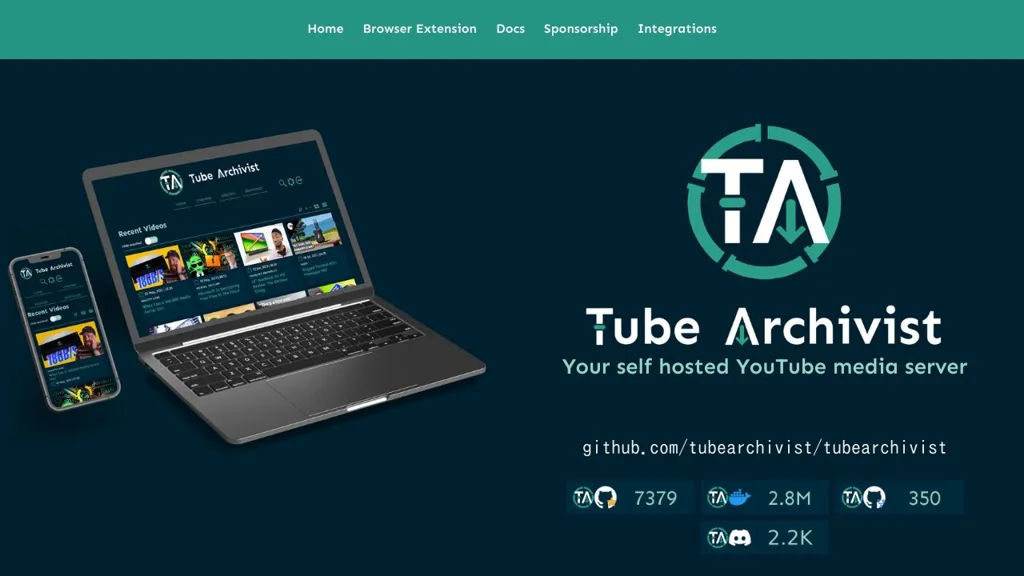
Download, index, and stream YouTube channels/playlists with full-text search, metadata, and a web UI powered by yt-dlp and Elasticsearch.

Tube Archivist screenshot

Tube Archivist is a self-hosted application for building and maintaining a local YouTube library. It automates downloading from channels/playlists, enriches videos with metadata, and provides a web interface to browse and stream your archived collection.

Key Features

  • Automated downloads for channels and playlists with scheduling and queue-based processing
  • Web UI to browse channels, videos, and playlists with progress and library management tools
  • Full-text search and filtering over indexed video metadata (powered by Elasticsearch)
  • Playback/streaming from your server, including thumbnails and rich metadata pages
  • Subtitle support (download and indexing when available)
  • Multi-user support with authentication for shared libraries
  • Docker-based deployment with companion services (Elasticsearch/Kibana, Redis)

Use Cases

  • Maintain an offline archive of educational channels and reference playlists
  • Build a private “YouTube library” for a household or team with searchable metadata
  • Preserve important videos that may be deleted or region-restricted later

Limitations and Considerations

  • Resource usage can be significant for large libraries due to Elasticsearch indexing and thumbnail generation
  • Focused on YouTube ingestion; broader multi-site video ingestion depends on yt-dlp support and project configuration

Tube Archivist combines a download pipeline with a media-library-style UI to manage long-term YouTube collections. It is best suited for users who want automated acquisition plus fast search and convenient playback from a curated local archive.

7.4kstars
350forks
#12
Komga

Komga

A self-hosted comics/manga server for organizing CBZ/CBR/PDF/EPUB libraries, with a web reader, metadata management, and OPDS for e-readers.

Komga screenshot

Komga is a self-hosted media server focused on comics, manga, and ebooks. It organizes files into libraries and series, provides a responsive web UI to browse and read, and exposes catalogs through OPDS for compatible reader apps and devices.

Key Features

  • Library management for comics/ebooks (e.g., CBZ/CBR, PDF, EPUB) with automatic scanning and series grouping
  • Web-based reader optimized for comics/manga (page navigation, reading modes)
  • Metadata management and editing, including reading status and progress tracking
  • OPDS support to browse and download from external reader apps (e.g., Kobo/OPDS clients)
  • User management with per-library access control and multiple users
  • Collections/reading lists and browsing by series, authors, tags, and more
  • REST API for integrations and automation
  • Docker images and straightforward deployment options

Use Cases

  • Host a private manga/comics library for multiple users with a browser-based reader
  • Provide an OPDS catalog to e-readers and mobile reader apps while keeping files on your server
  • Organize large comic archives, fix metadata, and build curated reading lists/collections

Limitations and Considerations

  • Focused on comics/manga/ebooks; it is not a general-purpose video/music media server
  • Feature parity and compatibility can vary across OPDS clients depending on device/app support

Komga is well-suited for anyone maintaining a local comics/manga collection who wants a modern library UI, a solid web reader, and OPDS access for external reading apps. Its API and user/library permissions make it practical for personal, family, or small community setups.

5.8kstars
338forks
#13
Overseerr

Overseerr

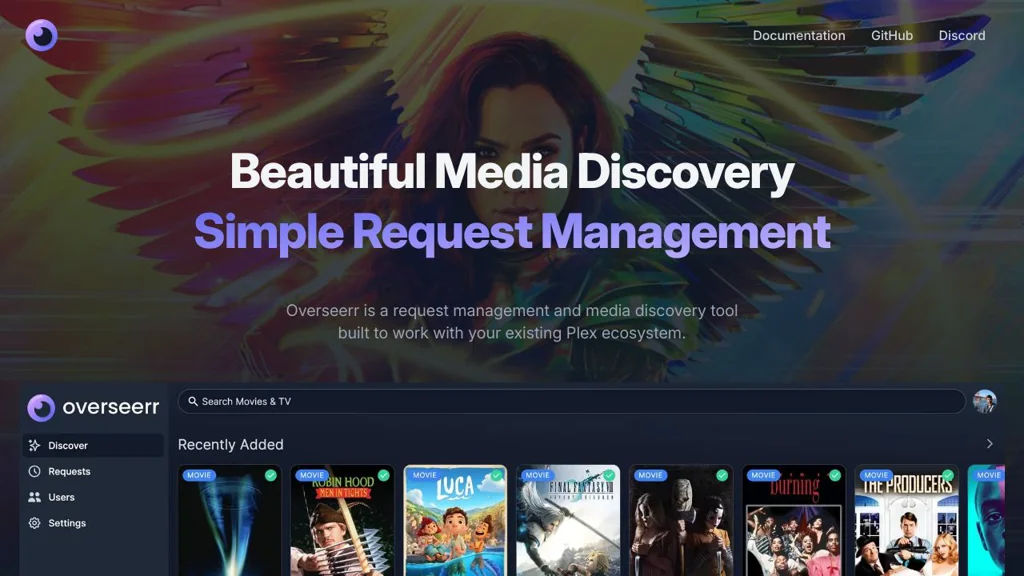
A web app for managing Plex media requests with Radarr/Sonarr integration, user permissions, discovery, and notifications for automated TV/movie acquisition.

Overseerr screenshot

Overseerr is a web application that sits in front of your media automation stack to handle movie and TV show requests for a Plex server. It provides a user-friendly request workflow, integrates with Radarr and Sonarr to fulfill requests, and includes discovery features so users can browse and request content without direct access to your automation tools.

Key Features

  • Plex OAuth sign-in and user import, with per-user permissions and request limits
  • Movie and TV requests with Radarr/Sonarr integration (including monitoring and quality/profile options)
  • Automatic matching and metadata via The Movie Database (TMDB), including trending/popular discovery views
  • Request approval workflow (auto-approve rules and manual approvals) and request status tracking
  • Notifications via multiple channels (e.g., Discord, Slack, Telegram, email, and webhooks)
  • Multi-server and multi-library awareness for Plex, plus support for 4K/separate instances workflows
  • Localization support and a responsive web UI optimized for end users

Use Cases

  • Provide a simple “Netflix-style” request portal for friends/family while keeping Radarr/Sonarr access restricted
  • Centralize approvals and track fulfillment status for new movies/series in a Plex household
  • Automate acquisition requests with notifications to admins and requesters when items become available

Limitations and Considerations

  • Focused on the Plex + Radarr/Sonarr ecosystem; it is not a general-purpose media manager
  • Requires external metadata (TMDB) and the corresponding API configuration for full functionality

Overseerr is well suited for anyone running Plex with Radarr/Sonarr who wants a polished, permissioned request experience. It reduces administrative overhead by standardizing approvals, automating fulfillment, and keeping users informed through integrated notifications.

5kstars
585forks
#14
Black Candy

Black Candy

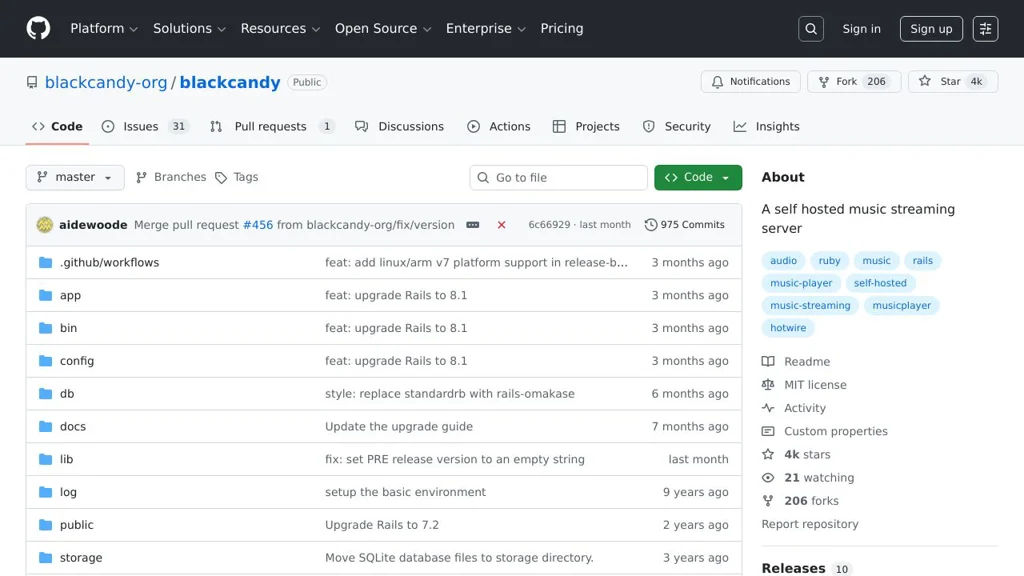
Black Candy is a self-hosted music server for organizing a personal library and streaming it from a web interface, with playlists, search, and metadata browsing.

Black Candy screenshot

Black Candy is a self-hosted web application for managing and streaming your personal music library. It scans a local music directory, builds a browsable catalog from tags/metadata, and provides a web player for playback.

Key Features

  • Music library indexing by reading audio metadata (artists, albums, tracks)
  • Web-based music player with playback queue and library browsing
  • Search across the music catalog
  • Playlist creation and management
  • Album/artist pages generated from library metadata
  • Background scanning/import of files from a configured music directory

Use Cases

  • Run a private “Spotify-like” web player for your own local music collection
  • Centralize a household music library on a server/NAS and stream on the LAN/VPN
  • Replace a third-party streaming account for listening to owned/ripped music

Limitations and Considerations

  • Focused on a web UI; feature parity with mature Subsonic-style ecosystems (wide client support, offline sync) may be limited depending on your needs.

Black Candy is a lightweight option for people who primarily want a clean web interface for streaming and browsing a local collection. It is best suited for small-to-medium libraries where tag-based organization and simple playlists cover most listening workflows.

4.1kstars
206forks
#15
Ampache

Ampache

Self-hosted web app to catalog your music and stream it anywhere via web UI, Subsonic-compatible API clients, playlists, and user access controls.

Ampache is a web-based music streaming server and media library manager that catalogs your audio collection and lets you stream it from a browser or compatible apps. It focuses on organizing large libraries, multi-user access, and broad client compatibility via common APIs.

Key Features

  • Catalog indexing of local music libraries with metadata extraction and browsing by artist/album/genre
  • Web player and library UI for searching, filtering, and playback
  • Subsonic-compatible API (and other supported APIs) for use with many third-party mobile/desktop clients
  • User and access management (multiple users, permissions) suitable for shared servers
  • Playlist creation/management and support for common playlist workflows
  • Album art/metadata handling and library maintenance tools (scan/update/clean)
  • Optional transcoding support for streaming to bandwidth-limited clients (when configured)
  • Extensible architecture with integrations/plugins and multiple backend options for storage/catalogs

Use Cases

  • Host a personal “Spotify-like” music library accessible on LAN/VPN and on the go
  • Provide multi-user streaming for a household or small community with per-user accounts
  • Use existing Subsonic-compatible apps to stream your own collection from a central server

Limitations and Considerations

  • Some advanced features (e.g., transcoding) depend on external tools and careful server configuration
  • Client experience varies depending on which third-party API client you use

Ampache is a mature option for people who want a browser-based music server with strong library management and wide client support. It is particularly useful if you want to reuse the ecosystem of Subsonic-compatible players while keeping control of your own collection.

3.7kstars
607forks
#16
Polaris

Polaris

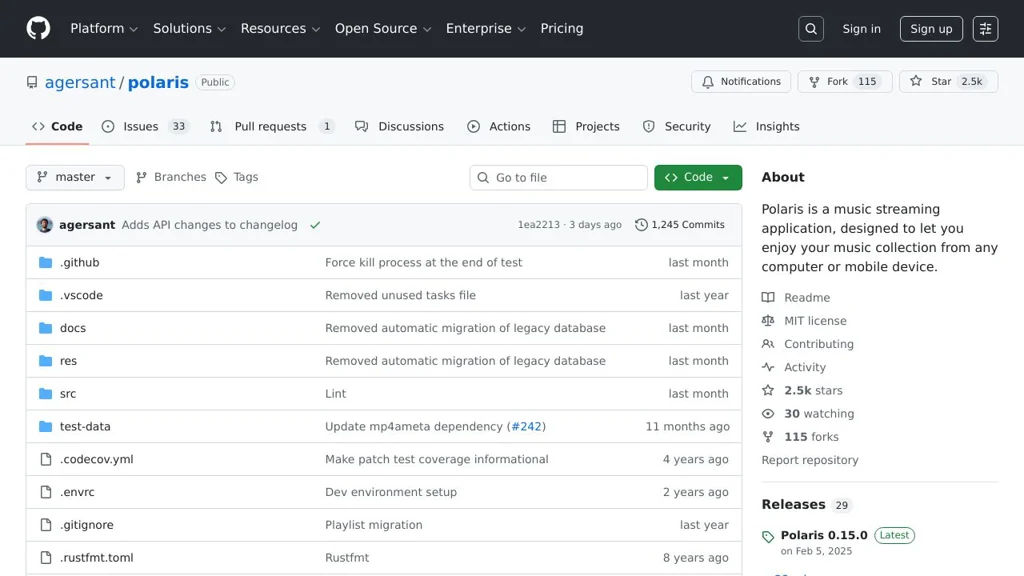
Polaris is a lightweight music streaming server that indexes your local audio files and provides a web player plus Subsonic-compatible API for apps.

Polaris screenshot

Polaris is a music streaming server that scans a local music folder, builds a searchable library, and lets you play your collection from a web interface or compatible clients. It focuses on being simple to run while still supporting common library and playback needs.

Key Features

  • Scans your music directory and builds a searchable/browsable library
  • Web-based player UI for streaming playback
  • Subsonic-compatible API (enables use with many third-party mobile/desktop clients)
  • Playlist support (create/manage playlists)
  • Supports common audio formats (depending on your library and build configuration)
  • Multi-user support (server accounts) for separating access

Use Cases

  • Stream your personal music collection to any device on your network
  • Use Subsonic-compatible mobile apps as a client for your self-hosted library
  • Provide a lightweight home music server for family members with separate logins

Limitations and Considerations

  • Feature set is intentionally simpler than some larger media servers; advanced metadata tools and ecosystem integrations may be limited
  • Format support and any transcoding behavior depend on build/runtime configuration and your deployment environment

Polaris is a good fit if you want a straightforward server for streaming your existing music files without running a full media-center stack. Its Subsonic API compatibility makes it practical to pair with established third-party clients for day-to-day listening.

2.5kstars
115forks
#17
Kyoo

Kyoo

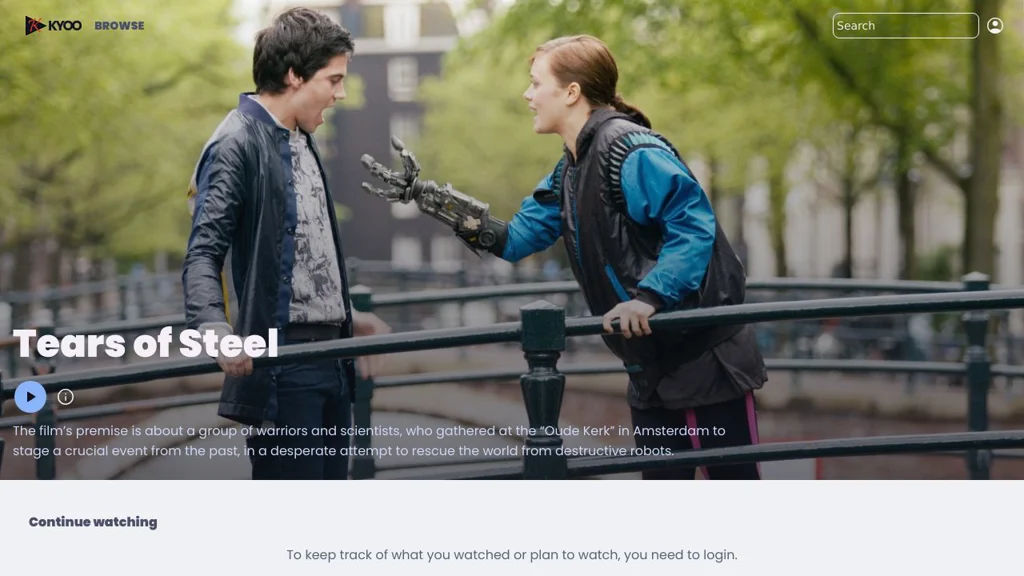
Kyoo is a self-hosted web app for browsing movies and TV shows with metadata enrichment, watch progress tracking, and a modern UI for personal media libraries.

Kyoo screenshot

Kyoo is a self-hosted media library browser focused on presenting your movies and TV shows with high-quality metadata and a clean, fast UI. It scans your local media, matches titles to online databases, and provides a unified experience for browsing, search, and playback handoff to your preferred player.

Key Features

  • Library scanning for movies and TV shows with automatic metadata matching (posters, backdrops, cast/crew, summaries)
  • Rich browsing experience: collections, seasons/episodes, recommendations-style views, and powerful search
  • Watch state features such as progress and “continue watching” style sections
  • Multi-user support with user-specific history/progress (where configured)
  • API-driven architecture intended to integrate with external tools/players
  • Container-first deployment (Docker) with documented configuration

Use Cases

  • Create a polished “Netflix-like” browsing UI for a personal movie/TV collection
  • Track what you’re watching across devices and quickly resume episodes
  • Provide family members separate profiles to browse the same library

Limitations and Considerations

  • Kyoo is primarily a library browser/metadata experience; playback typically relies on external players and your existing storage/streaming setup.

Kyoo is a good fit if you want a modern catalog and discovery interface for an existing media collection, with metadata enrichment and watch tracking. It complements (rather than replaces) your underlying storage and playback stack.

2.3kstars
69forks
#18
Stump

Stump

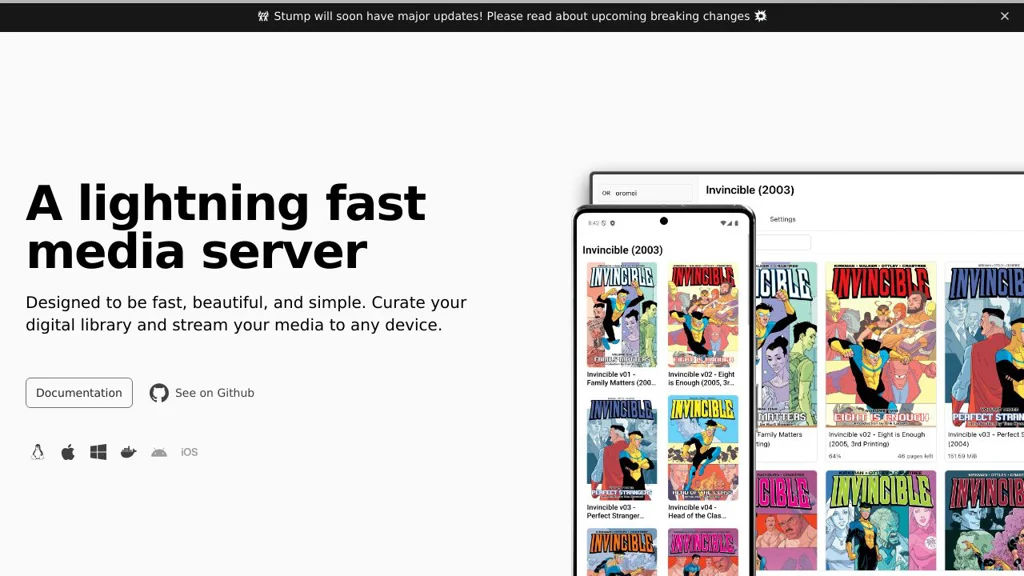
Self-hosted library server for organizing and reading comics/manga (CBZ/CBR/PDF) and ebooks with a web UI, metadata management, and multi-user access.

Stump screenshot

Stump is a self-hosted media library server focused on organizing and reading comics, manga, and ebooks from your own files. It scans folders into libraries, serves a clean web reader, and provides tooling to manage metadata and reading progress for one or more users.

Key Features

  • Library management with folder scanning and organization for comics/manga/ebooks
  • Web-based reader for sequential page reading (comic/manga) and supported book formats
  • Metadata handling for series/books (including title/series/volume-like organization)
  • Multi-user support with accounts and per-user reading progress/history
  • Search and filtering to quickly find series/books in large libraries
  • Runs as a server application (commonly via Docker) suitable for home servers/NAS

Use Cases

  • Host a personal manga/comics collection with a browser-based reader
  • Maintain a household library with separate users and reading progress
  • Centralize CBZ/CBR/PDF collections on a server and access from multiple devices

Limitations and Considerations

  • Feature depth and format support may not match mature commercial readers; verify supported formats and reader capabilities for your collection.

Stump is best suited for readers who want a dedicated, lightweight library server for comics/manga/ebooks with a modern UI and per-user progress tracking. It fits well alongside a home media stack as the “bookshelf” and reader for your locally stored files.

1.9kstars
90forks
#19
Swing Music

Swing Music

Self-hosted web music player and streaming server that scans your library, builds a media index, and lets you browse, search, and play music from any device.

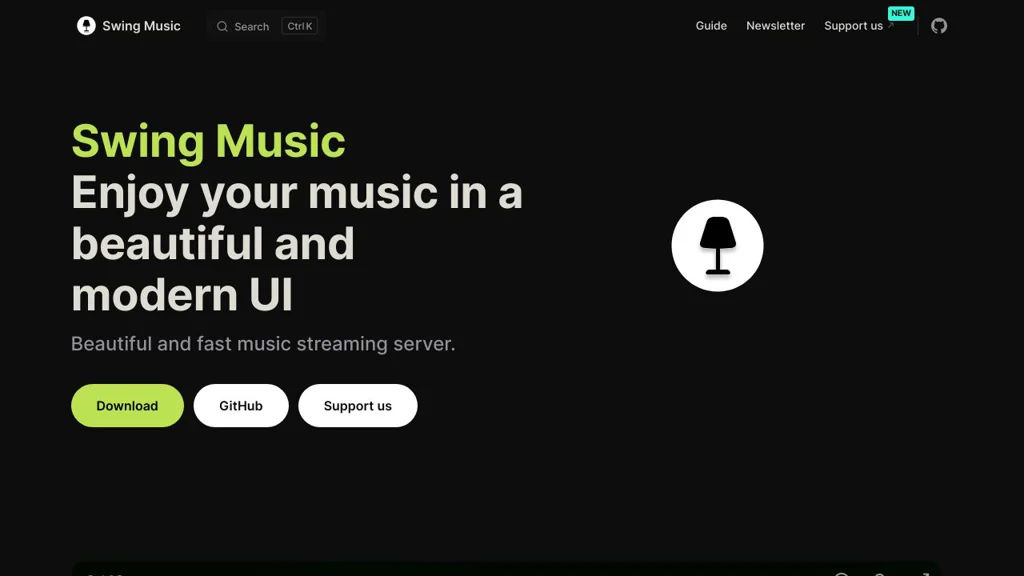
Swing Music screenshot

Swing Music is a self-hosted, browser-based music player and streaming server for personal audio libraries. It scans folders on disk, builds a searchable catalog, and provides a modern web UI to browse artists/albums, create playlists, and play music remotely.

Key Features

  • Library scanning and indexing from local folders
  • Web-based player UI with artist/album/track browsing
  • Search across the music library (artists, albums, tracks)
  • Playlist creation and management
  • Streaming playback in the browser with queue management
  • Metadata and cover-art handling based on embedded tags/files
  • Multi-user support (where configured) for separating access

Use Cases

  • Stream a home music collection (MP3/FLAC, etc.) to phones/laptops via a web browser
  • Replace a paid music locker/streaming app for privately owned music
  • Centralize music playback for a household with shared playlists

Limitations and Considerations

  • Feature depth and ecosystem (clients/integrations) may be smaller than mature Subsonic-compatible servers; confirm needed integrations before adopting.

Swing Music focuses on providing a lightweight, pleasant web listening experience over your own library. It is best suited for users who want a straightforward browser player with library scanning, search, and playlists without relying on third-party streaming services.

1.6kstars
96forks

Why choose an open source alternative?

  • Data ownership: Keep your data on your own servers
  • No vendor lock-in: Freedom to switch or modify at any time
  • Cost savings: Reduce or eliminate subscription fees
  • Transparency: Audit the code and know exactly what's running