
GitHub

Best Self Hosted Alternatives to GitHub

A curated collection of the 4 best self hosted alternatives to GitHub.

GitHub is a cloud-based platform for Git version control and developer collaboration. It hosts code repositories, supports pull requests and code review, issue tracking, CI/CD (GitHub Actions), package registry, and team/project management for organizations.

Alternatives List

#1
Gitea

Gitea

Self-hosted Git server with a web UI, issues, pull requests, Actions CI/CD, packages, and fine-grained access controls.
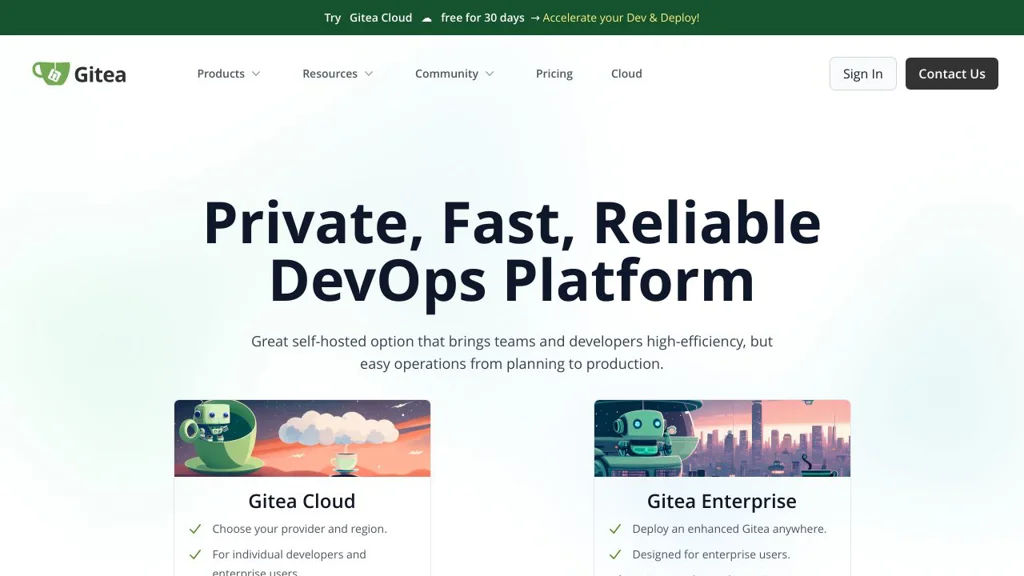
Gitea screenshot

Gitea is a lightweight Git hosting platform for teams that need a fast, self-managed alternative to hosted forges. It provides a complete web UI for managing repositories and collaborating on code, while remaining relatively simple to deploy and operate.

Key Features

  • Git repository hosting with web UI (browse code, diffs, blame, commits, branches, tags)
  • Pull requests with code review, inline comments, approvals, and merge strategies
  • Issue tracker with labels, milestones, assignees, templates, and project boards
  • Built-in CI/CD via Gitea Actions (workflow automation compatible with GitHub Actions concepts)
  • Integrated package registry (e.g., container/OCI, npm, Maven, NuGet, PyPI, etc., depending on configuration)
  • Repository wiki and release management (tags, release notes, attachments)
  • User/org/team management with fine-grained repository permissions
  • Multiple auth options and integrations (OAuth2/OpenID Connect, LDAP, webhooks)
  • Works with common databases (SQLite, PostgreSQL, MySQL/MariaDB) and supports SSH/HTTP(S)

Use Cases

  • Host private or internal Git repositories with code review for small-to-mid teams
  • Replace hosted Git forges while keeping PRs, issues, and releases in one place
  • Run an internal developer platform combining source hosting, CI workflows, and packages

Limitations and Considerations

  • Some advanced enterprise governance features found in large hosted platforms may require additional tooling or integrations.

Gitea is well-suited for organizations that want a full-featured Git forge with a clean UI and a relatively small operational footprint. Its integrated collaboration tools and Actions-based automation make it a practical all-in-one platform for day-to-day software development.

53kstars
6.3kforks

#2
Gogs

Gogs

Lightweight Git hosting with web UI, SSH/HTTP access, PRs, issues, and webhooks—easy to deploy on small servers.

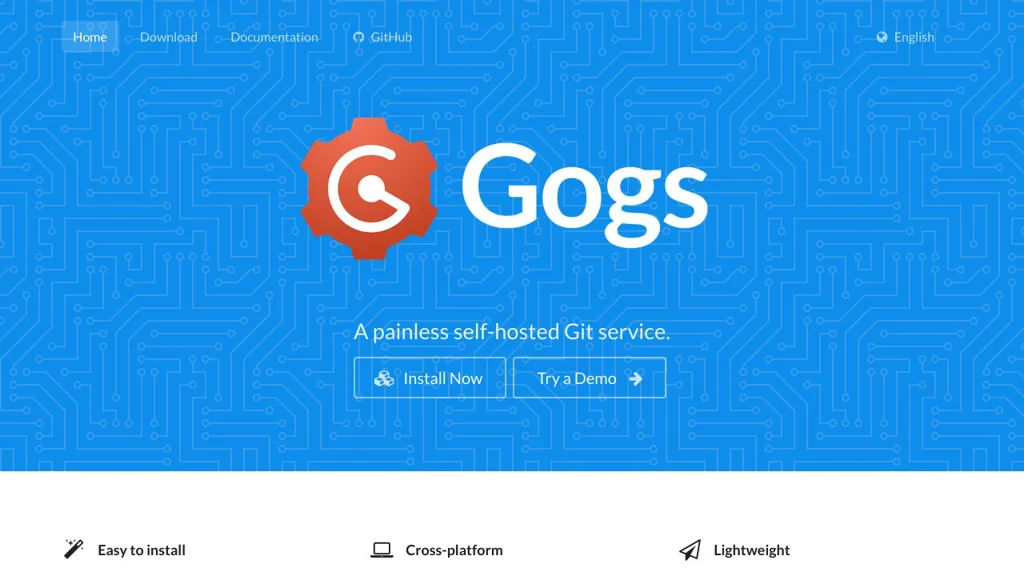
Gogs screenshot

Gogs is a lightweight, self-hosted Git service that provides a web interface for managing repositories, users, and collaboration workflows. It focuses on being simple to set up and run, making it suitable for individuals and small teams that want GitHub-like basics without heavy infrastructure.

Key Features

  • Git repository hosting with SSH and HTTP(S) access
  • Web UI for repository browsing, commits, branches, tags, and diffs
  • Pull requests with code review discussions and inline comments
  • Issue tracker with labels, milestones, and assignees
  • Built-in wiki per repository for project documentation
  • Releases/tags management and repository statistics
  • Webhooks for integrating with CI/CD and external services
  • User and organization management with team-based permissions
  • Multiple database backends (SQLite, MySQL/MariaDB, PostgreSQL)
  • Repository mirroring (pull/push) for syncing with other Git servers

Use Cases

  • Host private Git repositories for a small team on a VPS or homelab
  • Provide an internal code collaboration hub with PRs, issues, and wikis
  • Mirror repositories from GitHub/Bitbucket to maintain local copies

Limitations and Considerations

  • Compared with larger platforms (e.g., GitLab), Gogs is intentionally minimal and does not aim to bundle a full DevOps suite (integrated CI/CD, container registry, etc.).

Gogs is a solid choice when you want a straightforward Git server with the essential collaboration features and low operational overhead. It fits well for resource-constrained environments and teams that prefer simple, predictable Git hosting.

47.4kstars
5.1kforks
#3
OneDev

OneDev

OneDev is a self-hosted all-in-one DevOps platform combining Git hosting, pull requests/code review, CI/CD pipelines, package registries, and issue tracking.

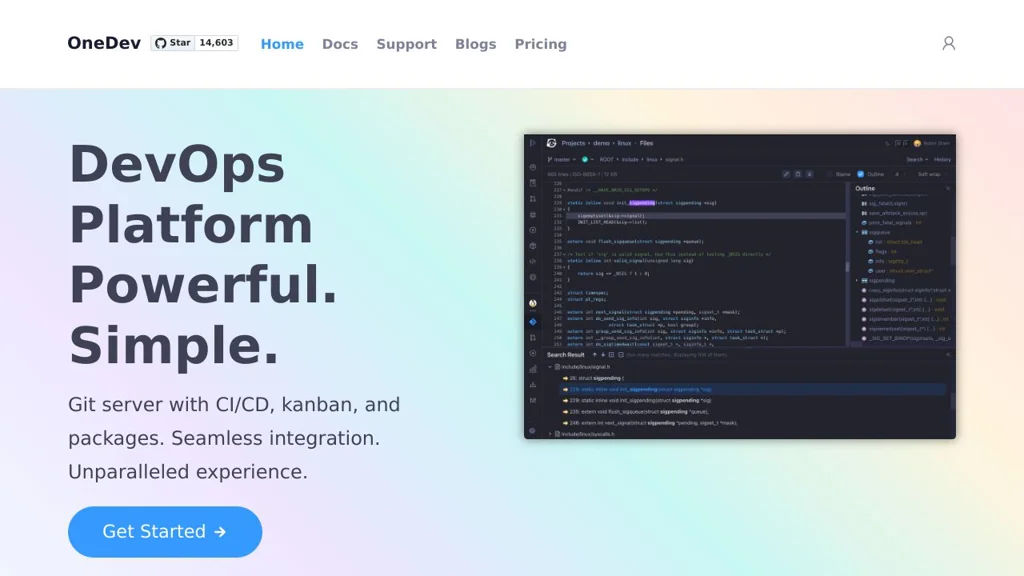
OneDev screenshot

OneDev is an all-in-one DevOps platform that bundles a Git server, code review, CI/CD automation, and project management into a single application. It’s designed to reduce integration overhead by providing source hosting, pipelines, and issues in one place, with a web UI for day-to-day developer workflows.

Key Features

  • Git repository hosting with web UI, permissions, and repository browsing
  • Pull requests with code review workflows, discussions, and approvals
  • Built-in CI/CD with declarative pipelines (YAML) and self-hosted build agents
  • Docker/agent-based job execution with caching/artifacts to speed up builds
  • Issue tracking with customizable fields/workflows and agile boards
  • Package registries (commonly used for publishing/consuming build outputs)
  • Integrations via webhooks and API for automation and external tooling
  • Search and traceability across commits, pull requests, builds, and issues

Use Cases

  • Replace a GitHub/GitLab-style workflow for small-to-mid teams on private infrastructure
  • Run CI/CD pipelines close to your code with integrated reviews and issue tracking
  • Maintain internal developer platforms where unified permissions/auditability matter

Limitations and Considerations

  • Smaller ecosystem than GitLab/GitHub; fewer third-party add-ons and marketplace-style integrations
  • Some advanced enterprise features (varies by release) may require careful evaluation vs. larger suites

OneDev fits teams wanting a single, cohesive system for code hosting, reviews, and pipelines without stitching together many separate services. It is particularly useful when you prefer an integrated UI and centralized project data for development workflows.

14.6kstars
933forks
#4
Review Board

Review Board

Review Board is a web-based code review tool supporting Git/SVN/Perforce/CVS/Mercurial, inline comments, diff viewing, issue tracking, and integrations.

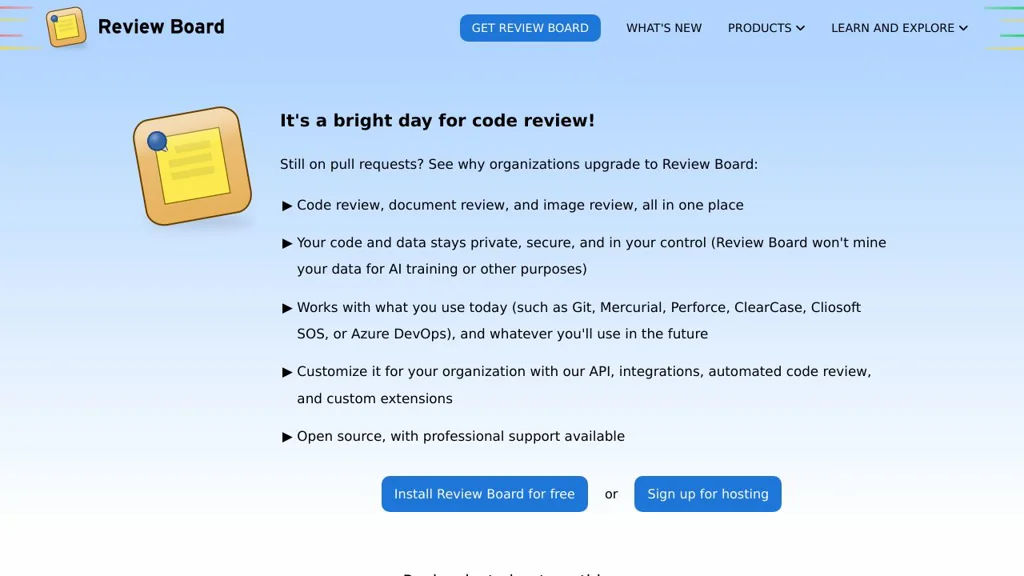
Review Board screenshot

Review Board is a web-based code review and document review platform designed to review changes from many version control systems and repositories in a consistent UI. It focuses on rich diff viewing, threaded discussions, and structured review workflows that can integrate with existing developer tools.

Key Features

  • Supports multiple SCMs/repositories (commonly Git, Subversion, Perforce, Mercurial, CVS) through repository backends
  • Rich diff viewer with inline comments, interdiffs (diff between revisions), file viewing, and reviewable file attachments
  • Review requests with reviewers/groups, approvals/ship-its, issue tracking, and “fix it then close” style workflows
  • Email notifications and configurable review/notification behavior
  • Integrations/hooks for external systems (e.g., bug trackers and CI) and extensibility via extensions/plugins
  • Admin UI for repository configuration, authentication options, and site-wide policy controls

Use Cases

  • Team code review for on-prem or regulated environments needing a dedicated review tool
  • Reviewing patches/changes across heterogeneous repositories (e.g., Git and Perforce in the same org)
  • Design/spec/document review using file attachments alongside code diffs

Limitations and Considerations

  • Some advanced integrations/workflows may require additional configuration or companion components (e.g., RBTools/CI hooks)
  • UI/feature set is optimized for Review Board’s review-request model rather than Git hosting “pull request” semantics

Review Board fits teams that want a mature, SCM-agnostic review system with strong diff tooling and structured review requests. It is especially useful where organizations need consistency across multiple repository types and prefer a dedicated review UI integrated into existing infrastructure.

1.7kstars
436forks

Why choose an open source alternative?

  • Data ownership: Keep your data on your own servers
  • No vendor lock-in: Freedom to switch or modify at any time
  • Cost savings: Reduce or eliminate subscription fees
  • Transparency: Audit the code and know exactly what's running