

Google Cloud Translation

Best Self Hosted Alternatives to Google Cloud Translation

A curated collection of the 2 best self hosted alternatives to Google Cloud Translation.

Google Cloud Translation provides neural machine translation and language-detection APIs to translate text and documents between languages. It supports real-time and batch translation, custom glossaries and model customization for app, website and workflow localization.

Alternatives List

#1
LibreTranslate

LibreTranslate

LibreTranslate is an open-source translation API and web UI for private, self-hosted machine translation with offline models and optional API keys/limits.
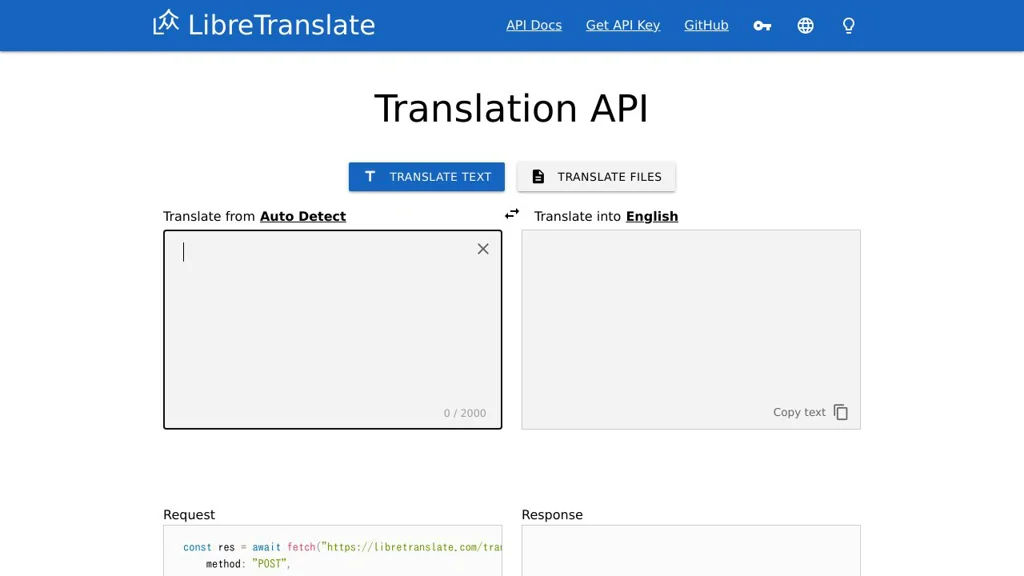
LibreTranslate screenshot

LibreTranslate is an open-source machine translation service that provides a REST API (and a simple web UI) for translating text without sending data to third-party providers. It can run fully offline using local models and is commonly deployed as an internal translation endpoint for apps, websites, and automation.

Key Features

  • REST API for text translation with language detection support
  • Web UI for manual translation/testing
  • Runs locally/offline using open translation models (no external provider required)
  • API key support and rate limiting options for controlled access
  • CORS support for browser-based clients
  • Docker-based deployment and configuration via environment variables

Use Cases

  • Private translation endpoint for internal tools, helpdesks, and knowledge bases
  • Add translation to web/mobile apps without sending content to third parties
  • Automations (e.g., workflows/scripts) that need programmatic translation

Limitations and Considerations

  • Translation quality and supported language pairs depend on the bundled/installed models
  • Running models can be CPU/RAM intensive; performance varies by hardware and load

LibreTranslate is a practical choice when you need a simple translation API you can control, especially in privacy-sensitive environments. It provides a straightforward HTTP interface, a lightweight UI, and deployment options that fit both small servers and containerized infrastructure.

13.5kstars
1.4kforks
#2
Weblate

Weblate

Self-hosted translation management platform with Git-based workflows, web UI, team collaboration, and machine-translation support for software localization.

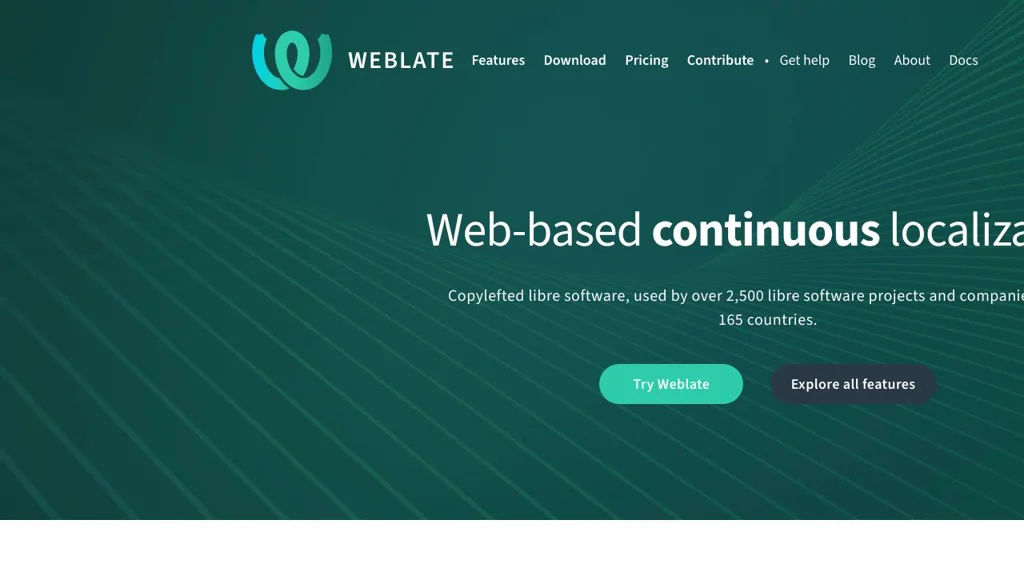
Weblate screenshot

Weblate is a web-based translation management system (TMS) designed for software localization. It integrates tightly with Git/VCS repositories so translations are reviewed and delivered through the same workflow as code changes.

Key Features

  • Native Git integration (pull/push, branches) to keep translations versioned with source code
  • Web UI for translating with suggestions, checks, and context to improve quality
  • Support for many localization formats (e.g., Gettext PO, JSON, YAML, XLIFF, Android strings, iOS strings)
  • Built-in quality checks (placeholders, punctuation, consistency) and configurable review workflows
  • Collaboration features: roles/permissions, reviews, comments, and activity history
  • Machine translation and translation memory integration to speed up work
  • APIs and webhooks for automation and CI/CD integration
  • Project organization for multiple components/languages, with permissions per project/component

Use Cases

  • Localize a SaaS or desktop/mobile app while keeping translations synchronized with Git repositories
  • Run a community translation portal for an open-source project with review and quality gates
  • Automate localization updates in CI pipelines (pull source strings, push translated files)

Weblate fits teams that want a Git-backed, collaborative localization workflow with strong format support and quality checks. It is commonly used for both internal product localization and community-driven translation projects.

5.7kstars
1.2kforks

Why choose an open source alternative?

  • Data ownership: Keep your data on your own servers
  • No vendor lock-in: Freedom to switch or modify at any time
  • Cost savings: Reduce or eliminate subscription fees
  • Transparency: Audit the code and know exactly what's running