Google Forms

Best Self Hosted Alternatives to Google Forms

A curated collection of the 5 best self hosted alternatives to Google Forms.

Google Forms is a cloud-based form and survey builder from Google that lets users create, distribute, and analyze online forms and quizzes. It collects responses in real time and integrates with Google Sheets and other Workspace apps.

Alternatives List

#1
HeyForm

HeyForm

Self-hostable, Typeform-style form builder with logic, themes, integrations, and embeddable forms for surveys, feedback, and lead capture.
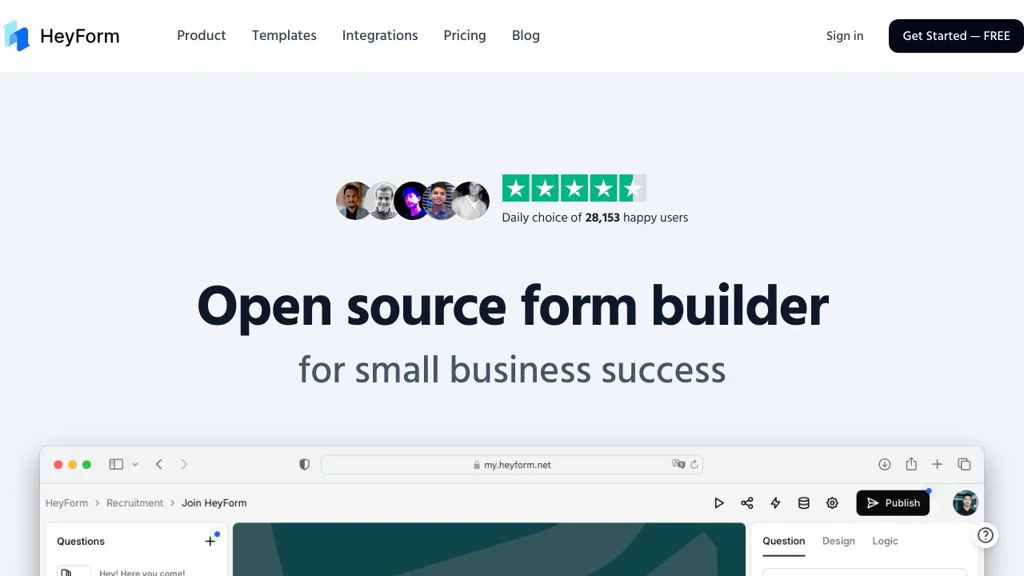
HeyForm screenshot

HeyForm is an open-source, self-hostable online form builder for creating surveys, questionnaires, and data-collection forms with a modern, Typeform-like experience. It provides a web UI to design forms, publish them via share links or embeds, and manage responses.

Key Features

  • Drag-and-drop form builder with multiple question types
  • Conditional logic to show/hide questions based on answers
  • Custom themes and branding options for published forms
  • Shareable form links and embeddable forms for websites
  • Response management and basic analytics/insights in the dashboard
  • Team/workspace-style collaboration and access control (project dependent)
  • Webhook/integration capabilities for automations (where configured)
  • Multi-language/UI localization support (project dependent)

Use Cases

  • Customer feedback and NPS-style surveys embedded on product pages
  • Lead capture forms for marketing sites with webhook-based routing
  • Internal request/intake forms (IT, HR, operations) with structured responses

Limitations and Considerations

  • Advanced enterprise features (e.g., deep BI reporting, complex permission models, or broad native integrations) may require custom integration work depending on your deployment and version.

HeyForm fits teams that want ownership of form data and a customizable form experience without relying on hosted SaaS platforms. It is particularly useful when you need embeddable forms and basic logic while keeping infrastructure under your control.

8.5kstars
656forks

#2
Baserow

Baserow

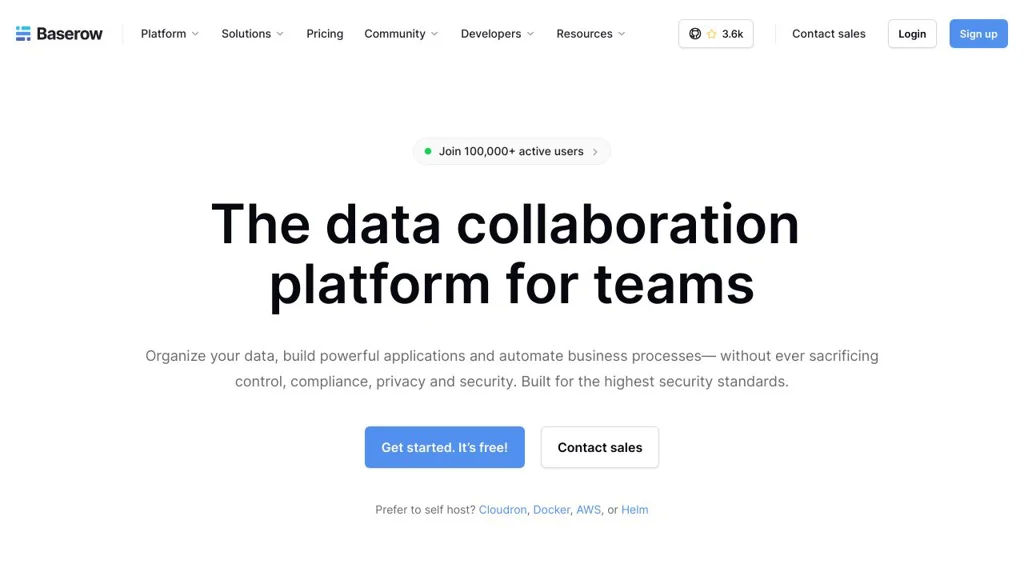
Baserow is a collaborative no-code database (Airtable alternative) to create tables, views, forms, and an API for building internal tools and lightweight apps.

Baserow screenshot

Baserow is an open-source, web-based no-code database for creating and collaborating on structured data. It provides spreadsheet-like tables with multiple views, supports building data entry forms, and exposes your data through APIs for integrations and lightweight internal tools.

Key Features

  • Airtable-style databases with workspaces, databases, tables, and field types
  • Multiple views (e.g., grid and kanban) to organize and visualize records
  • Form view for collecting data via shareable forms
  • Role-based access and collaboration features for teams
  • REST API and webhook support for integrations and automation
  • Import/export capabilities (commonly including CSV) for data migration
  • Extensible architecture designed for plugins/enterprise add-ons and scaling

Use Cases

  • Build internal tools (inventory, CRM-lite, operations trackers) without custom code
  • Replace spreadsheets with structured, permissioned team databases
  • Collect and manage submissions (intake requests, surveys, applications) via forms

Limitations and Considerations

  • Advanced analytics/dashboarding and complex relational reporting are more limited than dedicated BI tools
  • Feature completeness can vary by view type and edition (community vs. paid offerings)

Baserow is a strong choice for teams that want an Airtable-like experience with control over deployment and data. Its combination of no-code UI, collaboration, and APIs makes it suitable for operational databases, simple apps, and integration-driven workflows.

3.7kstars
483forks
#3
LimeSurvey

LimeSurvey

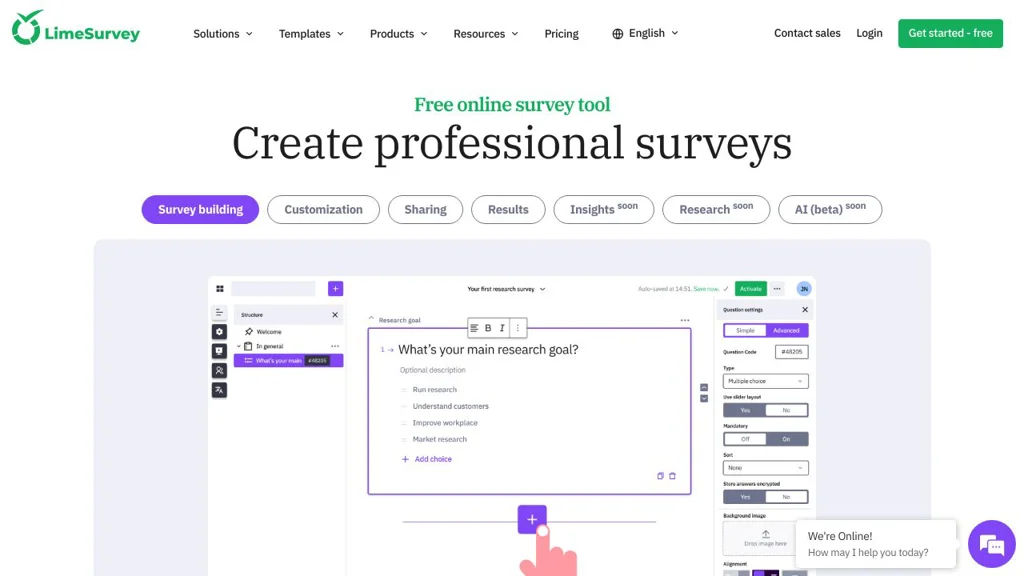
Self-hosted survey software for building questionnaires with branching logic, multilingual support, quotas, and exportable results for research and feedback.

LimeSurvey screenshot

LimeSurvey is a web-based survey and questionnaire platform used to design, publish, and analyze online forms ranging from quick feedback polls to complex research instruments. It focuses on advanced survey logic, rich question types, and practical data handling for organizations that need full control over their survey infrastructure.

Key Features

  • Survey editor with templates and extensive question types (single/multiple choice, arrays, text, numerical, date/time, file upload, etc.)
  • Advanced logic: conditional branching/relevance, validation rules, and piping (using previous answers)
  • Participant management (token-based invitations), email invitations/reminders, and tracking of responses
  • Quotas and survey flow controls to manage sampling and completion criteria
  • Multi-language surveys with per-language translations
  • Multiple modes: anonymous surveys, open-access surveys, and restricted access via tokens
  • Export of responses and survey structure to common formats (e.g., CSV/Excel-compatible, SPSS, R/Stata-like exports depending on configuration)
  • Plugin system for extending functionality and integrations

Use Cases

  • Academic or market research surveys requiring branching, quotas, and clean exports
  • HR/employee engagement, training evaluations, and internal audits
  • Customer feedback and NPS-style programs with controlled invitations and reminders

Limitations and Considerations

  • Administration and theming can be complex for large deployments; advanced customization often requires familiarity with templates/plugins.
  • Some enterprise capabilities are offered via LimeSurvey’s paid offerings/hosted services; verify required features against the Community Edition.

LimeSurvey is well-suited for teams that need robust questionnaire logic and strong data export options rather than lightweight form builders. It is commonly used in research and organizational feedback scenarios where repeatable survey operations and participant tracking matter.

3.5kstars
1.1kforks
#4
OpnForm

OpnForm

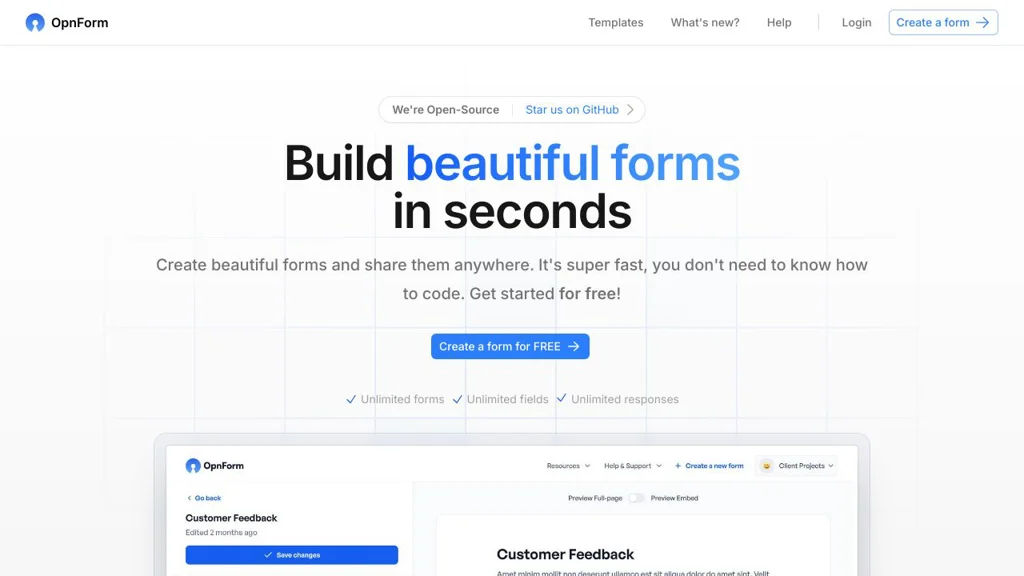
OpnForm is a self-hostable open-source form builder for creating online forms with custom domains, integrations, file uploads, and response analytics.

OpnForm screenshot

OpnForm is an open-source web application for building and sharing online forms, collecting submissions, and managing responses. It aims to provide a modern alternative to hosted form tools with a clean builder, theming, and integrations.

Key Features

  • Form builder with multiple field types and configurable form settings
  • Shareable form pages and embeddable forms for websites
  • Custom domains and branding options for published forms
  • Spam protection features (e.g., CAPTCHA/anti-bot options depending on setup)
  • File uploads on form submissions (storage depends on deployment configuration)
  • Submission management with export options (e.g., CSV) and basic analytics
  • Email notifications and webhook-based integrations for automations
  • Team/workspace features and access control (plan/edition dependent)

Use Cases

  • Collect leads and contact requests on a marketing or company website
  • Run surveys, registrations, and internal data collection workflows
  • Replace hosted form products while keeping data under your control

Limitations and Considerations

  • Some features and collaboration capabilities may differ by edition/plan and deployment configuration.
  • Advanced reporting and deep workflow automation may require external tools via webhooks/integrations.

OpnForm is a strong fit for individuals and teams that need a polished, customizable forms product with common integrations and ownership of form data. It provides core form-building and response-handling features while remaining extensible through webhooks and configuration.

3.1kstars
441forks
#5
Saltcorn

Saltcorn

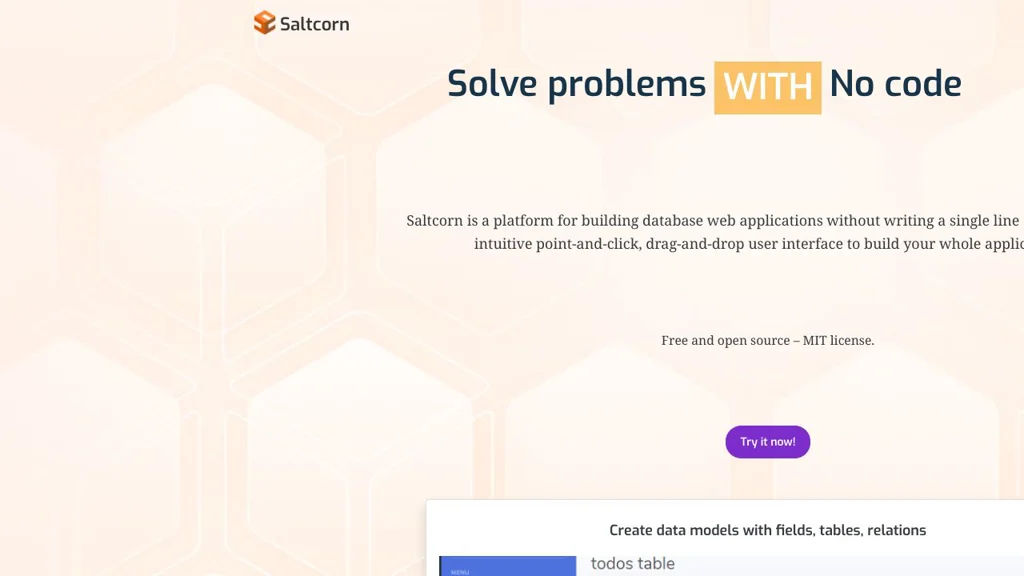
Saltcorn is an open-source no/low-code platform to build data-driven web apps on top of SQL databases, with forms, views, workflows, authentication, and plugins.

Saltcorn screenshot

Saltcorn is a no/low-code platform for building database-backed web applications. It provides a UI to define tables and relationships, generate forms and views, and add logic (workflows) and access control—aimed at quickly delivering internal tools and custom business apps.

Key Features

  • Data modeling for tables, fields, and relationships with a built-in admin UI
  • Auto-generated CRUD apps: forms, list views, detail pages, and dashboards
  • Multiple view types (e.g., tables, cards, calendars, maps, charts) via core and plugin views
  • Role-based access control (RBAC) and user authentication for securing pages and data
  • Workflow/automation actions triggered by events (e.g., form submits) to implement business logic
  • Plugin architecture for extending field types, views, authentication, and integrations
  • SQL database support with a focus on PostgreSQL; can connect to existing schemas
  • Import/export utilities and configurable page routing/navigation

Use Cases

  • Build internal admin tools (inventory, CRM-lite, request/approval apps) on an existing database
  • Rapidly prototype and deploy custom data collection apps with forms and dashboards
  • Create lightweight portals with authenticated access to records and reports

Limitations and Considerations

  • Advanced UI customization may require writing templates/plugins rather than only point-and-click configuration
  • Feature depth depends on available plugins; some enterprise features (e.g., complex BI) may require external tools

Saltcorn is a good fit when you want Airtable/Retool-style speed while keeping data in your own SQL database and retaining the option to extend functionality in code. Its plugin system and RBAC make it practical for real-world internal applications beyond simple CRUD prototypes.

2kstars
345forks

Why choose an open source alternative?

  • Data ownership: Keep your data on your own servers
  • No vendor lock-in: Freedom to switch or modify at any time
  • Cost savings: Reduce or eliminate subscription fees
  • Transparency: Audit the code and know exactly what's running