
Harvest

Best Self Hosted Alternatives to Harvest

A curated collection of the 6 best self hosted alternatives to Harvest.

Harvest is a time-tracking and invoicing SaaS that helps teams track time and expenses, manage projects, generate reports, and create invoices for accurate billing and resource planning.

Alternatives List

#1
Leantime

Leantime

Self-hosted project management system with roadmaps, kanban, tasks, time tracking, and client collaboration designed around Lean/Agile workflows.
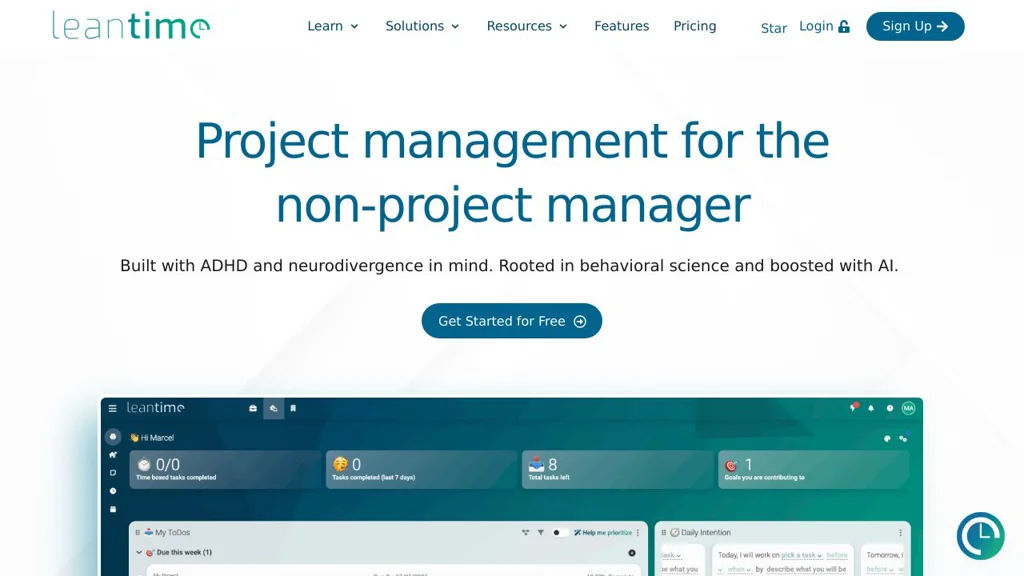
Leantime screenshot

Leantime is a self-hostable project management platform designed around Lean and Agile practices. It helps teams plan strategy, define goals, manage projects, and track execution using a mix of roadmaps, boards, and task workflows. Leantime targets small-to-mid sized teams and agencies that need a lightweight PM tool with client-friendly collaboration features.

Key Features

  • Strategy and planning modules (ideas, goals, milestones/roadmaps) to connect execution to outcomes
  • Kanban-style task boards with statuses and swimlanes for day-to-day work management
  • Backlog and sprint-style workflows for iterative delivery
  • Time tracking and timesheets per task/project for billing and reporting
  • Project documentation features (wikis/notes) to keep context with work items
  • Role-based access and multi-user collaboration across multiple projects
  • Client collaboration options (invite external users to selected projects)
  • Integrations via webhooks/API support (where configured) and email notifications

Use Cases

  • Manage product development with a roadmap → backlog → sprint/board workflow
  • Run an agency with per-client projects, task-level time tracking, and shared status visibility
  • Coordinate internal IT/ops projects with milestones, tasks, and lightweight documentation

Limitations and Considerations

  • Feature depth is typically lighter than enterprise suites (advanced portfolio management and extensive native integrations may require customization)

Leantime provides an opinionated Lean/Agile structure that connects higher-level planning to tasks and delivery. It is suitable for teams wanting an integrated roadmap/kanban/time-tracking tool without adopting heavier enterprise project platforms.

8.8kstars
869forks
#2
solidtime

solidtime

Self-hosted time tracking with timers, projects, and timesheets for agencies and teams that need reliable reporting and billing-ready exports.

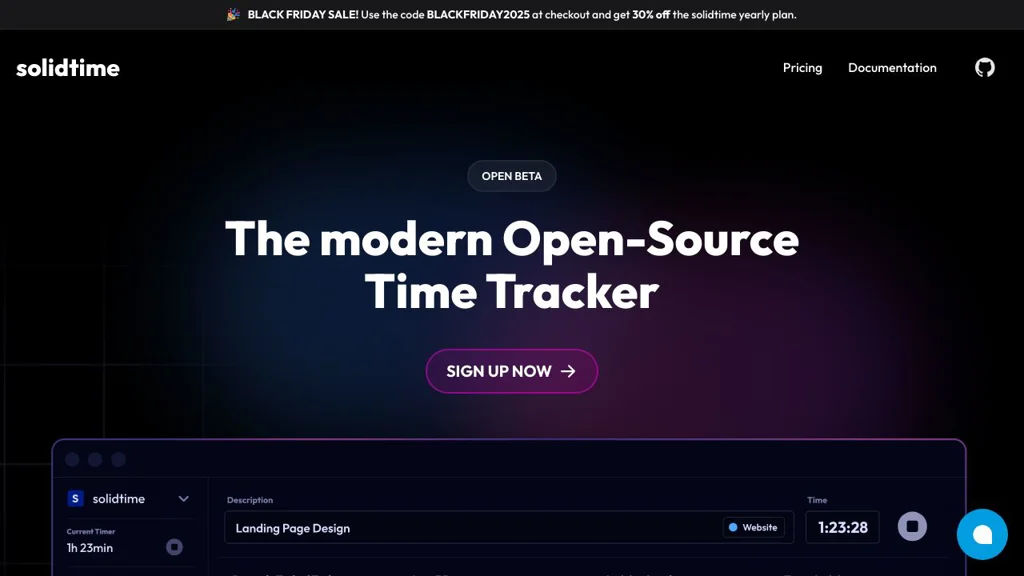
solidtime screenshot

solidtime is a self-hostable time tracking and timesheet application aimed at teams that need consistent project-based tracking, approvals, and reporting. It focuses on fast daily time entry, reliable totals, and exports that support invoicing and client reporting.

Key Features

  • Project-based time tracking with tasks/activities and notes
  • Timer-based tracking and manual time entry
  • Timesheets with weekly/daily views for quick review and corrections
  • Team and user management with role-based access controls
  • Reporting to summarize tracked time by project/user/time period
  • Export options for billing and external processing

Use Cases

  • Agencies tracking billable hours by client/project for invoicing
  • Internal teams capturing time spent per initiative for cost allocation
  • Contractors producing timesheets and exports for clients

Limitations and Considerations

  • Feature scope is focused on time tracking/timesheets; full project management or invoicing may require external tools

solidtime is a pragmatic choice when you want an open, self-managed time tracking system with team controls and reporting. It fits best alongside an existing project management and billing stack, providing accurate time capture and timesheet workflows.

7.8kstars
403forks
#3
Kimai

Kimai

Self-hosted time tracking and timesheet app with projects, rates, reporting, invoicing exports, and extensions for teams and freelancers.

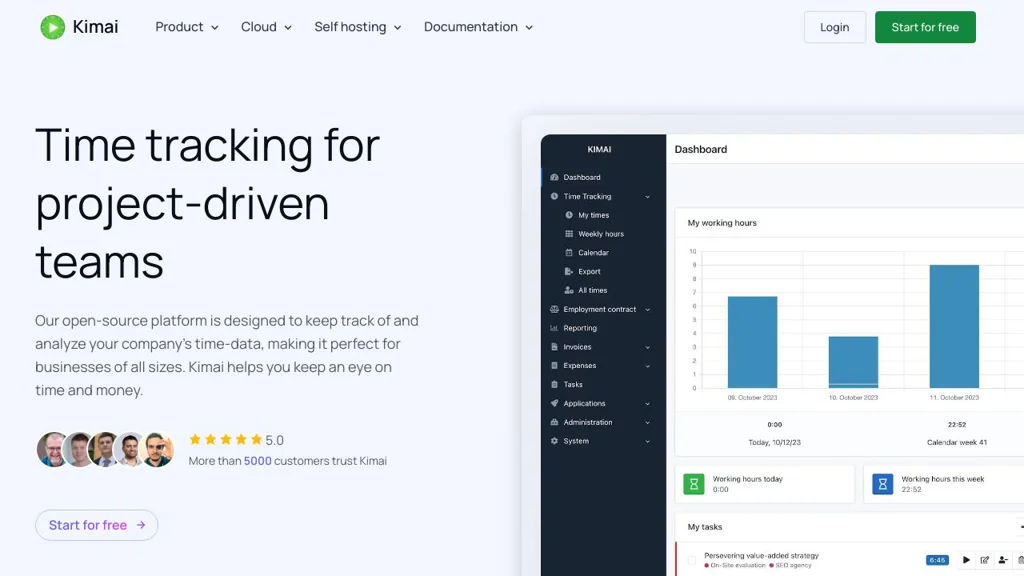
Kimai screenshot

Kimai is a web-based time tracking and timesheet application for freelancers, agencies, and teams. It helps you record work time against customers/projects/activities, manage rates, and generate reports and exports for billing and payroll workflows.

Key Features

  • Track time via browser UI with running timers and manual entries
  • Organize work by customer, project, and activity with configurable rates
  • Timesheets with filtering, approvals/validation workflows (via permissions) and comments
  • Reporting and analytics with export options (e.g., CSV/Excel/PDF depending on setup/extensions)
  • User, team, and role-based access control (RBAC) for multi-user environments
  • Extensible via a plugin/extension system (marketplace) to add features (e.g., invoicing, expenses, additional reporting)
  • API support for integrations and automation
  • Internationalization (multi-language UI) and configurable currencies/time zones

Use Cases

  • Freelancers tracking billable hours per client/project and exporting timesheets for invoicing
  • Agencies tracking team time across projects with permission-controlled access and reporting
  • Internal teams tracking effort for cost allocation, payroll inputs, or project analytics

Limitations and Considerations

  • Some advanced features (e.g., invoicing/expenses, specialized reports) may require installing extensions rather than being included in the core

Kimai is a mature option for organizations that want full control of time tracking data while supporting multi-user workflows, reporting, and integrations. Its structured customer/project/activity model and extension ecosystem make it suitable from solo use up to team deployments.

4.4kstars
713forks
#4
Wakapi

Wakapi

Privacy-friendly WakaTime-compatible server to collect, store, and visualize coding activity from editor plugins via dashboards, reports, and exports.

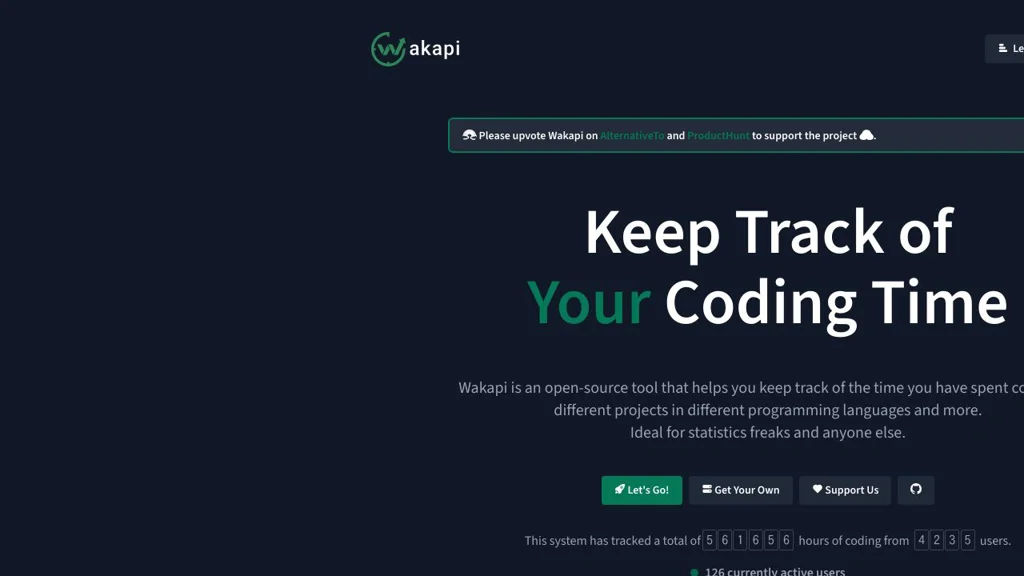
Wakapi screenshot

Wakapi is a self-hosted server that collects coding activity from IDE/editor plugins using the WakaTime API protocol, then stores and visualizes the data in a web UI. It is designed as a privacy-focused alternative to hosted time-tracking/telemetry services, with multi-user support and exportable reports.

Key Features

  • WakaTime-compatible API for seamless use with existing WakaTime editor/IDE plugins
  • Web dashboard with time stats by project, language, editor, operating system, and time ranges
  • Multi-user accounts with per-user API keys
  • Goal tracking and summaries (e.g., daily/weekly targets and progress)
  • Export and reporting (e.g., JSON/CSV-like exports and shareable views depending on configuration)
  • Optional integrations (e.g., Prometheus metrics endpoint / observability hooks where supported)
  • Multiple database backends (commonly SQLite by default; can be configured for others)
  • Container-friendly deployment (Docker/Docker Compose images and straightforward configuration)

Use Cases

  • Track personal coding time across devices without sending data to third-party SaaS
  • Provide an internal coding-activity dashboard for a team or organization
  • Maintain historical engineering activity data for retrospectives and personal improvement

Limitations and Considerations

  • Requires editor plugins that speak the WakaTime protocol; feature parity depends on plugin capabilities
  • Some advanced analytics found in commercial services may be limited or require external tooling

Wakapi is a practical drop-in backend for WakaTime-compatible clients that prioritizes data ownership and local control. It fits individuals and teams who want transparent, exportable coding-activity insights with minimal setup overhead.

4.1kstars
257forks
#5
TimeTagger

TimeTagger

Self-hosted web-based time tracker for logging work with tags, timelines, and reports; runs locally or on a server and stores data in SQLite.

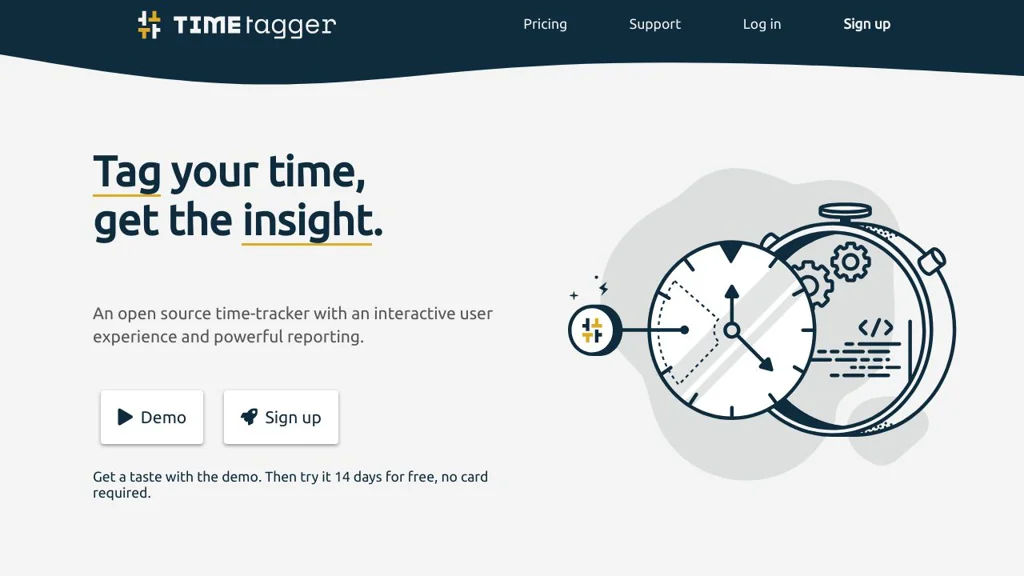
TimeTagger screenshot

TimeTagger is a lightweight, web-based time tracking app for recording how you spend time using flexible tags and short descriptions. It focuses on fast entry, clear timelines, and simple reporting, and can run as a local app or as a small server for multiple users.

Key Features

  • Fast time logging with tag-based entries (e.g., #project, #client)
  • Timeline view for browsing and editing tracked intervals
  • Reporting and summaries based on tags and time ranges
  • Multi-user support when running in server mode
  • Data stored in SQLite with export/backup-friendly files
  • Runs as a small Python web app (suitable for Docker/self-hosting)

Use Cases

  • Personal time tracking for deep work vs. meetings with tag summaries
  • Freelancers tracking time per client/project for timesheets
  • Small teams running a shared instance for consistent categorization

Limitations and Considerations

  • Reporting is intentionally lightweight; advanced billing/invoicing features are limited compared to dedicated suites

TimeTagger is best suited for users who want a simple, responsive time tracker with tag-based organization and straightforward reports, without the overhead of a large project management platform.

1.6kstars
152forks
#6
Traggo

Traggo

Traggo is a self-hosted time tracking app for teams and individuals with project/task tracking, manual and live timers, timesheets, and reporting/export.

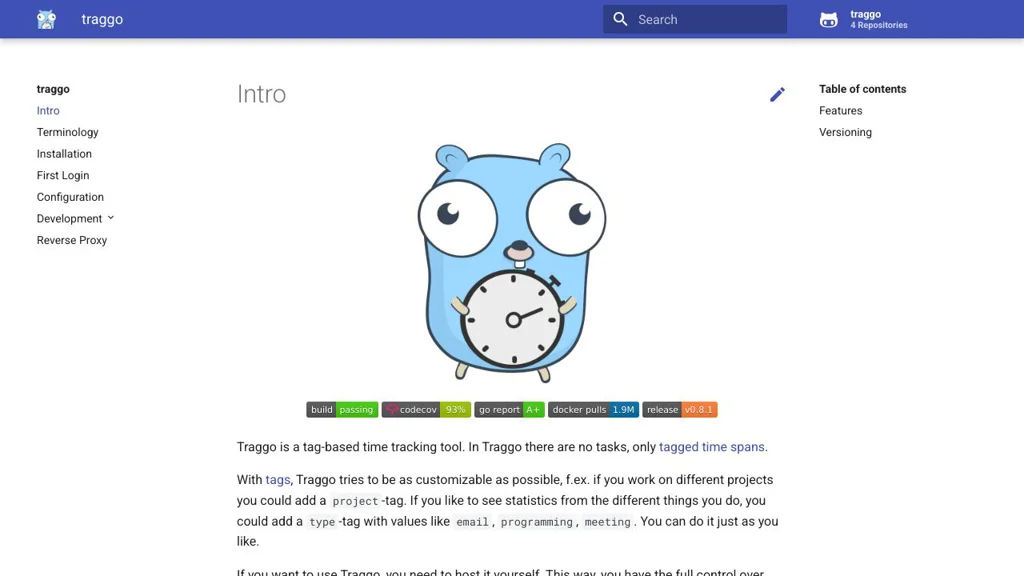
Traggo screenshot

Traggo is a web-based time tracking service focused on straightforward tracking of work time for projects and tasks. It provides a clean UI for daily time entry and reporting, designed for individuals or small teams that want to keep timesheet data under their control.

Key Features

  • Live timer and manual time entry for tracking work sessions
  • Projects and tasks to categorize time entries
  • Timesheet-style overview to review and edit logged time
  • Reporting/summary views to analyze tracked time by project/task/user
  • Multi-user support with basic administration
  • Data export for downstream payroll/invoicing/reporting workflows

Use Cases

  • Track billable hours per client/project and export for invoicing
  • Internal team timesheets for payroll and capacity review
  • Personal productivity tracking across projects and recurring tasks

Limitations and Considerations

  • Focuses on core time tracking; advanced project management features (e.g., kanban, budgeting) are not the goal

Traggo is a pragmatic choice when you need an easy-to-run time tracker with projects, timers, and timesheet reporting. It suits lightweight operational reporting without the overhead of a full project management suite.

1.5kstars
84forks

Why choose an open source alternative?

  • Data ownership: Keep your data on your own servers
  • No vendor lock-in: Freedom to switch or modify at any time
  • Cost savings: Reduce or eliminate subscription fees
  • Transparency: Audit the code and know exactly what's running