
Heroku

Best Self Hosted Alternatives to Heroku

A curated collection of the 4 best self hosted alternatives to Heroku.

Heroku is a cloud Platform-as-a-Service (PaaS) that simplifies deployment, scaling, and management of web applications and APIs. It supports multiple languages, add-ons (databases, services) and integrates with CI/CD workflows.

Alternatives List

#1
Coolify

Coolify

Coolify is a self-hosted PaaS to deploy and manage Docker apps, databases, and services from Git, with automatic builds, HTTPS, and environment management.
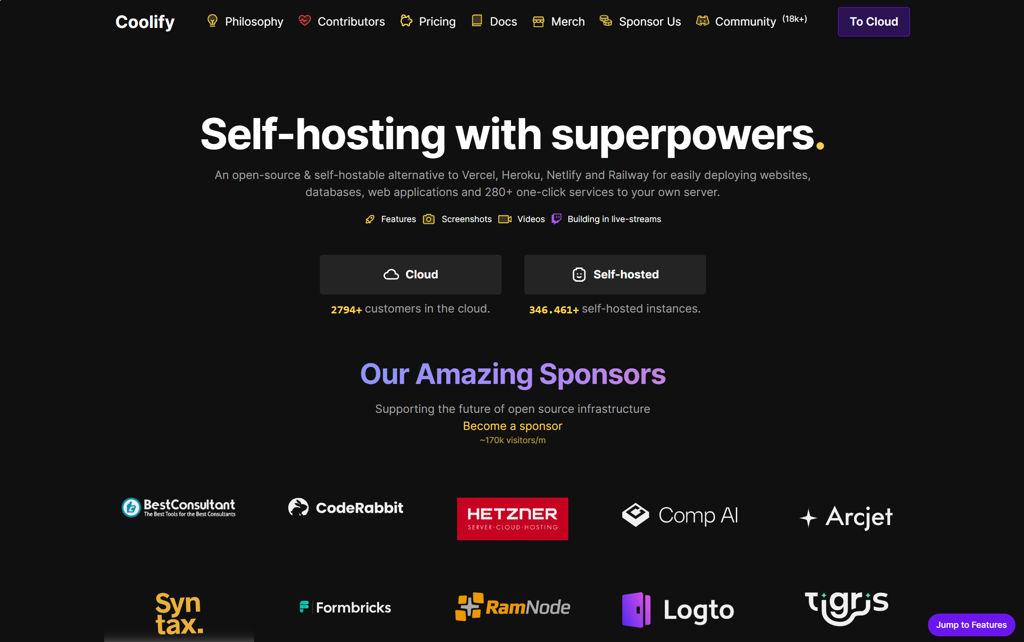
Coolify screenshot

Coolify is a self-hosted platform-as-a-service (PaaS) for deploying and managing applications, databases, and other services on your own servers using Docker. It focuses on a Git-based workflow with an admin UI to configure builds, networking, environment variables, and domains.

Key Features

  • Deploy applications from Git providers with automated build & deploy pipelines
  • Supports Dockerfile and Docker Compose-based deployments
  • One-click/self-managed databases and services (commonly PostgreSQL, MySQL/MariaDB, Redis, etc.)
  • Automatic reverse proxy configuration and HTTPS certificate provisioning/renewal
  • Environment variables and secrets management per application
  • Multi-server/remote server management (connect and deploy to additional hosts)
  • Application logs, deployment history, and basic observability/management from the UI
  • Rollback/redeploy workflows and configuration-driven service management

Use Cases

  • Replace Heroku/Render-style app deployments on your own VM(s)
  • Host multiple internal services (APIs, web apps, workers) with consistent deploy processes
  • Run self-managed databases alongside applications with simplified provisioning

Limitations and Considerations

  • Feature depth and operational tooling may be less comprehensive than Kubernetes-based platforms for complex multi-cluster/enterprise needs
  • Functionality depends on Docker/Compose patterns; non-container workloads are not the primary target

Coolify is well-suited for teams and individuals who want a Git-first deployment platform with a web UI, automated HTTPS, and server/app lifecycle management. It provides a pragmatic middle ground between manual Docker administration and more complex orchestration stacks.

49.3kstars
3.4kforks

#2
Sandstorm

Sandstorm

Self-hosted platform for running web apps with per-user sandboxes, easy install, app store packaging, and sharing via secure links and access controls.

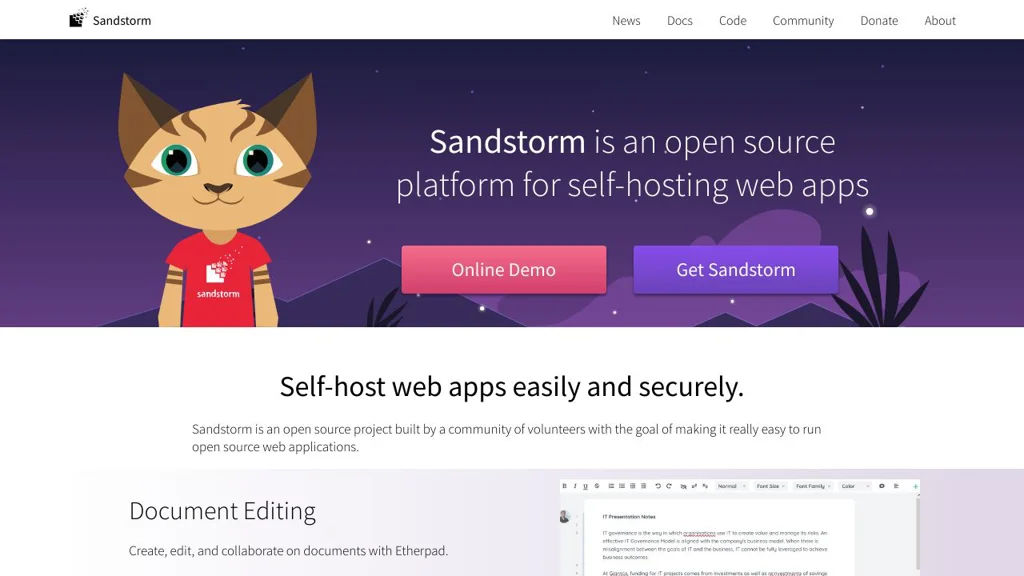
Sandstorm screenshot

Sandstorm is a self-hosted “personal cloud” platform that lets you install and run multiple web applications on your own server with strong isolation between apps and users. It provides an app-market style workflow, integrated identity/sharing, and a capability-based security model so apps can be safely shared and accessed.

Key Features

  • One-command install and web-based admin for managing users, apps, backups, and updates
  • App installation via Sandstorm “apps” (packaged as Cap’n Proto/SPK bundles) with an app market concept
  • Per-app/per-user isolation (each document/workspace runs in its own sandbox) to limit data access between apps
  • Capability-based security and sharing: share specific documents/apps using granular permissions and unguessable links
  • Built-in identity and access management with multiple login providers (e.g., email/password and OAuth-based providers)
  • Reverse-proxy style routing and HTTPS support (typically deployed behind a TLS terminator)
  • Integrated email notifications and background tasks support for apps (app-dependent)
  • Backup/restore tooling for app data (grain backups) and server migration support

Use Cases

  • Host a private suite of collaboration apps (notes, wikis, chats, file tools) with consistent login and sharing
  • Provide a secure multi-user environment for small teams to run web apps without giving them full server access
  • Run “single-document” app instances (e.g., one shared pad/wiki doc) that can be shared by link with permissions

Limitations and Considerations

  • Project activity has historically slowed compared to peak years; verify current maintenance status and security updates before production use.
  • Sandstorm relies on its own packaging/runtime model; not all generic Docker/web apps can be installed without a Sandstorm-specific package.

Sandstorm is best suited for users who want an integrated, security-focused way to host multiple web apps with simple sharing and strong isolation. If you value per-document sandboxes and capability-based sharing over generic container hosting, it provides a distinctive approach to self-managed web apps.

7kstars
709forks
#3
YunoHost

YunoHost

Debian-based server distribution with a web admin, app catalog, SSO and automated TLS/DNS/email setup for easy, maintainable self-hosting.

YunoHost screenshot

YunoHost is a Debian-based server distribution designed to make self-hosting accessible by providing a web administration interface and an integrated app catalog. It focuses on simplifying common sysadmin tasks (users, domains, certificates, email) while offering reproducible app installation and upgrades.

Key Features

  • Web admin panel for managing domains, users, services, firewall, updates, and logs
  • App catalog with one-click install/upgrade and standardized packaging via the YunoHost app framework
  • Integrated user management and SSO portal for installed apps
  • Automated TLS certificate issuance/renewal (Let’s Encrypt/ACME) and certificate management
  • Built-in email stack support (e.g., SMTP/IMAP) with tooling for deliverability checks and DNS guidance
  • Backup and restore tools for system and apps (including app-specific backup hooks)
  • Command-line tools (yunohost CLI) mirroring most admin functions for automation

Use Cases

  • Personal “home server” to run common apps (cloud, notes, media, password manager) under one domain
  • Small organizations hosting collaboration tools with centralized user accounts and access control
  • Quickly deploying and maintaining a curated set of web apps on a VPS with predictable upgrades

Limitations and Considerations

  • App availability and update cadence depend on the community-maintained catalog; some apps may lag upstream or have packaging constraints
  • Primarily targets single-server deployments; it is not a Kubernetes-style multi-node orchestrator

YunoHost is well-suited for people who want a managed, cohesive self-hosting experience without assembling every component manually. Its value comes from the combination of Debian stability, integrated identity and domain tooling, and a consistent app packaging/maintenance model.

2.8kstars
329forks
#4
DockSTARTer

DockSTARTer

DockSTARTer is a CLI tool that helps you install and maintain Docker, Docker Compose, and a curated set of Docker Compose app stacks using a guided, menu-based workflow.

DockSTARTer screenshot

DockSTARTer is a command-line tool that streamlines setting up and maintaining a Docker + Docker Compose environment for running common self-hosted applications. It provides a guided, menu-driven experience to install prerequisites, generate configuration, and deploy/update curated Compose “app stacks” consistently.

Key Features

  • Menu-based CLI to select, configure, and manage supported Docker Compose application stacks
  • Installs and updates core prerequisites (Docker Engine, Docker Compose, and related dependencies) on supported Linux hosts
  • Generates and manages a structured configuration (e.g., environment variables and Compose files) for repeatable deployments
  • Built-in workflows for pulling updated images and recreating containers (update/upgrade routines)
  • Curated library of commonly used services with standardized defaults to reduce manual Compose authoring

Use Cases

  • Quickly bootstrap a homelab server with Docker Compose apps (media, monitoring, utilities)
  • Standardize deployments across multiple machines with consistent configuration patterns
  • Simplify ongoing maintenance by re-running update routines to refresh images and containers

Limitations and Considerations

  • Primarily targets Linux hosts and users comfortable operating from a shell
  • Focuses on Docker Compose stacks (not a Kubernetes/orchestrator-first workflow)

DockSTARTer is best suited for users who want a repeatable, guided approach to deploying and maintaining a set of popular Docker Compose services without building every stack from scratch. It acts as an opinionated “starter kit” for homelab-style Docker environments and ongoing updates.

2.5kstars
293forks

Why choose an open source alternative?

  • Data ownership: Keep your data on your own servers
  • No vendor lock-in: Freedom to switch or modify at any time
  • Cost savings: Reduce or eliminate subscription fees
  • Transparency: Audit the code and know exactly what's running