
iLovePDF

Best Self Hosted Alternatives to iLovePDF

A curated collection of the 6 best self hosted alternatives to iLovePDF.

Online PDF toolkit providing tools to merge, split, compress, convert (PDF↔Word/PowerPoint/Excel/JPG), edit, apply OCR and e-sign PDFs—designed to simplify PDF workflows for individuals and businesses.

Alternatives List

#1
Stirling PDF

Stirling PDF

Web-based PDF toolkit for merge/split/convert/OCR/redact/sign and more, with an optional API and Docker deployment.
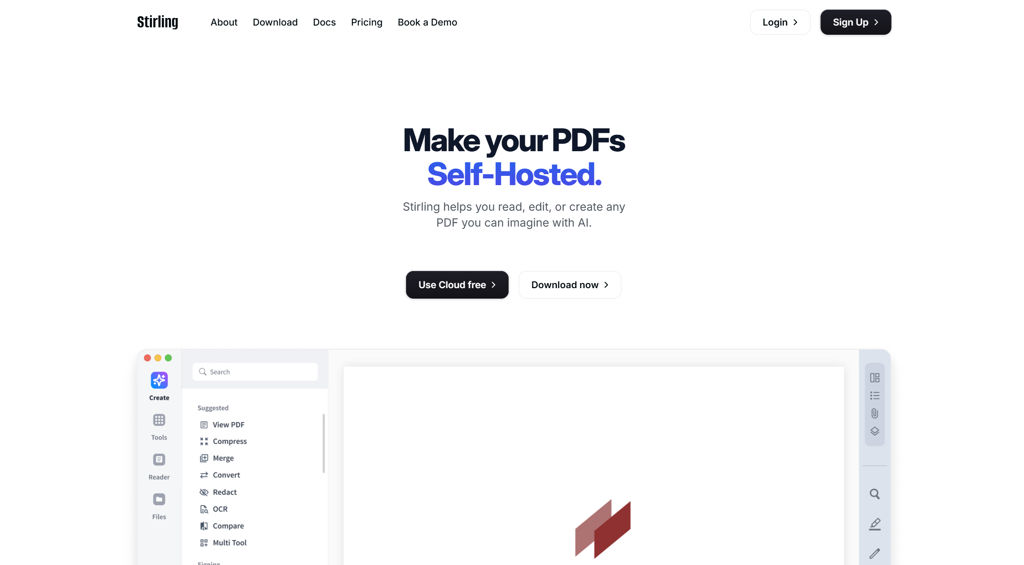
Stirling PDF screenshot

Stirling PDF is a web application that provides a broad set of tools to manipulate, convert, and optimize PDF documents in a single interface. It’s designed for personal, team, and organizational workflows where PDFs must be processed locally without relying on third‑party online converters.

Key Features

  • Merge, split, reorder, rotate, extract pages, and combine multiple PDFs
  • Convert between PDF and common formats (e.g., images, Office formats) depending on installed backends
  • OCR to make scanned documents searchable/selectable
  • Compress/optimize PDFs and images to reduce file size
  • Add/remove passwords and set permissions; basic security-related PDF utilities
  • Redaction and content removal utilities for sensitive documents
  • Add watermarks, headers/footers, and page numbers
  • Form and metadata utilities (view/edit metadata; PDF form-related tools depending on version)
  • Digital signing features (where supported) and stamp-like operations
  • Optional REST API endpoints for automation/integration
  • Docker-focused distribution with configurable settings via environment variables

Use Cases

  • Internal “PDF toolbox” for HR/finance/legal teams to process documents without external SaaS
  • Automating routine conversions (e.g., images/Office → PDF, OCR → searchable PDFs) via API
  • Preparing PDFs for sharing by compressing, watermarking, and applying passwords/permissions

Limitations and Considerations

  • Some conversion features depend on external tools/binaries included in the container image; available operations can vary by deployment/image/version.

Stirling PDF is a practical all-in-one PDF utility suite with a browser UI and automation options. It fits best when you need a consistent, centrally managed set of PDF tools and want to keep document processing under your control.

72.9kstars
6.2kforks

#2
CyberChef

CyberChef

Browser-based tool for decoding, encoding, encryption, and data analysis using a drag-and-drop “recipe” workflow for security, DFIR, and engineering tasks.

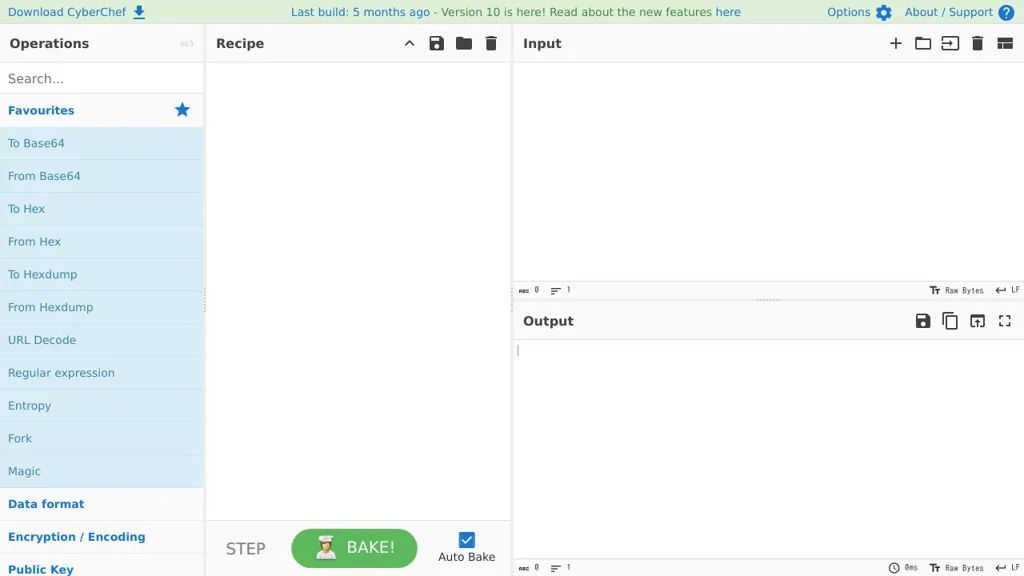
CyberChef screenshot

CyberChef is a web-based data transformation and analysis tool that lets you build repeatable workflows (“recipes”) to decode, encode, decrypt/encrypt, parse, and extract information from many data formats. It’s widely used in security operations, incident response, and engineering to quickly triage unknown data and automate common transformations.

Key Features

  • Drag-and-drop recipe builder with hundreds of operations (e.g., encoding/decoding, cryptography, compression, parsing, data carving)
  • Runs fully in the browser for many operations, with optional server deployment for centralized access
  • Supports a wide range of formats and inputs (text, files, binary/hex, Base64, JWT, timestamps, URLs, certificates, etc.)
  • Recipe export/import and sharable workflows for repeatable investigations and team collaboration
  • Built-in search/filtering of operations and step-by-step inspection of intermediate outputs
  • Extensible operation set (custom operations possible via code contributions)

Use Cases

  • SOC/DFIR triage: quickly decode suspicious strings, beacons, scripts, or artifacts
  • Malware/forensics analysis: unpack/transform data (e.g., Base64/hex/gzip/XOR) and extract indicators
  • Engineering/IT tasks: convert formats, generate hashes, parse logs, and validate encodings

CyberChef provides a practical “one tool” workspace for data transformations, reducing the need to stitch together many small utilities. Its recipe approach makes investigations more consistent and easier to reproduce and share.

33.7kstars
3.8kforks
#3
ConvertX

ConvertX

ConvertX is a self-hosted file conversion service that provides a web interface and API to convert documents, images, audio, and video using a containerized toolchain.

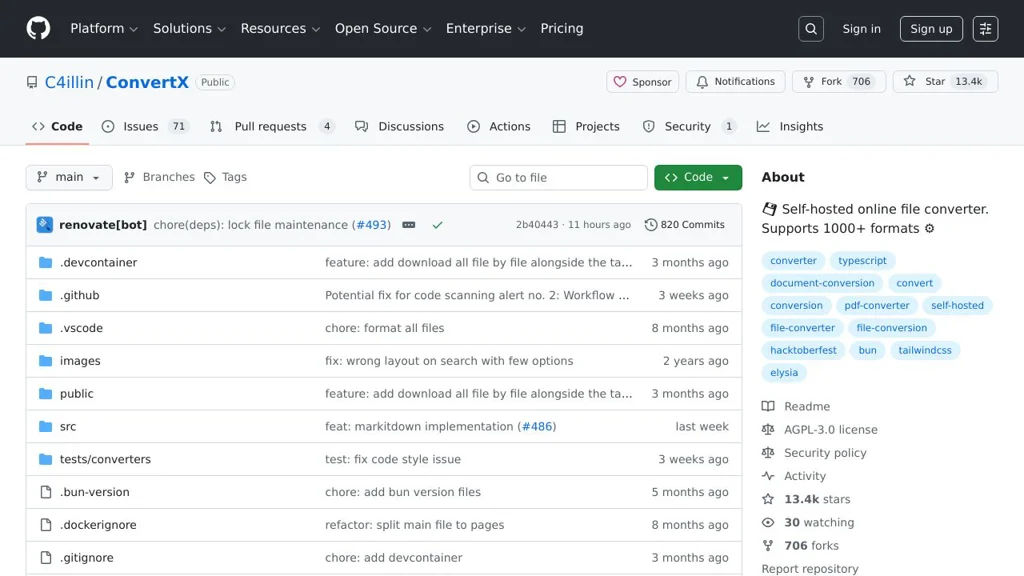
ConvertX screenshot

ConvertX is a self-hosted file conversion service that exposes common conversion tasks through a simple web UI and an HTTP API. It is designed to run in containers and leverages well-known command-line converters to handle multiple media and document formats.

Key Features

  • Web interface for uploading files and running conversions
  • HTTP API for programmatic conversions (useful for automation and integrations)
  • Supports multiple conversion domains (documents, images, audio/video) by orchestrating external converters
  • Container-first deployment (Docker) for reproducible runtimes and dependencies
  • Job-based processing model suitable for background conversions

Use Cases

  • Team “conversion hub” to standardize media/document conversions across devices
  • Backend service for apps that need on-demand transcoding or document conversion
  • Batch converting files (e.g., office docs to PDF, media to common playback formats)

Limitations and Considerations

  • Supported formats and quality depend on the underlying converter tools available in the image (e.g., FFmpeg); some edge formats may not be supported.
  • CPU-intensive conversions (especially video) may require resource limits and tuning for stable performance.

ConvertX fits environments that want a lightweight, containerized conversion endpoint with both a human-friendly UI and an API for integration. It is most useful when you need consistent conversions without relying on third-party SaaS tools.

13.6kstars
724forks
#4
Papermerge

Papermerge

Self-hosted document management system that imports scans/PDFs, performs OCR, and provides full-text search, tagging, and folder-based organization for a paperless workflow.

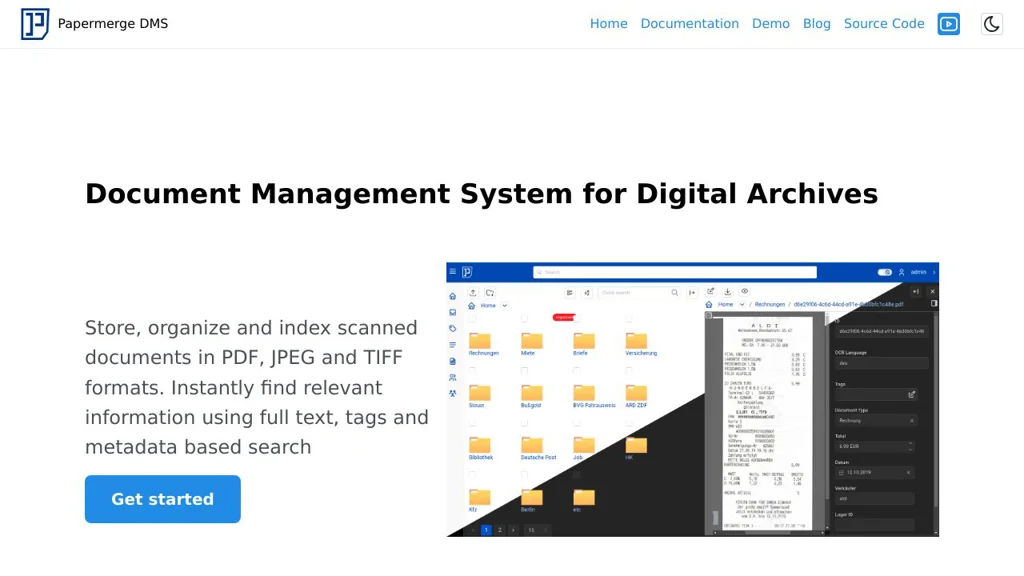
Papermerge screenshot

Papermerge is a document management system (DMS) designed for building a “paperless” archive from scanned documents and PDFs. It focuses on automated OCR and search so you can quickly find documents by their content, then organize them with folders, tags, and metadata.

Key Features

  • OCR processing for PDFs/images and extraction of searchable text
  • Full-text search across your document library
  • Folder-based organization with tags for flexible classification
  • Document import/upload workflow optimized for scanned paperwork
  • Multi-user support with access controls for shared instances
  • Web UI for browsing, previewing, and managing documents

Use Cases

  • Home “paperless” archiving for bills, receipts, manuals, and letters
  • Small team document repository with searchable scans and tagging
  • Back-office digitization of incoming mail with OCR-based retrieval

Limitations and Considerations

  • OCR quality depends on scan quality/language models and may require tuning

Papermerge is a practical choice if your primary need is OCR-driven search and straightforward organization of scanned documents. It fits individuals and small organizations aiming to replace manual filing with searchable digital archives.

2.8kstars
301forks
#5
Docspell

Docspell

Docspell is a document management system that organizes scanned/imported files with OCR, metadata extraction, tagging, and full-text search, plus automated ingest workflows.

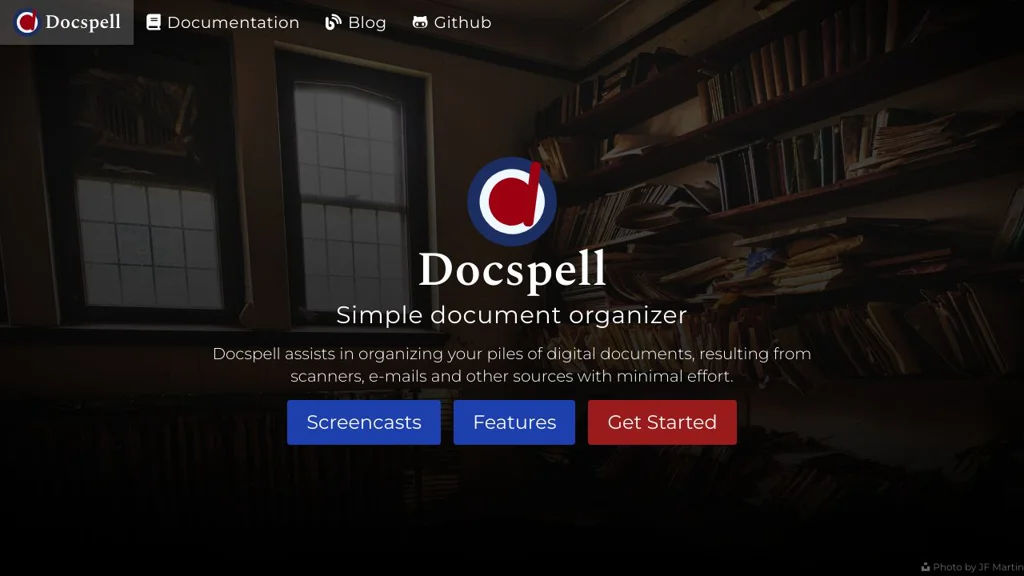
Docspell screenshot

Docspell is a self-hosted document management system focused on collecting, organizing, and finding documents such as scans, invoices, letters, and PDFs. It provides OCR, metadata extraction, and a workflow-oriented “collect/organize” model with powerful search.

Key Features

  • Ingest documents through multiple channels (web upload and automated “collective”/watch-folder style imports)
  • OCR pipeline for searchable text (commonly via Tesseract) and extraction of document text
  • Full-text search across OCR and document metadata
  • Tagging, custom metadata, and structured organization (e.g., correspondents, document dates)
  • Duplicate detection support (hash-based) to avoid storing the same document twice
  • Email-based workflows/notifications are supported via integrations and job execution (depending on setup)
  • REST API for automations and integration with other tools
  • Multi-user support with accounts/collections separation

Use Cases

  • Paperless home archive: scan mail and receipts, auto-OCR, then search later by content
  • Small business bookkeeping support: store invoices/contracts and quickly retrieve by vendor/date
  • Team document repository for shared operational documents with consistent tagging

Limitations and Considerations

  • OCR quality depends heavily on input scans and the configured OCR engine/language packs
  • Feature set is oriented toward document intake/search rather than full collaborative editing

Docspell fits users who want a robust pipeline from “incoming documents” to “indexed, searchable archive” with automation-friendly ingestion. It’s particularly strong when paired with a scanner or watch-folder/import workflow to minimize manual filing effort.

2kstars
154forks
#6
PdfDing

PdfDing

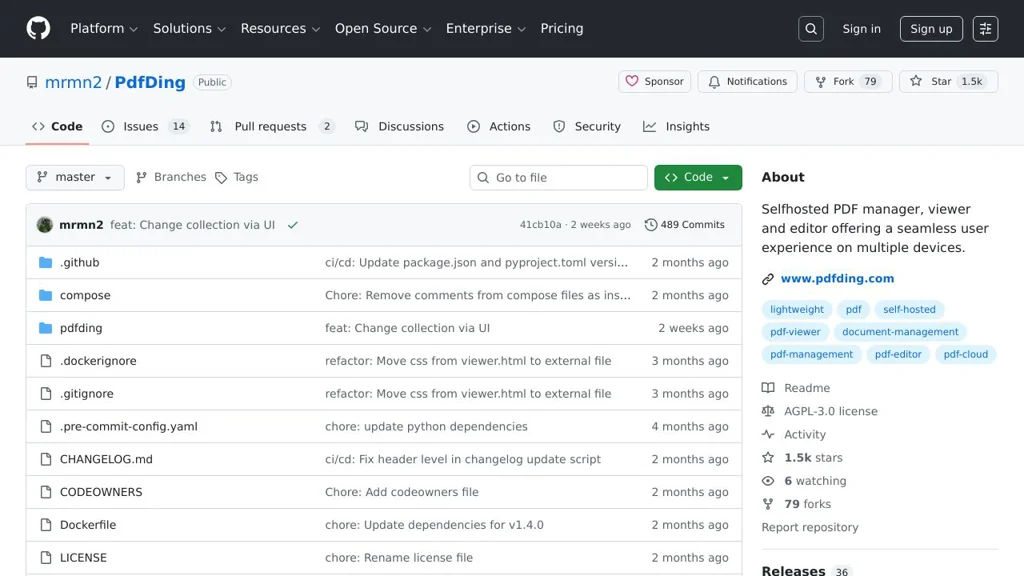
PdfDing is a self-hosted PDF manager for collecting, organizing, and reading PDFs with tagging, full-text search, and browser-based importing.

PdfDing screenshot

PdfDing is a self-hosted web application for managing a personal library of PDF documents. It focuses on quick capturing/importing (including via a browser extension), organizing with metadata and tags, and finding documents later via search.

Key Features

  • Upload and store PDFs in a web-based library
  • Browser extension workflow to send/store PDFs to your instance
  • Tagging and document metadata for organization
  • Full-text search across stored PDFs (OCR is not the main focus)
  • In-browser PDF viewing/reading
  • User authentication and multi-user support (instance-dependent)

Use Cases

  • Maintain a personal “paperless” archive (manuals, receipts, articles)
  • Build a searchable research library of downloaded papers
  • Collect and organize PDFs captured from the web via a browser extension

Limitations and Considerations

  • Feature set is focused on PDF library management (not a full DMS/workflow suite)

PdfDing is a good fit when you primarily need a lightweight, web-based way to capture and manage PDFs, with quick import flows and strong search/tagging to retrieve documents later.

1.5kstars
80forks

Why choose an open source alternative?

  • Data ownership: Keep your data on your own servers
  • No vendor lock-in: Freedom to switch or modify at any time
  • Cost savings: Reduce or eliminate subscription fees
  • Transparency: Audit the code and know exactly what's running