Instapaper

Best Self Hosted Alternatives to Instapaper

A curated collection of the 12 best self hosted alternatives to Instapaper.

Instapaper is a read-it-later SaaS that lets users save web articles and videos for offline, distraction-free reading. It offers a text-only view, organization (folders), highlighting, search and cross-device sync for later consumption.

Alternatives List

#1
ArchiveBox

ArchiveBox

ArchiveBox helps you save and preserve web pages from bookmarks, RSS, and lists with multiple archiving methods and a searchable web UI.
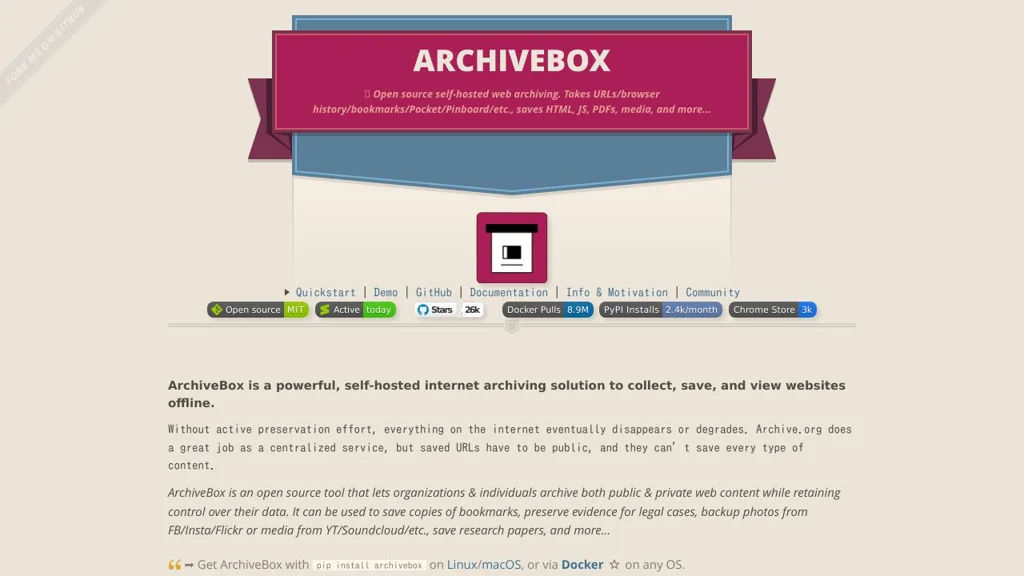
ArchiveBox screenshot

ArchiveBox is a self-hosted web archiving application that turns lists of URLs (bookmarks, RSS/Atom, browser exports, text files) into a local, browsable archive. It captures pages using multiple methods to increase resilience against link rot, and provides a web UI and CLI for managing collections.

Key Features

  • Ingest URLs from browser bookmarks/exports, RSS/Atom feeds, Pocket/Pinboard-style lists, and plain text
  • Multi-method archiving pipeline (e.g., raw HTML, single-file snapshot, screenshots, PDF, readability/text extraction, media downloads) to improve long-term preservation
  • Full-text search and filtering in the web UI, with tagging/metadata for organizing large collections
  • Scheduled/automatic archiving and re-archiving via cron/queue-style workflows
  • CLI-first operation plus a web interface for browsing, searching, and replaying saved content
  • Extensible “extractor” architecture to enable/disable capture methods and integrate external tools

Use Cases

  • Personal “read-it-later” vault that keeps offline copies of important articles and references
  • Team or research group evidence collection for sources, citations, and compliance records
  • Preserving documentation, vendor pages, or incident-related URLs for future auditing

Limitations and Considerations

  • Archive quality depends on target-site complexity; heavy JavaScript apps may require headless-browser based capture for fidelity
  • Storage can grow quickly when enabling media/video, PDFs, and screenshots across many links

ArchiveBox is well-suited for users who want durable, searchable link preservation beyond a bookmark manager. Its layered capture approach and automation options make it a practical tool for building long-lived web archives.

26.3kstars
1.4kforks

#2
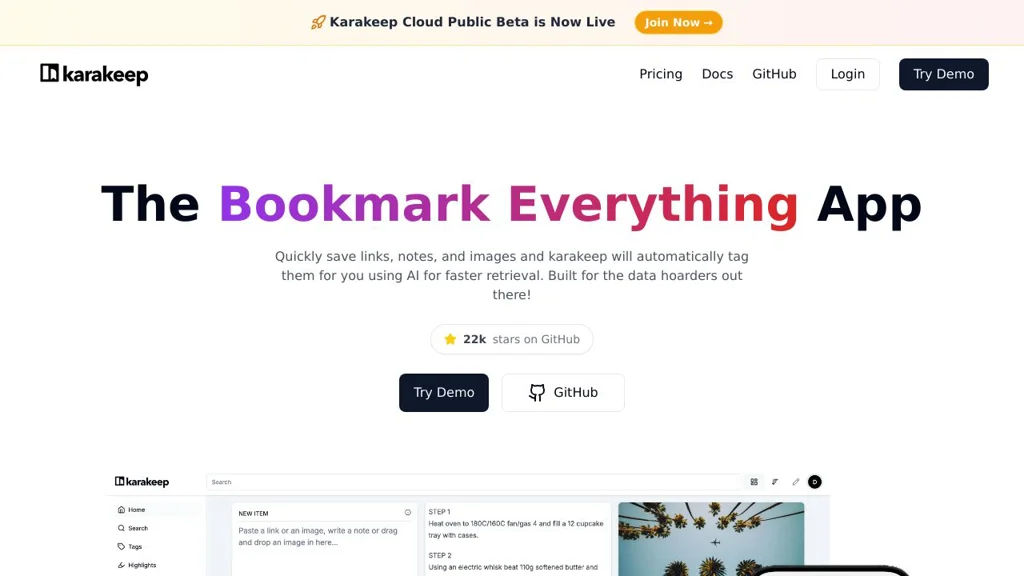
Karakeep

Karakeep

Self-hosted bookmarking and read-it-later app with tagging, archiving, and full-text search for saved web pages.

Karakeep screenshot

Karakeep is a self-hosted application for saving, organizing, and searching web content you want to keep. It focuses on turning bookmarks into a searchable personal archive by capturing page content and making it easy to retrieve later.

Key Features

  • Save links and organize them with tags for later retrieval
  • Content archiving of saved pages for long-term preservation (helps keep context even if the source changes)
  • Full-text search over saved content for fast rediscovery
  • Web interface for browsing and managing your library
  • Designed for personal knowledge capture and “read-it-later” style workflows

Use Cases

  • Build a personal research library of articles, references, and documentation
  • Maintain an internal team link index with tags and search
  • Preserve important web pages (how-tos, specs, receipts, announcements) for future access

Karakeep is a good fit if you want a simple, private alternative to hosted bookmarking/read-later services with emphasis on archiving and search.

22.6kstars
1kforks
#3
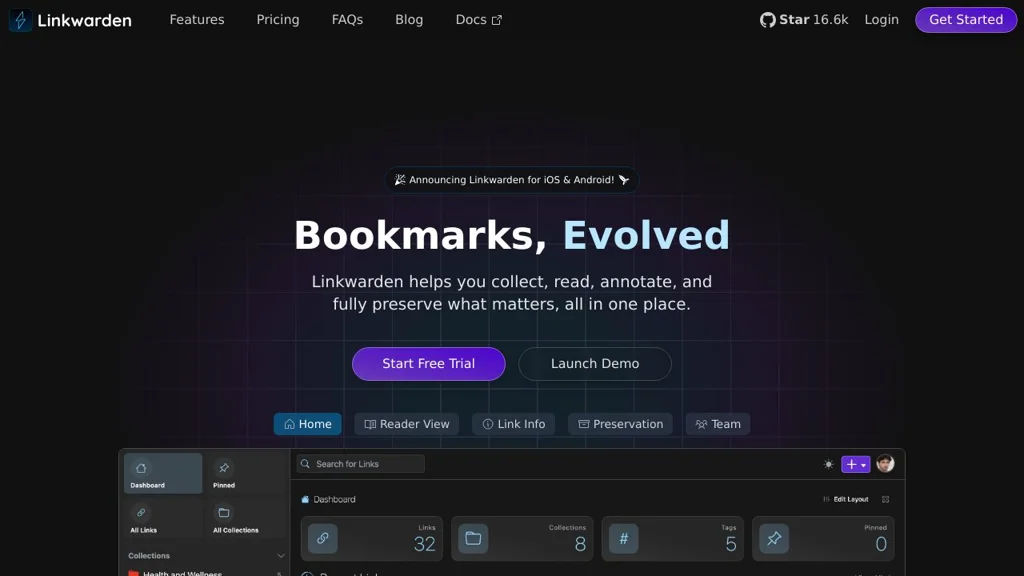
Linkwarden

Linkwarden

A self-hosted bookmark manager that organizes links with tags/collections and preserves content via screenshots and readable archives for reliable long-term reference.

Linkwarden screenshot

Linkwarden is a self-hosted web application for saving, organizing, and preserving web links. It combines a modern bookmark manager with built-in archiving so saved resources remain useful even if pages change or disappear.

Key Features

  • Organize bookmarks with collections and tags
  • Full-text search across saved links and archived content
  • Automatic archival of pages (readable content) and screenshot capture for link rot protection
  • Browser extension support for quick saving
  • Multi-user support with authentication and user management
  • Import/export capabilities (commonly used for migrating from other bookmark services)

Use Cases

  • Personal “read later” and long-term reference library for articles, docs, and tutorials
  • Team knowledge curation: collections of vetted links for projects, onboarding, or research
  • Archiving important web sources (policies, specs, references) with snapshots for future verification

Limitations and Considerations

  • Archiving and screenshot generation require additional runtime dependencies and resources; large libraries can increase storage and CPU usage

Linkwarden fits users who want a clean bookmarking workflow but also need durable, searchable archives of what they saved. It’s particularly useful when you care about preserving the content behind links, not just the URLs.

16.7kstars
656forks
#4
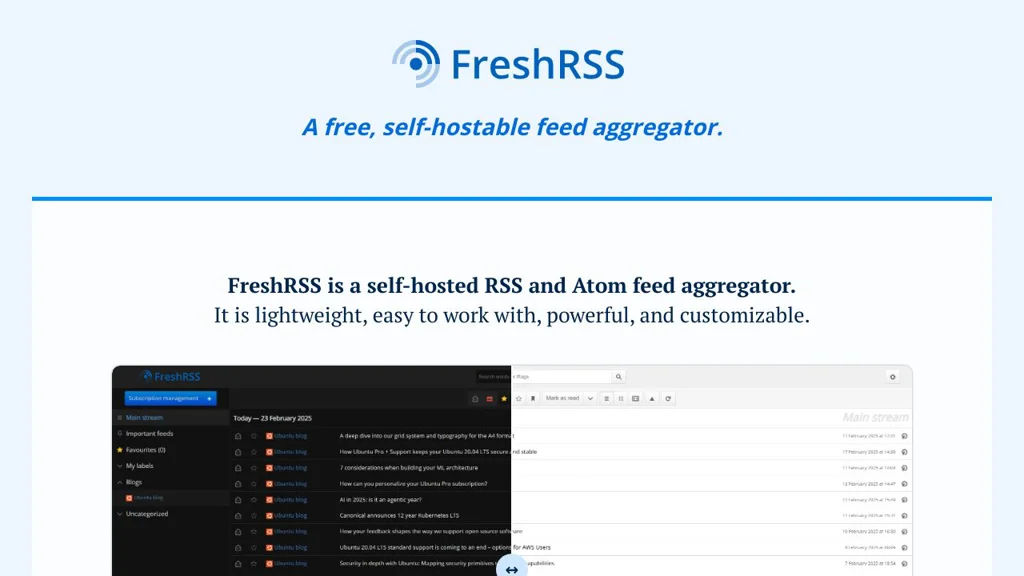
FreshRSS

FreshRSS

Web-based RSS/Atom reader with multi-user support, powerful filters, and integrations for mobile and desktop clients.

FreshRSS screenshot

FreshRSS is a web-based feed reader that lets you collect, organize, and read RSS/Atom feeds from a single interface. It is designed to be lightweight, fast, and suitable for both personal and multi-user installations.

Key Features

  • Supports RSS and Atom feeds, including OPML import/export for migration and backups
  • Multi-user support with per-user subscriptions, categories, tags, and settings
  • Advanced filtering and automation (e.g., rules/actions to tag, mark read, or move items)
  • “Views” and organization tools: categories, tags, search, and keyboard-driven navigation
  • Full-text extraction and feed enhancements via built-in capabilities and extensions
  • API compatibility for external clients (notably a Google Reader–style API used by many apps)
  • Extensions ecosystem (themes and plugins) to customize UI and behavior
  • Multiple database backends (SQLite for simple setups; MySQL/MariaDB and PostgreSQL for larger installs)

Use Cases

  • Replace hosted feed readers (e.g., Feedly/Inoreader) while keeping data under your control
  • Centralize news and blog monitoring for a team with separate user accounts
  • Automate triage of high-volume feeds (tagging, prioritization, and read/unread workflows)

Limitations and Considerations

  • Some capabilities depend on extensions and external clients; the web UI focuses on reading/organizing rather than “read-it-later” annotation features.
  • Full-text extraction quality varies by site and may require tuning/extensions.

FreshRSS is a mature, widely used RSS/Atom aggregator with an active community and a broad set of organizational and automation features. It is a strong choice for users who want a fast web reader plus compatibility with many third-party feed-reading apps.

13.6kstars
1.1kforks
#5
Wallabag

Wallabag

Save web pages to read later, extract clean article text, tag and search your library, and sync across web, mobile apps, and browser extensions.

Wallabag screenshot

Wallabag is a read-it-later web application for saving articles from around the web and reading them in a clean, distraction-free view. It focuses on long-term archiving: it fetches the content, stores it in your own library, and helps you organize and retrieve it later.

Key Features

  • Clean “reader mode” view with full-text extraction from saved URLs
  • Tagging, starring, and status management (unread/archived) for organization
  • Full-text search across your saved article content
  • Import/export tools (commonly used for migrating from other read-it-later services)
  • API for integrations and syncing with companion clients
  • Browser extensions and mobile apps support (via API) for quick saving and reading
  • Multiple user accounts support (server-side)
  • RSS feed generation for unread items (useful for e-readers/RSS clients)

Use Cases

  • Personal knowledge capture: save, tag, and later search articles and references
  • Privacy-friendly replacement for hosted read-it-later services (e.g., Pocket/Instapaper)
  • Building a long-term web reading archive for research topics and projects

Limitations and Considerations

  • Content extraction quality can vary by site layout; some pages may require manual cleanup or fail to parse perfectly

Wallabag is a mature, widely used read-it-later solution with a strong ecosystem of clients and integrations. It is well-suited for users who want reliable article archiving, offline-friendly reading, and fast retrieval through tags and full-text search.

12.3kstars
852forks
#6
Shiori

Shiori

Self-hosted bookmark manager with read-it-later, full-text search, and browser extensions for saving and organizing links.

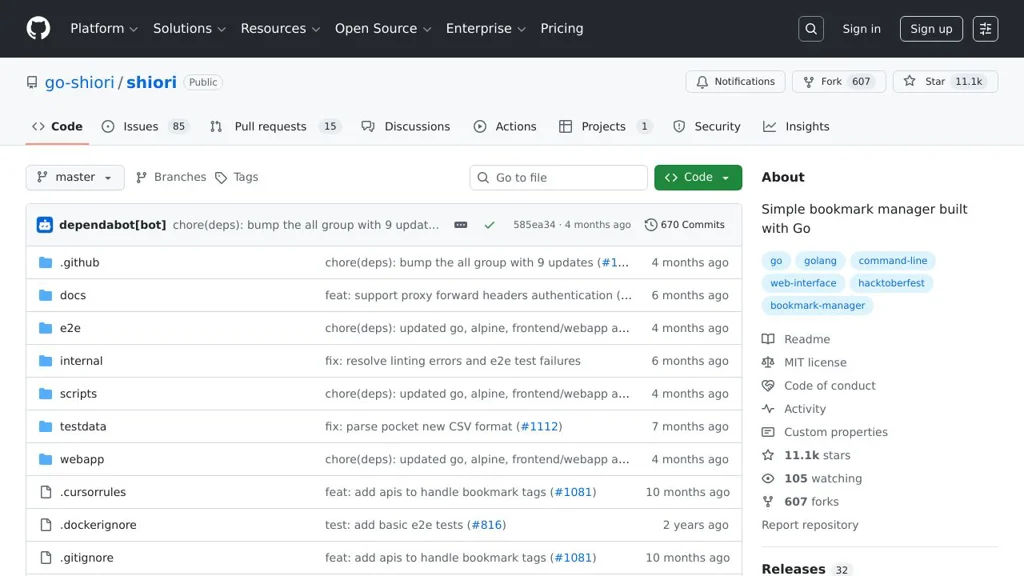
Shiori screenshot

Shiori is a lightweight web application for saving, organizing, and searching bookmarks. It focuses on a fast UI, easy importing, and “read later” workflows, while keeping your library searchable with full-text indexing.

Key Features

  • Web UI to add, edit, tag, and organize bookmarks
  • Full-text search across saved pages (stores searchable content for retrieval)
  • “Read later”/archiving workflow for saved articles
  • Tagging and filtering for organization
  • Import bookmarks (including common browser/HTML export formats)
  • Browser extensions / quick-save integrations (project-provided clients) for saving pages quickly
  • Supports multiple users (configurable authentication modes)

Use Cases

  • Personal read-it-later list with searchable archive of articles
  • Team/shared bookmark library for documentation, runbooks, and reference links
  • Migrating away from cloud bookmark/read-later services while keeping search

Limitations and Considerations

  • Feature set is intentionally minimal compared to full knowledge-base tools; it is centered on bookmarks and reading lists rather than rich note-taking.

Shiori is a good fit when you want a straightforward bookmarking and read-it-later service with strong search and simple organization. It is commonly used as an alternative to hosted bookmarking/read-later products for individuals and small teams.

11.2kstars
608forks
#7
Linkding

Linkding

Minimal, fast bookmark manager to save, tag, search, and organize links with an admin UI, REST API, and optional browser extension.

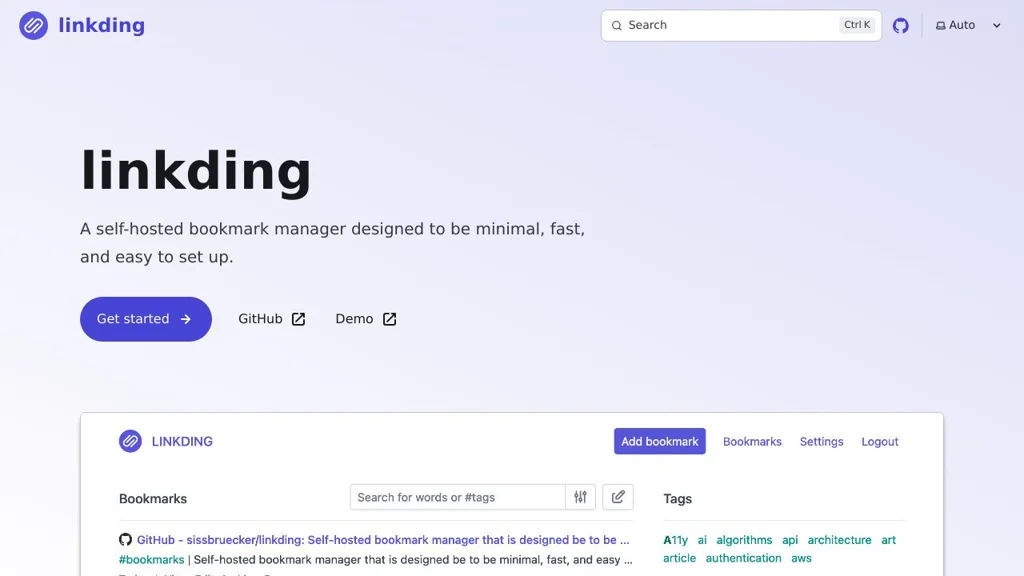
Linkding screenshot

Linkding is a lightweight web application for managing bookmarks in a clean UI. It focuses on quick saving, organization via tags, and fast retrieval through search, with an API for automation and integrations.

Key Features

  • Create and manage bookmarks with URL, title, description/notes, tags, and “read later”/unread state
  • Full-text search across stored bookmark content/metadata (including notes) for fast retrieval
  • Tag management with suggestions and filtering to organize large collections
  • Responsive web UI designed for speed and minimal friction
  • Built-in REST API for programmatic access and integrations
  • Import/export capabilities to migrate bookmark collections
  • Browser extension and bookmarklet support for one-click saving (where available)
  • Multi-user support (account-based access)

Use Cases

  • Personal “read later” list with tagging and full-text search
  • Team or household shared bookmark library (e.g., docs, runbooks, references)
  • Automated bookmarking workflows via the API (e.g., from RSS/read-it-later tools)

Linkding is a pragmatic alternative to hosted bookmark services, prioritizing simplicity, performance, and straightforward organization over heavy social or discovery features.

9.9kstars
510forks
#8
Miniflux

Miniflux

Fast, keyboard-driven RSS/Atom feed reader with full-text fetching, filtering rules, a REST API, and PostgreSQL storage.

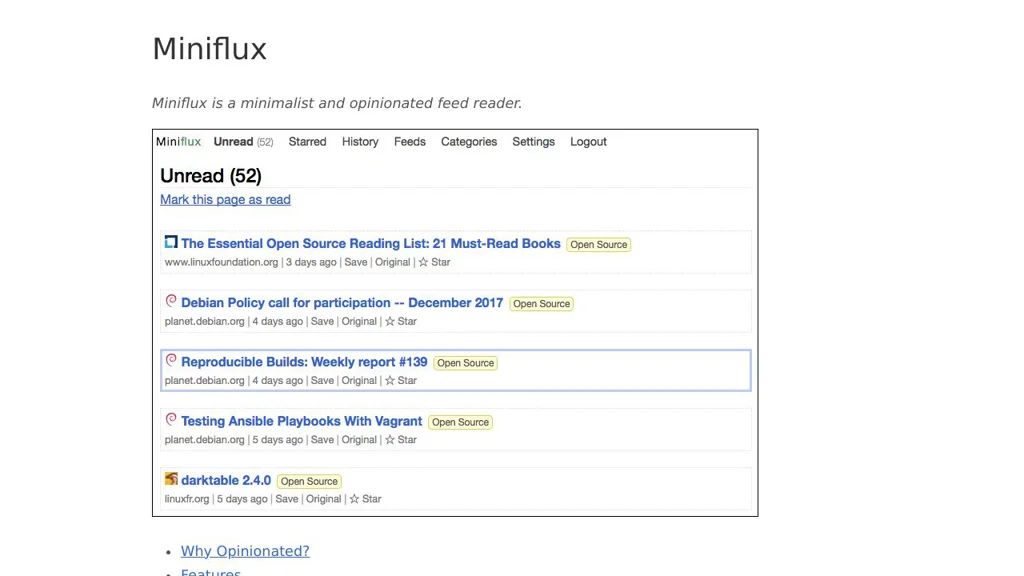
Miniflux screenshot

Miniflux is a minimalist web-based RSS/Atom feed reader designed for speed, reliability, and a distraction-free reading workflow. It provides a clean UI, strong keyboard navigation, and automation features such as filtering rules and integrations.

Key Features

  • RSS/Atom feed aggregation with automatic refresh and robust feed parsing
  • Full-text extraction for many articles (fetches and parses the article content)
  • Powerful filtering rules (rewrite titles/URLs, block/allow entries, auto-tagging, etc.)
  • Reading features: keyboard shortcuts, search, categories, tags, starring/saving, unread management
  • Integrations and notifications (webhooks and multiple “send to” integrations such as Pinboard/Wallabag/Pocket-like workflows)
  • REST API for feed/entry management and external automation
  • Multi-user support with per-user feeds/settings
  • PostgreSQL-backed storage and stateless application design suitable for containers

Use Cases

  • Personal or team news/feed dashboard to replace hosted RSS readers
  • Automated monitoring of blogs/releases/security advisories using rules + webhooks
  • Building custom clients/automations on top of the REST API (scripts, dashboards)

Limitations and Considerations

  • Requires PostgreSQL (no built-in support for embedded databases like SQLite)

Miniflux is a solid choice for users who want a fast RSS reader with automation features and a stable API. Its simple interface, rules engine, and integration options make it suitable for both personal reading and monitoring workflows.

8.6kstars
831forks
#9
NewsBlur

NewsBlur

Self-hostable RSS reader and feed aggregator with a web UI, full-text search, “trainable” filtering, OPML import/export, and mobile apps with offline reading.

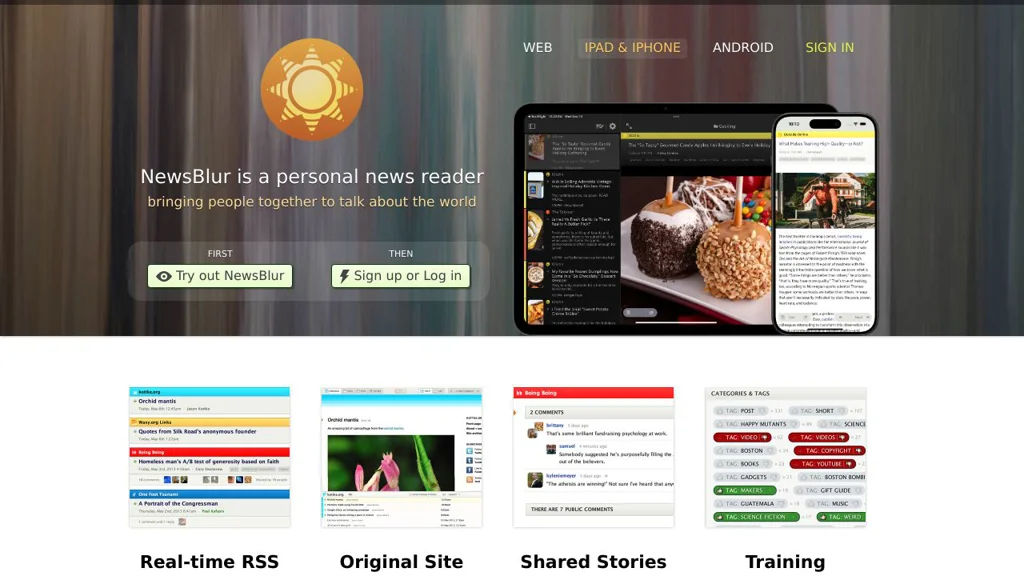
NewsBlur screenshot

NewsBlur is a web-based RSS reader and feed aggregator that helps you subscribe to sites, organize feeds, and read stories in a clean interface. It includes powerful filtering (“training”) to surface the authors, tags, and topics you care about, plus search and multiple reading views.

Key Features

  • RSS/Atom feed subscription and aggregation with folders and saved searches
  • “Train” feeds to automatically highlight or hide stories by keyword, author, tag, or title patterns
  • Multiple story views, including original site view and text/story view (when available)
  • Full-text search across your feed history (requires the search index services used by NewsBlur)
  • OPML import/export for migrating subscriptions
  • Social features: share stories and follow other users’ shared stories (optional)
  • Mobile apps (iOS/Android) with offline reading and syncing
  • Multi-user deployment support (accounts, profiles, and permissions model typical of a web app)

Use Cases

  • Replace hosted RSS readers (e.g., Feedly/Inoreader) with your own instance and data
  • Build a curated “news dashboard” for a team or household with shared reading habits
  • Reduce information overload by training feeds to prioritize specific topics/authors

Limitations and Considerations

  • The full NewsBlur stack is multi-service (web app plus background workers and search/index components), which increases operational complexity compared with single-binary RSS readers.

NewsBlur is a mature RSS platform with strong filtering (“training”), search, and solid client support. It fits users who want an opinionated, feature-rich reader and are comfortable operating a multi-component web application stack.

7.2kstars
1kforks
#10
Shaarli

Shaarli

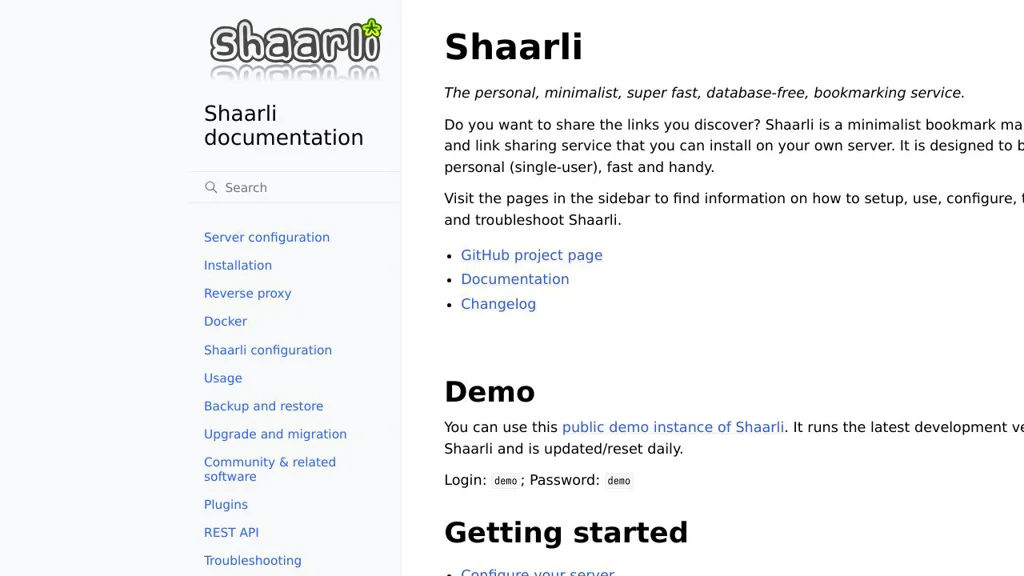
Shaarli is a lightweight self-hosted bookmarking service for saving, tagging, searching, and sharing links, with permalinks, RSS/Atom feeds, and plugins.

Shaarli screenshot

Shaarli is a minimalist, database-free bookmarking application designed for saving and organizing links you want to keep, revisit, and optionally share. It focuses on fast entry, simple organization, and portable storage while still offering feeds and extensions.

Key Features

  • Save bookmarks with title, description, tags, and privacy (public/private)
  • Full-text search and tag-based navigation for quick retrieval
  • Permalinks for each saved entry and built-in link sharing pages
  • RSS/Atom feeds (global and tag-based) for following new links
  • Import/export (including Netscape/HTML bookmark format) for portability
  • Plugin system and themes to extend UI and behavior
  • REST API for automation and integrations (e.g., adding links programmatically)
  • Runs without a database (flat-file storage), reducing operational complexity

Use Cases

  • Personal “read later” and reference library for articles, docs, and tools
  • Public link blog/curation page with feeds for followers
  • Team or small group link dump (when deployed with shared credentials)

Limitations and Considerations

  • Primarily designed for single-user or small shared setups; not a full multi-tenant platform
  • Feature set is intentionally minimal compared to larger bookmarking suites (advanced collaboration/workflows depend on plugins)

Shaarli is a good fit when you want a fast, low-maintenance way to collect and retrieve links, while retaining control over data and providing standards-based feeds and import/export. Its plugin and API support allow it to integrate into broader personal knowledge or automation workflows without adding heavy infrastructure.

3.8kstars
301forks
#11
yarr

yarr

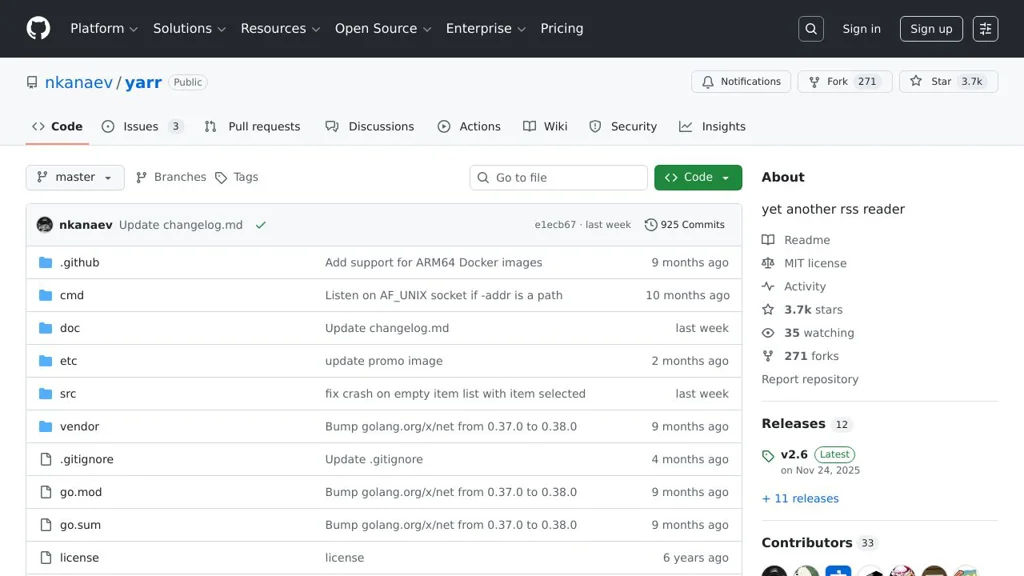
Self-hosted RSS reader with a clean web UI, feed discovery, filtering, and offline-friendly reading via a single binary.

yarr screenshot

yarr is a lightweight, self-hosted web application for reading RSS/Atom feeds in a clean, distraction-free interface. It is designed to be easy to run (single binary) while still covering core feed-reading workflows like discovering feeds, organizing subscriptions, and reading articles efficiently.

Key Features:

  • Web-based RSS/Atom reader with a minimal UI focused on reading
  • Feed discovery from a website URL (auto-detects available feeds)
  • Organize subscriptions with tags and per-feed settings
  • Article list with quick navigation and unread/starred states
  • Search and filtering to find items across feeds
  • Import/export subscriptions via OPML
  • Supports fetching full content for some feeds (when supported by the feed/site)
  • Single-binary deployment with an embedded database for simple hosting

Use Cases:

  • Replace hosted RSS readers by aggregating personal news sources on your own server
  • Follow blogs, changelogs, and release announcements with centralized “unread” tracking
  • Curate topic-based reading lists by tagging feeds (e.g., security, dev, finance)

Limitations and Considerations:

  • Feature set intentionally stays minimal compared to “power user” RSS platforms (e.g., complex rules/automation)
  • Full-content extraction quality depends on the site/feed and may not work universally

yarr is a good fit for users who want a straightforward RSS reader that is easy to deploy and maintain. It prioritizes speed and simplicity while still providing the essentials for daily feed reading and organization.

3.7kstars
271forks
#12
LinkAce

LinkAce

LinkAce is a self-hosted bookmark manager to save, organize, tag, and search links with lists, privacy controls, and team-friendly sharing options.

LinkAce screenshot

LinkAce is a web-based bookmark manager for saving and organizing links in your own installation. It focuses on fast link capture, structured organization (tags/lists), and powerful retrieval via search, while supporting multiple users and granular visibility.

Key Features

  • Save bookmarks with title, description, tags, and lists for structured organization
  • Full-text search across stored link data to quickly retrieve saved resources
  • Private/unlisted/public visibility options to control who can see saved links
  • Multi-user support for shared installations (e.g., team or family use)
  • Import/export capabilities to migrate bookmarks between services/installations
  • Optional link checks/metadata fetching to enrich saved URLs (site title/preview)
  • Responsive web UI designed for daily “read later” and reference workflows

Use Cases

  • Personal knowledge collection: keep a searchable archive of articles, docs, and tools
  • Team link library: share curated resources with controlled visibility
  • Research workflows: tag and categorize sources for later citation and review

LinkAce is a practical alternative to hosted bookmarking services when you want ownership of your saved links and flexible organization. It combines tagging, lists, and search in a single web app suitable for both individuals and small groups.

3.2kstars
202forks

Why choose an open source alternative?

  • Data ownership: Keep your data on your own servers
  • No vendor lock-in: Freedom to switch or modify at any time
  • Cost savings: Reduce or eliminate subscription fees
  • Transparency: Audit the code and know exactly what's running