
Landbot

Best Self Hosted Alternatives to Landbot

A curated collection of the 2 best self hosted alternatives to Landbot.

Landbot is a no-code conversational automation SaaS that enables businesses to design and deploy chatbots for websites, WhatsApp, and messaging channels to automate lead generation, customer support, and workflows via a visual builder and integrations.

Alternatives List

#1
Typebot

Typebot

Open-source builder for conversational forms and chatbots with logic, integrations, and embeddable widgets for lead capture, support, and onboarding.
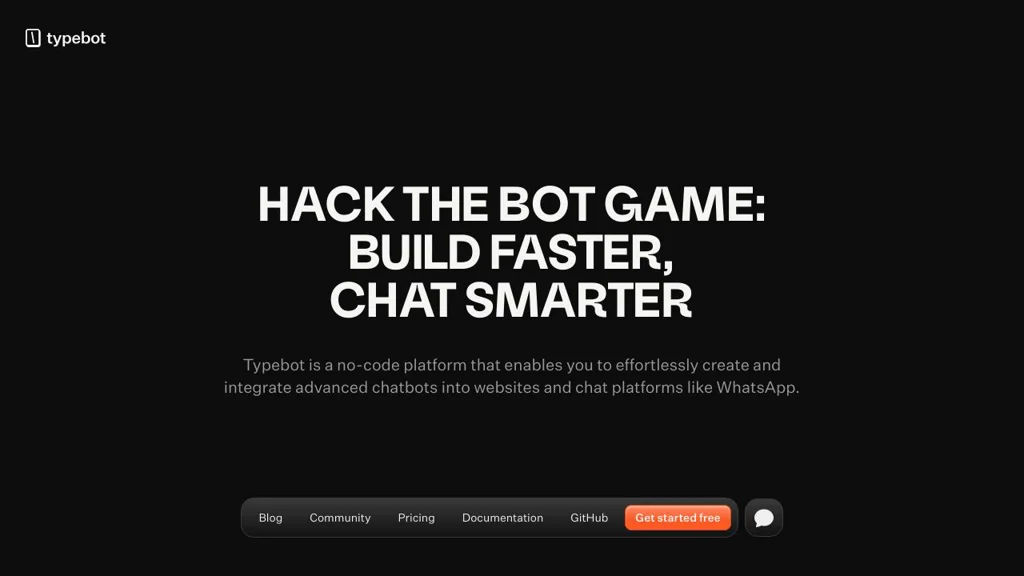
Typebot screenshot

Typebot is an open-source platform to create conversational forms (chatbot-like flows) that can be embedded on websites or shared via link. It focuses on a visual builder for designing multi-step conversations, collecting structured data, and integrating with external tools via webhooks and APIs.

Key Features

  • Visual flow builder with blocks/steps to design conversational forms
  • Conditional logic and branching to personalize paths based on answers
  • Multiple input types for data collection (e.g., text, choices, etc.)
  • Embeddable web widget and shareable public links for distribution
  • Integrations via webhooks/API calls to send collected data to other systems
  • Result storage and conversation analytics/exports for submissions
  • Workspaces/organizations and team collaboration features (project dependent)

Use Cases

  • Lead qualification and contact capture on marketing sites
  • Product onboarding questionnaires and guided signup flows
  • Customer support triage forms that route requests based on answers

Limitations and Considerations

  • Advanced enterprise features (e.g., extensive RBAC/audit controls) may require additional setup or may be limited depending on deployment and edition

Typebot is a strong fit when you want a conversational UX instead of classic forms, while keeping control of hosting and data. Its builder-centric workflow and embed options make it practical for marketing, onboarding, and support automation flows.

9.5kstars
2.9kforks

#2
OpnForm

OpnForm

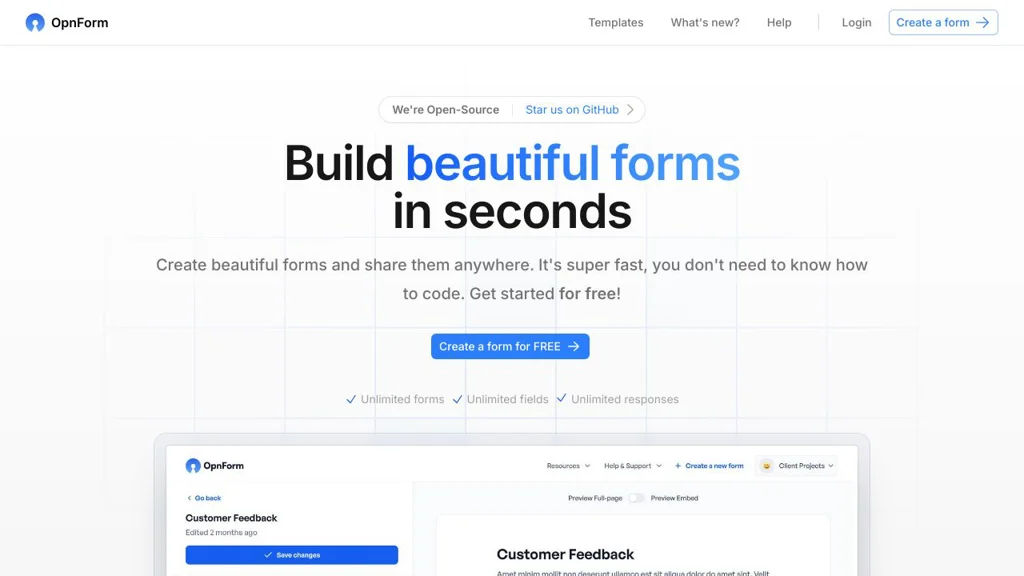
OpnForm is a self-hostable open-source form builder for creating online forms with custom domains, integrations, file uploads, and response analytics.

OpnForm screenshot

OpnForm is an open-source web application for building and sharing online forms, collecting submissions, and managing responses. It aims to provide a modern alternative to hosted form tools with a clean builder, theming, and integrations.

Key Features

  • Form builder with multiple field types and configurable form settings
  • Shareable form pages and embeddable forms for websites
  • Custom domains and branding options for published forms
  • Spam protection features (e.g., CAPTCHA/anti-bot options depending on setup)
  • File uploads on form submissions (storage depends on deployment configuration)
  • Submission management with export options (e.g., CSV) and basic analytics
  • Email notifications and webhook-based integrations for automations
  • Team/workspace features and access control (plan/edition dependent)

Use Cases

  • Collect leads and contact requests on a marketing or company website
  • Run surveys, registrations, and internal data collection workflows
  • Replace hosted form products while keeping data under your control

Limitations and Considerations

  • Some features and collaboration capabilities may differ by edition/plan and deployment configuration.
  • Advanced reporting and deep workflow automation may require external tools via webhooks/integrations.

OpnForm is a strong fit for individuals and teams that need a polished, customizable forms product with common integrations and ownership of form data. It provides core form-building and response-handling features while remaining extensible through webhooks and configuration.

3.1kstars
441forks

Why choose an open source alternative?

  • Data ownership: Keep your data on your own servers
  • No vendor lock-in: Freedom to switch or modify at any time
  • Cost savings: Reduce or eliminate subscription fees
  • Transparency: Audit the code and know exactly what's running