
#1
Asciinema
CLI tool and web app to record, replay, and share terminal sessions in a compact, text-based format with copyable output and embeddable players.
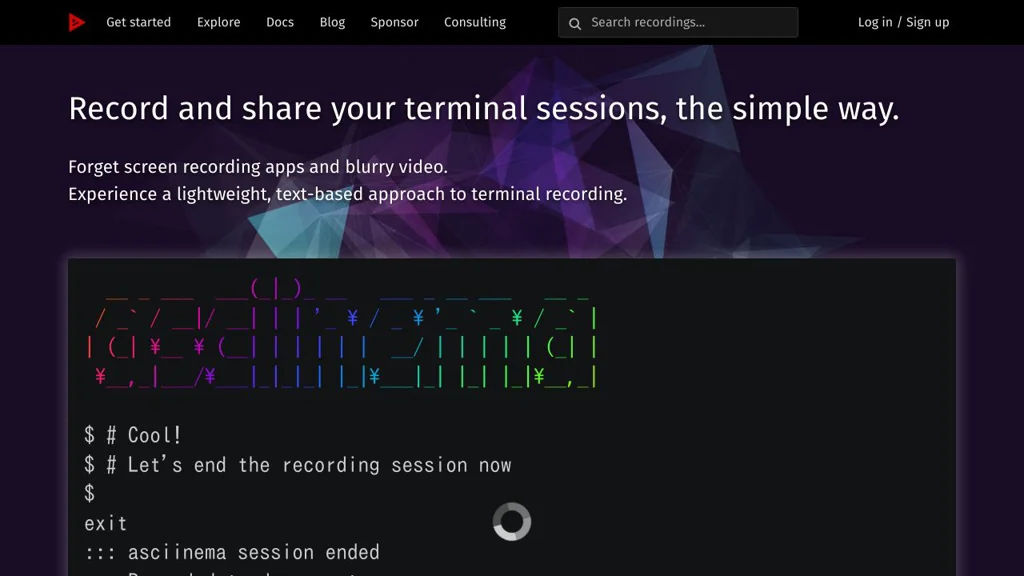
Asciinema is a terminal session recorder and player that captures what happens in your shell and replays it as a text-based “asciicast”. It is commonly used to share CLI demos, tutorials, and bug reproductions with accurate timing and copyable output.
Key Features
- Records terminal input/output with timing data (not a video), producing small
.castfiles - Local playback in the terminal via
asciinema play - Web playback via an embeddable HTML player (asciinema player)
- Upload/sharing workflow using
asciinema uploadand the asciinema.org hosting service (optional) - Copyable terminal text during playback (useful for commands/snippets)
- JSON-based cast format that can be post-processed and integrated into toolchains
- Supports theming and terminal size metadata for consistent replays
Use Cases
- Create CLI demos for README files, documentation portals, and blog posts
- Share reproducible bug reports or support requests with exact terminal timing
- Produce training materials for internal tooling and onboarding
Limitations and Considerations
- Captures terminal I/O, not pixels: full-screen TUIs may replay differently across environments
- Not suitable for demos requiring rich visuals (images/video); use screen recording for that
Asciinema provides a practical middle ground between static snippets and heavyweight video recordings, enabling accurate, lightweight, and script-friendly sharing of terminal sessions. It fits well into developer documentation and teaching workflows where copyable output and small artifacts matter.
16.6kstars
992forks