
Microsoft OneNote

Best Self Hosted Alternatives to Microsoft OneNote

A curated collection of the 13 best self hosted alternatives to Microsoft OneNote.

Microsoft OneNote is a digital note-taking app for capturing, organizing and syncing text, handwriting, images, audio and web clippings across devices. It supports collaboration, notebooks, tags and integrates with Microsoft 365 and OneDrive.

Alternatives List

#1
Joplin

Joplin

Cross-platform note-taking and knowledge management app with Markdown, attachments, Web Clipper, offline-first sync, and optional end-to-end encryption.
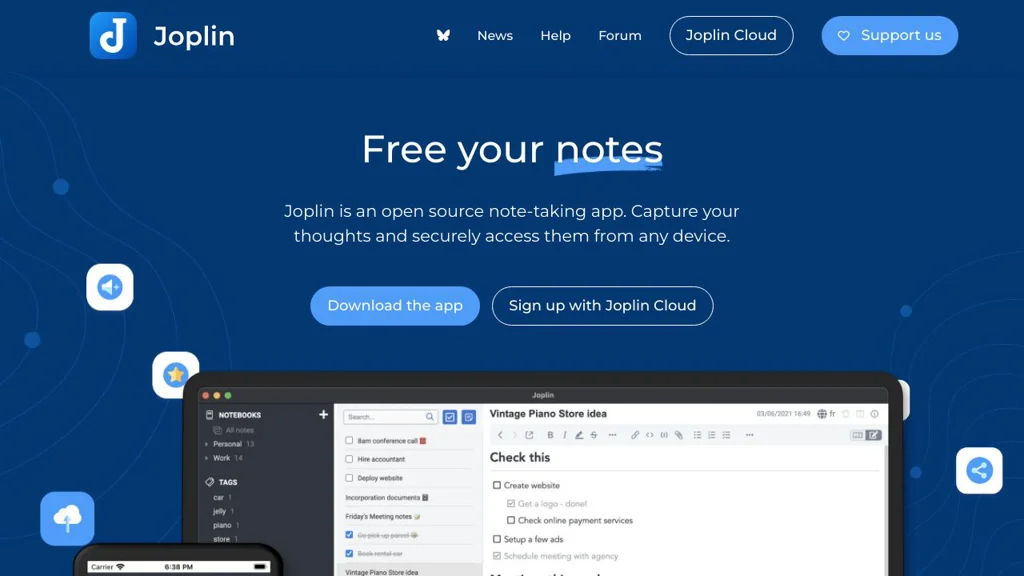
Joplin screenshot

Joplin is a cross-platform note-taking and personal knowledge management application for creating and organizing notes in Markdown with attachments. It is designed for offline-first use and can sync across devices via multiple backends, with optional end-to-end encryption.

Key Features

  • Markdown editor with preview (and rich-text editing mode) for notes
  • Notebook and sub-notebook organization, tagging, and search
  • Web Clipper to save web pages and screenshots into notebooks
  • File attachments (images, PDFs, and other files) and inline rendering where supported
  • End-to-end encryption for synced data (E2EE)
  • Multiple sync targets: Joplin Server, WebDAV, Dropbox, OneDrive, and local filesystem
  • Cross-platform clients: desktop (Windows/macOS/Linux), mobile (Android/iOS), and CLI
  • Plugin system for extending desktop features (themes, editors, integrations)
  • Note history/restore (note revisions) and conflict handling
  • Import/export options (including ENEX and Markdown) for migration

Use Cases

  • Personal knowledge base with searchable Markdown notes and tags
  • Research collection using Web Clipper to archive articles and references
  • Team or multi-device note syncing using Joplin Server or WebDAV with E2EE

Limitations and Considerations

  • Real-time multi-user collaborative editing is not a core feature; sharing/collaboration depends on Joplin Server capabilities and workflow
  • Some advanced features (plugins, certain editor capabilities) are primarily available on desktop

Joplin fits users who want a privacy-focused, offline-capable notes system with flexible sync options and extensibility. It is especially suitable when Markdown, attachments, and encryption are key requirements while keeping data portable via import/export.

52.8kstars
5.7kforks

#2
Memos

Memos

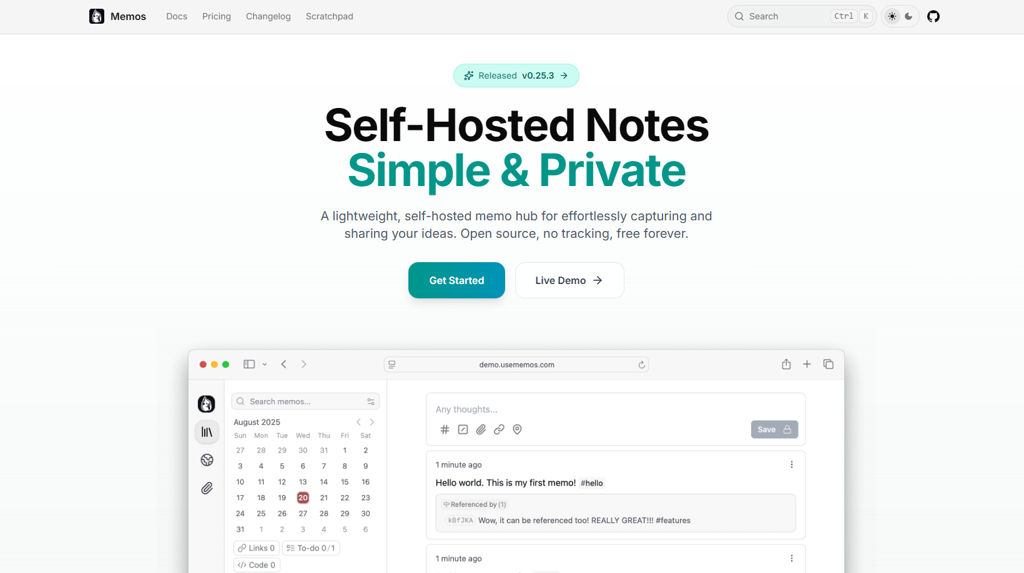
Lightweight self-hosted note-taking and micro-journaling app with Markdown, tags, full-text search, and a clean timeline UI for personal knowledge capture.

Memos screenshot

Memos is a lightweight, self-hosted note-taking app designed for quickly capturing ideas, daily logs, and snippets in a timeline-style feed. It focuses on fast writing, simple organization, and ownership of your notes, with a web UI and API for integrating with other workflows.

Key Features

  • Timeline-based “memo” feed optimized for quick capture and review
  • Markdown editor with code blocks and rich text formatting
  • Tags and filtering for lightweight organization
  • Full-text search across memos
  • Pinned memos for keeping important notes visible
  • Attachments support (e.g., images/files) for enriching notes
  • Multi-user support with authentication
  • Public sharing for selected memos/pages (share links / visibility controls)
  • REST-style API for automation and integrations
  • Database options including embedded SQLite for simple deployments

Use Cases

  • Personal micro-journal for daily work notes and reflections
  • Team scratchpad for lightweight shared notes and announcements
  • “Second brain” inbox for quick capture before moving content to a larger PKM system

Limitations and Considerations

  • Intentionally minimal compared to full PKM suites (e.g., complex databases, advanced document structures)

Memos is a good fit when you want a fast, low-friction note feed with Markdown, search, and tags rather than a heavy workspace platform. It balances simplicity with practical features like sharing, attachments, and an API, making it useful as both a personal capture tool and a lightweight internal notes hub.

52.4kstars
3.8kforks
#3
SiYuan

SiYuan

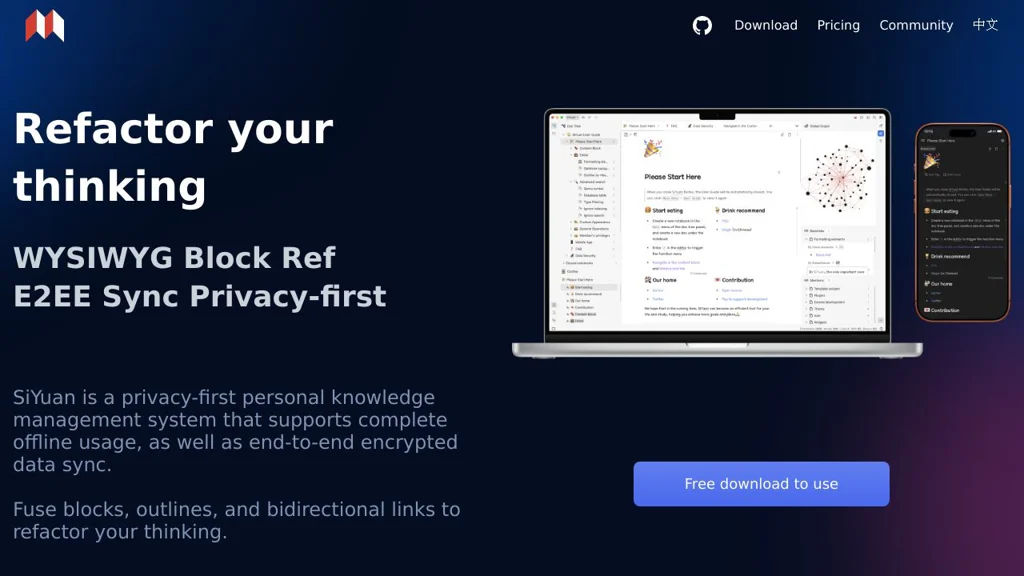
Self-hostable note app with Markdown, block references, backlinks, and local-first sync for building a personal knowledge base and wiki-like docs.

SiYuan screenshot

SiYuan is a local-first note-taking and personal knowledge management app designed around “blocks” (paragraph-level units) that can be referenced, embedded, and linked across documents. It supports Markdown editing, backlinks, and graph-style knowledge navigation, and can be run as a self-hosted service for web access and multi-device usage.

Key Features

  • Block-based editor with block references, block embeds, and bi-directional links
  • Markdown support with rich editing (tables, code blocks, math/LaTeX, etc.)
  • Backlinks and knowledge graph views for navigating connected notes
  • Full-text search across notebooks and documents
  • Organize content with notebooks, folders, tags, and templates
  • Web access via the built-in server for using SiYuan in a browser
  • Data stored locally and designed for offline-first workflows

Use Cases

  • Building a personal knowledge base (Zettelkasten/PKM) with backlinks and block references
  • Maintaining project notes, meeting logs, and technical documentation as Markdown
  • Creating a lightweight personal wiki with cross-page embeds and references

Limitations and Considerations

  • Some advanced features and the overall UX can differ from mainstream SaaS note apps; evaluating the editor model (block-based) is recommended before migrating large note sets.

SiYuan is a strong fit for users who want a local-first knowledge system with granular block linking and Markdown-centric writing. It combines wiki-style navigation with an editor model optimized for reusing and connecting content across notes.

40.4kstars
2.5kforks
#4
Trilium Notes

Trilium Notes

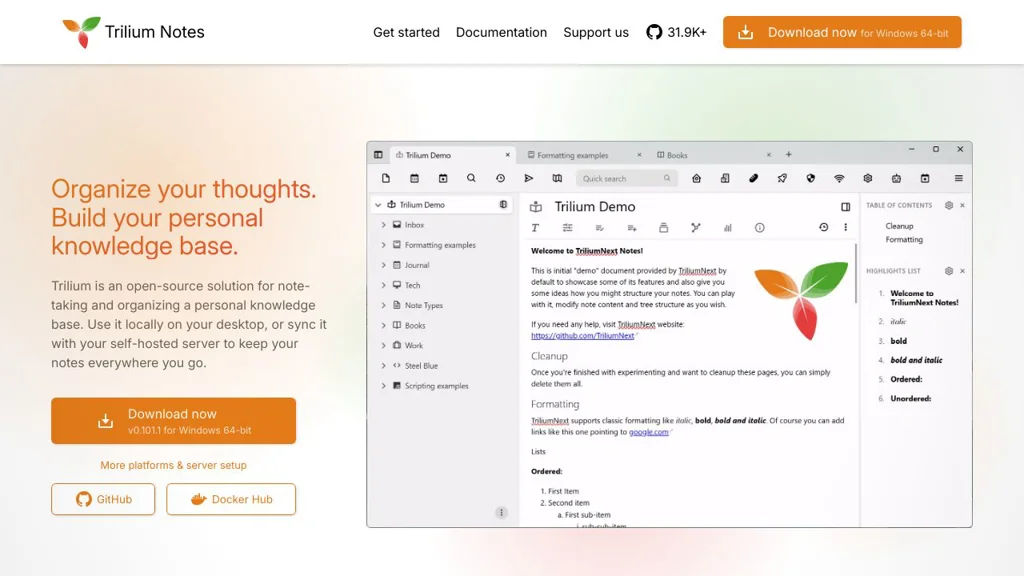
Self-hostable personal knowledge base with a tree-structured notebook, rich-text and code notes, backlinks, full-text search, and scripting/automation.

Trilium Notes screenshot

Trilium Notes is a personal knowledge base for organizing notes in a hierarchical tree while also supporting cross-linking between notes. It combines a fast web UI, rich editing (including code and Markdown), and powerful search to manage large, interlinked knowledge collections.

Key Features

  • Tree-structured notebooks with cloning (same note in multiple places)
  • Rich-text (WYSIWYG) editing plus code notes with syntax highlighting
  • Markdown import/export and other bulk import/export options
  • Bidirectional links and backlinks; note relations/attributes and tagging
  • Full-text search with filtering to navigate large note collections
  • Versioning/revision history for notes
  • Web clipper for capturing content into notes
  • Scripting/automation (JavaScript) and custom widgets for extending behavior

Use Cases

  • Personal knowledge management (Zettelkasten-style linking, research notes)
  • Technical documentation and “second brain” for projects (snippets, runbooks)
  • Journaling and structured life logs organized by a timeline/tree

Limitations and Considerations

  • Collaboration features are limited compared with team-first tools (e.g., comments, real-time multi-user editing)
  • The data model (tree + clones + attributes) can require a learning period for new users

Trilium is well-suited for users who want a fast, local-first feeling knowledge base with a strong hierarchy, links, and extensibility. It is commonly used as a private alternative to commercial note and knowledge apps while retaining advanced organization and automation capabilities.

33.9kstars
2.3kforks
#5
Wiki.js

Wiki.js

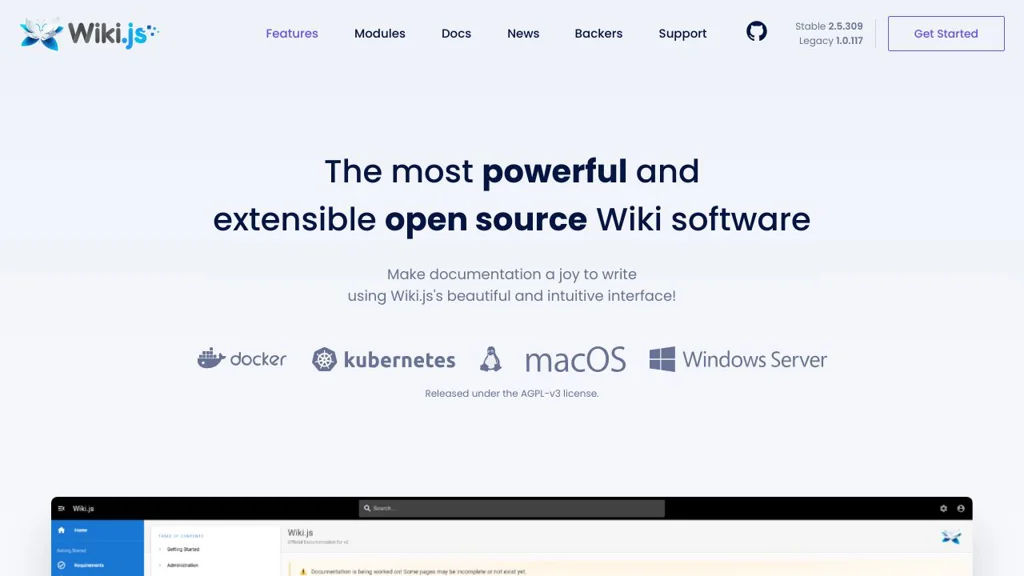
A Node.js-based wiki for team documentation and knowledge bases with Markdown, rich editor, permissions, Git sync, and multiple authentication options.

Wiki.js screenshot

Wiki.js is a modern wiki and documentation platform designed for teams to create, organize, and publish internal knowledge and technical documentation. It focuses on a clean authoring experience (Markdown and visual editing), flexible content organization, and enterprise-style access controls.

Key Features

  • Markdown editor and visual (WYSIWYG) editing experience for pages
  • Powerful content organization with navigation, pages, and hierarchy
  • Fine-grained access control with roles and permissions
  • Authentication integrations (e.g., local auth and external identity providers)
  • Version history and page revisions with restore/compare capabilities
  • Git-based storage/synchronization options for backing content with repositories
  • Search functionality for quickly finding content across the wiki
  • Extensible architecture with modules/integrations (e.g., storage, auth, rendering)

Use Cases

  • Internal company wiki for SOPs, onboarding, and team knowledge sharing
  • Engineering documentation portal for runbooks, architecture docs, and APIs
  • Project documentation site with controlled access for stakeholders

Limitations and Considerations

  • Some advanced capabilities depend on configuring modules (auth/storage/search) and may require additional services
  • Major version upgrades can require migration planning due to platform changes

Wiki.js is well-suited for organizations that want a polished documentation experience with strong permissions and integration options. Its modular approach makes it adaptable to different infrastructures, from small teams to larger environments with SSO and Git-backed workflows.

27.6kstars
3.1kforks
#6
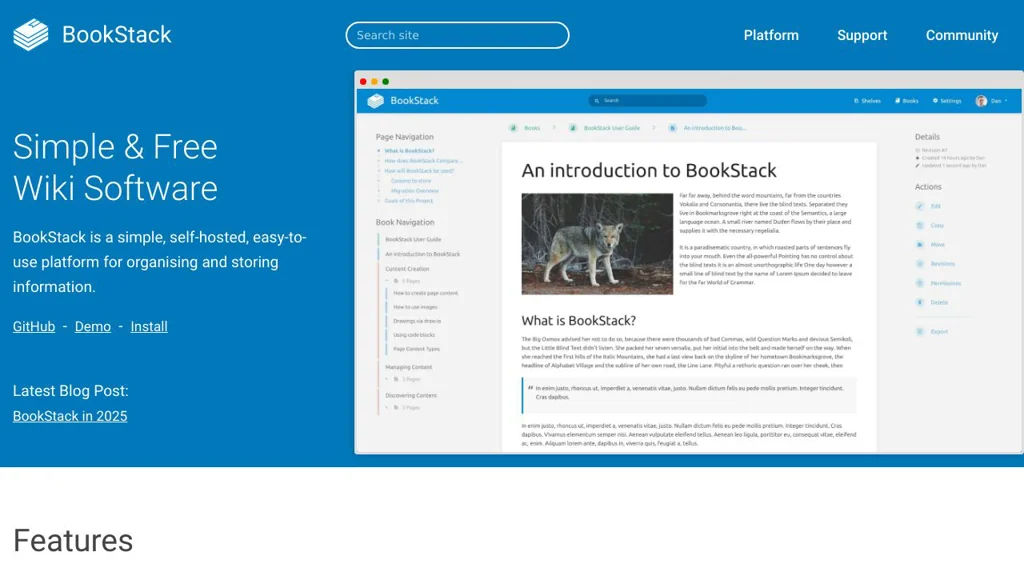
BookStack

BookStack

BookStack is a self-hosted wiki and documentation platform with a book/chapter/page structure, full-text search, WYSIWYG and Markdown editing, and role-based access control.

BookStack screenshot

BookStack is a web-based documentation and wiki platform designed for creating and organizing content in a clear hierarchy of Books, Chapters, and Pages. It provides an approachable editing experience while still supporting richer technical workflows for teams that need structured internal documentation.

Key Features

  • Structured content model: Books → Chapters → Pages (plus optional “Shelves” to group books)
  • WYSIWYG editor with Markdown support, including code blocks and formatting tools
  • Granular permissions & roles to control access at shelf/book/chapter/page levels
  • Full-text search across content to quickly find pages and references
  • Page revision history with change tracking and the ability to review/restore past versions
  • Images and file attachments management for documentation assets
  • Linkable content with easy page linking and navigation via a consistent hierarchy
  • Authentication options including LDAP integration and SSO via SAML2/OAuth2 (via supported identity providers)
  • REST API for integrating content and automating documentation workflows
  • Theme and customization options (including customization via configuration and UI styling)

Use Cases

  • Internal team knowledge base for SOPs, runbooks, onboarding, and troubleshooting guides
  • Product/engineering documentation with organized manuals and versionable pages
  • Lightweight company wiki for policies, processes, and cross-team collaboration

Limitations and Considerations

  • Content organization is opinionated around the book/chapter/page hierarchy, which may not suit all wiki styles
  • Real-time collaborative editing (simultaneous co-authoring like Google Docs) is not the primary editing model

BookStack is well-suited for teams that want a clean, navigable documentation system without the complexity of a full CMS. Its structured hierarchy, permissions, and revision history make it a practical choice for maintaining internal documentation at scale.

18kstars
2.3kforks
#7
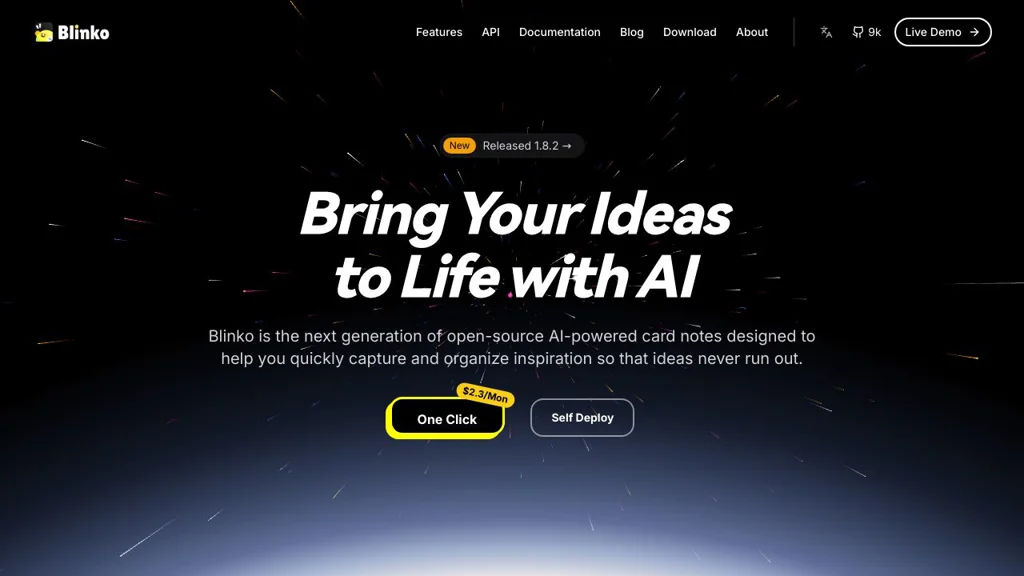
Blinko

Blinko

Self-hosted notes and personal knowledge base for capturing, tagging, and organizing thoughts with markdown support and fast search.

Blinko screenshot

Blinko is a self-hosted note-taking and personal knowledge management (PKM) app focused on quickly capturing ideas and organizing them into a searchable knowledge base. It provides a clean web UI for writing notes, categorizing with tags, and retrieving information later.

Key Features

  • Markdown-based note editor for fast writing and formatting
  • Tagging and organization to build a personal knowledge base over time
  • Full-text search to quickly find notes
  • Web-based UI designed for quick capture and browsing
  • Multi-user capable deployments (account-based access)

Use Cases

  • Personal PKM system to store notes, ideas, and snippets
  • Lightweight alternative to hosted note apps for private journaling and work notes
  • Team-shared scratchpad/knowledge space for small groups

Limitations and Considerations

  • Feature set is primarily focused on notes/PKM; advanced wiki-style structures and complex collaboration workflows may be limited compared to larger platforms

Blinko fits users who want a straightforward, self-hosted notes app with tagging and search rather than a heavy project management or document suite. It is suitable as a private, always-available web notebook that grows into a personal knowledge base.

9kstars
641forks
#8
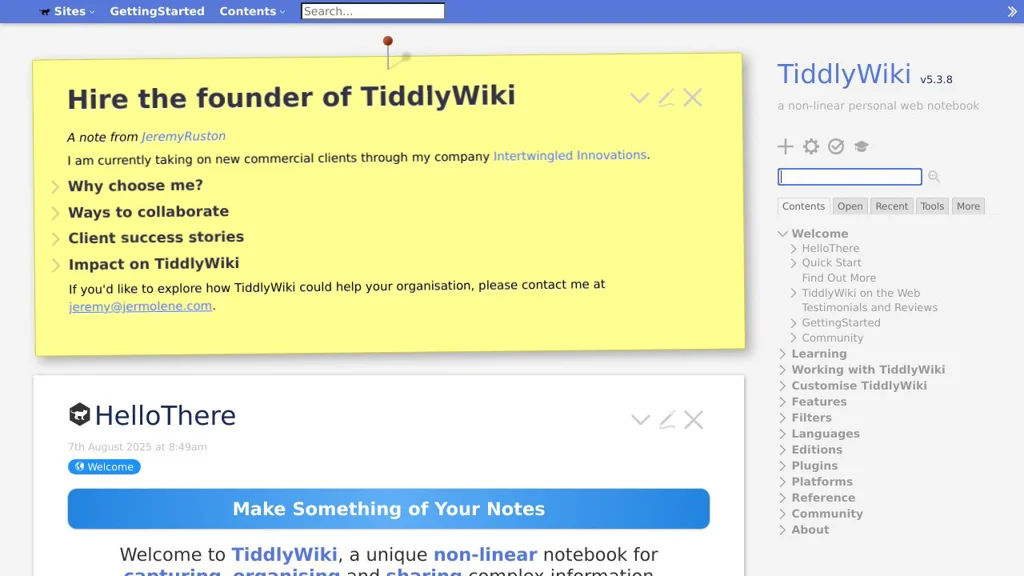
TiddlyWiki

TiddlyWiki

A highly customizable personal wiki/knowledge base that runs in the browser, supports plugins and transclusion, and can be saved as a single HTML file or hosted via Node.js.

TiddlyWiki screenshot

TiddlyWiki is a non-linear personal wiki designed to be flexible, portable, and heavily customizable. It can run entirely in the browser as a single self-contained HTML file (easy to carry, backup, and open anywhere), or it can be hosted using Node.js for multi-page/server-based workflows.

Key Features

  • Single-file wiki mode that stores the app and your content together in one HTML file
  • Non-linear note model (“tiddlers”) with powerful linking, tagging, and organization
  • Transclusion and “wikitext” templating to reuse and compose content across pages
  • Built-in search, filtering, and dynamic lists powered by a rich filter language
  • Extensible plugin architecture (themes, macros, widgets, custom renderers)
  • Multiple saving/hosting options (classic file saving, Node.js server, and adapters)
  • Import/export and inter-wiki sharing via core import tools and plugin ecosystem

Use Cases

  • Personal knowledge management (Zettelkasten-style notes, research notebooks)
  • Lightweight documentation and project wikis (run locally or on a server)
  • Building custom, form-like tools and dashboards using templates/widgets

Limitations and Considerations

  • Collaboration is not a primary design focus in classic single-file mode; multi-user editing typically requires additional server/storage choices.
  • The learning curve can be steep for advanced customization (filters, widgets, macros).

TiddlyWiki is a strong fit for users who want an offline-friendly knowledge base with deep customization and composable content. Its single-file mode makes it uniquely portable, while Node.js hosting enables more traditional server-backed deployments when needed.

8.5kstars
1.2kforks
#9
HedgeDoc

HedgeDoc

Self-hosted, real-time collaborative Markdown editor for teams, with note sharing, history, and flexible publishing via links and permissions.

HedgeDoc screenshot

HedgeDoc is a web-based, collaborative Markdown note editor designed for teams to write together in real time. It focuses on fast note creation, easy sharing, and flexible publishing, while still supporting structured organization and access control.

Key Features:

  • Real-time collaborative editing for Markdown documents
  • Markdown preview and formatting helpers, including syntax highlighting for code blocks
  • Multiple sharing and publishing modes (private notes, shared links, published notes)
  • Note history/revisions to track and restore changes
  • User accounts and team collaboration features (permissions depend on configuration)
  • External authentication support via common identity providers (e.g., LDAP/OAuth/OIDC depending on setup)
  • Export/share notes in common formats (e.g., Markdown) and embed-friendly published views

Use Cases:

  • Collaborative meeting notes, sprint notes, and incident write-ups
  • Lightweight internal documentation and how-to pages for teams
  • Publishing announcements or public notes with shareable URLs

Limitations and Considerations:

  • Advanced wiki-style information architecture (hierarchical pages, strong interlinking, graph views) is not the primary focus compared to dedicated wiki platforms.

HedgeDoc is well-suited when you want a simple, fast, multi-user Markdown editor with real-time collaboration and straightforward ways to share or publish notes. It fits teams that value “write together now” workflows over heavyweight document management.

6.8kstars
517forks
#10
Standard Notes

Standard Notes

Privacy-focused notes app with end-to-end encryption, cross-platform sync, offline access, and optional editors/extensions for rich workflows.

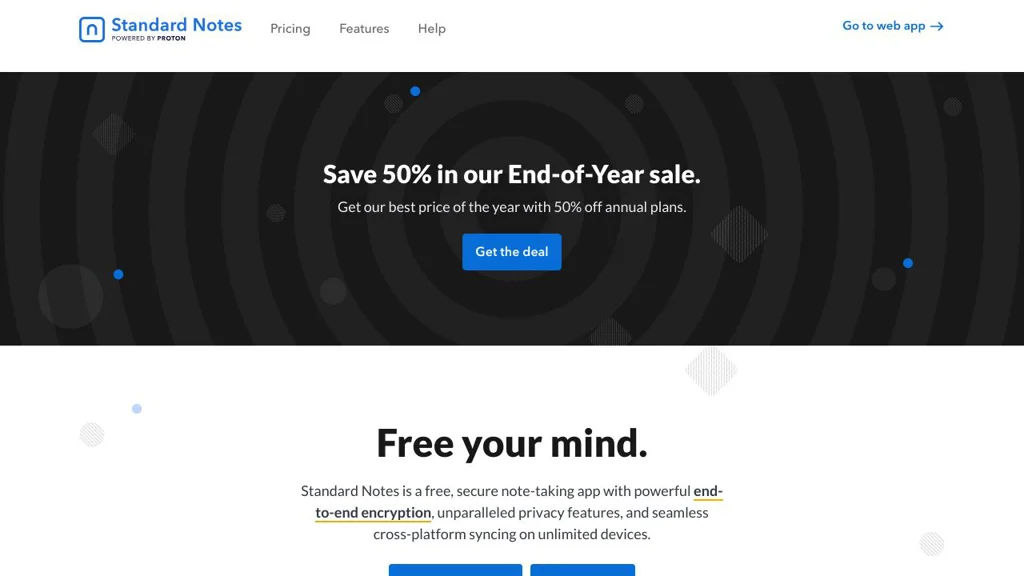
Standard Notes screenshot

Standard Notes is a cross-platform note-taking application focused on long-term privacy and durability. It provides end-to-end encrypted syncing across devices, with optional editors and extensions to tailor the writing experience.

Key Features

  • End-to-end encryption for note content and synced data
  • Cross-platform apps (web, desktop, mobile) with account-based sync
  • Offline access (notes remain available without a network connection)
  • Extension system for additional editors (e.g., Markdown/rich text) and tools
  • Revision history features available via extended functionality
  • Data portability with export options to back up or migrate notes

Use Cases

  • Private personal journaling and daily notes that should remain confidential
  • Managing technical notes (e.g., Markdown) across multiple devices
  • Keeping a secure knowledge base with optional enhanced editors/workflows

Limitations and Considerations

  • Some advanced editors/tools and features are provided via add-ons/paid plans rather than the minimal core editor

Standard Notes is a solid choice for users who prioritize encryption and cross-device note syncing. Its modular editor/extension approach lets you keep a simple, durable core while enabling richer writing and organization when needed.

6.2kstars
511forks
#11
SilverBullet

SilverBullet

Self-hosted, markdown-based personal knowledge base with backlinks, full-text search, and a programmable extension system for automations and custom commands.

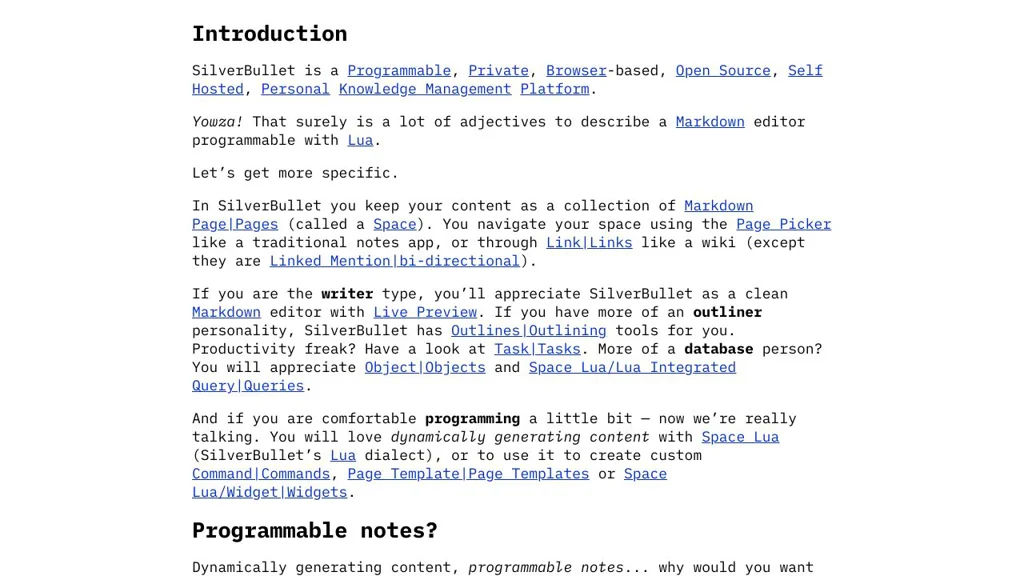
SilverBullet screenshot

SilverBullet is a markdown-first personal knowledge base (PKM) and wiki that runs in your browser with a server-backed file store. It focuses on fast note navigation (links, backlinks, search) and on extensibility: you can automate workflows and customize behavior using scripts and plug-ins.

Key Features

  • Markdown-based pages stored as plain files, editable in a web UI
  • Wiki-style linking with backlinks for knowledge graph-style navigation
  • Full-text search across pages
  • Extensible architecture: plug-ins and user scripts to add commands, panels, and behaviors
  • Built-in command palette for quick navigation and actions
  • Templates/snippets and metadata via frontmatter for structured notes
  • Multi-device access via the web interface (single server, many clients)

Use Cases

  • Personal wiki for meeting notes, project journals, and daily logs
  • Team “lightweight wiki” for documentation where plain markdown files are preferred
  • Power-user note system with custom commands (e.g., automations, page generators)

Limitations and Considerations

  • Extension power comes with a learning curve (scripting/plug-ins) for advanced customization
  • Best suited to wiki/PKM workflows; not a full project management suite

SilverBullet is a good fit if you want a browser-based markdown wiki that stays file-oriented while still being highly customizable. Its link-centric navigation and programmable extension model make it especially useful for users who want to tailor their note-taking system to their own workflows.

4.5kstars
331forks
#12
Flatnotes

Flatnotes

Flatnotes is a lightweight web app for managing Markdown notes stored as plain text files, with tag support and fast full-text search.

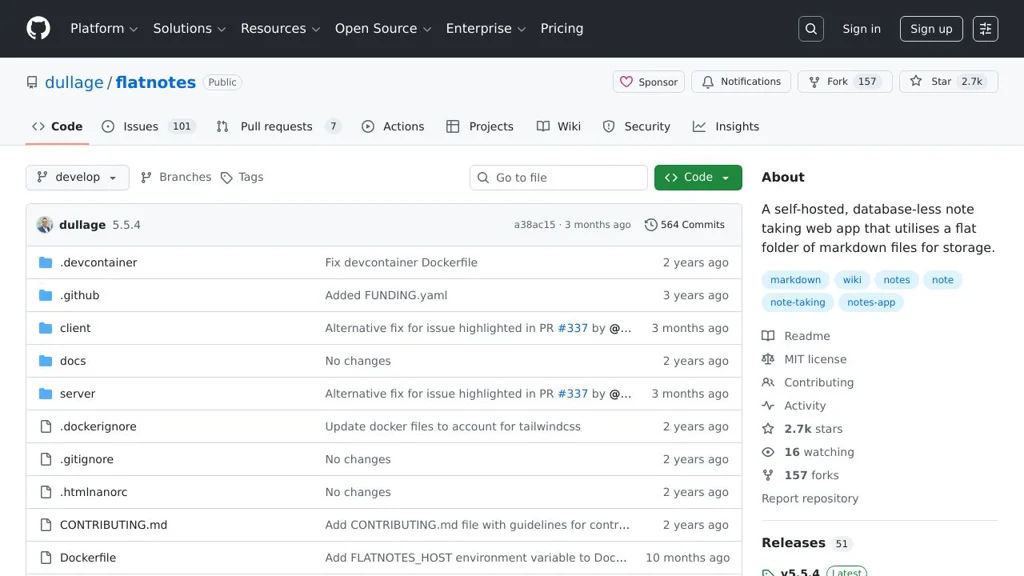
Flatnotes screenshot

Flatnotes is a minimalist, self-contained web application for writing and organizing notes as local Markdown files (a “flat-file” notebook). It focuses on speed and simplicity: you edit notes in the browser, while the source of truth remains a folder of plain-text files.

Key Features

  • Flat-file storage: notes are plain Markdown files on disk (easy to back up and sync externally)
  • Web-based editor for creating, editing, and deleting notes
  • Fast full-text search across all notes
  • Tagging and tag-based filtering (tags derived from note metadata/content)
  • Simple navigation UI designed for quick capture and retrieval
  • Docker-first deployment (commonly run as a single container)

Use Cases

  • Personal knowledge base using a local Markdown folder
  • A lightweight “notes inbox” for quick capture with later organization via tags/search
  • Self-hosted alternative for users who want notes to stay as files rather than in a database

Limitations and Considerations

  • Primarily designed for personal/single-user workflows; advanced multi-user collaboration features are not a focus
  • Feature set is intentionally minimal compared with full PKM suites (e.g., graph views, rich backlinks)

Flatnotes is a good fit when you want a fast web UI on top of a directory of Markdown notes, keeping data portable and easy to manage with existing filesystem-based tooling. Its opinionated simplicity makes it easy to deploy and maintain while still providing the essentials: editing, tags, and search.

2.7kstars
157forks
#13
Many Notes

Many Notes

A simple, self-hostable notes web app for writing Markdown notes, organizing them with folders and tags, and searching your knowledge base.

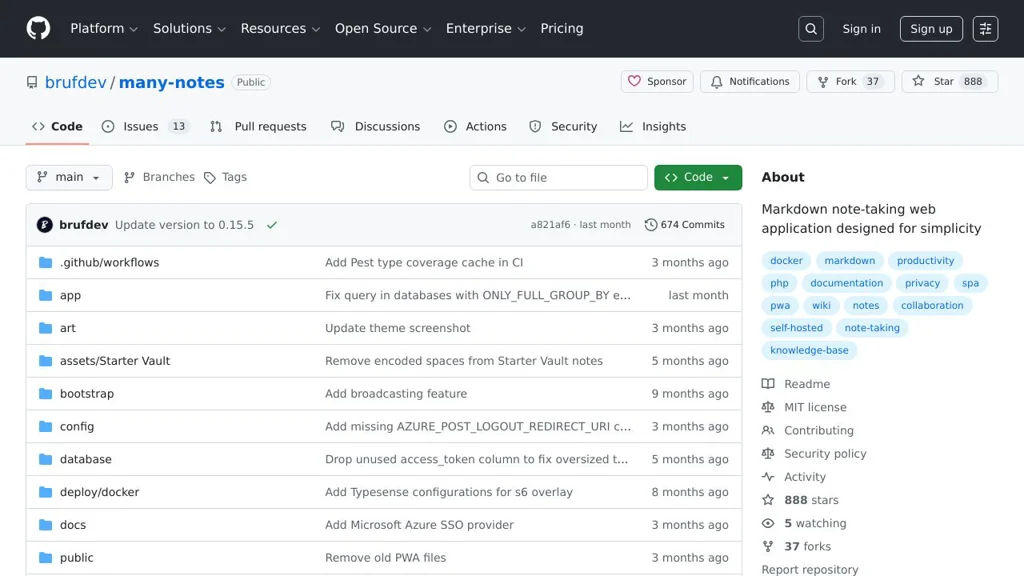
Many Notes screenshot

Many Notes is a lightweight web application for creating and managing personal notes in a clean browser UI. It focuses on fast Markdown writing, simple organization, and easy deployment for running your own private notes space.

Key Features:

  • Markdown editor for writing and formatting notes
  • Notes organization with folders/collections
  • Tagging support to categorize and filter notes
  • Search to quickly find notes by content/title
  • Responsive web UI intended for everyday note-taking

Use Cases:

  • Personal knowledge base for tech notes, snippets, and documentation
  • Journaling or daily notes with simple categorization via tags
  • Team-internal scratchpad for lightweight documentation (small groups)

Limitations and Considerations:

  • Collaboration features (real-time co-editing, comments, permissions) appear limited compared to full collaborative suites
  • Feature set is intentionally minimal; advanced PKM workflows (graph view, backlinks) may not be available

Many Notes is a good fit if you want a minimal, web-based Markdown notebook with basic organization and search. It prioritizes simplicity and an easy workflow over heavyweight knowledge-management features.

888stars
37forks

Why choose an open source alternative?

  • Data ownership: Keep your data on your own servers
  • No vendor lock-in: Freedom to switch or modify at any time
  • Cost savings: Reduce or eliminate subscription fees
  • Transparency: Audit the code and know exactly what's running