
Microsoft To Do

Best Self Hosted Alternatives to Microsoft To Do

A curated collection of the 7 best self hosted alternatives to Microsoft To Do.

Microsoft To Do is a cloud-based task management app for creating, organizing and prioritizing tasks, lists and reminders. It syncs across devices and integrates with Microsoft 365/Outlook to help plan personal and work tasks.

Alternatives List

#1
WeKan

WeKan

Self-hosted Kanban board software with swimlanes, WIP limits, and rich card features for team project and task management.
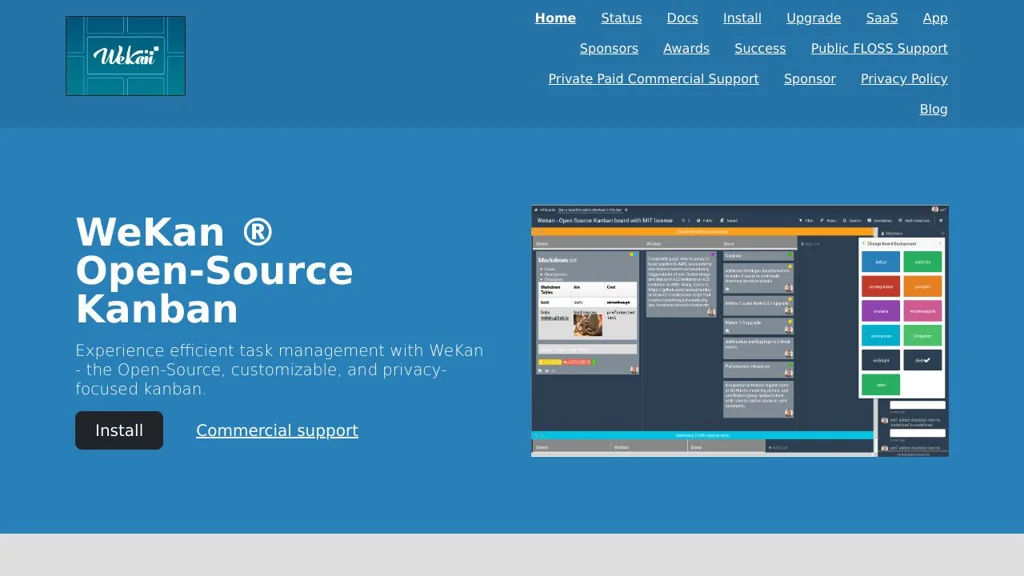
WeKan screenshot

WeKan is a web-based Kanban board application for managing tasks and workflows using boards, lists, and cards. It is commonly used as a self-managed alternative to Trello for teams that want data control and flexible workflow features.

Key Features

  • Kanban boards with lists and draggable cards
  • Swimlanes to organize work in parallel tracks (e.g., by team/member)
  • WIP (Work In Progress) limits per list/swimlane
  • Rich card details: descriptions, checklists, due dates, labels, attachments, comments, and activity history
  • User and permission management for boards
  • Search and filtering to find cards across boards
  • Import/migration options (commonly used for Trello-style workflows)
  • Notifications and @mentions (where supported by deployment/config)

Use Cases

  • Team project management (product, engineering, operations) using Kanban
  • Personal or small-team task tracking with lightweight boards
  • Visualizing support/maintenance workflows (backlog → in progress → done)

Limitations and Considerations

  • Primarily focused on Kanban; it is not a full suite for docs/roadmaps like Notion/Jira
  • Feature availability can vary by deployment method and version; review the current release notes/docs for specifics

WeKan is a practical choice for organizations that want a straightforward, Trello-style Kanban experience with swimlanes and WIP limits. It fits well for day-to-day task management and visual workflow tracking across many types of teams.

20.8kstars
3kforks

#2
Habitica

Habitica

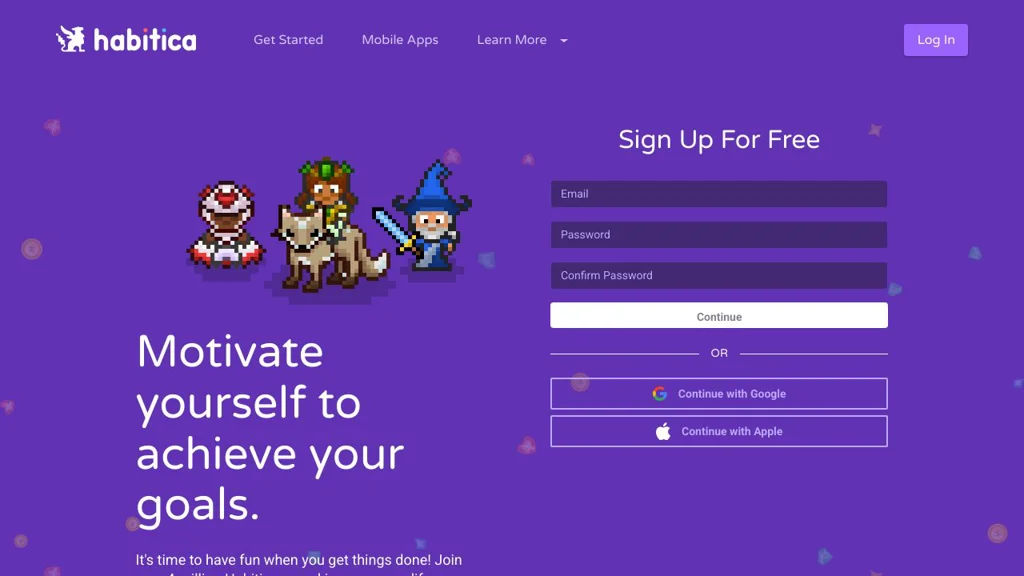
Habitica turns your habits, dailies, and to-dos into an RPG with rewards, streaks, parties, and challenges to help you stay consistent.

Habitica screenshot

Habitica is a gamified productivity app that turns habit building and task management into an RPG. You track Habits, Dailies, and To-Dos to gain experience, gold, and items, and you can team up with others for accountability.

Key Features

  • Three task types: Habits (good/bad), Dailies (recurring), and To-Dos (one-off)
  • RPG progression: level up, earn gold/experience, buy gear, and unlock customization
  • Party system with shared quests and boss fights driven by members’ task completion
  • Challenges and shared task lists for group goals and communities
  • Tags, checklists, due dates, reminders/notifications, and basic analytics (streaks, history)
  • Web and mobile clients plus public API for integrations

Use Cases

  • Personal habit tracking with immediate rewards and visual progress
  • Small groups/friends using parties and quests for shared accountability
  • Communities running time-bound challenges (fitness, study, writing sprints)

Limitations and Considerations

  • Self-hosting requires running the full web stack (Node.js app + MongoDB + Redis) and maintaining background workers/queues
  • Feature set is geared toward gamified habits/tasks rather than full project planning (e.g., advanced Gantt/resource management)

Habitica fits users who stay motivated through game mechanics and social accountability. It works well as a personal habit system or a lightweight group tracker, with extensibility via its API and integrations.

13.6kstars
4.4kforks
#3
Personal Management System

Personal Management System

A self-hosted personal organizer to manage notes, tasks, projects, time tracking, and related personal data in one web application.

Personal Management System (PMS) is a web-based personal organizer designed to centralize everyday planning and personal information management. It combines task/project planning with note-taking and time tracking, aiming to replace scattered tools with a single, self-managed dashboard.

Key Features

  • Notes/knowledge organization with rich text/structured entries
  • Task management with statuses and prioritization for personal workflows
  • Project-oriented organization to group tasks and related information
  • Time tracking for work sessions and reporting/overview
  • Calendar-style planning views for organizing activities over time
  • Data management features such as search, filtering, and basic reporting

Use Cases

  • Manage personal projects with tasks, notes, and time logs in one place
  • Track time spent on learning/work and review summaries for productivity
  • Keep a private personal knowledge base alongside actionable task lists

Limitations and Considerations

  • Feature set and UX are oriented toward a single-user “personal organizer” workflow rather than team collaboration features.

PMS is a good fit for individuals who want an integrated personal productivity suite with local control of their data. It focuses on combining core planning modules (tasks/projects/calendar) with notes and time tracking to support day-to-day organization.

3.8kstars
304forks
#4
Vikunja

Vikunja

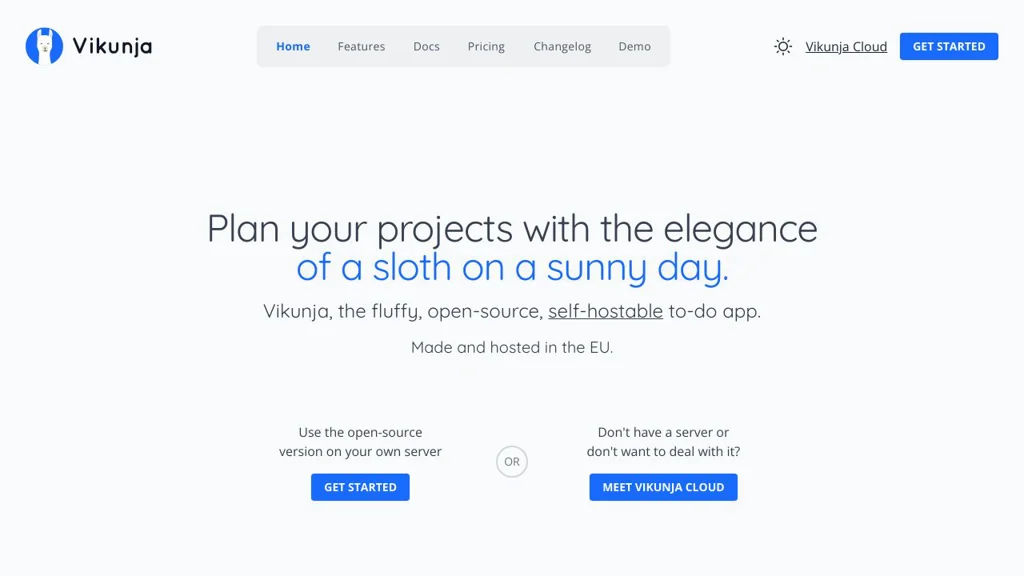
Self-hosted task and project management with lists, kanban boards, reminders, sharing, and a REST API—available via web, mobile, and CalDAV clients.

Vikunja screenshot

Vikunja is a self-hostable task and project management application designed for personal productivity and team collaboration. It provides list-based task organization with optional kanban views, sharing, and reminders, and exposes a well-documented API for integrations.

Key Features

  • Projects/lists with tasks, subtasks, priorities, due dates, reminders, and repeating tasks
  • Kanban board view in addition to traditional list views
  • Team collaboration: sharing projects and tasks with permissions
  • Labels/tags, filters, and saved views for organizing and querying tasks
  • Notifications and activity tracking (implementation depends on configured services)
  • CalDAV support for syncing tasks with compatible clients
  • REST API for automation and integrations; supports API tokens
  • Multi-platform clients: web UI plus mobile apps/community clients

Use Cases

  • Personal to-do management with recurring tasks and reminders
  • Small-team project tracking with shared lists and kanban workflows
  • Integrating tasks into other systems via API (e.g., custom automation/scripts)

Limitations and Considerations

  • Some advanced enterprise project features (e.g., complex portfolio management) are out of scope compared to large commercial suites
  • CalDAV feature parity depends on client compatibility and configured server settings

Vikunja is a strong fit for users who want a lightweight, modern task manager with collaboration features and a developer-friendly API. It is especially useful when you want control over data and the flexibility to integrate task workflows into existing tooling.

3kstars
281forks
#5
Tasks.md

Tasks.md

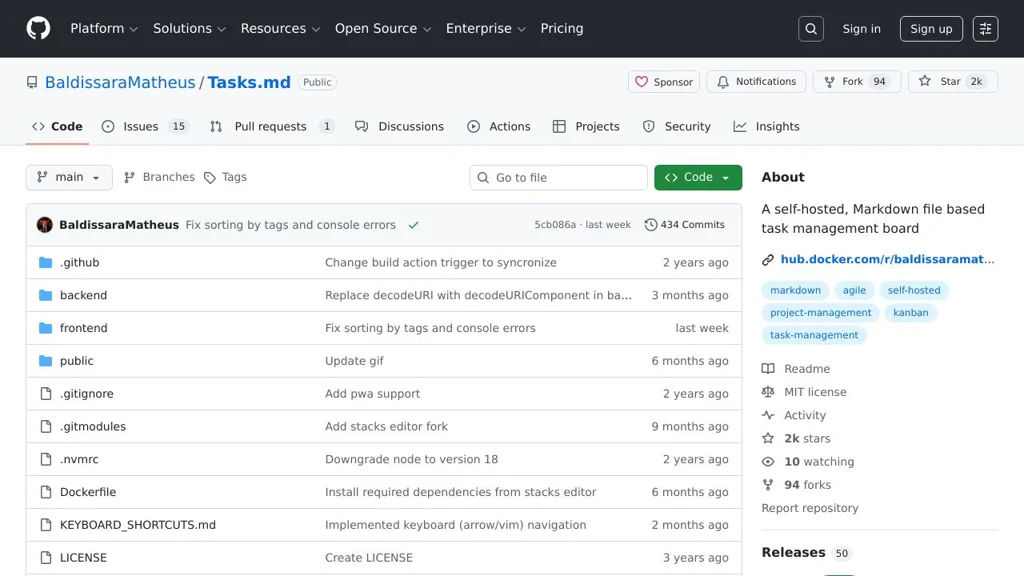
A GitHub-integrated task list that syncs Markdown checklists with GitHub Issues for lightweight planning and tracking.

Tasks.md screenshot

Tasks.md is a lightweight task management approach built around a Markdown file that stays in your repository and integrates with GitHub Issues. It’s designed for teams or individuals who prefer planning in Markdown while still using an issue tracker for assignment, discussion, and status tracking.

Key Features

  • Stores tasks in a Markdown file within the repository (easy to review in PRs)
  • Synchronizes tasks with GitHub Issues to track work in an issue tracker
  • Supports checkbox-style task lists (Markdown) as the primary editing interface
  • Keeps task context close to the codebase (works naturally with Git workflows)

Use Cases

  • Maintain a project to-do list in the repo while tracking execution via Issues
  • Manage lightweight sprint/backlog notes without a separate project tool
  • Track personal or small-team tasks alongside source code changes

Limitations and Considerations

  • GitHub Issues integration implies reliance on GitHub APIs and GitHub-specific workflows
  • Feature set depends on the project’s current implementation; it is not a full PM suite (e.g., advanced roadmaps/reporting)

Tasks.md fits best when you want Markdown-first planning with issue-tracker traceability. It can reduce overhead for small projects by making the task list reviewable in code changes while still leveraging Issues for collaboration.

2kstars
94forks
#6
Donetick

Donetick

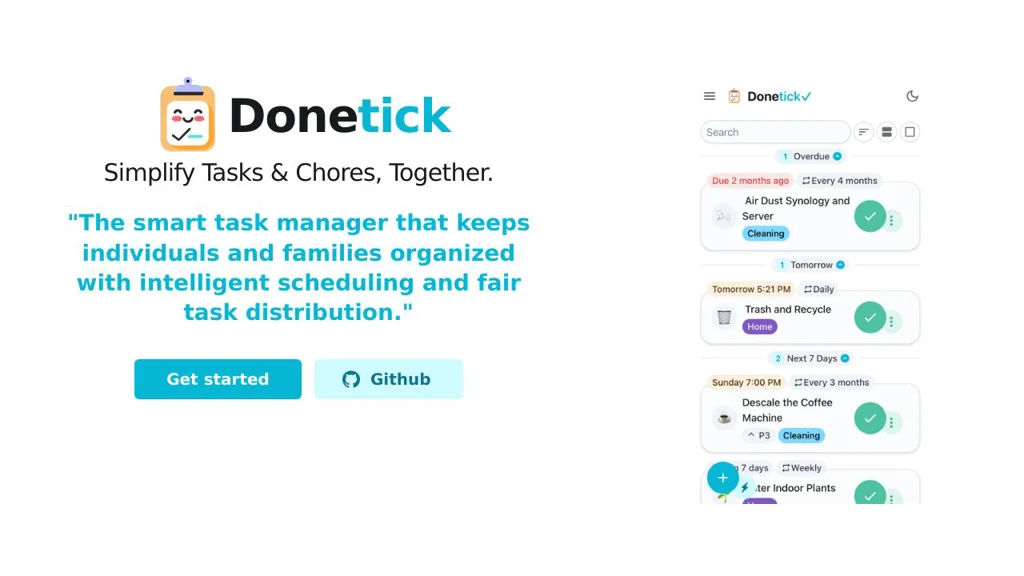
Donetick is a self-hosted web app for managing household chores and recurring tasks with assignments, schedules, and reminders for individuals or families.

Donetick screenshot

Donetick is a self-hosted web application focused on managing household chores and recurring tasks. It helps families, roommates, or individuals organize what needs to be done, who is responsible, and when tasks repeat, with a simple UI for tracking completion.

Key Features

  • Create chores/tasks with recurring schedules (e.g., daily/weekly/monthly)
  • Assign tasks to household members and track completion history
  • Task lists and status views to see what’s due/overdue
  • Lightweight, web-based UI suitable for shared household use
  • Container-friendly deployment for running on home servers

Use Cases

  • Coordinate recurring chores for families or roommates (cleaning, trash, laundry)
  • Track personal recurring responsibilities (meds, maintenance, routines)
  • Manage periodic home maintenance schedules (filters, inspections, supplies)

Donetick is a practical option for users who want a focused, self-hosted chore tracker without the overhead of a full project-management suite. It emphasizes recurring household workflows: assigning responsibility, keeping history, and staying on schedule.

1.7kstars
99forks
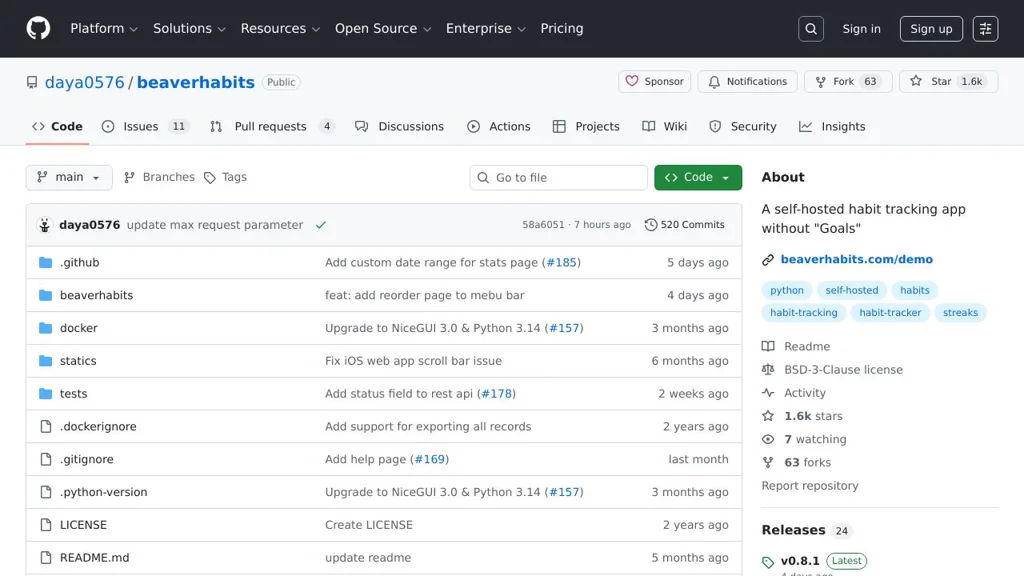
#7
Beaver Habit Tracker

Beaver Habit Tracker

Self-hosted habit tracker to create habits, log daily progress, and review streaks and history in a simple web interface.

Beaver Habit Tracker screenshot

Beaver Habit Tracker is a small, self-hostable web application for tracking personal habits and daily routines. It focuses on a simple UI to create habits, record completions, and review progress over time.

Key Features

  • Create and manage habits with a minimal, distraction-free interface
  • Daily check-ins / completion logging for each habit
  • Progress and history views to review consistency over time
  • Lightweight deployment intended for personal or small-group use

Use Cases

  • Track daily routines (exercise, reading, hydration) with quick check-ins
  • Maintain accountability for long-term goals using streaks/progress views
  • Run a private habit tracker for a household or small team

Limitations and Considerations

  • Feature scope is intentionally small compared to full productivity suites (e.g., limited integrations/automation)

Beaver Habit Tracker is a good fit if you want a straightforward habit logging tool without the complexity of larger task management platforms. Its lightweight approach makes it practical to deploy for personal tracking and simple accountability workflows.

1.6kstars
63forks

Why choose an open source alternative?

  • Data ownership: Keep your data on your own servers
  • No vendor lock-in: Freedom to switch or modify at any time
  • Cost savings: Reduce or eliminate subscription fees
  • Transparency: Audit the code and know exactly what's running