
Nuclino

Best Self Hosted Alternatives to Nuclino

A curated collection of the 8 best self hosted alternatives to Nuclino.

Nuclino is a collaborative knowledge management and team wiki SaaS for creating, organizing, and sharing docs, notes, and project boards in real time. It offers a lightweight editor, search, hierarchical organization, and integrations to streamline team collaboration and onboarding.

Alternatives List

#1
Wiki.js

Wiki.js

A Node.js-based wiki for team documentation and knowledge bases with Markdown, rich editor, permissions, Git sync, and multiple authentication options.
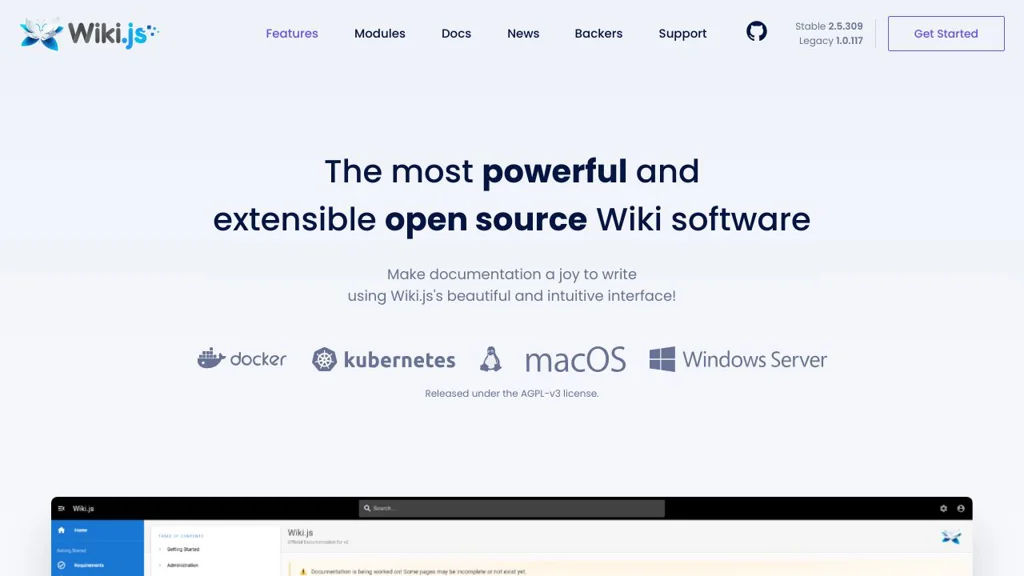
Wiki.js screenshot

Wiki.js is a modern wiki and documentation platform designed for teams to create, organize, and publish internal knowledge and technical documentation. It focuses on a clean authoring experience (Markdown and visual editing), flexible content organization, and enterprise-style access controls.

Key Features

  • Markdown editor and visual (WYSIWYG) editing experience for pages
  • Powerful content organization with navigation, pages, and hierarchy
  • Fine-grained access control with roles and permissions
  • Authentication integrations (e.g., local auth and external identity providers)
  • Version history and page revisions with restore/compare capabilities
  • Git-based storage/synchronization options for backing content with repositories
  • Search functionality for quickly finding content across the wiki
  • Extensible architecture with modules/integrations (e.g., storage, auth, rendering)

Use Cases

  • Internal company wiki for SOPs, onboarding, and team knowledge sharing
  • Engineering documentation portal for runbooks, architecture docs, and APIs
  • Project documentation site with controlled access for stakeholders

Limitations and Considerations

  • Some advanced capabilities depend on configuring modules (auth/storage/search) and may require additional services
  • Major version upgrades can require migration planning due to platform changes

Wiki.js is well-suited for organizations that want a polished documentation experience with strong permissions and integration options. Its modular approach makes it adaptable to different infrastructures, from small teams to larger environments with SSO and Git-backed workflows.

27.6kstars
3.1kforks

#2
Docmost

Docmost

Self-hosted collaborative wiki and knowledge base with pages, spaces, permissions, and full-text search for internal documentation.

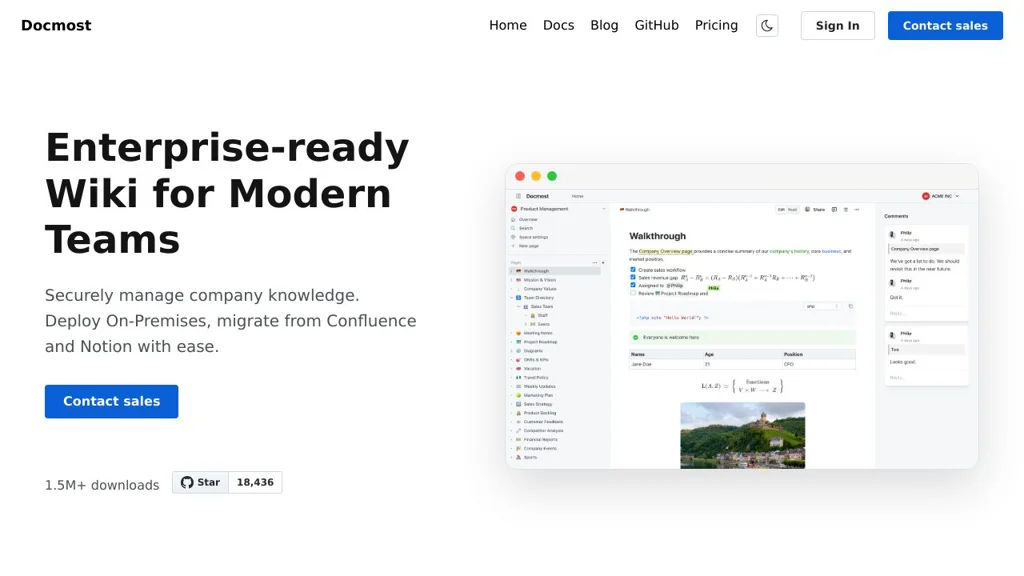
Docmost screenshot

Docmost is a self-hosted, collaborative wiki for creating and organizing internal documentation and team knowledge. It focuses on structured content (spaces and pages), collaborative editing, and search, making it suitable for product docs, runbooks, and internal knowledge bases.

Key Features

  • Spaces and hierarchical pages for structured documentation
  • Rich-text/Markdown-style editor for writing and formatting content
  • Real-time collaboration features for team editing and updates
  • Permissions and access control for organizing content by team/space
  • Full-text search to quickly find pages and information
  • Attachments and media support for documentation assets

Use Cases

  • Internal engineering runbooks, SOPs, and incident playbooks
  • Company knowledge base (policies, onboarding, FAQs)
  • Product/ops documentation organized by teams or projects

Docmost provides a lightweight Confluence/Notion-style documentation experience that can be deployed on your own infrastructure. It is best suited for teams that want a focused wiki/knowledge base with collaboration, permissions, and search without relying on a hosted SaaS.

18.5kstars
1.1kforks
#3
Blinko

Blinko

Self-hosted notes and personal knowledge base for capturing, tagging, and organizing thoughts with markdown support and fast search.

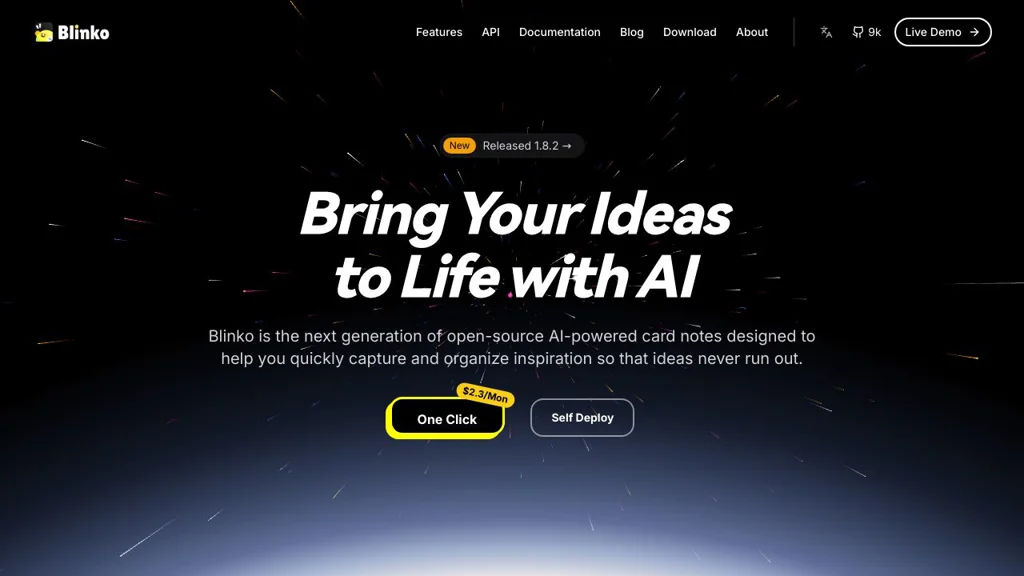
Blinko screenshot

Blinko is a self-hosted note-taking and personal knowledge management (PKM) app focused on quickly capturing ideas and organizing them into a searchable knowledge base. It provides a clean web UI for writing notes, categorizing with tags, and retrieving information later.

Key Features

  • Markdown-based note editor for fast writing and formatting
  • Tagging and organization to build a personal knowledge base over time
  • Full-text search to quickly find notes
  • Web-based UI designed for quick capture and browsing
  • Multi-user capable deployments (account-based access)

Use Cases

  • Personal PKM system to store notes, ideas, and snippets
  • Lightweight alternative to hosted note apps for private journaling and work notes
  • Team-shared scratchpad/knowledge space for small groups

Limitations and Considerations

  • Feature set is primarily focused on notes/PKM; advanced wiki-style structures and complex collaboration workflows may be limited compared to larger platforms

Blinko fits users who want a straightforward, self-hosted notes app with tagging and search rather than a heavy project management or document suite. It is suitable as a private, always-available web notebook that grows into a personal knowledge base.

9.1kstars
640forks
#4
TiddlyWiki

TiddlyWiki

A highly customizable personal wiki/knowledge base that runs in the browser, supports plugins and transclusion, and can be saved as a single HTML file or hosted via Node.js.

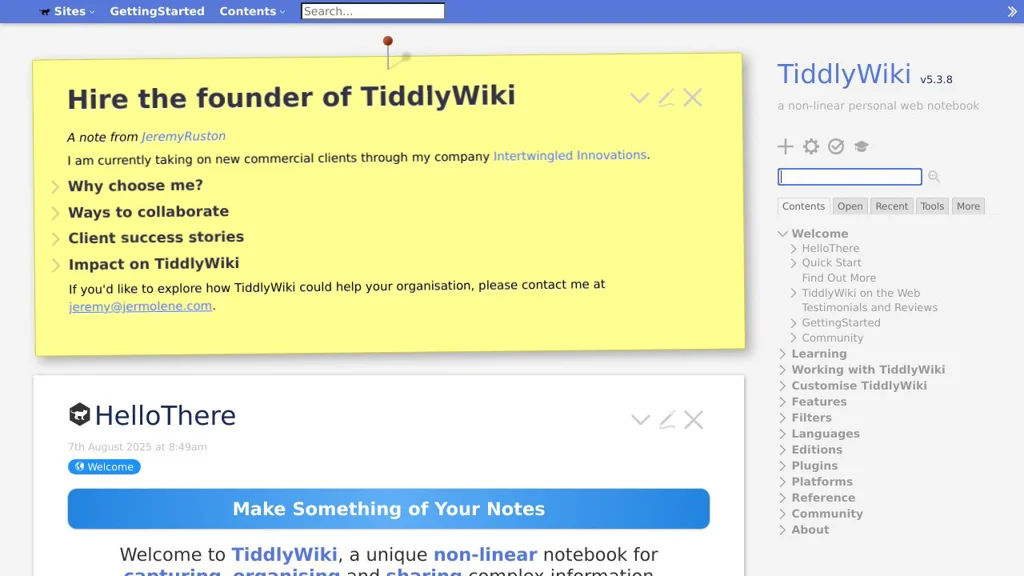
TiddlyWiki screenshot

TiddlyWiki is a non-linear personal wiki designed to be flexible, portable, and heavily customizable. It can run entirely in the browser as a single self-contained HTML file (easy to carry, backup, and open anywhere), or it can be hosted using Node.js for multi-page/server-based workflows.

Key Features

  • Single-file wiki mode that stores the app and your content together in one HTML file
  • Non-linear note model (“tiddlers”) with powerful linking, tagging, and organization
  • Transclusion and “wikitext” templating to reuse and compose content across pages
  • Built-in search, filtering, and dynamic lists powered by a rich filter language
  • Extensible plugin architecture (themes, macros, widgets, custom renderers)
  • Multiple saving/hosting options (classic file saving, Node.js server, and adapters)
  • Import/export and inter-wiki sharing via core import tools and plugin ecosystem

Use Cases

  • Personal knowledge management (Zettelkasten-style notes, research notebooks)
  • Lightweight documentation and project wikis (run locally or on a server)
  • Building custom, form-like tools and dashboards using templates/widgets

Limitations and Considerations

  • Collaboration is not a primary design focus in classic single-file mode; multi-user editing typically requires additional server/storage choices.
  • The learning curve can be steep for advanced customization (filters, widgets, macros).

TiddlyWiki is a strong fit for users who want an offline-friendly knowledge base with deep customization and composable content. Its single-file mode makes it uniquely portable, while Node.js hosting enables more traditional server-backed deployments when needed.

8.5kstars
1.2kforks
#5
DokuWiki

DokuWiki

A PHP wiki that stores pages as text files, offering ACL, versioning, plugins, and structured navigation without requiring a database.

DokuWiki screenshot

DokuWiki is a lightweight, PHP-based wiki engine designed for documentation and knowledge bases. It stores content as plain text files (no database required), making it easy to deploy, back up, and migrate while still supporting multi-user collaboration.

Key Features

  • Plain-text file storage with automatic revision history and diff viewing
  • Built-in Access Control Lists (ACL) for namespaces/pages and user/group permissions
  • Full-text search and structured navigation using namespaces and backlinks
  • Plugin and template ecosystem for extending functionality and theming
  • Media management for file uploads and embedding images/documents
  • Interwiki links, page locking, and conflict handling for concurrent edits
  • Built-in authentication options with support for external auth via plugins

Use Cases

  • Internal team wiki for SOPs, runbooks, and technical documentation
  • Project documentation portal for software/hardware teams
  • Personal or small-organization knowledge base with fine-grained permissions

Limitations and Considerations

  • Does not use Markdown by default (uses DokuWiki syntax; Markdown available via plugins)
  • Advanced workflows (e.g., WYSIWYG editing, complex approvals) typically require plugins

DokuWiki is well-suited for teams that want a dependable wiki with minimal operational dependencies and strong permissioning. Its file-based design and mature extension ecosystem make it a practical choice for long-lived documentation.

4.5kstars
911forks
#6
SilverBullet

SilverBullet

Self-hosted, markdown-based personal knowledge base with backlinks, full-text search, and a programmable extension system for automations and custom commands.

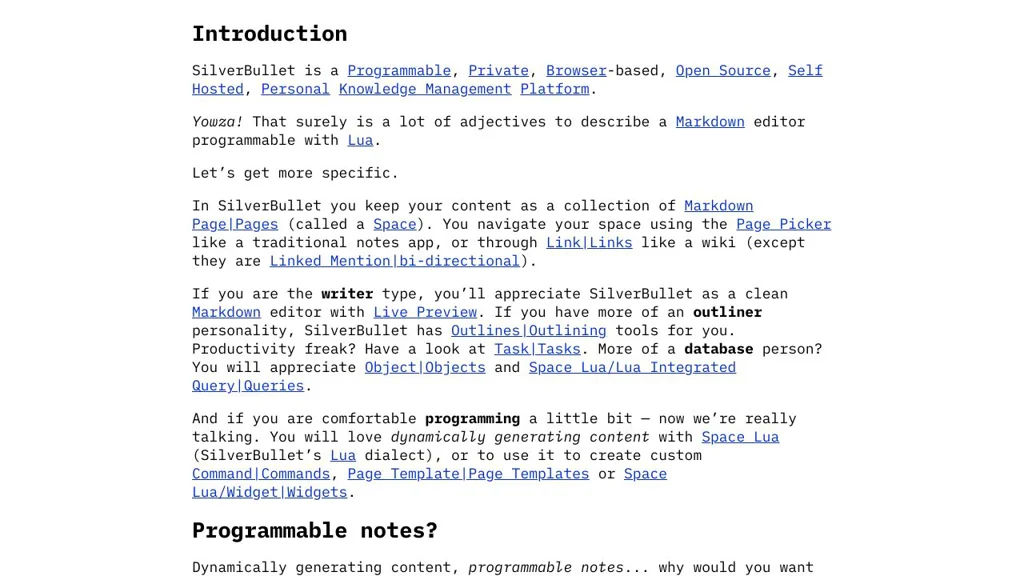
SilverBullet screenshot

SilverBullet is a markdown-first personal knowledge base (PKM) and wiki that runs in your browser with a server-backed file store. It focuses on fast note navigation (links, backlinks, search) and on extensibility: you can automate workflows and customize behavior using scripts and plug-ins.

Key Features

  • Markdown-based pages stored as plain files, editable in a web UI
  • Wiki-style linking with backlinks for knowledge graph-style navigation
  • Full-text search across pages
  • Extensible architecture: plug-ins and user scripts to add commands, panels, and behaviors
  • Built-in command palette for quick navigation and actions
  • Templates/snippets and metadata via frontmatter for structured notes
  • Multi-device access via the web interface (single server, many clients)

Use Cases

  • Personal wiki for meeting notes, project journals, and daily logs
  • Team “lightweight wiki” for documentation where plain markdown files are preferred
  • Power-user note system with custom commands (e.g., automations, page generators)

Limitations and Considerations

  • Extension power comes with a learning curve (scripting/plug-ins) for advanced customization
  • Best suited to wiki/PKM workflows; not a full project management suite

SilverBullet is a good fit if you want a browser-based markdown wiki that stays file-oriented while still being highly customizable. Its link-centric navigation and programmable extension model make it especially useful for users who want to tailor their note-taking system to their own workflows.

4.5kstars
330forks
#7
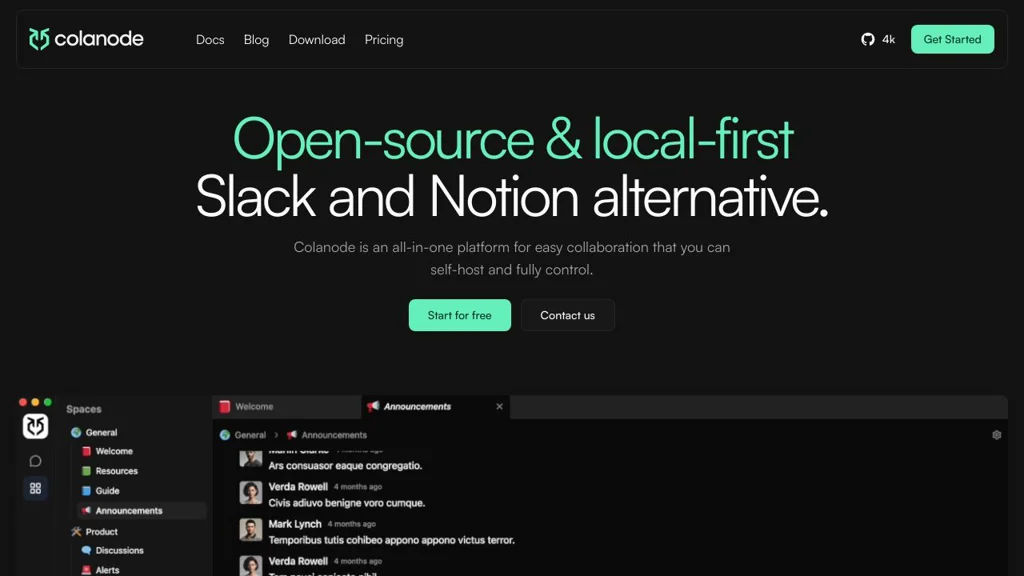
Colanode

Colanode

Self-hosted collaborative workspace combining notes, documents, and lightweight project organization for teams that want a Notion-style hub on their own infrastructure.

Colanode screenshot

Colanode is an open-source collaborative workspace that brings team documentation, notes, and lightweight project organization into a single place. It is designed as a Notion-style knowledge hub that you can run on your own infrastructure and tailor to internal team workflows.

Key Features

  • Workspace structure for organizing content (pages/collections-style organization)
  • Collaborative editing for team documentation and shared notes
  • Rich-text/Markdown-oriented writing experience with structured content blocks
  • Search and navigation to quickly find workspace content
  • User and workspace access management for team collaboration
  • API-first / developer-friendly approach (project ships as a full web application)

Use Cases

  • Internal team wiki for processes, runbooks, and onboarding documentation
  • Project space for specs, meeting notes, and lightweight planning
  • Central knowledge base to replace scattered documents across multiple tools

Limitations and Considerations

  • Feature set and integrations may be narrower than mature hosted suites (e.g., automation/integration marketplace)
  • Some enterprise controls (advanced compliance features) may be limited depending on your deployment needs

Colanode fits teams that want an all-in-one shared workspace without depending on proprietary SaaS. It is most suitable for documentation-centric collaboration with simple project organization in the same product.

4.3kstars
229forks
#8
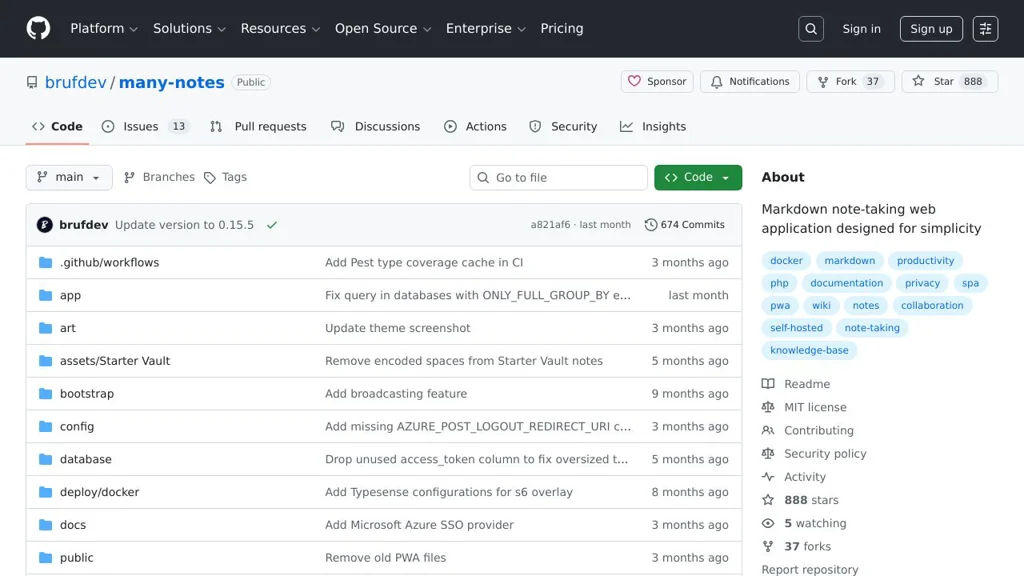
Many Notes

Many Notes

A simple, self-hostable notes web app for writing Markdown notes, organizing them with folders and tags, and searching your knowledge base.

Many Notes screenshot

Many Notes is a lightweight web application for creating and managing personal notes in a clean browser UI. It focuses on fast Markdown writing, simple organization, and easy deployment for running your own private notes space.

Key Features:

  • Markdown editor for writing and formatting notes
  • Notes organization with folders/collections
  • Tagging support to categorize and filter notes
  • Search to quickly find notes by content/title
  • Responsive web UI intended for everyday note-taking

Use Cases:

  • Personal knowledge base for tech notes, snippets, and documentation
  • Journaling or daily notes with simple categorization via tags
  • Team-internal scratchpad for lightweight documentation (small groups)

Limitations and Considerations:

  • Collaboration features (real-time co-editing, comments, permissions) appear limited compared to full collaborative suites
  • Feature set is intentionally minimal; advanced PKM workflows (graph view, backlinks) may not be available

Many Notes is a good fit if you want a minimal, web-based Markdown notebook with basic organization and search. It prioritizes simplicity and an easy workflow over heavyweight knowledge-management features.

889stars
37forks

Why choose an open source alternative?

  • Data ownership: Keep your data on your own servers
  • No vendor lock-in: Freedom to switch or modify at any time
  • Cost savings: Reduce or eliminate subscription fees
  • Transparency: Audit the code and know exactly what's running