
OutSystems

Best Self Hosted Alternatives to OutSystems

A curated collection of the 6 best self hosted alternatives to OutSystems.

OutSystems is an enterprise low-code application platform for visually building, deploying and managing web and mobile applications rapidly, with built-in integration, scalability, and application lifecycle/DevOps support.

Alternatives List

#1
Appsmith

Appsmith

Build and deploy internal tools fast with a low-code builder, prebuilt UI widgets, and secure integrations with databases, APIs, and SaaS services.
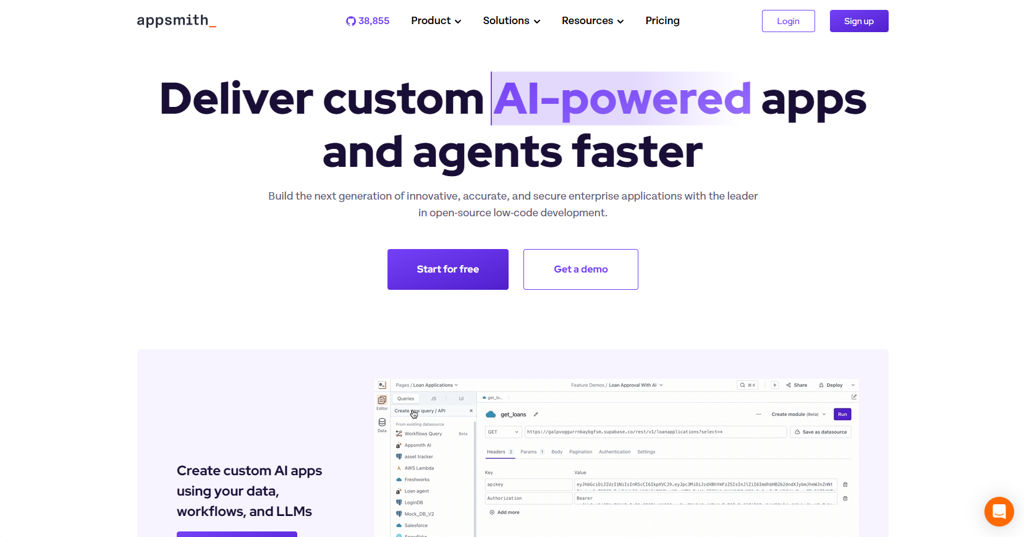
Appsmith screenshot

Appsmith is an open-source low-code platform for building internal tools such as admin panels, CRUD apps, dashboards, and workflow apps. It provides a browser-based editor to compose UIs, connect to data sources, and write logic with JavaScript, then deploy apps with access controls.

Key Features

  • Visual app builder with drag-and-drop widgets (tables, forms, charts, modals, tabs) and theming
  • Connectors for databases and services plus REST/GraphQL APIs; query editor with parameters and environment configuration
  • JavaScript logic for actions, data transformations, and client-side state (bindings between widgets and queries)
  • Reusable modules/components and templates to accelerate common internal-tool patterns
  • Authentication and authorization options, including role-based access control (RBAC) and SSO integrations
  • Git-based version control and CI-friendly workflows for app promotion across environments
  • Auditability features such as activity/audit logs (plan-dependent) and granular permissions
  • Deployment via Docker and Kubernetes with support for external database and object storage configurations

Use Cases

  • Build admin consoles for operational workflows (users, orders, inventory) backed by SQL/NoSQL
  • Create internal dashboards and reporting apps that combine multiple data sources
  • Rapidly ship support/ops tooling (approval flows, customer lookup, incident utilities)

Limitations and Considerations

  • Advanced enterprise features (some SSO options, audit/advanced governance) may be plan-dependent
  • Complex UI/UX beyond provided widgets may require custom code or embedding external components

Appsmith fits teams that want a developer-friendly low-code builder while keeping full control over deployment and data access. It is commonly used to replace spreadsheet-driven operations with governed, repeatable internal applications.

38.8kstars
4.4kforks

#2
ToolJet

ToolJet

Build internal tools fast with a low-code builder, database/API connectors, queries, and role-based access controls—self-hostable and extensible.

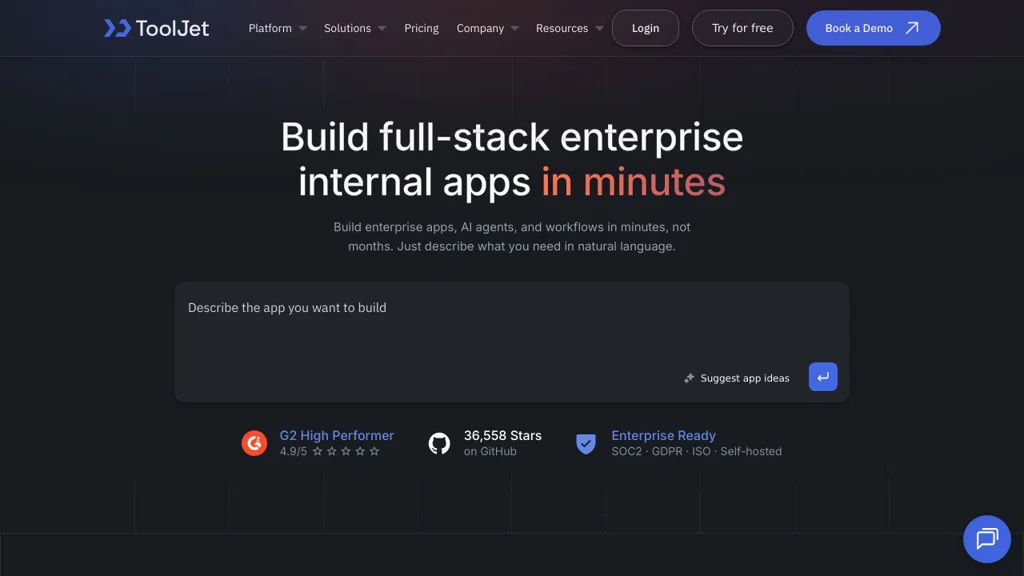
ToolJet screenshot

ToolJet is an open-source low-code platform for building internal tools such as admin panels, dashboards, CRUD apps, and workflows. It provides a drag-and-drop UI builder, integrations to common data sources, and a query/action layer to connect UI components to data and business logic.

Key Features

  • Drag-and-drop app builder with pre-built UI components (tables, forms, charts, etc.)
  • Connectors for databases, APIs, and SaaS tools; run queries and bind results to components
  • JavaScript for transforming data and controlling component behavior
  • Authentication and role-based access control (RBAC) for internal app permissions
  • Reusable modules/components and app versioning/management features for teams
  • Audit/logging and environment configuration options for operational use
  • Deployment options including Docker-based self-hosting and Kubernetes setups

Use Cases

  • Operations/admin panels for managing users, orders, inventory, or content
  • BI-style internal dashboards combining multiple data sources
  • Support and engineering tooling (triage consoles, runbooks, internal workflows)

Limitations and Considerations

  • Complex logic may still require custom code/services beyond the built-in query layer
  • Connector coverage and advanced enterprise controls can vary by edition and release

ToolJet fits teams that want to ship internal tools quickly while keeping control of hosting and extensibility. It is often used as a Retool-style builder for CRUD apps and data-driven internal dashboards with database/API integrations.

37.1kstars
4.9kforks
#3
Grist

Grist

Self-hostable, collaborative spreadsheet-database hybrid with relational tables, formulas, forms, and granular access control—an Airtable alternative.

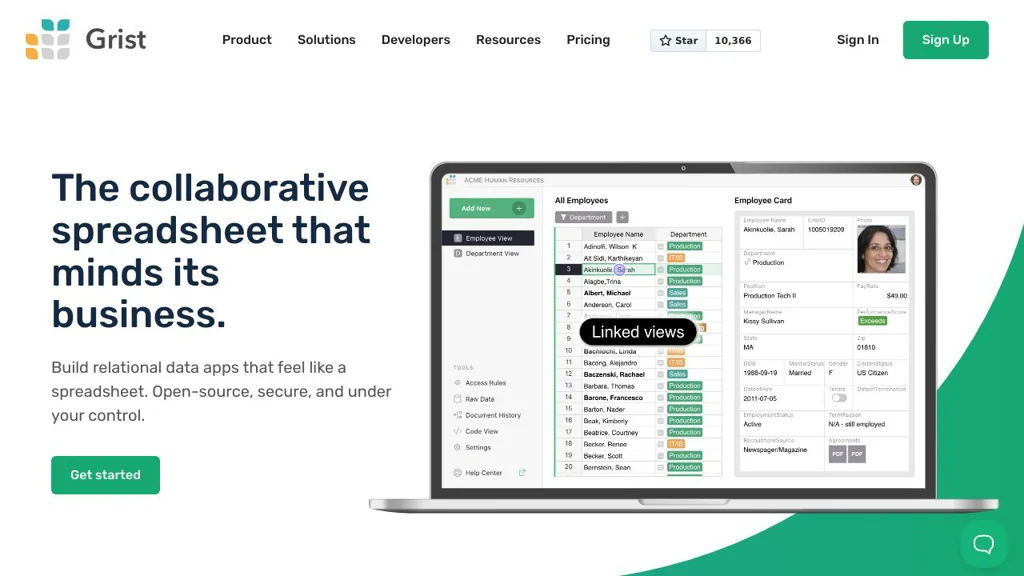
Grist screenshot

Grist is a spreadsheet-like database for building and sharing structured data apps. It combines familiar spreadsheet editing with relational tables, Python-style formulas, and multiple views (grids, charts, forms) to support lightweight workflows without writing a full application.

Key Features

  • Spreadsheet UX backed by a relational data model (multiple tables with references)
  • Python-like formulas for computed columns and data transformations
  • Multiple views of the same data (tables, charts, and forms for data entry)
  • Fine-grained access control (document/table/column-level permissions)
  • Import/export for common formats (e.g., Excel/CSV) and data portability
  • Audit/history features (change tracking and document revisions)
  • Extensible “widgets”/custom views and an API for integrations and automation

Use Cases

  • Replace Airtable-style team bases for ops tracking, inventories, and request intake
  • Build internal tools (CRUD-style apps) from tables + forms + permission rules
  • Maintain relational datasets (customers/projects) with computed fields and reports

Limitations and Considerations

  • Complex, highly interactive apps may outgrow the spreadsheet-centric UI and require a dedicated app framework.

Grist is well-suited to teams that want the speed and approachability of spreadsheets with the structure and governance of a database. It works particularly well for operational data, lightweight internal tools, and collaboration where permissions and relational modeling matter.

10.4kstars
524forks
#4
Baserow

Baserow

Baserow is a collaborative no-code database (Airtable alternative) to create tables, views, forms, and an API for building internal tools and lightweight apps.

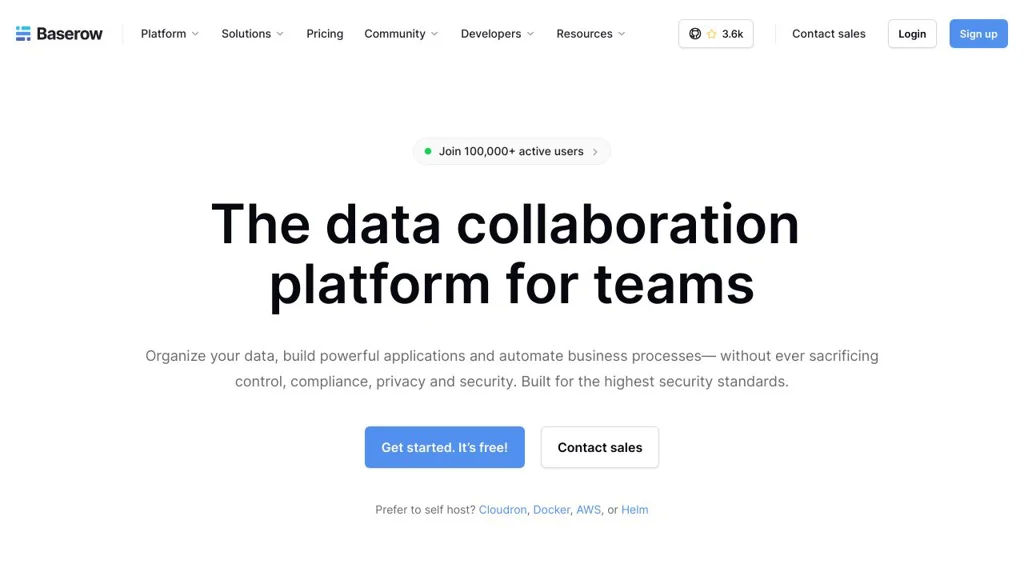
Baserow screenshot

Baserow is an open-source, web-based no-code database for creating and collaborating on structured data. It provides spreadsheet-like tables with multiple views, supports building data entry forms, and exposes your data through APIs for integrations and lightweight internal tools.

Key Features

  • Airtable-style databases with workspaces, databases, tables, and field types
  • Multiple views (e.g., grid and kanban) to organize and visualize records
  • Form view for collecting data via shareable forms
  • Role-based access and collaboration features for teams
  • REST API and webhook support for integrations and automation
  • Import/export capabilities (commonly including CSV) for data migration
  • Extensible architecture designed for plugins/enterprise add-ons and scaling

Use Cases

  • Build internal tools (inventory, CRM-lite, operations trackers) without custom code
  • Replace spreadsheets with structured, permissioned team databases
  • Collect and manage submissions (intake requests, surveys, applications) via forms

Limitations and Considerations

  • Advanced analytics/dashboarding and complex relational reporting are more limited than dedicated BI tools
  • Feature completeness can vary by view type and edition (community vs. paid offerings)

Baserow is a strong choice for teams that want an Airtable-like experience with control over deployment and data. Its combination of no-code UI, collaboration, and APIs makes it suitable for operational databases, simple apps, and integration-driven workflows.

3.7kstars
482forks
#5
Manifest

Manifest

Open-source tool to generate an admin UI and REST API from your database schema, with authentication, role-based access, and extensible configuration.

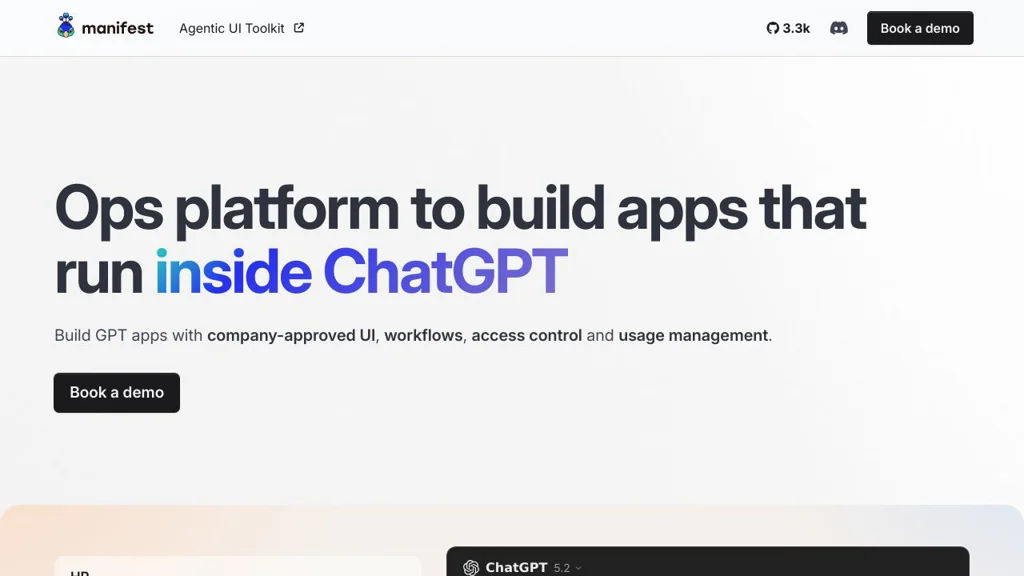
Manifest screenshot

Manifest is an open-source backend tool that generates an admin application and an API on top of your existing database. It focuses on speeding up internal tools and CRUD backends by introspecting your schema and exposing resources with sensible defaults.

Key Features

  • Database introspection to automatically generate resources, fields, and relations
  • Admin web UI for CRUD operations (create, edit, list, delete) over your data
  • API layer generated from the same model (commonly used for internal apps and integrations)
  • Authentication and role-based access control to restrict admin/API access
  • Configuration-driven customization (adjust resources, fields, permissions, and UI behavior)
  • Support for common relational database patterns (tables, relations/foreign keys)

Use Cases

  • Build internal admin panels for operational teams (support, ops, content)
  • Rapidly expose CRUD APIs for services or integrations from an existing database
  • Prototype back-office tooling for early-stage products without writing a custom admin

Limitations and Considerations

  • Best suited for CRUD-style workflows; highly bespoke UIs may require custom development
  • Feature set and supported databases depend on the project’s current adapters and maturity

Manifest is useful when you already have a database and want a practical admin interface plus an API quickly, while still keeping the option to customize behavior via configuration. It can reduce time spent building repetitive admin CRUD screens and basic access control from scratch.

3.3kstars
150forks
#6
Saltcorn

Saltcorn

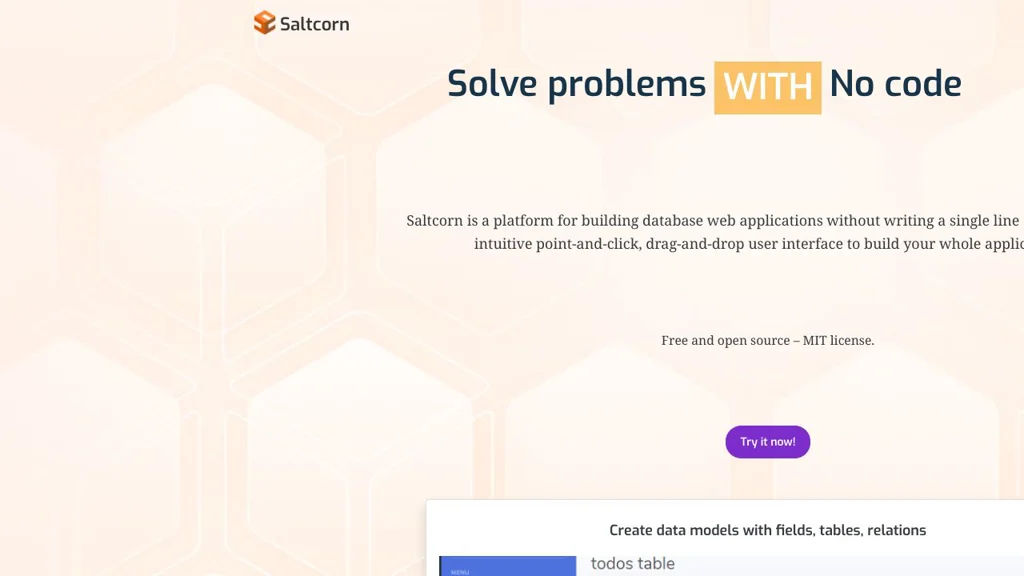
Saltcorn is an open-source no/low-code platform to build data-driven web apps on top of SQL databases, with forms, views, workflows, authentication, and plugins.

Saltcorn screenshot

Saltcorn is a no/low-code platform for building database-backed web applications. It provides a UI to define tables and relationships, generate forms and views, and add logic (workflows) and access control—aimed at quickly delivering internal tools and custom business apps.

Key Features

  • Data modeling for tables, fields, and relationships with a built-in admin UI
  • Auto-generated CRUD apps: forms, list views, detail pages, and dashboards
  • Multiple view types (e.g., tables, cards, calendars, maps, charts) via core and plugin views
  • Role-based access control (RBAC) and user authentication for securing pages and data
  • Workflow/automation actions triggered by events (e.g., form submits) to implement business logic
  • Plugin architecture for extending field types, views, authentication, and integrations
  • SQL database support with a focus on PostgreSQL; can connect to existing schemas
  • Import/export utilities and configurable page routing/navigation

Use Cases

  • Build internal admin tools (inventory, CRM-lite, request/approval apps) on an existing database
  • Rapidly prototype and deploy custom data collection apps with forms and dashboards
  • Create lightweight portals with authenticated access to records and reports

Limitations and Considerations

  • Advanced UI customization may require writing templates/plugins rather than only point-and-click configuration
  • Feature depth depends on available plugins; some enterprise features (e.g., complex BI) may require external tools

Saltcorn is a good fit when you want Airtable/Retool-style speed while keeping data in your own SQL database and retaining the option to extend functionality in code. Its plugin system and RBAC make it practical for real-world internal applications beyond simple CRUD prototypes.

2kstars
345forks

Why choose an open source alternative?

  • Data ownership: Keep your data on your own servers
  • No vendor lock-in: Freedom to switch or modify at any time
  • Cost savings: Reduce or eliminate subscription fees
  • Transparency: Audit the code and know exactly what's running