
Playnite

Best Self Hosted Alternatives to Playnite

A curated collection of the 3 best self hosted alternatives to Playnite.

Playnite is an open-source Windows application that aggregates and manages your video game library from Steam, GOG, Epic, Origin, Uplay and emulators, offering a customizable interface, metadata fetching, and unified game launching.

Alternatives List

#1
RomM

RomM

RomM is a self-hosted ROM and game library manager that scans your ROMs, enriches them with metadata and artwork, and provides a web UI to browse and play supported systems.
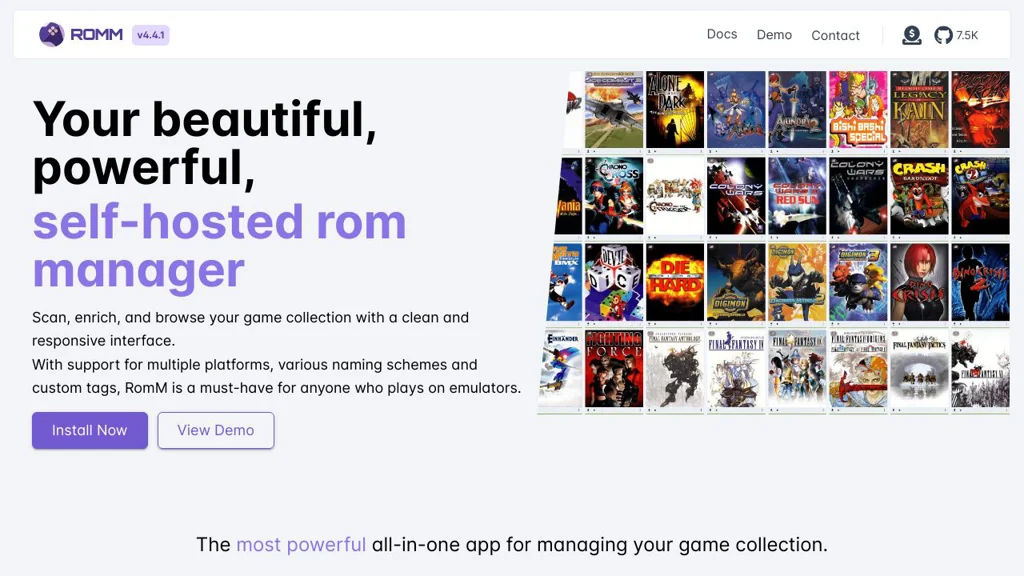
RomM screenshot

RomM is a self-hosted ROM and game library manager for organizing and browsing your retro game collection. It scans your filesystem, identifies games, fetches metadata and artwork from external databases, and presents everything in a clean web interface with powerful filtering.

Key Features

  • Library scanning and automatic matching of ROMs to game metadata
  • Rich metadata and media enrichment (box art, screenshots, logos, descriptions)
  • Platform/system organization with browsing, sorting, and filtering
  • Web UI for searching and managing your collection
  • Supports multiple users (auth-enabled deployments) and per-user experience
  • Import/maintenance tools for rescans, deduping-like workflows, and metadata refresh

Use Cases

  • Build a searchable “Netflix-style” catalog for a large ROM archive
  • Keep consistent metadata/artwork across devices and emulators
  • Centralize a household retro collection with a shared web interface

Limitations and Considerations

  • Metadata quality depends on external sources and accurate file naming; some titles may require manual fixes
  • Actual gameplay requires compatible emulators/clients; RomM focuses on library management rather than being a full emulator stack

RomM is best suited for retro enthusiasts who want a centralized, metadata-rich catalog of their ROMs with an easy web interface. It streamlines collection hygiene and discovery while integrating with external metadata providers for enrichment.

7.5kstars
322forks

#2
Retrom

Retrom

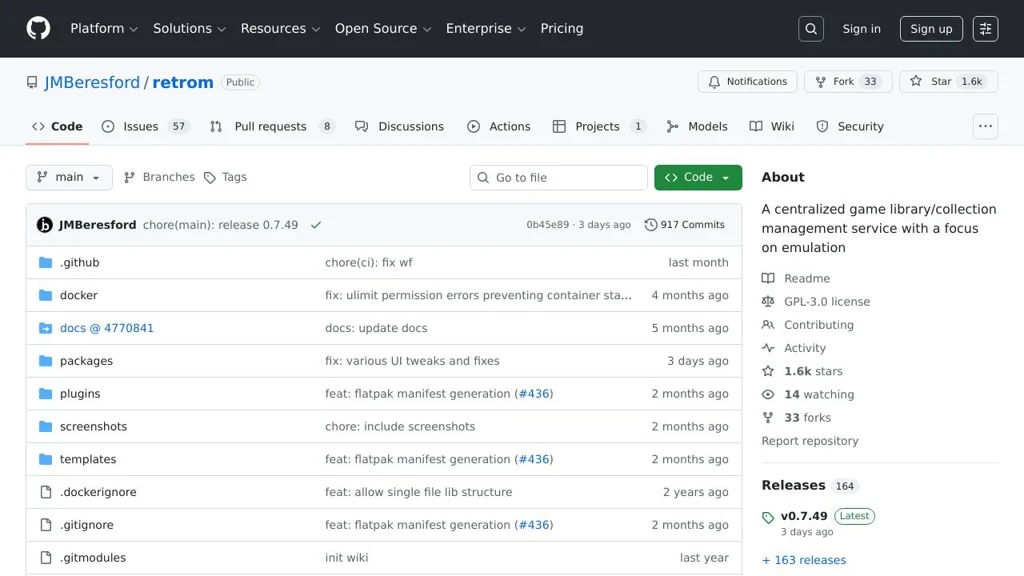
Retrom organizes and manages your retro game ROM library with metadata, artwork, and a web UI so you can browse and maintain collections across multiple systems.

Retrom screenshot

Retrom is a self-hosted application for organizing a retro game library (ROMs) across multiple platforms/systems. It focuses on scanning and managing local ROM files, enriching them with metadata and artwork, and providing a web interface to browse, search, and maintain your collection.

Key Features

  • Library scanning and ROM ingestion from filesystem paths
  • System/platform grouping for organizing ROM collections
  • Metadata enrichment for games (titles, details) and artwork/box art fetching
  • Web UI to browse, filter, and search your game library
  • Collection management features such as tagging and library curation

Use Cases

  • Build a home retro-gaming catalog to track ROMs across consoles/handhelds
  • Maintain a clean ROM library by identifying duplicates/mismatches and standardizing naming
  • Create a browsable “Netflix-style” library view for your retro collection

Limitations and Considerations

  • Emulator launching/remote play features (if desired) may require separate tooling; Retrom is primarily a library/metadata manager.

Retrom is a good fit if you want a dedicated, self-hosted ROM library manager with a web-based browsing experience and automated metadata/artwork enrichment. It complements (rather than replaces) emulators and frontends by keeping your collection organized and discoverable.

1.6kstars
33forks
#3
Gameyfin

Gameyfin

Gameyfin helps you catalog your game collection, track play status, and browse your library with rich metadata via a clean web UI.

Gameyfin is a self-hosted web application for organizing and browsing your video game library. It focuses on maintaining a personal catalog (including backlog/status tracking) and presenting games with rich metadata in a lightweight, modern interface.

Key Features

  • Personal game library/catalog with searchable browsing interface
  • Backlog and play-status tracking (e.g., planned/playing/completed) for your collection
  • Rich game details pages (metadata, artwork, and associated information)
  • Import and metadata enrichment via external game databases (as supported by the project)
  • Multi-user capable design (accounts/auth depending on deployment configuration)
  • Docker-first deployment with container images and straightforward updates

Use Cases

  • Maintain a private “Steam/console shelf” style catalog for owned games across platforms
  • Track what you are currently playing and what’s in your backlog
  • Create a household library view for multiple users to browse and pick games

Limitations and Considerations

  • Metadata availability and accuracy depend on configured third-party sources and rate limits
  • Feature depth may be lighter than full commercial trackers (social discovery, friends, etc.)

Gameyfin is a good fit if you want a private, self-controlled game catalog and backlog tracker with a simple web UI. It prioritizes personal library organization and metadata-driven browsing over social features.

908stars
32forks

Why choose an open source alternative?

  • Data ownership: Keep your data on your own servers
  • No vendor lock-in: Freedom to switch or modify at any time
  • Cost savings: Reduce or eliminate subscription fees
  • Transparency: Audit the code and know exactly what's running