
Pushover

Best Self Hosted Alternatives to Pushover

A curated collection of the 3 best self hosted alternatives to Pushover.

Pushover provides a simple API and companion apps to send real-time push notifications to iOS, Android and desktop devices. It’s used by developers and systems to deliver instant alerts from apps, servers, scripts, and monitoring tools.

Alternatives List

#1
ntfy

ntfy

Self-hostable publish/subscribe notification service with HTTP API, web UI, and mobile apps for push alerts from scripts, CI, monitoring, and automations.
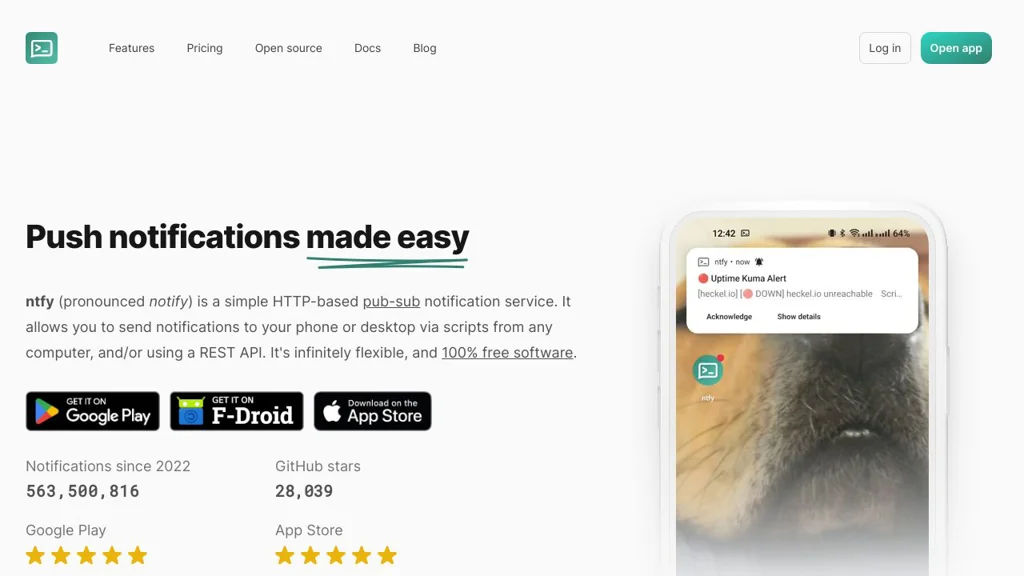
ntfy screenshot

ntfy is a lightweight publish/subscribe notification service that lets you send messages to topics via simple HTTP calls and receive them on phones, desktops, or the web. It is designed for automation-friendly alerts from scripts and systems, with optional authentication and multiple delivery integrations.

Key Features

  • Publish/subscribe topics with simple HTTP API (POST/PUT) and topic URLs
  • Web app and dedicated mobile apps for receiving notifications
  • Push notifications to Android (FCM) and iOS (APNs) when configured
  • Multiple subscription methods: web UI, mobile, and programmatic streaming (e.g., SSE/WebSockets)
  • Authentication and access control options (including users/roles and topic permissions)
  • Message options such as titles, priorities, tags, click actions, attachments, and icons (client-dependent)
  • Integrations for delivering outbound notifications (e.g., email, chat/webhooks) and acting as a relay/gateway
  • Docker-friendly deployment and configuration with support for reverse proxies and TLS

Use Cases

  • Monitoring/observability alerts (uptime checks, Prometheus Alertmanager-style notifications)
  • CI/CD and cron job outcomes (build failures, backup completion)
  • Smart home and automation events (doorbell/motion, device state changes)

Limitations and Considerations

  • Some advanced push capabilities (especially iOS/Android background delivery) depend on configuring platform push services (APNs/FCM) and may vary by client/device policies.

ntfy provides a practical “curl-to-phone” workflow while still supporting richer notification features and access controls for team or multi-service use. It fits well as a general-purpose notification backbone for homelabs and production automation where you want a simple, standards-based API and multiple client options.

28.1kstars
1.1kforks
#2
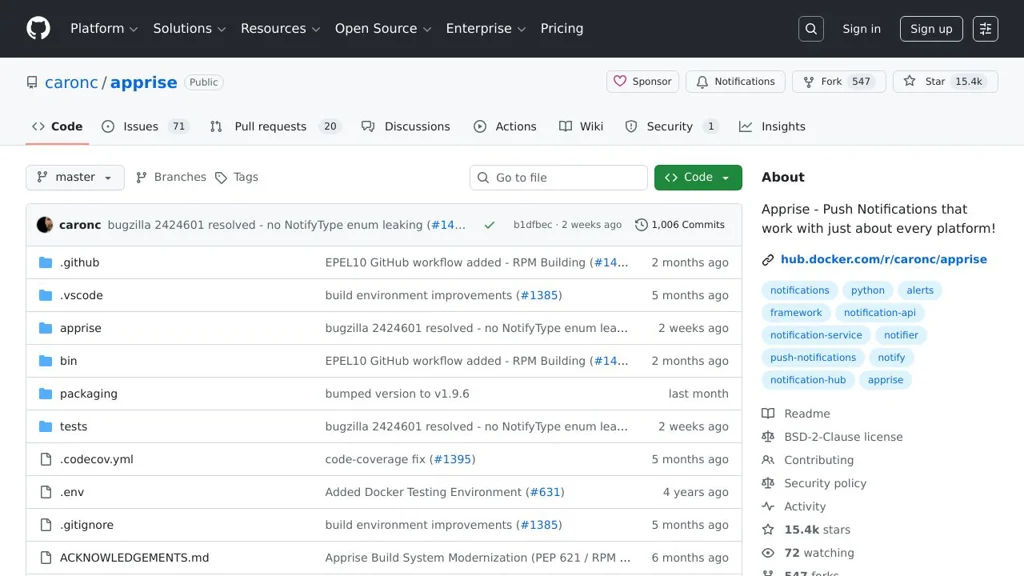
Apprise

Apprise

A notification gateway that routes alerts to 60+ services via CLI, Python API, and webhooks, with a unified URL syntax for configuration.

Apprise screenshot

Apprise is a notification library and CLI that lets applications send messages to many popular notification services using a single, consistent configuration format. It acts as a “notification gateway” you can embed in Python apps, scripts, monitoring tools, and automation workflows.

Key Features

  • Large notification provider catalog (email, chat, push, SMS, incident/alerting tools, and more) with a unified configuration URL syntax
  • Multiple interfaces: Python library/API, command-line tool, and plugin-style integrations
  • Notification URL parsing/validation and service discovery to simplify configuration management
  • Attachments support for providers that allow it (files/URLs) and rich message formatting where supported
  • Tag-based targeting and grouping to route messages to specific destinations
  • Config file support for managing multiple notification endpoints and reuse across scripts

Use Cases

  • Send monitoring and uptime alerts from scripts or tools to Slack/Discord/Email/SMS
  • Add a single notification layer to automation jobs (backups, CI tasks, cron jobs)
  • Centralize alert routing for self-hosted services by mapping events to multiple destinations

Limitations and Considerations

  • Provider capabilities vary (formatting, attachments, priority) and depend on each service’s API constraints
  • Some integrations require third-party credentials/tokens and may break when upstream APIs change

Apprise is well-suited when you want one notification implementation that can be retargeted to many services without rewriting integrations. Its URL-based configuration and broad provider support make it practical for both small scripts and larger systems needing consistent alert delivery.

15.4kstars
548forks
#3
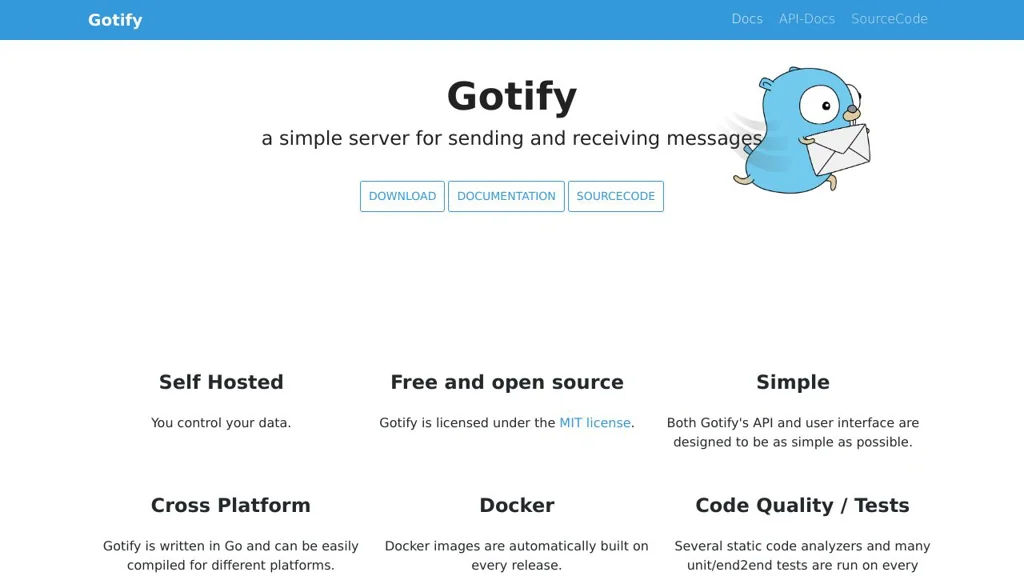
Gotify

Gotify

Gotify is a self-hosted push notification server with a web UI, Android client, and REST API for sending messages from scripts, services, and monitoring tools.

Gotify screenshot

Gotify is a lightweight push-notification server you run yourself, designed for reliably delivering messages from applications, scripts, and infrastructure tools to end-user devices. It provides a web interface for managing users and “applications” (senders), plus client apps that receive notifications.

Key Features

  • REST API to send messages to specific applications/users using tokens
  • Web UI for managing users, clients, and applications (message sources)
  • Android client for instant push notifications (with optional notification channels)
  • Web client for viewing messages and receiving live updates
  • Priority support for messages (client-side handling/visibility)
  • Plugins system (server-side) to extend functionality
  • Docker images and straightforward deployment options

Use Cases

  • Send alerts from monitoring/uptime tools and homelab services
  • Push notifications from scripts/CI jobs (backup finished, deploy done)
  • Replace third-party push services for internal apps and teams

Limitations and Considerations

  • iOS support is not first-party (primarily Android + web clients)
  • Delivery to phones depends on the platform/client capabilities (e.g., Android background restrictions)

Gotify is well-suited for self-managed notification delivery with simple primitives (apps, tokens, messages) and minimal operational overhead. It’s commonly used as a Pushover/Pushbullet-style endpoint for homelab and DevOps notifications.

14.4kstars
800forks

Why choose an open source alternative?

  • Data ownership: Keep your data on your own servers
  • No vendor lock-in: Freedom to switch or modify at any time
  • Cost savings: Reduce or eliminate subscription fees
  • Transparency: Audit the code and know exactly what's running