RingCentral Video

Best Self Hosted Alternatives to RingCentral Video

A curated collection of the 2 best self hosted alternatives to RingCentral Video.

RingCentral Video is a cloud-based video conferencing and collaboration platform providing HD video meetings, team messaging, screen sharing, webinar hosting, and integrations with RingCentral Phone and third-party apps to support remote and hybrid work.

Alternatives List

#1
Jitsi Meet

Jitsi Meet

Self-hostable video conferencing with browser-based meetings, screen sharing, chat, moderation tools, and optional end-to-end encryption.
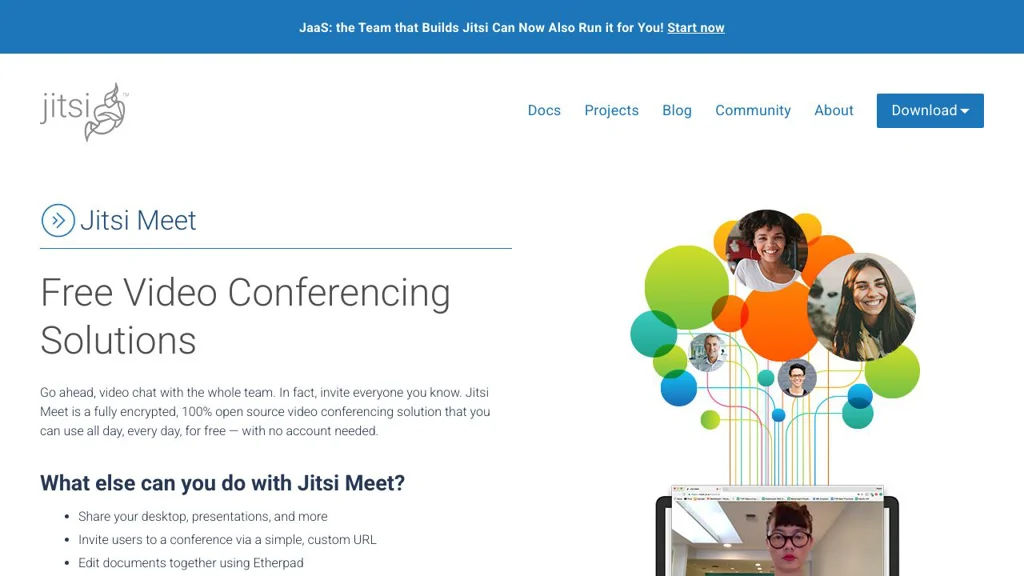
Jitsi Meet screenshot

Jitsi Meet is a video conferencing application for running secure, real-time meetings in the browser and via mobile apps. It’s part of the Jitsi ecosystem and is commonly deployed with Jitsi Videobridge for scalable SFU-based conferencing.

Key Features

  • Browser-based meetings (no dedicated desktop client required)
  • WebRTC audio/video conferencing with SFU architecture via Jitsi Videobridge
  • Screen sharing, in-meeting chat, and meeting links/room URLs
  • Moderator controls (mute/kick participants, manage permissions)
  • Lobby / waiting room and password-protected rooms (deployment-dependent)
  • Recording and live streaming integrations (commonly via Jibri)
  • Optional end-to-end encryption mode (deployment/client support dependent)
  • Calendar and directory integrations and configurable UI/branding (deployment-dependent)

Use Cases

  • Internal team meetings for organizations that need control over deployment and data path
  • Online classes, community calls, and webinars with moderated rooms
  • Embedded video meetings inside existing web apps via the Jitsi Meet External API

Limitations and Considerations

  • Horizontal scalability and features like recording/streaming typically require additional components (e.g., Videobridge scaling, Jibri) and careful capacity planning.

Jitsi Meet provides a flexible, widely deployed conferencing stack with strong WebRTC foundations and an extensible architecture. It is well-suited for organizations needing a customizable meeting experience and integration options while keeping operational control.

28.3kstars
7.7kforks

#2
Mumble

Mumble

Open-source VoIP voice chat with low latency, positional audio, access control, and a self-hostable server (Murmur) for teams and communities.

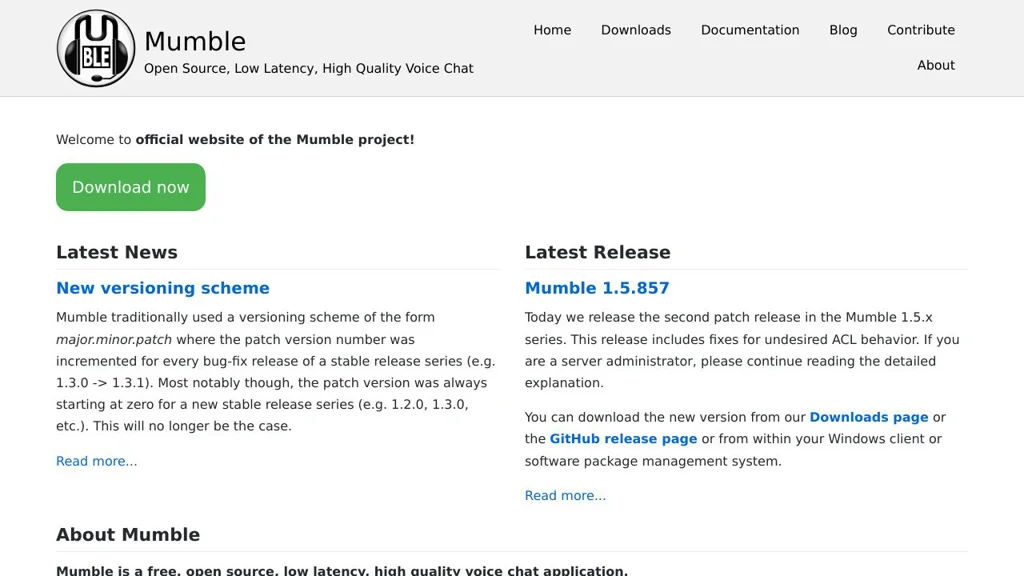
Mumble screenshot

Mumble is an open-source voice-over-IP (VoIP) application designed for low-latency, high-quality voice communication. It uses a client/server architecture: the Mumble desktop/mobile clients connect to the Murmur server, where admins manage channels, permissions, and authentication.

Key Features

  • Low-latency voice communication optimized for group chat
  • Murmur server with hierarchical channels and ACL-based permissions
  • Strong security: TLS-encrypted transport and optional end-to-end encryption (E2EE)
  • Multiple authentication options (e.g., built-in user database and external methods such as LDAP)
  • Opus audio codec support for high quality at low bitrates
  • Positional audio support for games (3D/spatial voice)
  • Text chat, channel messaging, and user status information
  • Cross-platform clients (notably Windows, macOS, Linux; mobile support available)

Use Cases

  • Voice comms for gaming clans and communities needing channels and positional audio
  • Team voice coordination for self-managed organizations (IT/ops, makerspaces, LAN parties)
  • Event voice backchannels with controlled access and moderation via permissions

Limitations and Considerations

  • Primarily focused on audio; it is not a full video-conferencing platform
  • Some advanced identity integrations depend on server configuration and build options

Mumble remains a popular choice for communities that value reliable, low-latency audio and fine-grained server-side control. Its mature ecosystem and performance-focused design make it suitable for both small groups and large, structured voice servers.

7.5kstars
1.3kforks

Why choose an open source alternative?

  • Data ownership: Keep your data on your own servers
  • No vendor lock-in: Freedom to switch or modify at any time
  • Cost savings: Reduce or eliminate subscription fees
  • Transparency: Audit the code and know exactly what's running