
Sketch

Best Self Hosted Alternatives to Sketch

A curated collection of the 2 best self hosted alternatives to Sketch.

Sketch is a vector-based digital design tool for macOS that helps UI/UX designers create interfaces, prototypes, and design systems. It offers artboards, reusable components, prototyping, developer handoff, and cloud collaboration for teams.

Alternatives List

#1
Penpot

Penpot

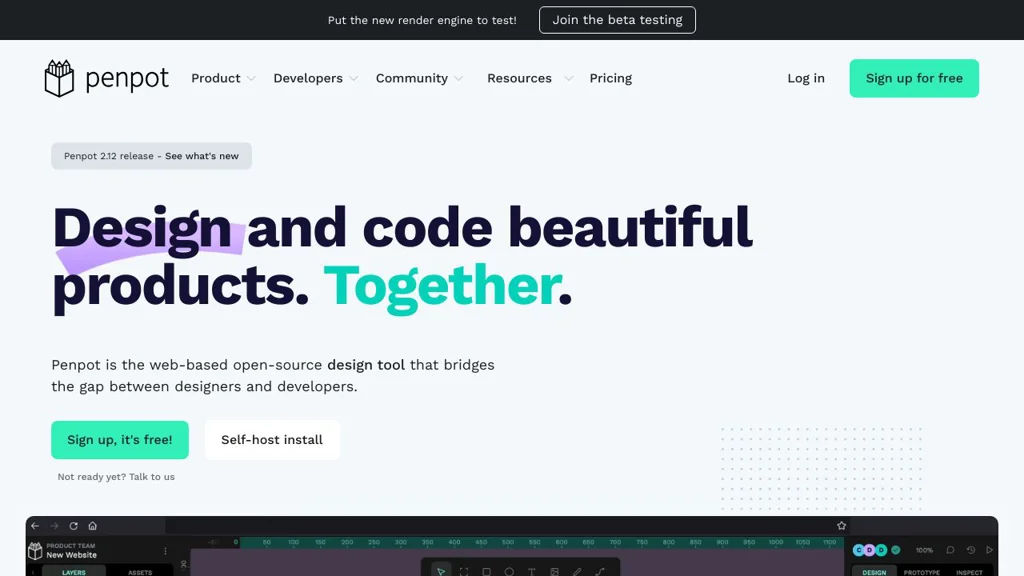
Web-based UI/UX design and prototyping tool for real-time collaboration, SVG-first editing, and developer-friendly handoff.
Penpot screenshot

Penpot is a web-based design and prototyping platform for creating UI/UX designs, interactive prototypes, and design systems collaboratively. It is built around open standards (notably SVG) and aims to provide a workflow that works well for both designers and developers.

Key Features

  • Real-time multiplayer collaboration with comments and shared workspaces
  • SVG-first vector design workflow with shapes, text, fills/strokes, and constraints
  • Interactive prototyping (screens, flows, links, transitions) for clickable previews
  • Design systems support via reusable components and libraries
  • Developer-focused handoff features (inspect properties, measurements, and assets)
  • Import/export oriented around standard formats (notably SVG) for interoperability
  • Role-based team organization features for collaborative projects

Use Cases

  • Designing and iterating product UI screens with multiple stakeholders in one file
  • Building and maintaining a reusable component library/design system
  • Creating clickable prototypes for user testing and stakeholder reviews

Limitations and Considerations

  • Feature parity with some established proprietary design suites may vary by workflow (e.g., advanced plugin ecosystems and certain specialized tooling).

Penpot is a strong option for teams that need a collaborative UI design tool with a standards-oriented approach and practical developer handoff. It is particularly suitable when SVG interoperability and transparent, inspectable design artifacts are important.

43.6kstars
2.4kforks

#2
draw.io (diagrams.net)

draw.io (diagrams.net)

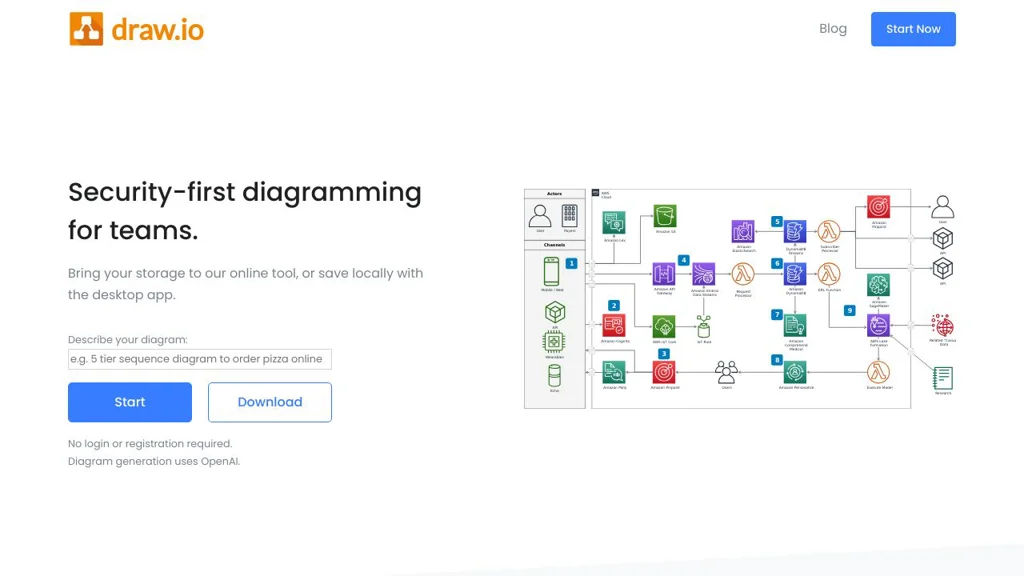
diagrams.net (draw.io) is a web-based diagramming tool for flowcharts, UML, ER diagrams, and more, with integrations and offline/desktop options.

draw.io (diagrams.net) screenshot

diagrams.net (formerly draw.io) is a diagramming and flowcharting application for creating technical and business diagrams in the browser. It focuses on fast editing, broad diagram types, and easy export/sharing, with integrations commonly used in engineering documentation workflows.

Key Features

  • Drag-and-drop editor with extensive shape libraries (flowcharts, UML, BPMN, network diagrams, org charts, etc.)
  • Diagram-as-a-file approach: save as .drawio/XML and import/export across environments
  • Export to PNG/JPEG/SVG/PDF and embed diagrams into documents and wikis
  • Connectors, layers, groups, alignment tools, and style controls for precise layouts
  • Templates and reusable custom libraries for standardized diagramming
  • Integrations and embedding options commonly used with platforms like Confluence/Jira and Git-based documentation
  • Desktop app availability (Electron) for offline editing and local file workflows

Use Cases

  • Software architecture diagrams (C4-style), UML, and sequence/flow diagrams for engineering teams
  • Network/topology diagrams and infrastructure documentation
  • ER diagrams and process maps for product, operations, and compliance documentation

Limitations and Considerations

  • Real-time multi-cursor collaboration depends on the chosen integration/storage backend; the core editor is primarily file-centric.
  • Large/complex diagrams can become heavy in the browser depending on client resources.

A major advantage of diagrams.net is its lightweight, file-based model and wide export compatibility, making it easy to adopt in existing documentation pipelines. It suits both ad-hoc diagramming and repeatable, standardized diagram creation through templates and libraries.

3.3kstars
583forks

Why choose an open source alternative?

  • Data ownership: Keep your data on your own servers
  • No vendor lock-in: Freedom to switch or modify at any time
  • Cost savings: Reduce or eliminate subscription fees
  • Transparency: Audit the code and know exactly what's running