Slack

Best Self Hosted Alternatives to Slack

A curated collection of the 17 best self hosted alternatives to Slack.

Slack is a cloud-based team collaboration platform offering channels, direct messages, file sharing, searchable conversation history, voice/video calls and app integrations to streamline team communication, coordination and workflows.

Alternatives List

#1
Rocket.Chat

Rocket.Chat

Self-hosted team chat platform with channels, DMs, voice/video, rich integrations, and omnichannel customer support features.
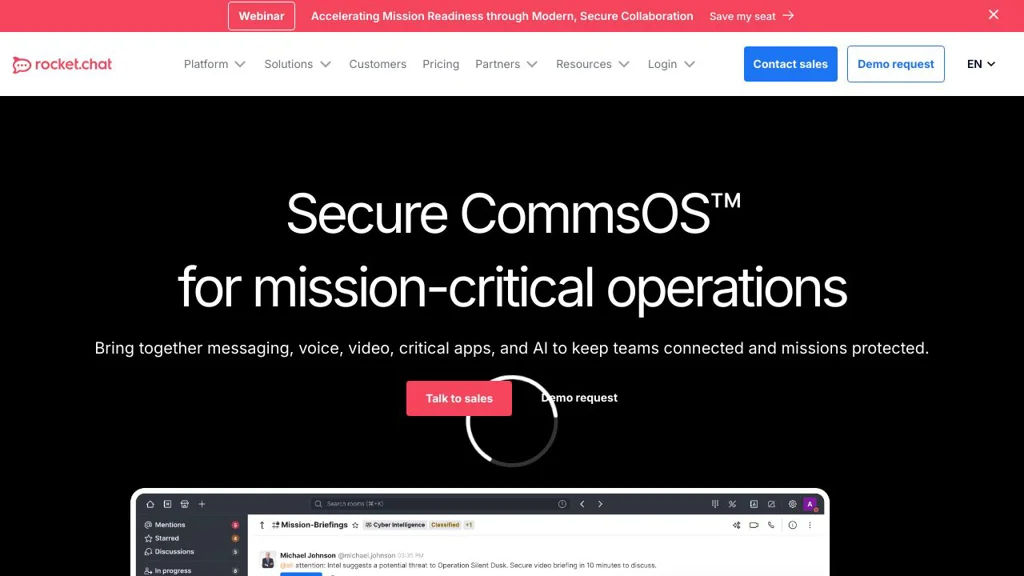
Rocket.Chat screenshot

Rocket.Chat is an open-source communications platform for team messaging and customer engagement. It provides persistent chat (channels and direct messages), collaboration features, and enterprise-grade controls, and can be extended via apps, integrations, and APIs.

Key Features

  • Public/private channels, direct messages, threads, reactions, mentions, and file sharing
  • Omnichannel inbox for customer support (live chat widget, queueing/routing, agents, transcripts)
  • Audio/video meetings and screen sharing (deployment-dependent), plus voice messages
  • Federation support (Rocket.Chat Federation) to connect separate Rocket.Chat servers
  • Strong administration features: roles/permissions (RBAC), audit logs, retention policies, and compliance tooling (plan-dependent)
  • SSO/identity integrations (e.g., SAML/OIDC/LDAP) and granular access controls
  • Extensive integrations and automation: webhooks, REST APIs, bots, and a marketplace/app framework
  • Multi-platform clients (web, desktop, mobile) and localization support

Use Cases

  • Internal team chat for organizations that need control over deployment and data
  • Customer support and sales chat using an embedded website live-chat widget
  • Cross-organization collaboration via federation between independently operated servers

Limitations and Considerations

  • Some advanced security/compliance and omnichannel features may be gated by licensing/plan
  • Real-time performance and search depend on sizing and backing services (notably MongoDB)

Rocket.Chat is a mature, widely deployed Slack alternative that combines team chat with customer messaging workflows. It is best suited to organizations that want extensibility, admin controls, and optional omnichannel support in one platform.

44.3kstars
12.9kforks

#2
Mattermost

Mattermost

Self-hostable team chat with channels, threads, calls, integrations, and enterprise-grade security controls for organizations that need full data control.

Mattermost screenshot

Mattermost is a self-hostable team messaging and collaboration platform designed for organizations that need strong security controls, integration flexibility, and deployment in private networks. It provides channel-based chat, threaded discussions, file sharing, and workflow automation features commonly used by engineering, IT, and incident response teams.

Key Features

  • Channel-based messaging with threads, mentions, reactions, and advanced search
  • Secure file sharing and message retention controls (policies vary by edition)
  • Integrations via webhooks, APIs, slash commands, and a plugin framework
  • Role-based access control and enterprise authentication options (e.g., SAML/LDAP in supported editions)
  • High availability and scalable deployment options (e.g., clustering) for larger installations
  • Audio/video calling capabilities (native calls and/or plugins depending on deployment)
  • Mobile and desktop clients for cross-platform access

Use Cases

  • Replace Slack/Teams for internal team communication in regulated or isolated environments
  • Incident response and ChatOps workflows integrated with CI/CD, monitoring, and ticketing tools
  • Central collaboration hub for DevOps, SRE, and IT operations teams

Limitations and Considerations

  • Some advanced enterprise capabilities (e.g., certain compliance, governance, and scaling options) may depend on the licensed edition
  • Real-time calling and some collaboration features can vary by version and plugin configuration

Mattermost is a mature collaboration stack with a strong focus on security and extensibility, making it a common choice for technical teams and organizations with strict deployment requirements. Its plugin and integration ecosystem helps align chat with operational workflows while keeping communications under organizational control.

34.9kstars
8.3kforks
#3
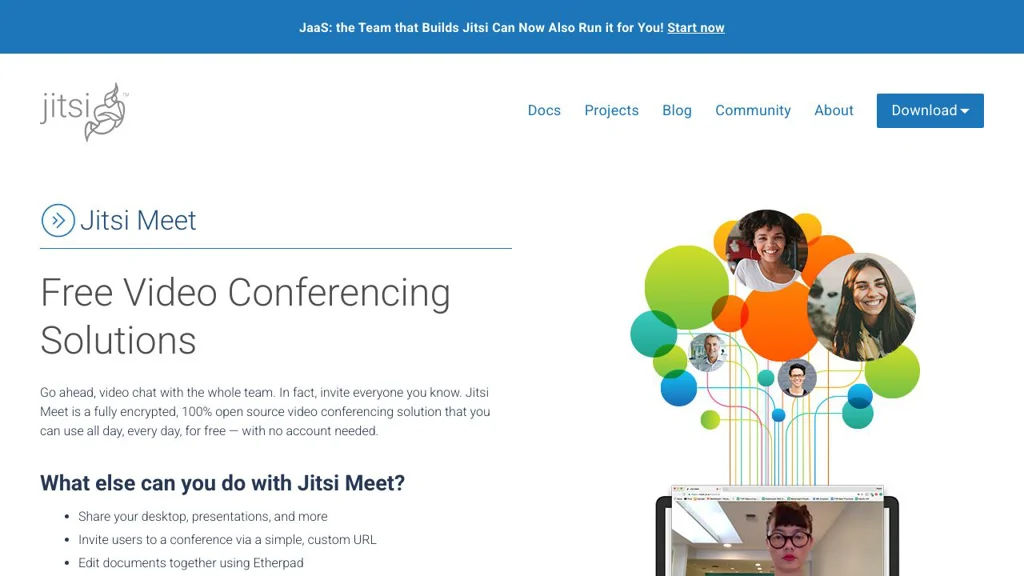
Jitsi Meet

Jitsi Meet

Self-hostable video conferencing with browser-based meetings, screen sharing, chat, moderation tools, and optional end-to-end encryption.

Jitsi Meet screenshot

Jitsi Meet is a video conferencing application for running secure, real-time meetings in the browser and via mobile apps. It’s part of the Jitsi ecosystem and is commonly deployed with Jitsi Videobridge for scalable SFU-based conferencing.

Key Features

  • Browser-based meetings (no dedicated desktop client required)
  • WebRTC audio/video conferencing with SFU architecture via Jitsi Videobridge
  • Screen sharing, in-meeting chat, and meeting links/room URLs
  • Moderator controls (mute/kick participants, manage permissions)
  • Lobby / waiting room and password-protected rooms (deployment-dependent)
  • Recording and live streaming integrations (commonly via Jibri)
  • Optional end-to-end encryption mode (deployment/client support dependent)
  • Calendar and directory integrations and configurable UI/branding (deployment-dependent)

Use Cases

  • Internal team meetings for organizations that need control over deployment and data path
  • Online classes, community calls, and webinars with moderated rooms
  • Embedded video meetings inside existing web apps via the Jitsi Meet External API

Limitations and Considerations

  • Horizontal scalability and features like recording/streaming typically require additional components (e.g., Videobridge scaling, Jibri) and careful capacity planning.

Jitsi Meet provides a flexible, widely deployed conferencing stack with strong WebRTC foundations and an extensible architecture. It is well-suited for organizations needing a customizable meeting experience and integration options while keeping operational control.

28.3kstars
7.7kforks
#4
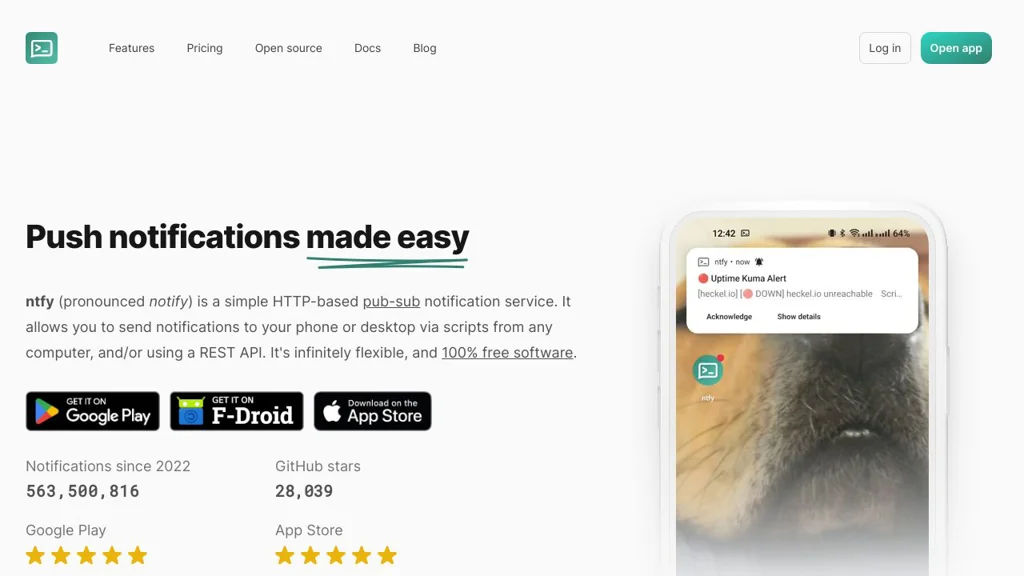
ntfy

ntfy

Self-hostable publish/subscribe notification service with HTTP API, web UI, and mobile apps for push alerts from scripts, CI, monitoring, and automations.

ntfy screenshot

ntfy is a lightweight publish/subscribe notification service that lets you send messages to topics via simple HTTP calls and receive them on phones, desktops, or the web. It is designed for automation-friendly alerts from scripts and systems, with optional authentication and multiple delivery integrations.

Key Features

  • Publish/subscribe topics with simple HTTP API (POST/PUT) and topic URLs
  • Web app and dedicated mobile apps for receiving notifications
  • Push notifications to Android (FCM) and iOS (APNs) when configured
  • Multiple subscription methods: web UI, mobile, and programmatic streaming (e.g., SSE/WebSockets)
  • Authentication and access control options (including users/roles and topic permissions)
  • Message options such as titles, priorities, tags, click actions, attachments, and icons (client-dependent)
  • Integrations for delivering outbound notifications (e.g., email, chat/webhooks) and acting as a relay/gateway
  • Docker-friendly deployment and configuration with support for reverse proxies and TLS

Use Cases

  • Monitoring/observability alerts (uptime checks, Prometheus Alertmanager-style notifications)
  • CI/CD and cron job outcomes (build failures, backup completion)
  • Smart home and automation events (doorbell/motion, device state changes)

Limitations and Considerations

  • Some advanced push capabilities (especially iOS/Android background delivery) depend on configuring platform push services (APNs/FCM) and may vary by client/device policies.

ntfy provides a practical “curl-to-phone” workflow while still supporting richer notification features and access controls for team or multi-service use. It fits well as a general-purpose notification backbone for homelabs and production automation where you want a simple, standards-based API and multiple client options.

28.1kstars
1.1kforks
#5
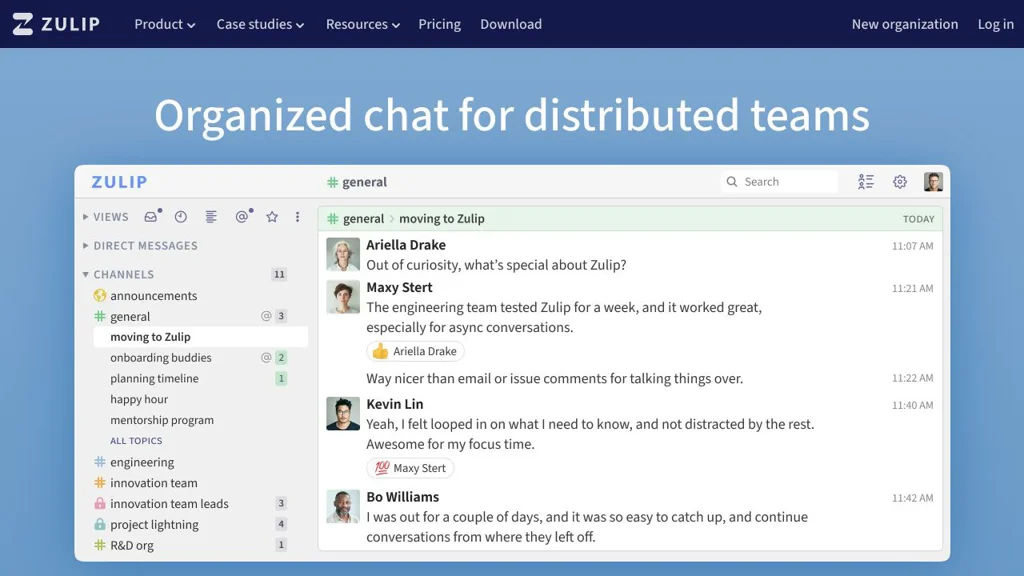
Zulip

Zulip

Self-hostable team chat with topic-based threading, powerful search, and integrations for engineering and communities.

Zulip screenshot

Zulip is a team chat platform focused on keeping conversations organized using topic-based threading. It combines real-time chat with long-lived discussion history, making it easier to follow multiple conversations across teams and projects.

Key Features

  • Stream-based channels with per-message topics (threading) to keep discussions organized and searchable
  • Powerful full-text search across message history (including with operators/filters)
  • Rich message formatting (Markdown), code blocks, file uploads, and emoji reactions
  • Extensive integrations (incoming/outgoing webhooks, bots, and common SaaS integrations)
  • Role-based permissions and administration for organizations and multi-team deployments
  • Multi-platform clients: responsive web app plus desktop and mobile apps
  • SSO options and enterprise-friendly auth features (e.g., SAML/OIDC in supported editions)

Use Cases

  • Engineering team communication where multiple parallel threads need to remain readable
  • Open-source/community coordination with many topic-centric conversations
  • Incident response and operations chat with structured, searchable timelines

Limitations and Considerations

  • Best experience relies on adopting the “streams + topics” workflow; teams used to unthreaded chat may need onboarding

Zulip is well-suited for teams that want chat to remain navigable over time, especially in environments with many concurrent discussions. Its topic-first model and strong search make it a strong alternative to traditional channel-based chat tools for technical and community collaboration.

24.2kstars
9.3kforks
#6
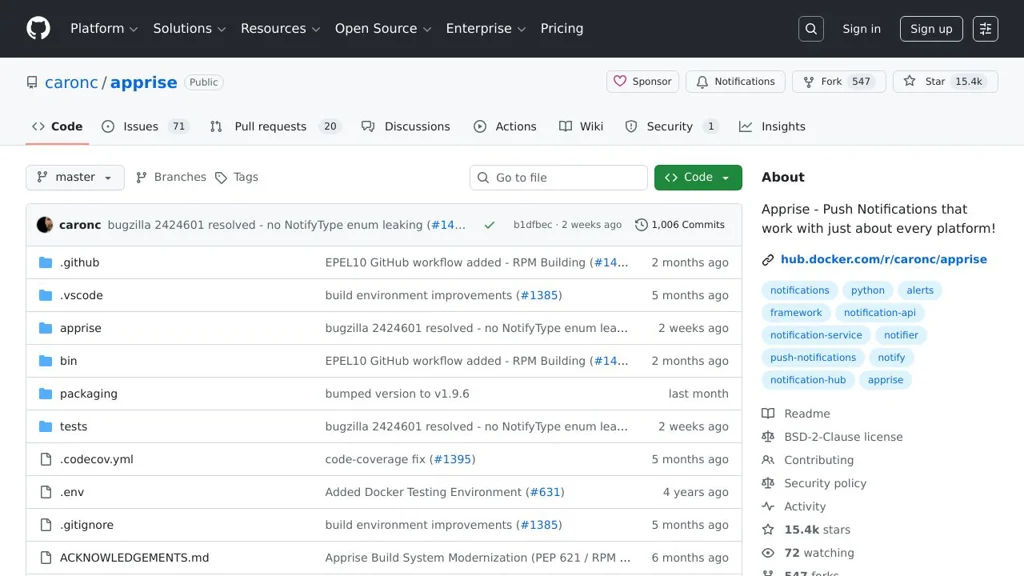
Apprise

Apprise

A notification gateway that routes alerts to 60+ services via CLI, Python API, and webhooks, with a unified URL syntax for configuration.

Apprise screenshot

Apprise is a notification library and CLI that lets applications send messages to many popular notification services using a single, consistent configuration format. It acts as a “notification gateway” you can embed in Python apps, scripts, monitoring tools, and automation workflows.

Key Features

  • Large notification provider catalog (email, chat, push, SMS, incident/alerting tools, and more) with a unified configuration URL syntax
  • Multiple interfaces: Python library/API, command-line tool, and plugin-style integrations
  • Notification URL parsing/validation and service discovery to simplify configuration management
  • Attachments support for providers that allow it (files/URLs) and rich message formatting where supported
  • Tag-based targeting and grouping to route messages to specific destinations
  • Config file support for managing multiple notification endpoints and reuse across scripts

Use Cases

  • Send monitoring and uptime alerts from scripts or tools to Slack/Discord/Email/SMS
  • Add a single notification layer to automation jobs (backups, CI tasks, cron jobs)
  • Centralize alert routing for self-hosted services by mapping events to multiple destinations

Limitations and Considerations

  • Provider capabilities vary (formatting, attachments, priority) and depend on each service’s API constraints
  • Some integrations require third-party credentials/tokens and may break when upstream APIs change

Apprise is well-suited when you want one notification implementation that can be retargeted to many services without rewriting integrations. Its URL-based configuration and broad provider support make it practical for both small scripts and larger systems needing consistent alert delivery.

15.4kstars
548forks
#7
Gotify

Gotify

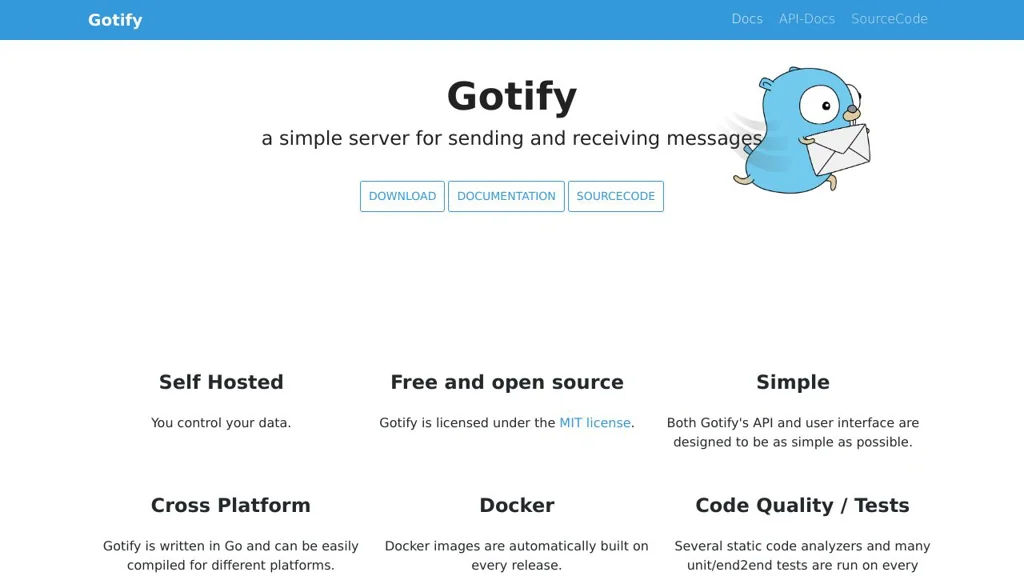
Gotify is a self-hosted push notification server with a web UI, Android client, and REST API for sending messages from scripts, services, and monitoring tools.

Gotify screenshot

Gotify is a lightweight push-notification server you run yourself, designed for reliably delivering messages from applications, scripts, and infrastructure tools to end-user devices. It provides a web interface for managing users and “applications” (senders), plus client apps that receive notifications.

Key Features

  • REST API to send messages to specific applications/users using tokens
  • Web UI for managing users, clients, and applications (message sources)
  • Android client for instant push notifications (with optional notification channels)
  • Web client for viewing messages and receiving live updates
  • Priority support for messages (client-side handling/visibility)
  • Plugins system (server-side) to extend functionality
  • Docker images and straightforward deployment options

Use Cases

  • Send alerts from monitoring/uptime tools and homelab services
  • Push notifications from scripts/CI jobs (backup finished, deploy done)
  • Replace third-party push services for internal apps and teams

Limitations and Considerations

  • iOS support is not first-party (primarily Android + web clients)
  • Delivery to phones depends on the platform/client capabilities (e.g., Android background restrictions)

Gotify is well-suited for self-managed notification delivery with simple primitives (apps, tokens, messages) and minimal operational overhead. It’s commonly used as a Pushover/Pushbullet-style endpoint for homelab and DevOps notifications.

14.4kstars
800forks
#8
Misskey

Misskey

Self-hosted ActivityPub social network server with customizable UI, reactions, drive storage, powerful moderation, and federation with Mastodon and other Fediverse apps.

Misskey screenshot

Misskey is a federated social networking server for running your own community in the Fediverse. It implements ActivityPub to interoperate with other platforms (for example Mastodon) while offering a feature-rich web UI and many social interaction tools.

Key Features

  • ActivityPub federation for following, posting, and interacting across the Fediverse
  • Multiple timelines (local, global, and social/following) and rich post composer options
  • Emoji reactions (including custom instance emoji) and advanced interaction features (renotes/boost-like sharing, quotes depending on configuration)
  • Built-in “Drive” for user file storage/attachments and media management
  • Lists, user discovery, notifications, and content warnings/sensitive media controls
  • Instance customization (themes/branding, custom emojis, role/permission configuration depending on version)
  • Moderation and administration tooling (user management, reporting, federation controls, and anti-abuse measures)

Use Cases

  • Host a private or public community microblogging site that still federates outward
  • Provide an organization/club social space with custom branding, emoji, and policies
  • Run a regional or interest-based Fediverse server with strong moderation controls

Limitations and Considerations

  • Operational complexity can be higher than simpler Fediverse servers due to feature breadth and frequent version changes; upgrades should follow official notes closely.

Misskey is well-suited for communities that want a modern, highly interactive Fediverse experience. It combines ActivityPub interoperability with extensive social features and strong instance-level customization, making it a common choice for admins seeking more than “baseline” microblogging.

10.9kstars
1.5kforks
#9
SimpleX Chat

SimpleX Chat

Privacy-first messenger using SimpleX relays and end-to-end encryption, designed to avoid user identifiers, phone numbers, and centralized identity.

SimpleX Chat screenshot

SimpleX Chat is a privacy-focused messaging system built to minimize metadata by avoiding global user identifiers (no phone numbers, usernames, or accounts). It uses the SimpleX messaging protocol and relay servers to deliver end-to-end encrypted messages while aiming to keep social graphs and contact discovery off centralized infrastructure.

Key Features

  • No user IDs: contacts are added via invitation links/QR codes rather than usernames or phone numbers
  • End-to-end encryption with authentication and forward secrecy-oriented session design (protocol-level encryption)
  • Relay-based message delivery using SimpleX servers; clients can use public relays or run their own
  • Private contact connections and group messaging (group participation without public identity)
  • File and media attachments with encrypted transport
  • Multi-device support (via app clients) and cross-platform availability (desktop/mobile)

Use Cases

  • Secure 1:1 and group conversations for communities that cannot rely on phone-number identity
  • Private coordination for teams or activists needing reduced metadata exposure
  • Self-operated relays for organizations that want control over message transport infrastructure

Limitations and Considerations

  • Contact onboarding relies on exchanging invite links/QRs, which can be less convenient than directory-based messengers
  • Some features and UX may vary by client platform as the ecosystem evolves

SimpleX Chat is a strong option when the primary goal is private messaging with minimal metadata and without account-based identity. Its relay-based architecture and support for running your own servers make it suitable for both personal and organizational deployments where privacy properties matter most.

10.2kstars
538forks
#10
Mumble

Mumble

Open-source VoIP voice chat with low latency, positional audio, access control, and a self-hostable server (Murmur) for teams and communities.

Mumble screenshot

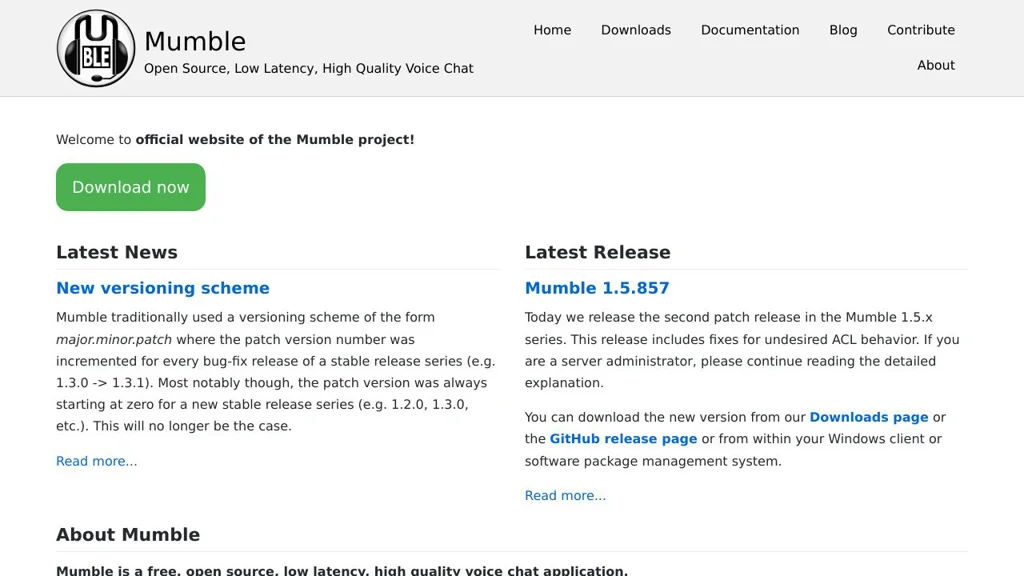
Mumble is an open-source voice-over-IP (VoIP) application designed for low-latency, high-quality voice communication. It uses a client/server architecture: the Mumble desktop/mobile clients connect to the Murmur server, where admins manage channels, permissions, and authentication.

Key Features

  • Low-latency voice communication optimized for group chat
  • Murmur server with hierarchical channels and ACL-based permissions
  • Strong security: TLS-encrypted transport and optional end-to-end encryption (E2EE)
  • Multiple authentication options (e.g., built-in user database and external methods such as LDAP)
  • Opus audio codec support for high quality at low bitrates
  • Positional audio support for games (3D/spatial voice)
  • Text chat, channel messaging, and user status information
  • Cross-platform clients (notably Windows, macOS, Linux; mobile support available)

Use Cases

  • Voice comms for gaming clans and communities needing channels and positional audio
  • Team voice coordination for self-managed organizations (IT/ops, makerspaces, LAN parties)
  • Event voice backchannels with controlled access and moderation via permissions

Limitations and Considerations

  • Primarily focused on audio; it is not a full video-conferencing platform
  • Some advanced identity integrations depend on server configuration and build options

Mumble remains a popular choice for communities that value reliable, low-latency audio and fine-grained server-side control. Its mature ecosystem and performance-focused design make it suitable for both small groups and large, structured voice servers.

7.5kstars
1.3kforks
#11
HumHub

HumHub

Self-hosted social networking and intranet software with spaces, activity streams, user profiles, and a module marketplace for collaboration.

HumHub screenshot

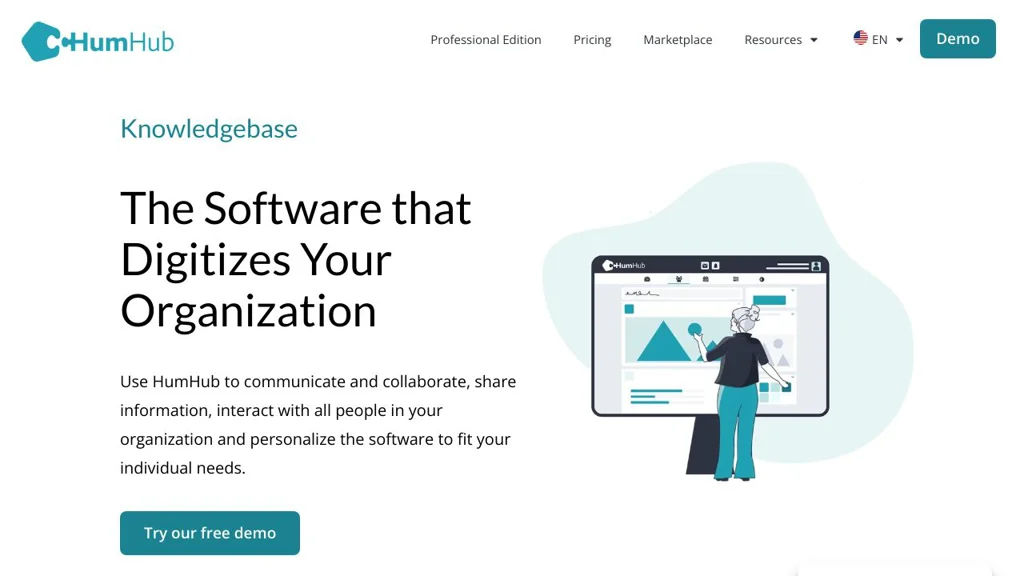
HumHub is a self-hosted social networking platform designed for building private social networks, team intranets, and community portals. It centers collaboration around “Spaces” (groups) with an activity stream, posts, and integrated apps via a modular extension system.

Key Features

  • Space-based structure (teams/projects/groups) with configurable permissions and visibility
  • Activity stream with posts, comments, likes, mentions, and notifications
  • Built-in collaboration modules such as tasks, calendar, files, polls, and wiki/knowledge features (via modules)
  • Extensible module system and marketplace for adding functionality without forking core
  • User profiles, directory, and social features (following, messaging depending on modules)
  • Administration tools for users, spaces, modules, theming, and system settings
  • REST API support for integrations (where enabled/available in the platform)

Use Cases

  • Company intranet for internal announcements, knowledge sharing, and team coordination
  • Private community portal for associations, schools, or member groups
  • Project hubs using dedicated Spaces to coordinate updates, tasks, and files

Limitations and Considerations

  • Many capabilities are delivered through optional modules; required features may depend on selecting and maintaining specific extensions.

HumHub fits organizations that want a customizable, Space-centric social intranet with an app/module ecosystem. It is especially suitable when you want a familiar social feed UX combined with structured group workspaces and extensibility.

6.6kstars
1.7kforks
#12
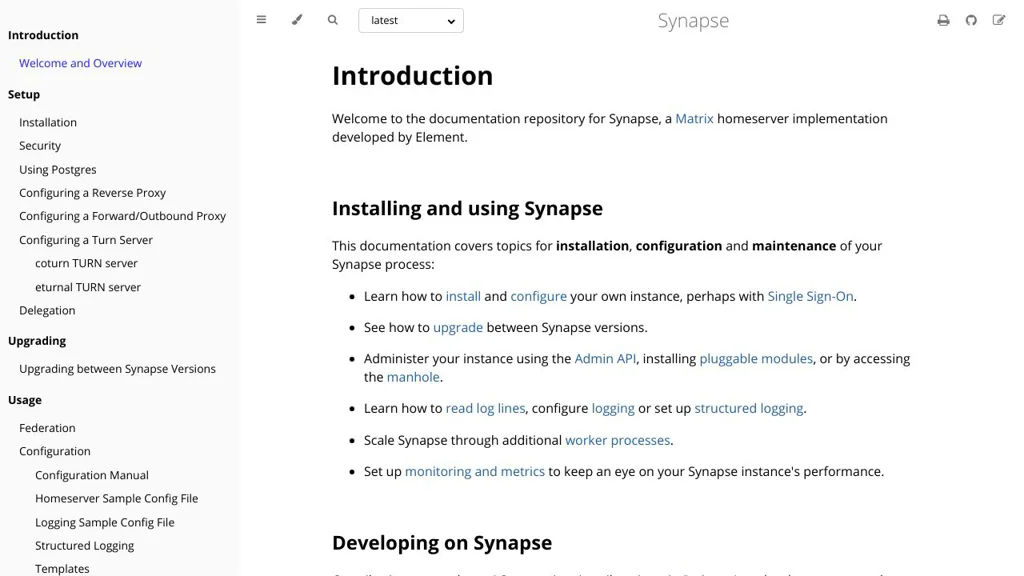
Synapse

Synapse

A Matrix homeserver that powers federated real-time chat with accounts, rooms, APIs, and integrations for clients like Element.

Synapse screenshot

Synapse is a reference Matrix homeserver implementation used to run a Matrix server for real-time communication. It provides user accounts, rooms, and federation so your server can communicate with other Matrix servers while supporting a wide ecosystem of clients (for example, Element).

Key Features

  • Implements the Matrix Client-Server API for messaging, rooms, profiles, and device sessions
  • Federation via the Matrix Server-Server API to communicate with other Matrix homeservers
  • End-to-end encryption support (handled by clients) with server-side key management endpoints and device tracking
  • Extensible integrations via Application Services (e.g., bridges/bots) and webhooks-like push mechanisms
  • Admin and moderation capabilities (user management, room management, server configuration controls)
  • Storage backends centered on PostgreSQL with caching to support large deployments

Use Cases

  • Host a private or public Matrix server for team/community chat using clients like Element
  • Build federated messaging services that interoperate with the wider Matrix network
  • Connect external networks (e.g., IRC/Slack-like ecosystems) via bridges using Matrix application services

Limitations and Considerations

  • Operational complexity increases for large federated deployments (tuning PostgreSQL, caching, workers)
  • E2EE is primarily client-driven; server configuration must be aligned with chosen client and key policies

Synapse is widely deployed and serves as a core building block of the Matrix ecosystem. It is a strong choice when you need standards-based federation, broad client compatibility, and a mature server implementation.

3.3kstars
435forks
#13
Converse

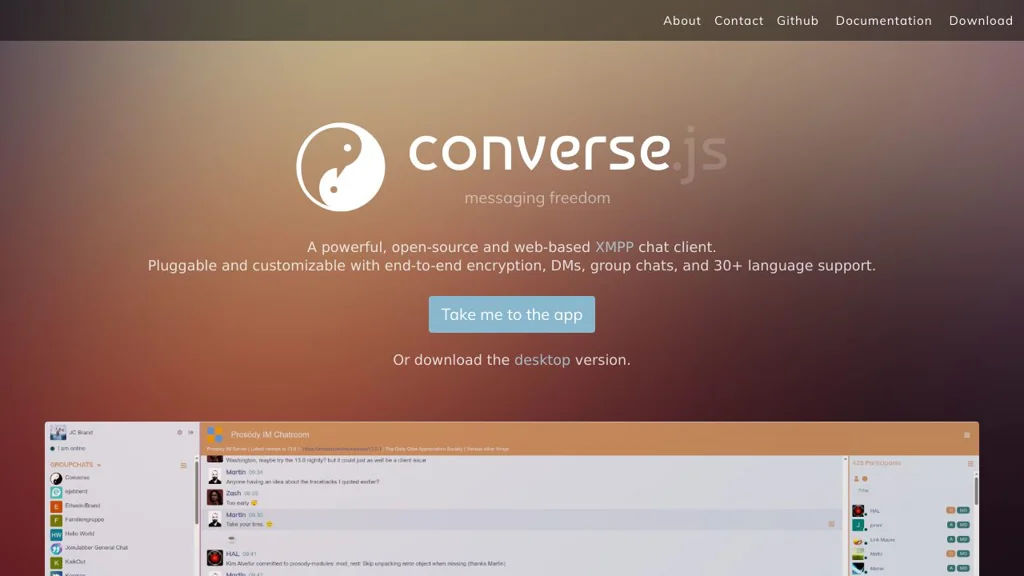
Converse

Converse is an open-source, browser-based XMPP/Jabber chat client you can embed in any site to provide 1:1 and group messaging over existing XMPP servers.

Converse screenshot

Converse is a web-based XMPP (Jabber) chat client designed to be embedded into websites or used as a standalone browser client. It connects to XMPP servers via BOSH or WebSocket and supports common XMPP features for real-time messaging and presence.

Key Features

  • XMPP client in the browser with roster (contacts), presence, and real-time messaging
  • Multi-User Chat (MUC) support for group chat rooms
  • Supports connecting via BOSH and WebSocket (depending on XMPP server configuration)
  • OMEMO end-to-end encryption support (when server/contact capabilities allow)
  • Pluggable/extendable architecture with a plugin system and theming/customization options
  • Embeddable “chat widget” style integration for adding chat to existing sites/apps
  • Internationalization support (multiple UI languages)

Use Cases

  • Add live chat to a website backed by your own XMPP server
  • Provide a web client for an organization’s XMPP deployment (e.g., Prosody/ejabberd/Openfire)
  • Secure 1:1 conversations in the browser using OMEMO where supported

Limitations and Considerations

  • Requires an XMPP server plus BOSH/WebSocket endpoints and correct CORS/proxy setup for browser access
  • E2EE capabilities depend on client/server/contact feature support and may not cover all XMPP extensions

Converse is a solid choice when you want standards-based chat in the browser and prefer integrating with an existing XMPP ecosystem. Its embeddable approach and extensibility make it suitable for both simple site widgets and full-featured web chat deployments.

3.2kstars
801forks
#14
Ergo

Ergo

Ergo is a modern, self-contained IRCv3 server with integrated services (NickServ/ChanServ), TLS, history playback, bouncers, and extensive IRCv3 capability support.

Ergo screenshot

Ergo is an IRC server that focuses on modern IRCv3 features while staying easy to run as a single, self-contained daemon. It bundles “IRC services” functionality (accounts, channel registration, etc.) directly into the server and emphasizes secure defaults and a good experience for always-on and mobile clients.

Key Features

  • Broad IRCv3 support (capabilities, message tags, modern client features)
  • Integrated services: account registration/login, nickname enforcement, channel registration and management
  • Persistent history playback (including modern replay mechanisms for clients that support them)
  • Built-in bouncer-style functionality for always-on connections and better mobile experience
  • TLS/SSL support and common security hardening options (e.g., connection and auth controls)
  • Highly configurable via a YAML-based configuration file
  • Designed as a single binary/daemon with minimal external dependencies

Use Cases

  • Host a private IRC network for a team, community, or friends with modern client compatibility
  • Provide a stable IRC home with account-based identity and registered channels
  • Run an IRC network optimized for mobile/roaming clients with history replay and bouncer features

Limitations and Considerations

  • Best user experience depends on IRCv3-capable clients (older clients won’t benefit from modern features)
  • IRC ecosystem varies by client; some advanced capabilities may not be uniformly supported

Ergo is well-suited for administrators who want an IRC network with modern usability features without deploying separate “services” components. Its integrated approach and IRCv3 focus make it a practical choice for secure, always-on IRC communities.

3kstars
220forks
#15
Chitchatter

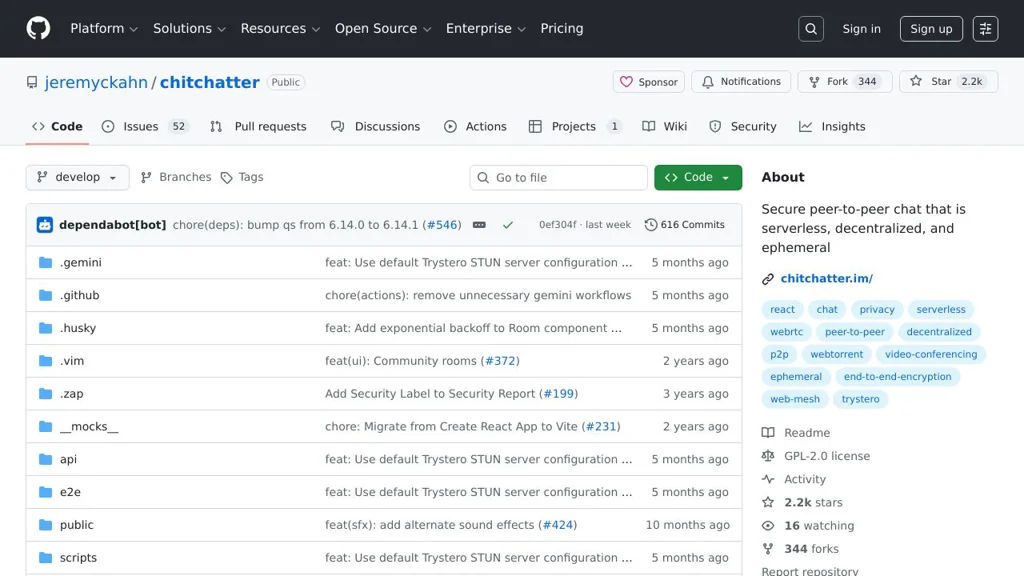
Chitchatter

Chitchatter is a serverless, peer-to-peer chat app that uses WebRTC and end-to-end encryption for ephemeral rooms without storing messages on a central server.

Chitchatter screenshot

Chitchatter is a browser-based chat application designed around privacy and minimal infrastructure. It uses peer-to-peer connections (WebRTC) and end-to-end encryption so participants can communicate without routing messages through an application server. Rooms are ephemeral and oriented toward temporary conversations.

Key Features

  • Peer-to-peer messaging via WebRTC data channels (no central message relay server)
  • End-to-end encryption (E2EE) for message content between participants
  • Ephemeral rooms/conversations (no built-in server-side message storage)
  • Shareable room links for inviting others
  • Runs as a static web app and can be hosted on any static web server

Use Cases

  • Private, temporary group chats for small teams or friends
  • Sharing sensitive information in a short-lived conversation
  • Ad-hoc coordination during events without creating accounts

Limitations and Considerations

  • WebRTC/NAT traversal can be unreliable in some network environments; connectivity may fail without TURN
  • Peer-to-peer architecture typically scales poorly for large rooms compared to server-relayed chat
  • No built-in long-term history since conversations are designed to be ephemeral

Chitchatter is a good fit when you want simple, temporary chat rooms with strong privacy properties and minimal backend requirements. Its P2P/E2EE design prioritizes confidentiality and reduces reliance on central infrastructure, while trading off reliability and scalability typical of WebRTC-based meshes.

2.1kstars
344forks
#16
Databag

Databag

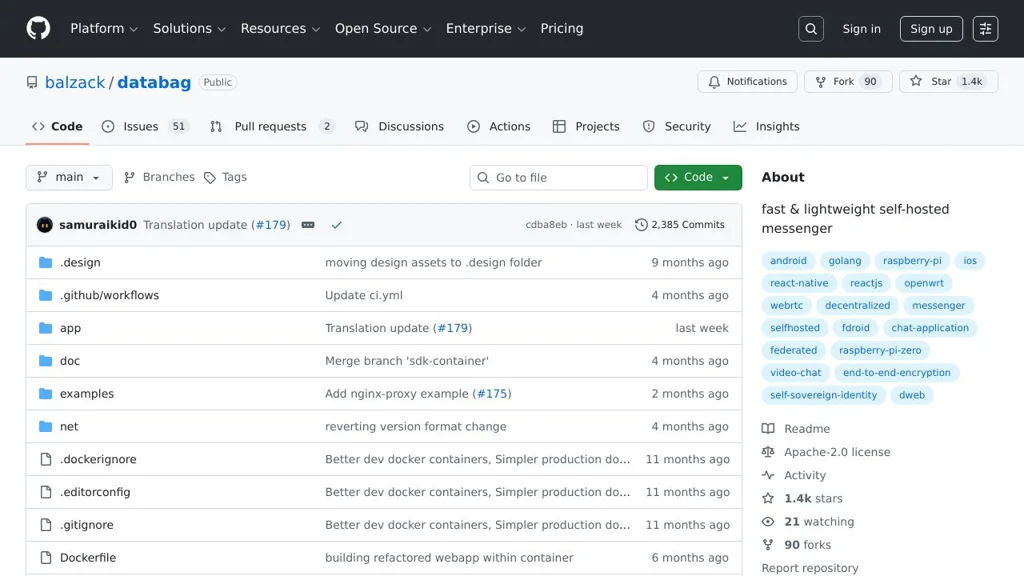
Databag is a self-hosted, end-to-end encrypted messenger with group chat, file sharing, and multi-device access via web and native clients.

Databag screenshot

Databag is a self-hosted messaging server and set of clients focused on private communication using end-to-end encryption. It provides direct messages and group chat, with an emphasis on keeping message content encrypted so the server primarily stores ciphertext.

Key Features

  • End-to-end encrypted messaging for direct and group conversations
  • Web client plus native clients (project provides multiple client options)
  • File and media sharing within conversations
  • Multi-user server with account management
  • Designed to minimize server-side access to plaintext message content

Use Cases

  • Private team or family chat where the server operator should not read messages
  • Small organizations that need an internal messenger without relying on SaaS
  • Secure group discussions with sharing of attachments and media

Limitations and Considerations

  • Smaller ecosystem than mainstream messengers; integrations and federation may be limited depending on client/support
  • Feature set and client maturity may vary across platforms

Databag is a practical option for running your own encrypted messenger when you want a simple, controlled deployment and encrypted-by-default conversations. It fits best for small groups that value privacy and can standardize on the supported clients.

1.4kstars
91forks
#17
Convos

Convos

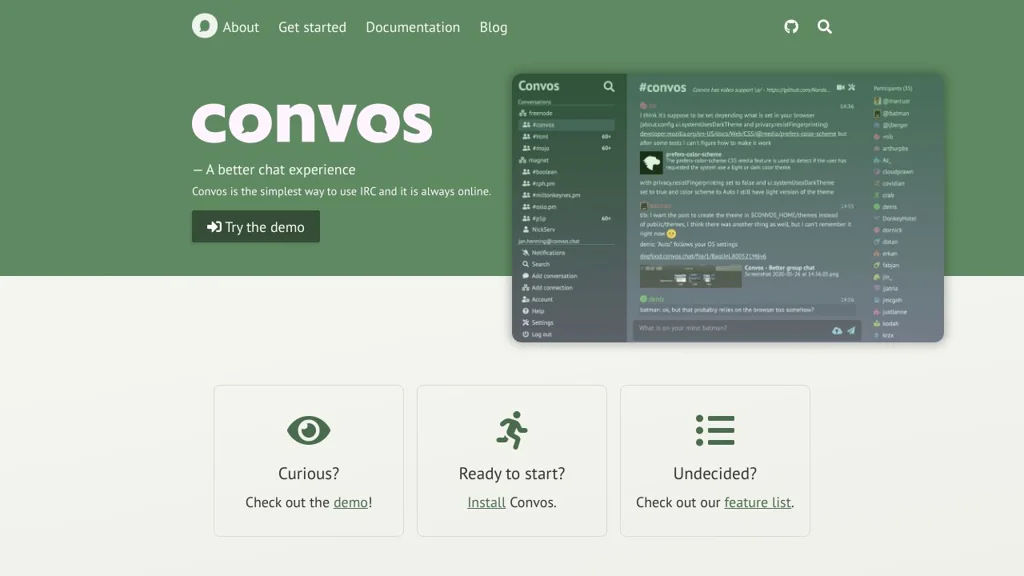
Self-hosted web IRC client for individuals or teams with multi-user accounts, bouncer-like always-on connections, and a modern browser UI.

Convos screenshot

Convos is a self-hosted, browser-based IRC client designed to make IRC accessible with a modern web UI while keeping connections and chat history available across devices. It supports both single-user and multi-user deployments and can be run as a long-lived service so your IRC connections stay online.

Key Features:

  • Web IRC client UI for networks, channels, and private messages
  • Multi-user support (suitable for teams) with separate accounts
  • Always-on server process (bouncer-like) to keep IRC connections alive
  • Persistent logs/history stored server-side for later viewing
  • Notifications and highlights support (client UI feature)
  • Deployable via container images and typical service managers

Use Cases:

  • Replace hosted web IRC clients for personal IRC access from any browser
  • Provide a shared, self-hosted IRC web gateway for a team/community
  • Run an always-on IRC session to avoid missing messages while offline

Convos is a practical option if you want an IRC-focused web chat experience with persistent connectivity and multi-user operation. It fits well for users who still rely on IRC networks and want a modern interface without depending on third-party hosted web IRC services.

1.1kstars
92forks

Why choose an open source alternative?

  • Data ownership: Keep your data on your own servers
  • No vendor lock-in: Freedom to switch or modify at any time
  • Cost savings: Reduce or eliminate subscription fees
  • Transparency: Audit the code and know exactly what's running