
Tiller Money

Best Self Hosted Alternatives to Tiller Money

A curated collection of the 2 best self hosted alternatives to Tiller Money.

Tiller Money automatically imports bank, credit card, and investment transactions into customizable Google Sheets and Microsoft Excel templates, enabling budgeting, expense tracking, and net worth monitoring with daily updates and automated categorization.

Alternatives List

#1
Firefly III

Firefly III

Open-source personal finance manager to track accounts, budgets, bills, and transactions with rules, reports, and CSV import/export.
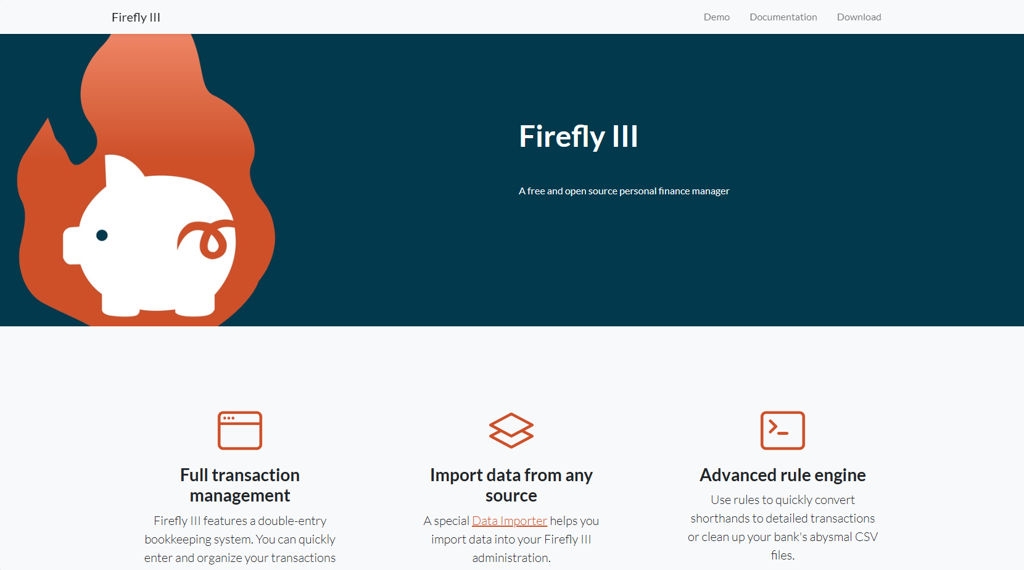
Firefly III screenshot

Firefly III is a personal finance manager that helps you track your money across accounts, transactions, budgets, and bills. It focuses on recording and categorizing financial activity (income, expenses, transfers) and provides reports and tools to understand spending over time.

Key Features

  • Double-entry style bookkeeping with accounts, transactions, transfers, categories, and tags
  • Budgets and budget limits with spending insights and reporting
  • Bills/subscriptions tracking with recurring transactions and reminders
  • Powerful rules engine to auto-categorize, tag, and otherwise modify new transactions
  • Import/export tooling (notably CSV import) and data portability options
  • Reporting dashboards and charts for cash flow, category breakdowns, and trends
  • Multi-currency support for accounts and transactions
  • API support for integrations and automations

Use Cases

  • Track personal spending across checking, credit cards, and cash accounts
  • Manage recurring bills/subscriptions and monitor budget compliance
  • Build lightweight automations (rules/API) to keep transaction categorization consistent

Limitations and Considerations

  • Primarily a tracking/analysis tool; it is not a bank-sync service by itself and typically relies on imports or external tooling for automated ingestion.

Firefly III is well-suited for individuals who want detailed, structured tracking of finances with strong categorization and reporting. Its rules and import/API options make it flexible for different workflows while keeping full control over your financial data.

22kstars
2kforks

#2
ExpenseOwl

ExpenseOwl

Self-hosted expense tracking app to log transactions, categorize spending, and review summaries and charts to understand where your money goes.

ExpenseOwl screenshot

ExpenseOwl is a lightweight web application for tracking personal expenses. It helps you record transactions, organize them into categories, and review spending over time so you can keep better awareness of your finances.

Key Features

  • Create and manage expense entries (amount, date, notes)
  • Categorize expenses to analyze spending by type
  • Basic reporting views (totals over time and category breakdowns)
  • Simple web UI intended for personal use
  • Data stored in an application database for later review

Use Cases

  • Track day-to-day personal spending and see monthly totals
  • Monitor category-based budgets (e.g., food, transport, utilities)
  • Export or review historical spending for tax-time reference

Limitations and Considerations

  • Feature set appears focused on single-user personal tracking; advanced capabilities (bank sync, receipts/OCR, multi-currency) are not emphasized in the project materials.

ExpenseOwl is a small, straightforward expense tracker suited to individuals who want a simple self-managed way to log expenses and review summaries. If you need automation like bank integrations or complex budgeting workflows, you may want a more full-featured finance platform.

1.3kstars
104forks

Why choose an open source alternative?

  • Data ownership: Keep your data on your own servers
  • No vendor lock-in: Freedom to switch or modify at any time
  • Cost savings: Reduce or eliminate subscription fees
  • Transparency: Audit the code and know exactly what's running