Vercel

Best Self Hosted Alternatives to Vercel

A curated collection of the 2 best self hosted alternatives to Vercel.

Vercel is a cloud platform for frontend developers that provides hosting, automated Git-based builds and deployments, serverless functions, preview environments, and a global edge CDN. Optimized for frameworks like Next.js to deliver fast, scalable web apps.

Alternatives List

#1
Coolify

Coolify

Coolify is a self-hosted PaaS to deploy and manage Docker apps, databases, and services from Git, with automatic builds, HTTPS, and environment management.
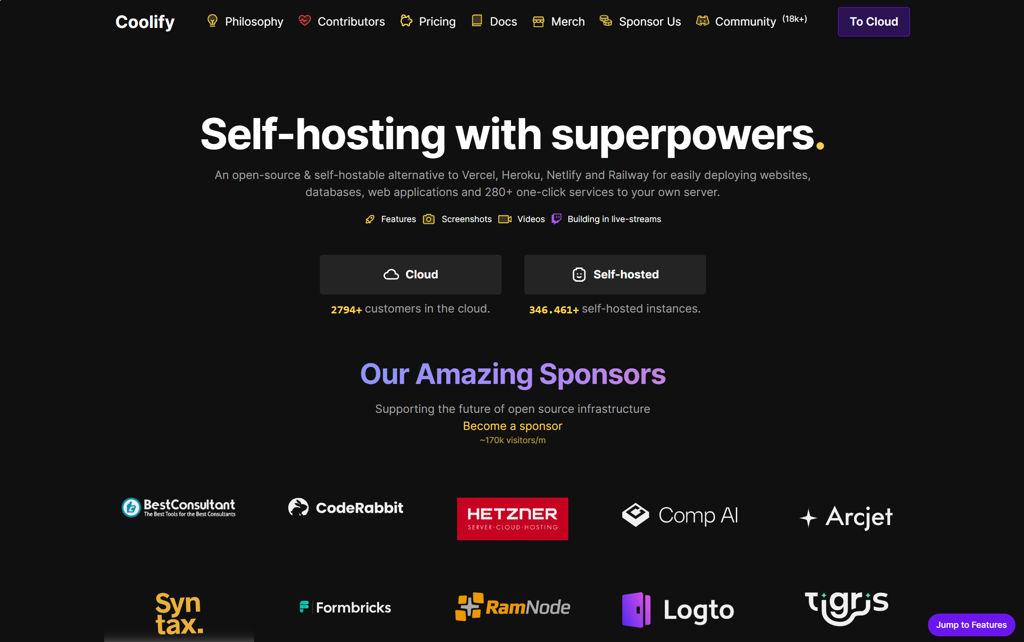
Coolify screenshot

Coolify is a self-hosted platform-as-a-service (PaaS) for deploying and managing applications, databases, and other services on your own servers using Docker. It focuses on a Git-based workflow with an admin UI to configure builds, networking, environment variables, and domains.

Key Features

  • Deploy applications from Git providers with automated build & deploy pipelines
  • Supports Dockerfile and Docker Compose-based deployments
  • One-click/self-managed databases and services (commonly PostgreSQL, MySQL/MariaDB, Redis, etc.)
  • Automatic reverse proxy configuration and HTTPS certificate provisioning/renewal
  • Environment variables and secrets management per application
  • Multi-server/remote server management (connect and deploy to additional hosts)
  • Application logs, deployment history, and basic observability/management from the UI
  • Rollback/redeploy workflows and configuration-driven service management

Use Cases

  • Replace Heroku/Render-style app deployments on your own VM(s)
  • Host multiple internal services (APIs, web apps, workers) with consistent deploy processes
  • Run self-managed databases alongside applications with simplified provisioning

Limitations and Considerations

  • Feature depth and operational tooling may be less comprehensive than Kubernetes-based platforms for complex multi-cluster/enterprise needs
  • Functionality depends on Docker/Compose patterns; non-container workloads are not the primary target

Coolify is well-suited for teams and individuals who want a Git-first deployment platform with a web UI, automated HTTPS, and server/app lifecycle management. It provides a pragmatic middle ground between manual Docker administration and more complex orchestration stacks.

49.3kstars
3.4kforks

#2
Nginx Proxy Manager

Nginx Proxy Manager

Web-based reverse proxy manager for Nginx with hosts, streams, access lists, and automatic Let's Encrypt certificates via an easy admin UI.

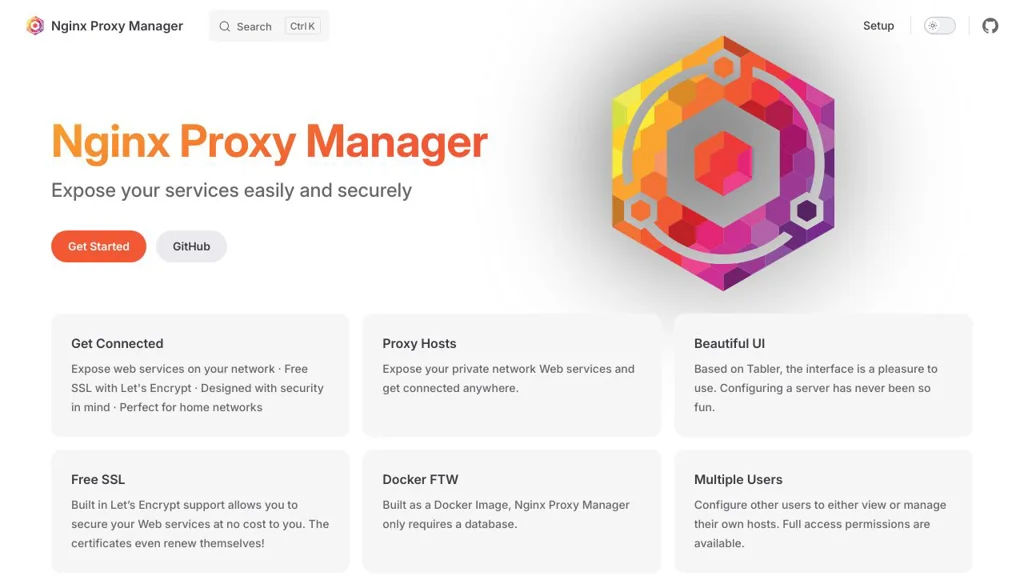
Nginx Proxy Manager screenshot

Nginx Proxy Manager (NPM) is a web-based management interface for configuring Nginx as a reverse proxy. It simplifies publishing internal web apps to the internet or to private networks by providing a UI to create proxy hosts, manage TLS certificates, and apply common security and routing settings without hand-editing Nginx config files.

Key Features

  • Manage Proxy Hosts (reverse proxy) with per-host settings (forward host/port, WebSocket support, caching, header tweaks)
  • Built-in Let’s Encrypt certificate issuance and renewals (including wildcard support via DNS challenge in supported setups)
  • Central certificate management: upload/import custom certificates and reuse across hosts
  • Access Lists for basic HTTP authentication and IP-based allow/deny rules
  • Support for Redirection Hosts (HTTP redirects) and 404 hosts (catch-all behavior)
  • Stream (TCP/UDP) proxying for non-HTTP services
  • Multi-user admin UI with permissions suitable for delegating proxy management
  • Runs well in containers; commonly deployed via Docker/Docker Compose

Use Cases

  • Put multiple self-hosted apps behind a single domain with HTTPS and per-app routing
  • Provide TLS termination and simple authentication in front of internal services
  • Publish TCP/UDP services (e.g., game servers or databases) through a managed stream proxy

Limitations and Considerations

  • Designed as a management layer over Nginx; complex Nginx behaviors may still require custom configuration patterns outside the UI.

NPM is a practical choice when you want the reliability of Nginx with a straightforward web UI for day-to-day proxy, TLS, and access-control operations. It is widely used in homelab and small-team environments to standardize how services are exposed and secured.

30.9kstars
3.5kforks

Why choose an open source alternative?

  • Data ownership: Keep your data on your own servers
  • No vendor lock-in: Freedom to switch or modify at any time
  • Cost savings: Reduce or eliminate subscription fees
  • Transparency: Audit the code and know exactly what's running