
Vimeo

Best Self Hosted Alternatives to Vimeo

A curated collection of the 5 best self hosted alternatives to Vimeo.

Vimeo is a video hosting and streaming SaaS for creators and businesses, providing high-quality video hosting, live streaming, a customizable embeddable player, privacy controls, analytics, collaboration and monetization tools.

Alternatives List

#1
Asciinema

Asciinema

CLI tool and web app to record, replay, and share terminal sessions in a compact, text-based format with copyable output and embeddable players.
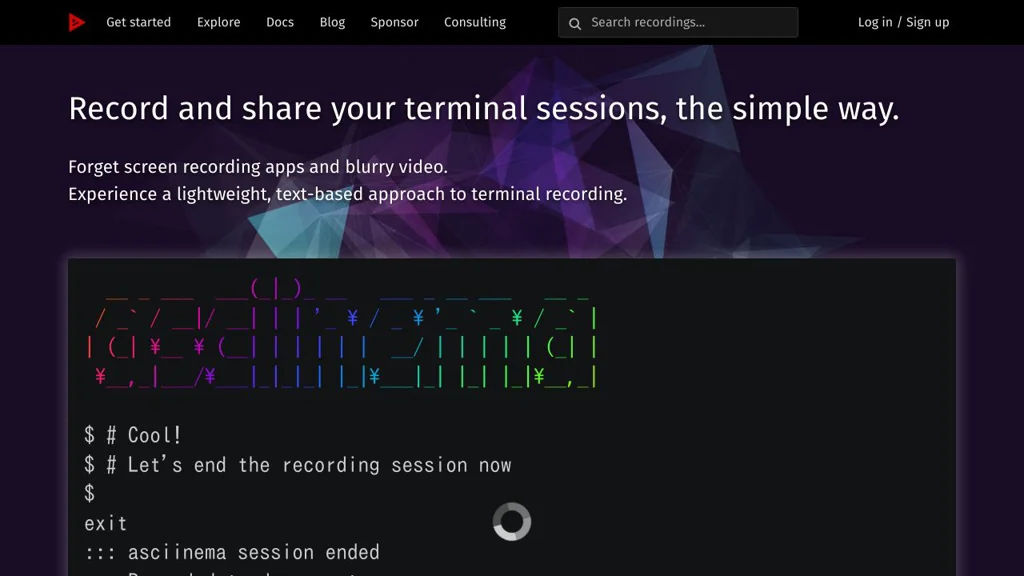
Asciinema screenshot

Asciinema is a terminal session recorder and player that captures what happens in your shell and replays it as a text-based “asciicast”. It is commonly used to share CLI demos, tutorials, and bug reproductions with accurate timing and copyable output.

Key Features

  • Records terminal input/output with timing data (not a video), producing small .cast files
  • Local playback in the terminal via asciinema play
  • Web playback via an embeddable HTML player (asciinema player)
  • Upload/sharing workflow using asciinema upload and the asciinema.org hosting service (optional)
  • Copyable terminal text during playback (useful for commands/snippets)
  • JSON-based cast format that can be post-processed and integrated into toolchains
  • Supports theming and terminal size metadata for consistent replays

Use Cases

  • Create CLI demos for README files, documentation portals, and blog posts
  • Share reproducible bug reports or support requests with exact terminal timing
  • Produce training materials for internal tooling and onboarding

Limitations and Considerations

  • Captures terminal I/O, not pixels: full-screen TUIs may replay differently across environments
  • Not suitable for demos requiring rich visuals (images/video); use screen recording for that

Asciinema provides a practical middle ground between static snippets and heavyweight video recordings, enabling accurate, lightweight, and script-friendly sharing of terminal sessions. It fits well into developer documentation and teaching workflows where copyable output and small artifacts matter.

16.6kstars
992forks

#2
PeerTube

PeerTube

PeerTube is a self-hosted, federated video platform using ActivityPub and BitTorrent/WebTorrent to publish, stream, and share videos across interconnected instances.

PeerTube screenshot

PeerTube is a decentralized video hosting and streaming platform where anyone can run their own server (“instance”) and federate with others. It combines ActivityPub federation with peer-to-peer video delivery (WebTorrent) to reduce bandwidth costs and avoid a single central platform.

Key Features

  • ActivityPub federation: follow channels, interact and discover videos across instances
  • P2P-assisted delivery with WebTorrent (viewers can help seed while watching)
  • Full video publishing workflow: upload, transcode, manage channels, playlists, and metadata
  • Live streaming support (with HLS playback) for broadcasting events
  • Built-in moderation and safety tools: reporting, account/channel management, blocklists/allowlists
  • Embeddable player and sharing options for external websites
  • Plugin and theme system to extend functionality and customize UI
  • REST API for automation and integrations; supports third-party clients

Use Cases

  • Community- or organization-run “YouTube alternative” for publishing public video content
  • Educational institutions hosting lecture recordings and live streams under their own rules
  • Creators federating with like-minded instances while keeping control over policies and branding

Limitations and Considerations

  • Bandwidth and storage needs can be significant, especially without enough P2P participation
  • Federation features depend on other instances’ policies and uptime; discovery can vary by network

PeerTube fits teams and communities that want a modern video platform with federation, extensibility, and reduced centralized dependency. It is especially useful when governance, moderation rules, and hosting control need to remain in the hands of the publisher rather than a single global provider.

14.4kstars
1.7kforks
#3
Owncast

Owncast

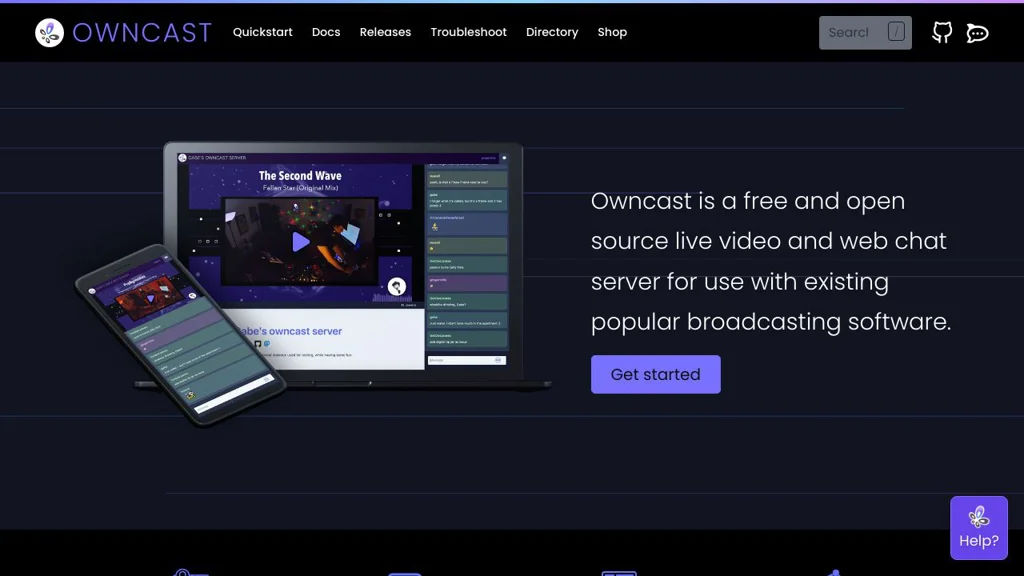
Owncast is a self-hosted live streaming server for broadcasting RTMP to a web player with built-in chat, moderation tools, embeddable stream pages, and theming.

Owncast screenshot

Owncast is a self-hosted live video and audio streaming server that lets you run your own “Twitch-like” site. It accepts an RTMP ingest from common streaming tools and publishes a web-based player with integrated chat and a customizable stream page.

Key Features

  • RTMP ingest for live broadcasts (works with OBS, Streamlabs, etc.)
  • Built-in web player and stream page you can host under your own domain
  • Integrated real-time chat with moderation tools (ban/timeout, message deletion, etc.)
  • Viewer authentication options and configurable chat/stream settings
  • Admin dashboard for configuring the instance, stream metadata, and appearance
  • Embeddable player/chat to integrate streams into other websites
  • Recording/archiving support and basic file/media handling for stream assets
  • Theming/customization for the viewer-facing page (branding, layouts)

Use Cases

  • Creators hosting independent live streams without relying on Twitch/YouTube
  • Organizations running internal live events (town halls, training sessions)
  • Communities streaming meetups or conferences with moderated chat

Limitations and Considerations

  • Feature set is intentionally lighter than large platforms (e.g., discovery, recommendations, and large-scale creator monetization are out of scope).

Owncast is a pragmatic option for running a private or public live stream with chat using familiar broadcast tooling and a simple web experience. It prioritizes ease of deployment and ownership of your streaming platform over platform-scale social features.

10.8kstars
1.2kforks
#4
Restreamer

Restreamer

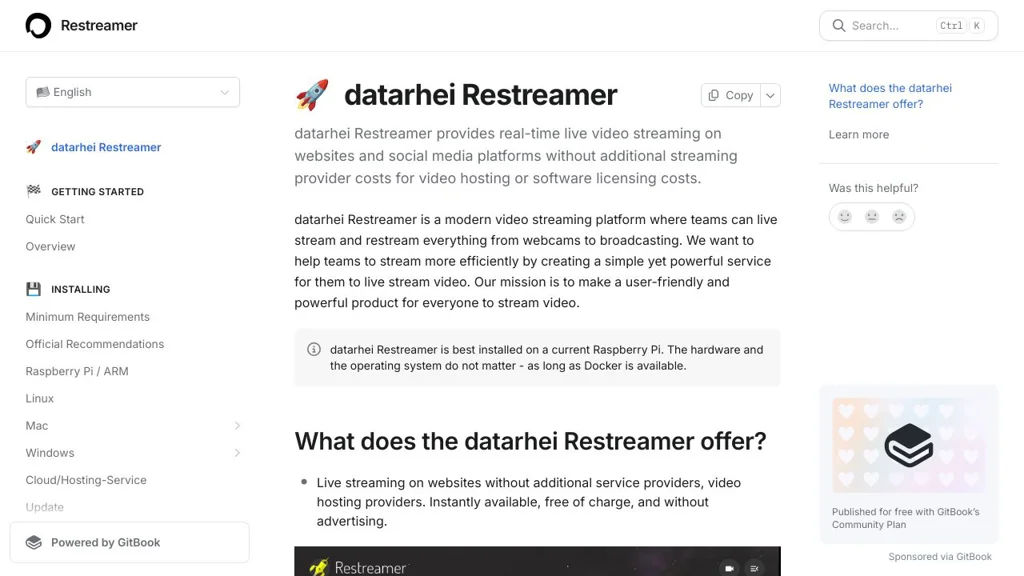
Restreamer is a web UI for ingesting live video (RTMP/SRT/HTTP), optionally transcoding with FFmpeg, and restreaming to platforms like YouTube, Twitch, or custom RTMP targets.

Restreamer screenshot

Restreamer (by datarhei) is a self-hosted live streaming relay that receives a live input stream, optionally transcodes it, and forwards it to one or more outputs. It focuses on making common streaming workflows easy through a browser-based UI while still exposing an API and Docker-first deployment.

Key Features

  • Ingest live streams via RTMP and other supported protocols (via the underlying streaming engine)
  • Restream/relay to multiple destinations (e.g., YouTube Live, Twitch, Facebook Live, custom RTMP endpoints)
  • Optional transcoding and re-encoding using FFmpeg (e.g., bitrate/codec changes)
  • Browser-based management UI for configuring inputs/outputs and monitoring status
  • Docker-based deployment with persistent configuration and simplified updates
  • HTTP API for automation and integration with external systems
  • Designed to run on modest servers and edge devices, depending on transcoding load

Use Cases

  • Mirror one live stream to multiple platforms simultaneously
  • Receive RTMP from OBS and forward it to a CDN/ingress point over a controlled network path
  • Centralize live stream routing/transcoding for events, churches, classrooms, or community broadcasters

Limitations and Considerations

  • Transcoding is CPU/GPU intensive; capacity depends heavily on FFmpeg settings and available hardware acceleration

Restreamer is a practical option when you need a controllable, web-managed live streaming “hub” that can ingest a stream once and distribute it to many destinations. It is especially useful for simple restreaming setups and small-to-medium live production workflows that benefit from Docker deployment and API control.

4.8kstars
513forks
#5
MediaCMS

MediaCMS

Self-hosted video platform for uploading, managing, and streaming media with transcoding, playlists, channels, search, and embeddable players.

MediaCMS screenshot

MediaCMS is a self-hosted, open source media publishing platform focused on video. It provides a YouTube-like workflow for uploading, organizing, moderating, and delivering videos with an embeddable player and optional transcoding pipeline.

Key Features

  • Video uploads with web-based management UI for media items, channels, categories, and tags
  • Transcoding/encoding pipeline (commonly via FFmpeg) to generate web-friendly renditions
  • Embeddable video player for external websites and sharing
  • Playlists and channel-style organization for collections and publishers
  • Full-text search and browsing by categories/tags
  • User accounts with roles/permissions and admin moderation workflows
  • API support for integrations (where enabled/configured)

Use Cases

  • Internal company video portal for training, onboarding, and announcements
  • Education or community sites hosting lecture series, talks, or recorded events
  • Organizations replacing public video hosts for controlled branding and distribution

Limitations and Considerations

  • Feature set and scalability depend heavily on deployment choices (storage, CDN/reverse proxy, transcoding workers); large libraries typically require careful tuning.

MediaCMS is a practical choice when you need a centrally managed video library with a web UI and an embeddable player, while keeping control of storage and delivery. It targets teams and organizations that want a general-purpose video publishing platform rather than a lightweight file listing site.

4.6kstars
856forks

Why choose an open source alternative?

  • Data ownership: Keep your data on your own servers
  • No vendor lock-in: Freedom to switch or modify at any time
  • Cost savings: Reduce or eliminate subscription fees
  • Transparency: Audit the code and know exactly what's running