
Web-based SSH gateways (commercial)

Best Self Hosted Alternatives to Web-based SSH gateways (commercial)

A curated collection of the 3 best self hosted alternatives to Web-based SSH gateways (commercial).

Teleport is a commercial access plane offering a web-based SSH gateway and SaaS control plane that centralizes, secures, and audits SSH, Kubernetes, and database access with SSO, RBAC, session recording, and enterprise-grade auditing.

Alternatives List

#1
Termix

Termix

Self-hosted web app for managing SSH connections, organizing hosts, and accessing terminals from a browser with a focus on team-friendly workflows.
Termix screenshot

Termix is a self-hosted, browser-based SSH workspace designed to manage servers and open terminal sessions from a centralized web UI. It focuses on organizing hosts, credentials, and connections so you can access infrastructure consistently across devices and (optionally) teams.

Key Features

  • Web UI for launching and using SSH terminal sessions from a browser
  • Host inventory/organization to group and quickly access servers
  • Saved connection settings to standardize how hosts are reached
  • Multi-user-oriented setup (where configured) for shared infrastructure access
  • Designed to run as a server application you can deploy via container-based workflows

Use Cases

  • Provide a central SSH access point for homelab or small-team server administration
  • Organize many SSH endpoints (VPS, on‑prem servers, routers) into a manageable inventory
  • Replace ad-hoc SSH bookmarks with a consistent web-based operations console

Limitations and Considerations

  • Feature depth and enterprise controls depend on the project’s current maturity; verify support for advanced access controls/auditing before adopting for regulated environments.

Termix is a practical choice when you want a web-accessible SSH terminal plus a simple way to catalog and manage many hosts. It is best suited for homelabs and small operations teams that value a lightweight, centralized SSH workflow over a full privileged-access management suite.

9.5kstars
387forks
#2
WeTTY

WeTTY

WeTTY provides a browser-based SSH terminal so you can access remote shells over HTTPS with optional authentication and proxy support.

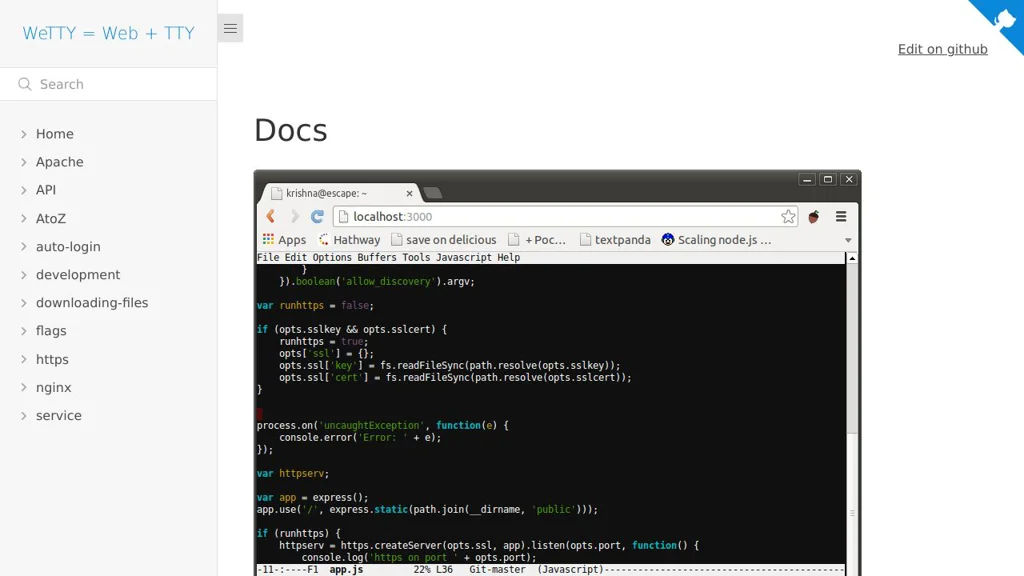
WeTTY screenshot

WeTTY is a web terminal that lets you access SSH sessions directly from a browser. It runs as a small Node.js web app and bridges the browser to SSH, making it useful for lightweight remote administration without installing a local SSH client.

Key Features:

  • Browser-based SSH terminal UI for interactive shell access
  • Uses a local SSH client under the hood to connect to remote hosts
  • Optional HTTP authentication to protect access to the web terminal
  • Supports connection presets/parameters via URL options (useful behind portals)
  • Reverse-proxy friendly deployment (commonly used behind Nginx/Traefik)
  • Container-friendly setup (commonly deployed via Docker)

Use Cases:

  • Provide “jump host” terminal access from a web portal for admins/operators
  • Embedded terminal access in internal tools, dashboards, or support environments
  • Quick remote access from locked-down machines where installing SSH clients is not possible

Limitations and Considerations

  • Exposing SSH in a browser increases security risk; it should be tightly access-controlled and ideally placed behind SSO/VPN/reverse-proxy auth.
  • Feature set is intentionally minimal compared to full remote access gateways (audit, session recording, RBAC depend on external components).

WeTTY is a practical, lightweight way to deliver SSH access over the web with minimal infrastructure. It fits best for small teams or internal environments that need a simple web terminal front-end while keeping SSH as the underlying transport.

5.1kstars
741forks
#3
Sshwifty

Sshwifty

A lightweight web SSH/Telnet client with a terminal UI, bookmarks, and optional authentication for securely accessing remote hosts from a browser.

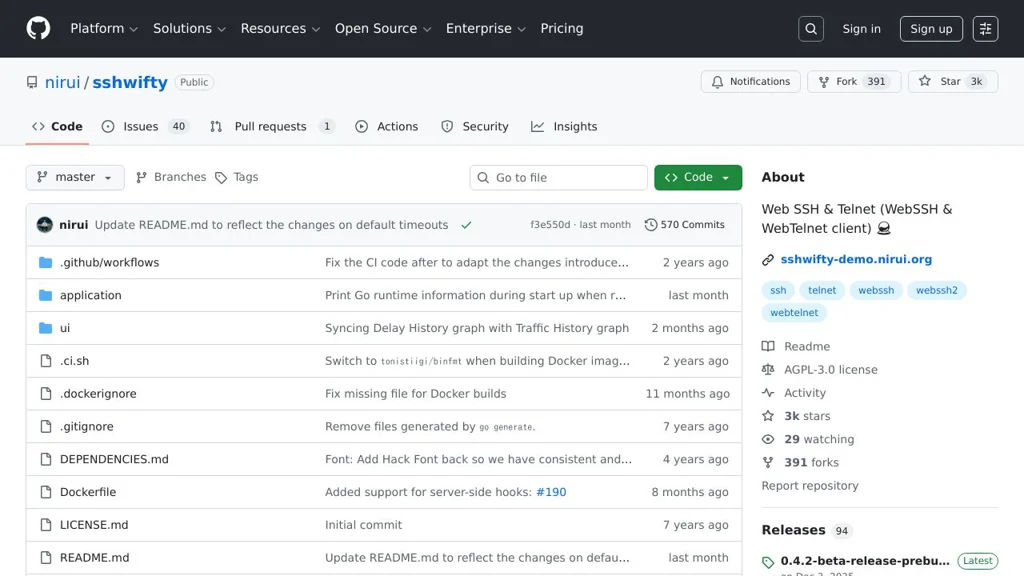
Sshwifty screenshot

Sshwifty is a small web application that provides SSH and Telnet access directly in your browser. It acts as a web terminal gateway so you can connect to remote machines without installing a local SSH client, and is commonly deployed behind an existing reverse proxy.

Key Features

  • Browser-based terminal UI for SSH and Telnet sessions
  • Lightweight single-binary distribution and container-friendly deployment
  • Connection profiles/bookmarks for frequently used hosts (as supported by the UI)
  • Optional authentication and access controls (configurable)
  • Runs as a web server and proxies connections to target hosts

Use Cases

  • Provide jump-host style web terminal access to internal servers for admins
  • Offer browser SSH access in restricted environments (e.g., locked-down laptops)
  • Simple remote access tool for homelab/server management without extra clients

Limitations and Considerations

  • Exposes a powerful remote-access surface; should be placed behind TLS and strong authentication and restricted by network policy
  • Feature depth is narrower than full remote-access suites (e.g., auditing/recording and advanced PAM features may be limited depending on deployment)

Sshwifty is best suited when you need a minimal web terminal for SSH/Telnet with straightforward deployment. With proper perimeter controls (TLS, auth, and network restrictions), it can serve as a convenient browser-based entry point to remote systems.

3kstars
392forks

Why choose an open source alternative?

  • Data ownership: Keep your data on your own servers
  • No vendor lock-in: Freedom to switch or modify at any time
  • Cost savings: Reduce or eliminate subscription fees
  • Transparency: Audit the code and know exactly what's running