
Jira

Best Self Hosted Alternatives to Jira

A curated collection of the 14 best self hosted alternatives to Jira.

Jira is Atlassian’s issue and project-tracking SaaS for software and IT teams. It enables planning, tracking, and managing tasks, sprints, workflows, and releases to support agile development, incident management, and cross-team collaboration.

Alternatives List

#1
Gitea

Gitea

Self-hosted Git server with a web UI, issues, pull requests, Actions CI/CD, packages, and fine-grained access controls.
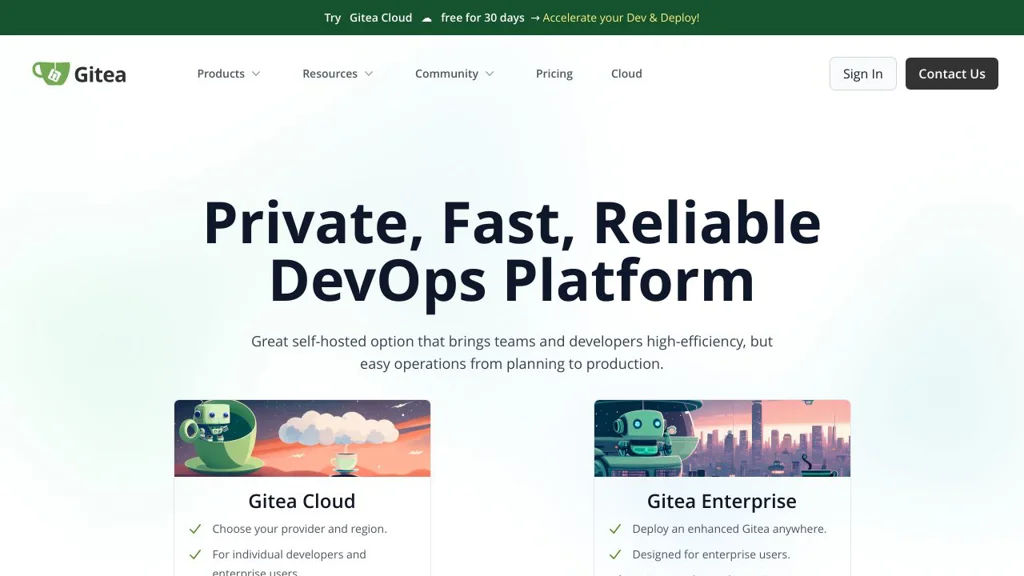
Gitea screenshot

Gitea is a lightweight Git hosting platform for teams that need a fast, self-managed alternative to hosted forges. It provides a complete web UI for managing repositories and collaborating on code, while remaining relatively simple to deploy and operate.

Key Features

  • Git repository hosting with web UI (browse code, diffs, blame, commits, branches, tags)
  • Pull requests with code review, inline comments, approvals, and merge strategies
  • Issue tracker with labels, milestones, assignees, templates, and project boards
  • Built-in CI/CD via Gitea Actions (workflow automation compatible with GitHub Actions concepts)
  • Integrated package registry (e.g., container/OCI, npm, Maven, NuGet, PyPI, etc., depending on configuration)
  • Repository wiki and release management (tags, release notes, attachments)
  • User/org/team management with fine-grained repository permissions
  • Multiple auth options and integrations (OAuth2/OpenID Connect, LDAP, webhooks)
  • Works with common databases (SQLite, PostgreSQL, MySQL/MariaDB) and supports SSH/HTTP(S)

Use Cases

  • Host private or internal Git repositories with code review for small-to-mid teams
  • Replace hosted Git forges while keeping PRs, issues, and releases in one place
  • Run an internal developer platform combining source hosting, CI workflows, and packages

Limitations and Considerations

  • Some advanced enterprise governance features found in large hosted platforms may require additional tooling or integrations.

Gitea is well-suited for organizations that want a full-featured Git forge with a clean UI and a relatively small operational footprint. Its integrated collaboration tools and Actions-based automation make it a practical all-in-one platform for day-to-day software development.

53kstars
6.3kforks

#2
Odoo

Odoo

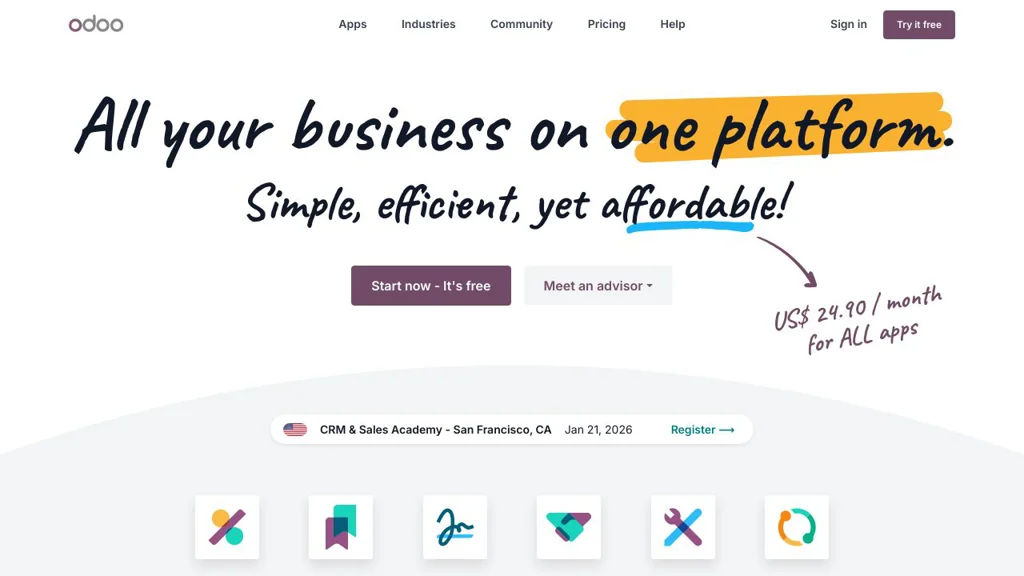
Odoo is a modular ERP and business app suite covering CRM, sales, accounting, inventory, manufacturing, HR, eCommerce, and website building with a unified database and extensible framework.

Odoo screenshot

Odoo is a modular enterprise resource planning (ERP) platform that bundles a large suite of business applications (CRM, Sales, Accounting, Inventory, Manufacturing, HR, eCommerce, Website, and more) into a single system. It is designed around a unified data model so departments can share workflows, reporting, and automations across apps.

Key Features

  • Large catalog of installable business apps (CRM, Sales, Accounting/Invoicing, Inventory/WMS, MRP, Purchase, HR, Project, Helpdesk, Website/eCommerce)
  • Single database and integrated workflows across modules (e.g., sales → invoicing → delivery → accounting)
  • Highly extensible server framework with custom modules, views, and business logic
  • Built-in access control and multi-company support for managing multiple entities
  • Web client with responsive UI, dashboarding, and reporting across business data
  • Internationalization support (multi-language) and localization packages for many countries

Use Cases

  • Replace disconnected tools with one ERP for sales, invoicing, purchasing, inventory, and accounting
  • Run end-to-end operations for SMBs (quotations, orders, stock, manufacturing, shipping)
  • Build custom line-of-business apps on top of Odoo’s modular framework

Limitations and Considerations

  • Some advanced features and apps are only available in Odoo Enterprise; the GitHub repo is the Community edition codebase
  • Upgrades between major versions can require migration work, especially with custom modules

Odoo is a broad, integrated business platform that can scale from small companies to complex multi-company setups. Its modular architecture allows starting with a few apps and expanding into a full ERP as needs grow.

48.3kstars
31kforks
#3
Plane

Plane

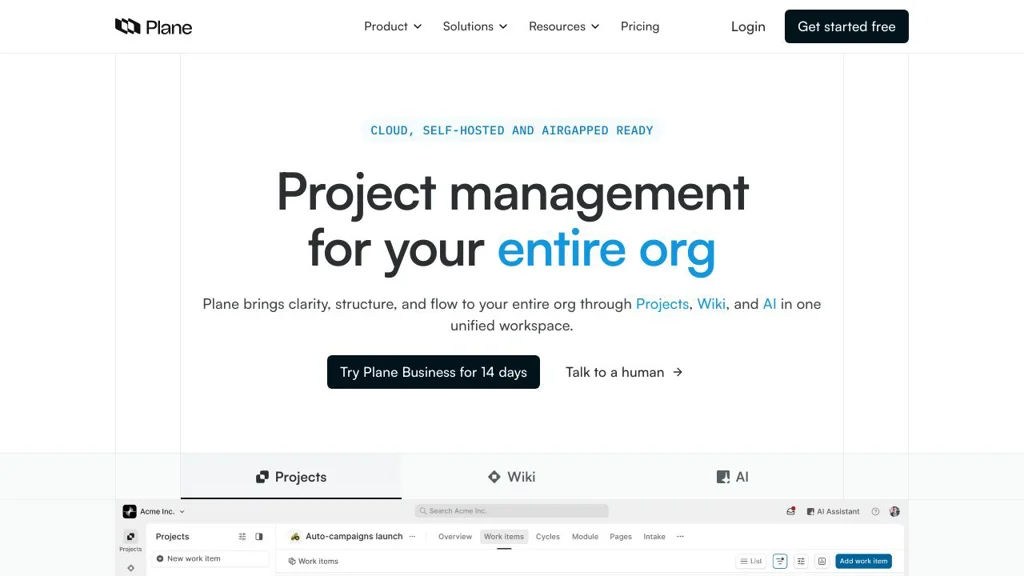
Self-hostable project management tool for issues, sprints, roadmaps, and product planning with a modern UI and API.

Plane screenshot

Plane is an open-source project and product management platform designed to help teams plan, track, and ship work. It provides issue tracking, agile planning primitives, and product-oriented views so teams can manage day-to-day execution and higher-level roadmaps in one place.

Key Features

  • Issue tracking with customizable properties/fields and rich descriptions
  • Multiple work views (e.g., list/board) to organize and triage work efficiently
  • Cycles/sprints planning to timebox work and track progress
  • Modules/epics-style grouping to structure larger initiatives
  • Roadmap and planning views for product-oriented prioritization
  • Team collaboration features such as comments and activity history
  • Workspace/project organization for multi-project teams
  • Public/REST API for integrating Plane with internal tooling and automations

Use Cases

  • Replace Jira/Linear-style issue tracking for engineering teams
  • Plan sprints/cycles and manage releases across multiple projects
  • Maintain a lightweight product roadmap and organize initiatives by module

Plane is a strong fit for teams that want a modern, self-hostable alternative to commercial project trackers with core agile and product planning capabilities. Its combination of issue tracking, cycles, and roadmap views supports both execution and planning workflows in a single system.

43kstars
3.2kforks
#4
WeKan

WeKan

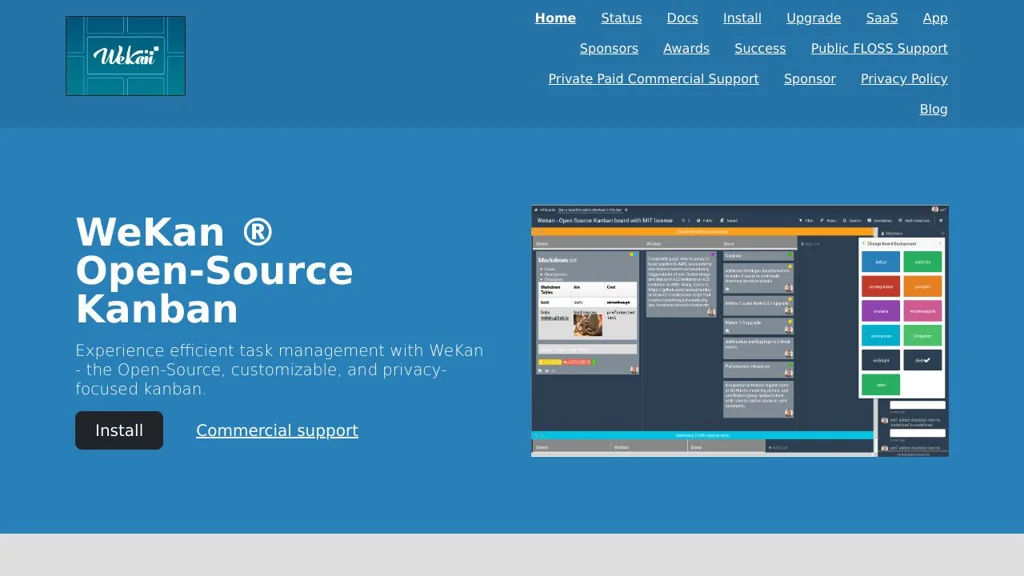
Self-hosted Kanban board software with swimlanes, WIP limits, and rich card features for team project and task management.

WeKan screenshot

WeKan is a web-based Kanban board application for managing tasks and workflows using boards, lists, and cards. It is commonly used as a self-managed alternative to Trello for teams that want data control and flexible workflow features.

Key Features

  • Kanban boards with lists and draggable cards
  • Swimlanes to organize work in parallel tracks (e.g., by team/member)
  • WIP (Work In Progress) limits per list/swimlane
  • Rich card details: descriptions, checklists, due dates, labels, attachments, comments, and activity history
  • User and permission management for boards
  • Search and filtering to find cards across boards
  • Import/migration options (commonly used for Trello-style workflows)
  • Notifications and @mentions (where supported by deployment/config)

Use Cases

  • Team project management (product, engineering, operations) using Kanban
  • Personal or small-team task tracking with lightweight boards
  • Visualizing support/maintenance workflows (backlog → in progress → done)

Limitations and Considerations

  • Primarily focused on Kanban; it is not a full suite for docs/roadmaps like Notion/Jira
  • Feature availability can vary by deployment method and version; review the current release notes/docs for specifics

WeKan is a practical choice for organizations that want a straightforward, Trello-style Kanban experience with swimlanes and WIP limits. It fits well for day-to-day task management and visual workflow tracking across many types of teams.

20.8kstars
3kforks
#5
OneDev

OneDev

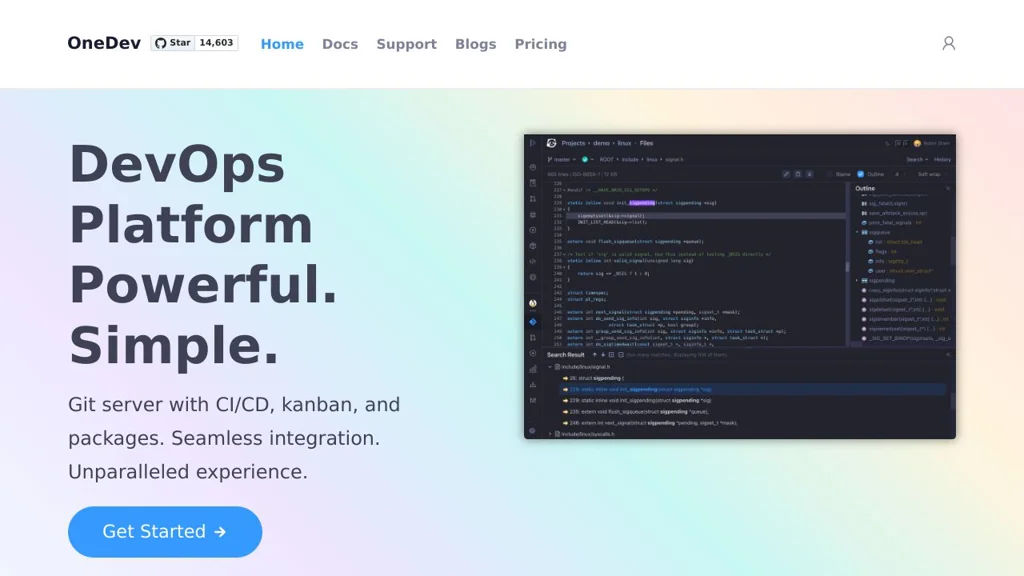
OneDev is a self-hosted all-in-one DevOps platform combining Git hosting, pull requests/code review, CI/CD pipelines, package registries, and issue tracking.

OneDev screenshot

OneDev is an all-in-one DevOps platform that bundles a Git server, code review, CI/CD automation, and project management into a single application. It’s designed to reduce integration overhead by providing source hosting, pipelines, and issues in one place, with a web UI for day-to-day developer workflows.

Key Features

  • Git repository hosting with web UI, permissions, and repository browsing
  • Pull requests with code review workflows, discussions, and approvals
  • Built-in CI/CD with declarative pipelines (YAML) and self-hosted build agents
  • Docker/agent-based job execution with caching/artifacts to speed up builds
  • Issue tracking with customizable fields/workflows and agile boards
  • Package registries (commonly used for publishing/consuming build outputs)
  • Integrations via webhooks and API for automation and external tooling
  • Search and traceability across commits, pull requests, builds, and issues

Use Cases

  • Replace a GitHub/GitLab-style workflow for small-to-mid teams on private infrastructure
  • Run CI/CD pipelines close to your code with integrated reviews and issue tracking
  • Maintain internal developer platforms where unified permissions/auditability matter

Limitations and Considerations

  • Smaller ecosystem than GitLab/GitHub; fewer third-party add-ons and marketplace-style integrations
  • Some advanced enterprise features (varies by release) may require careful evaluation vs. larger suites

OneDev fits teams wanting a single, cohesive system for code hosting, reviews, and pipelines without stitching together many separate services. It is particularly useful when you prefer an integrated UI and centralized project data for development workflows.

14.6kstars
933forks
#6
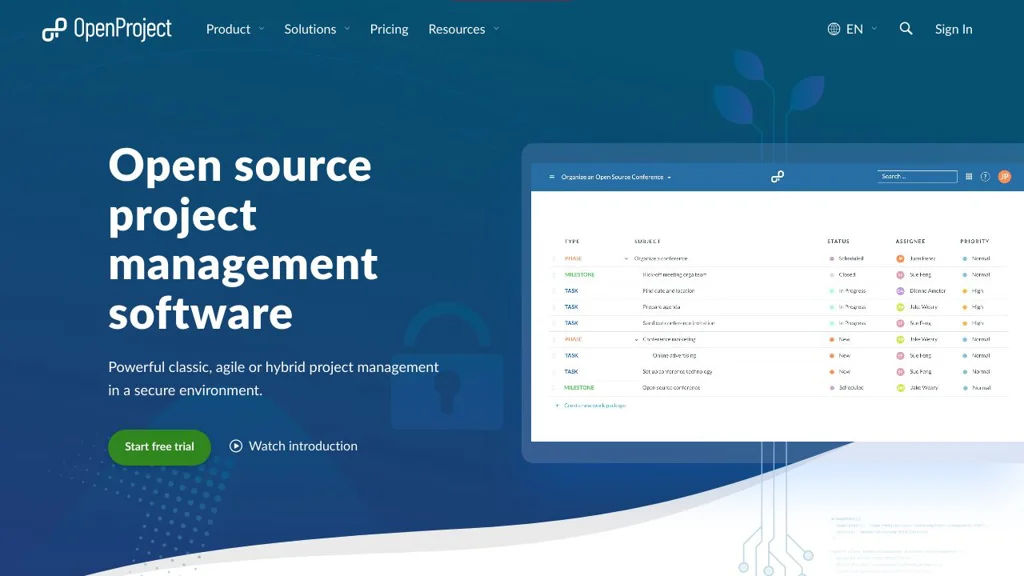
OpenProject

OpenProject

Self-hosted project management platform with work packages, Agile boards, Gantt charts, roadmaps, wikis, time tracking, and team collaboration.

OpenProject screenshot

OpenProject is a web-based project management platform for planning, tracking, and collaborating across projects. It supports both classic project planning and agile delivery, combining task/issue tracking with timelines, documentation, and reporting in one application.

Key Features

  • Work packages for unified task/issue management with custom fields, relations, watchers, and notifications
  • Agile boards (Scrum/Kanban) with backlogs, sprints, and swimlanes (depending on configuration)
  • Gantt charts and interactive project timelines, including dependencies and milestone planning
  • Roadmaps and release planning views for progress and deliverables
  • Time tracking and cost reporting features (project/accounting-oriented reporting varies by edition/config)
  • Wiki and project documentation features integrated with project navigation
  • Role-based permissions and project-level access control for multi-project organizations
  • Integrations via REST API and webhooks for automation and external tooling

Use Cases

  • Software teams running Scrum/Kanban with backlogs, sprints, and issue tracking
  • PMOs managing multi-project plans with Gantt charts, dependencies, and milestones
  • Cross-functional teams centralizing project docs (wiki) and progress reporting

Limitations and Considerations

  • Some advanced features are edition-dependent (community vs. enterprise), so feature availability may vary
  • Migrating from Jira/MS Project can require careful mapping of workflows, fields, and permissions

OpenProject fits organizations that want a single, auditable system for project planning and execution across agile and traditional approaches. It is commonly used as an alternative to hosted PM suites when teams need strong timeline planning, structured permissions, and on-prem control.

13.5kstars
3kforks
#7
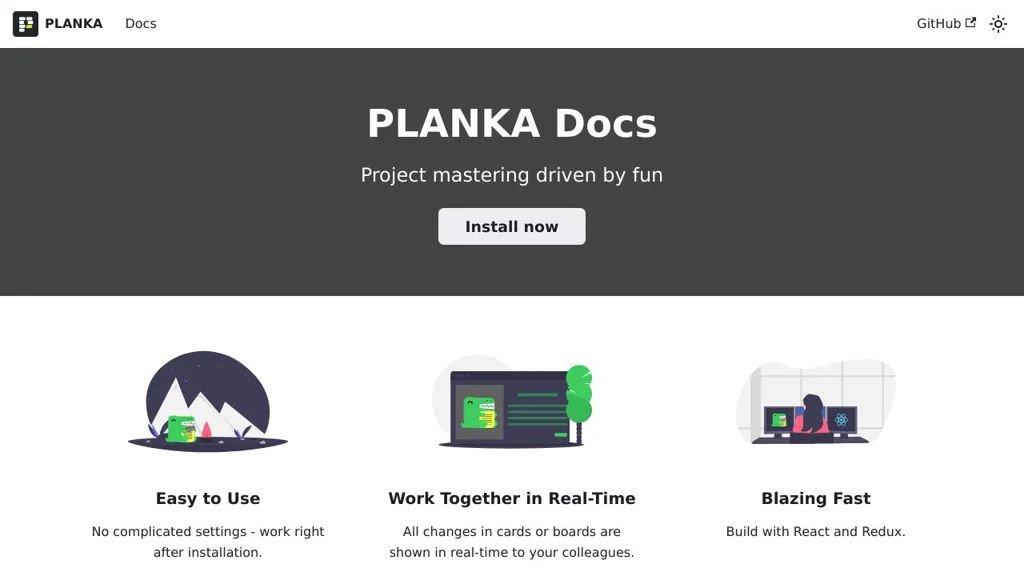
Planka

Planka

Planka is a self-hosted kanban project management tool with boards, lists, cards, swimlanes, WIP limits, labels, checklists, due dates, and team collaboration.

Planka screenshot

Planka is a web-based kanban project management app for organizing work into boards, lists, and cards. It is designed as a Trello-like experience for teams that want a lightweight workflow tool with collaboration features and an API.

Key Features

  • Multiple projects and boards with lists and draggable cards
  • Card details including description, labels, due dates, checklists, attachments, and comments
  • Swimlanes and WIP limits to model workflows and constrain in-progress work
  • Board and card filters (e.g., by members/labels), quick search, and keyboard shortcuts
  • User management with roles/permissions and per-project membership
  • Activity history/audit trail for changes on boards/cards
  • REST API for automation and integrations

Use Cases

  • Team kanban boards for product development, support, or operations
  • Personal or small-team task boards as a Trello replacement
  • Lightweight project tracking with labels, checklists, and due dates

Limitations and Considerations

  • Feature set is intentionally focused on kanban; advanced portfolio planning and reporting are limited compared to enterprise PM suites.

Planka provides a familiar kanban workflow with strong core collaboration features and a pragmatic deployment model. It fits best where teams want a simple, fast board-centric system with an API rather than a full-scale project suite.

11.3kstars
1.2kforks
#8
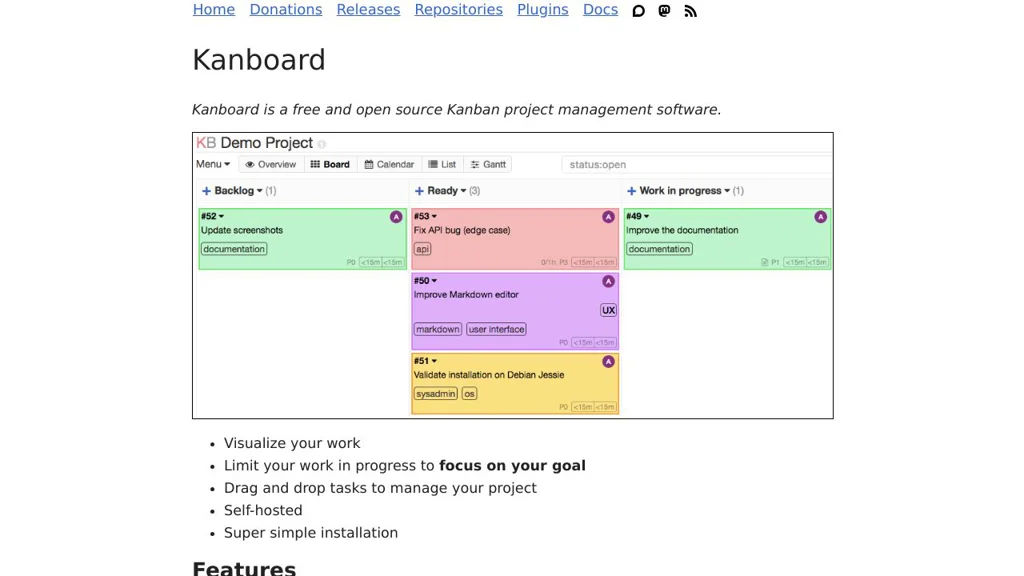
Kanboard

Kanboard

Self-hosted Kanban project management tool with boards, swimlanes, WIP limits, analytics, and integrations via plugins and webhooks.

Kanboard screenshot

Kanboard is a lightweight project management application built around the Kanban method. It helps teams visualize work, limit work-in-progress, and collaborate on tasks using configurable boards, swimlanes, and automation.

Key Features

  • Kanban boards with configurable columns, swimlanes, and WIP limits
  • Tasks with due dates, attachments, comments, subtasks, checklists, and recurring tasks
  • User roles and project permissions; multi-project support
  • Built-in analytics and reporting (e.g., cumulative flow/lead & cycle time views)
  • Email integration (notifications and “email to task” workflows) and activity stream
  • Automation rules and triggers; webhooks for event-driven integrations
  • Plugin architecture for extending features and connecting external services
  • Public and private project sharing options and task duplication/templates

Use Cases

  • Manage software development or ops work with WIP limits and swimlanes
  • Run editorial/content pipelines (ideas → drafting → review → published)
  • Track personal or small-team projects needing a simple, fast Kanban tool

Limitations and Considerations

  • UI and feature set are intentionally minimal compared to large enterprise suites; advanced portfolio planning may require plugins or external tools

Kanboard focuses on speed, simplicity, and a clear Kanban workflow while still providing the essentials for collaboration and integrations. Its extensibility via plugins and webhooks makes it suitable for teams that want a compact core with optional add-ons.

9.4kstars
1.9kforks
#9
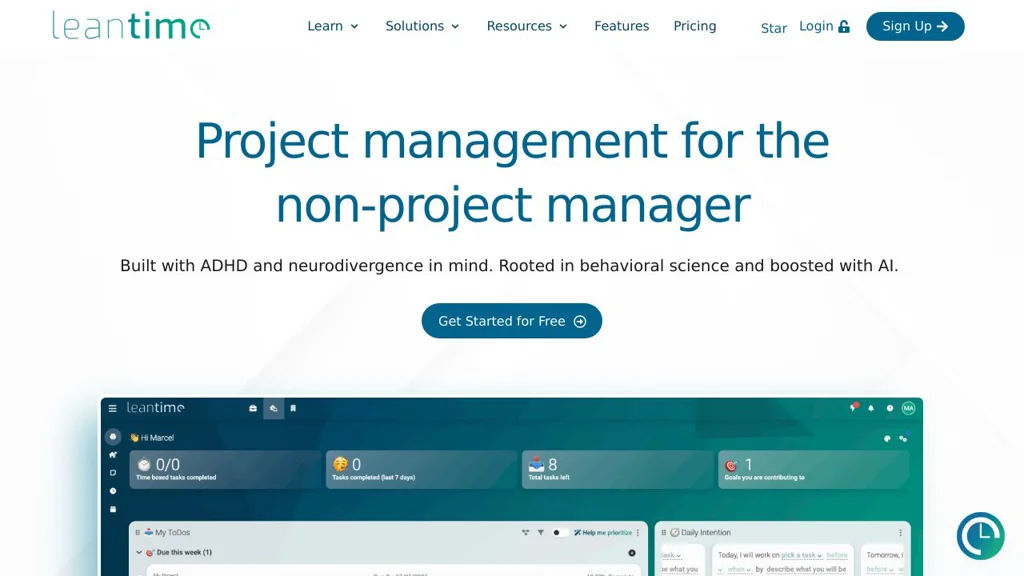
Leantime

Leantime

Self-hosted project management system with roadmaps, kanban, tasks, time tracking, and client collaboration designed around Lean/Agile workflows.

Leantime screenshot

Leantime is a self-hostable project management platform designed around Lean and Agile practices. It helps teams plan strategy, define goals, manage projects, and track execution using a mix of roadmaps, boards, and task workflows. Leantime targets small-to-mid sized teams and agencies that need a lightweight PM tool with client-friendly collaboration features.

Key Features

  • Strategy and planning modules (ideas, goals, milestones/roadmaps) to connect execution to outcomes
  • Kanban-style task boards with statuses and swimlanes for day-to-day work management
  • Backlog and sprint-style workflows for iterative delivery
  • Time tracking and timesheets per task/project for billing and reporting
  • Project documentation features (wikis/notes) to keep context with work items
  • Role-based access and multi-user collaboration across multiple projects
  • Client collaboration options (invite external users to selected projects)
  • Integrations via webhooks/API support (where configured) and email notifications

Use Cases

  • Manage product development with a roadmap → backlog → sprint/board workflow
  • Run an agency with per-client projects, task-level time tracking, and shared status visibility
  • Coordinate internal IT/ops projects with milestones, tasks, and lightweight documentation

Limitations and Considerations

  • Feature depth is typically lighter than enterprise suites (advanced portfolio management and extensive native integrations may require customization)

Leantime provides an opinionated Lean/Agile structure that connects higher-level planning to tasks and delivery. It is suitable for teams wanting an integrated roadmap/kanban/time-tracking tool without adopting heavier enterprise project platforms.

8.8kstars
869forks
#10
Kimai

Kimai

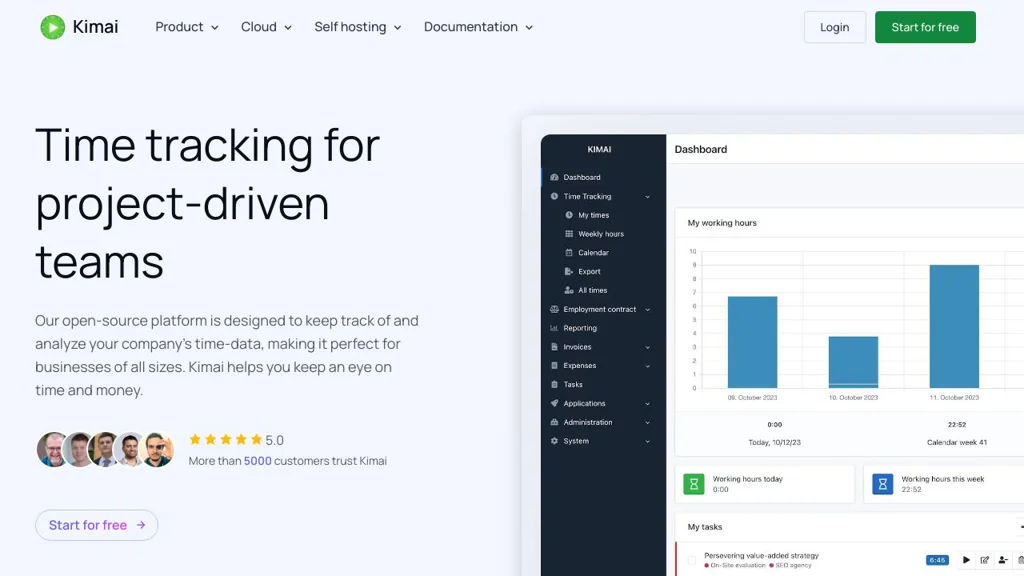
Self-hosted time tracking and timesheet app with projects, rates, reporting, invoicing exports, and extensions for teams and freelancers.

Kimai screenshot

Kimai is a web-based time tracking and timesheet application for freelancers, agencies, and teams. It helps you record work time against customers/projects/activities, manage rates, and generate reports and exports for billing and payroll workflows.

Key Features

  • Track time via browser UI with running timers and manual entries
  • Organize work by customer, project, and activity with configurable rates
  • Timesheets with filtering, approvals/validation workflows (via permissions) and comments
  • Reporting and analytics with export options (e.g., CSV/Excel/PDF depending on setup/extensions)
  • User, team, and role-based access control (RBAC) for multi-user environments
  • Extensible via a plugin/extension system (marketplace) to add features (e.g., invoicing, expenses, additional reporting)
  • API support for integrations and automation
  • Internationalization (multi-language UI) and configurable currencies/time zones

Use Cases

  • Freelancers tracking billable hours per client/project and exporting timesheets for invoicing
  • Agencies tracking team time across projects with permission-controlled access and reporting
  • Internal teams tracking effort for cost allocation, payroll inputs, or project analytics

Limitations and Considerations

  • Some advanced features (e.g., invoicing/expenses, specialized reports) may require installing extensions rather than being included in the core

Kimai is a mature option for organizations that want full control of time tracking data while supporting multi-user workflows, reporting, and integrations. Its structured customer/project/activity model and extension ecosystem make it suitable from solo use up to team deployments.

4.4kstars
713forks
#11
Tasks.md

Tasks.md

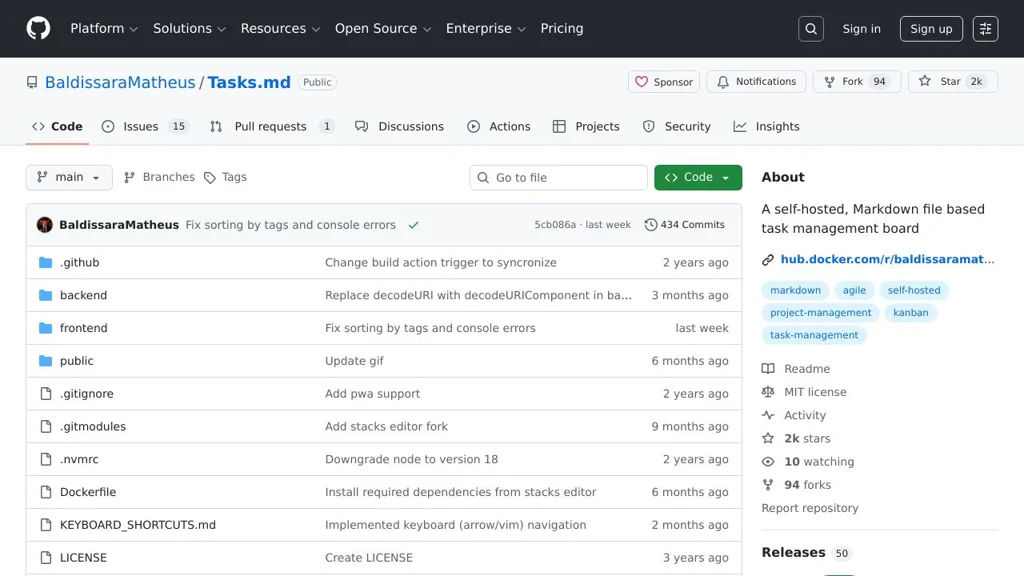
A GitHub-integrated task list that syncs Markdown checklists with GitHub Issues for lightweight planning and tracking.

Tasks.md screenshot

Tasks.md is a lightweight task management approach built around a Markdown file that stays in your repository and integrates with GitHub Issues. It’s designed for teams or individuals who prefer planning in Markdown while still using an issue tracker for assignment, discussion, and status tracking.

Key Features

  • Stores tasks in a Markdown file within the repository (easy to review in PRs)
  • Synchronizes tasks with GitHub Issues to track work in an issue tracker
  • Supports checkbox-style task lists (Markdown) as the primary editing interface
  • Keeps task context close to the codebase (works naturally with Git workflows)

Use Cases

  • Maintain a project to-do list in the repo while tracking execution via Issues
  • Manage lightweight sprint/backlog notes without a separate project tool
  • Track personal or small-team tasks alongside source code changes

Limitations and Considerations

  • GitHub Issues integration implies reliance on GitHub APIs and GitHub-specific workflows
  • Feature set depends on the project’s current implementation; it is not a full PM suite (e.g., advanced roadmaps/reporting)

Tasks.md fits best when you want Markdown-first planning with issue-tracker traceability. It can reduce overhead for small projects by making the task list reviewable in code changes while still leveraging Issues for collaboration.

2kstars
94forks
#12
Taiga

Taiga

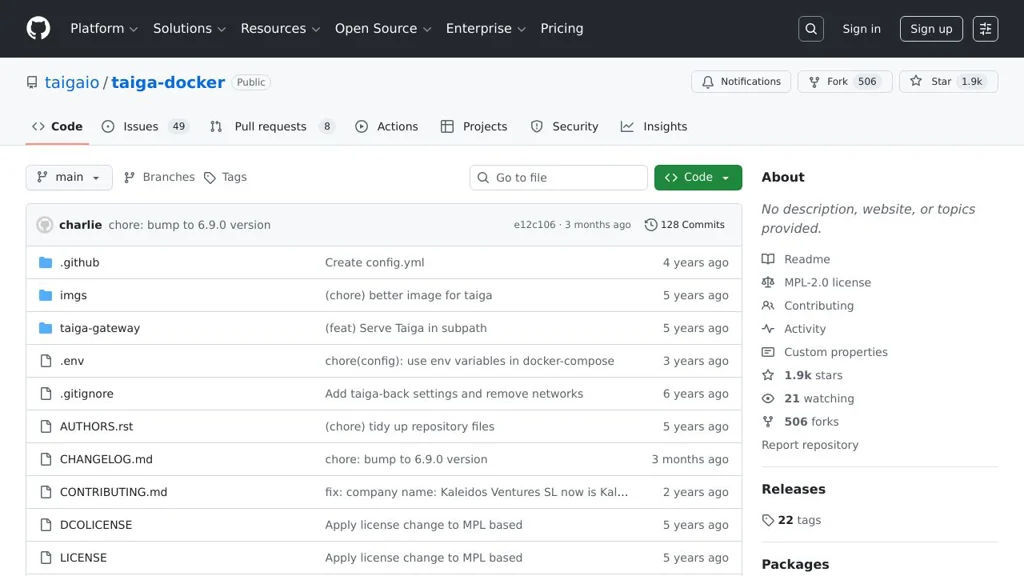
Taiga is an agile project management platform with Scrum and Kanban boards, backlog and sprint planning, issue tracking, and a REST API, deployable via Docker.

Taiga screenshot

Taiga is an agile project management web application designed for teams that plan and track work using Scrum or Kanban. It provides end-to-end workflows for managing backlogs, sprints, tasks, issues, and team collaboration, and is commonly deployed using the official Docker-based stack.

Key Features

  • Scrum projects: product backlog, sprint planning, story points, sprint backlog, and sprint burn-down style progress tracking
  • Kanban projects with configurable columns and WIP-style flow
  • Issue tracking with custom fields, tags, priorities, severities, statuses, and assignments
  • Wiki/knowledge pages and rich text editing for project documentation
  • Roles/permissions and per-project membership management
  • REST API for integrations and automation; webhooks supported in Taiga’s ecosystem
  • Email notifications and watcher/follower-style updates on work items
  • Dockerized deployment (taiga-docker) providing a full stack: backend, frontend, events, PostgreSQL, and reverse proxy

Use Cases

  • Software teams running Scrum ceremonies (backlog grooming, sprint planning, daily updates)
  • Product teams managing feature requests, bugs, and releases in a single system
  • Cross-functional teams tracking operational work with Kanban flow

Limitations and Considerations

  • The Docker repository is a deployment bundle; core feature development occurs in other Taiga repositories (backend/frontend), so updates require coordinating stack versions.

Taiga fits teams wanting a structured agile tool with both Scrum and Kanban, plus a mature issue/work item model. The official Docker stack simplifies standing up the full service with the required supporting components.

1.9kstars
506forks
#13
Review Board

Review Board

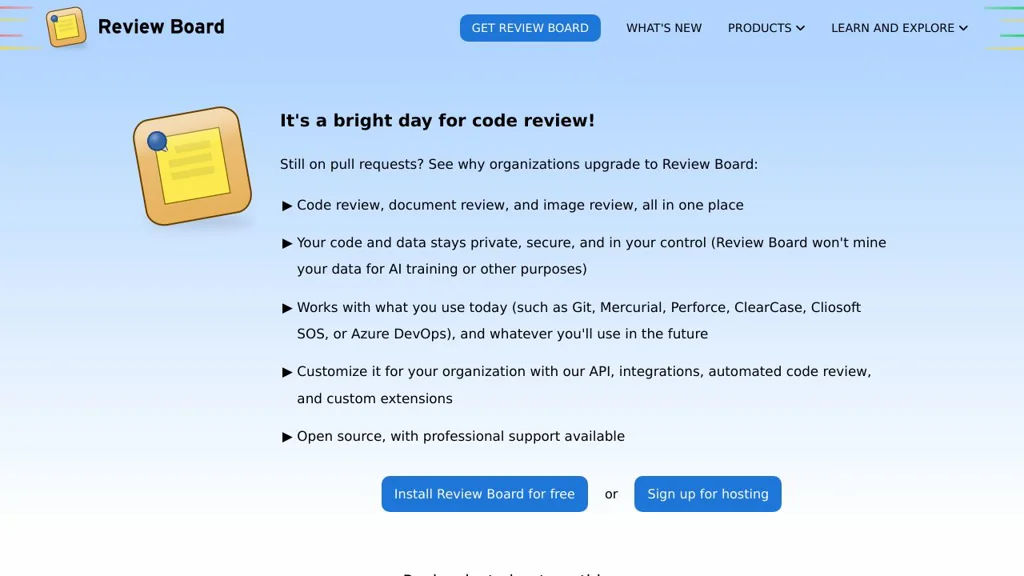
Review Board is a web-based code review tool supporting Git/SVN/Perforce/CVS/Mercurial, inline comments, diff viewing, issue tracking, and integrations.

Review Board screenshot

Review Board is a web-based code review and document review platform designed to review changes from many version control systems and repositories in a consistent UI. It focuses on rich diff viewing, threaded discussions, and structured review workflows that can integrate with existing developer tools.

Key Features

  • Supports multiple SCMs/repositories (commonly Git, Subversion, Perforce, Mercurial, CVS) through repository backends
  • Rich diff viewer with inline comments, interdiffs (diff between revisions), file viewing, and reviewable file attachments
  • Review requests with reviewers/groups, approvals/ship-its, issue tracking, and “fix it then close” style workflows
  • Email notifications and configurable review/notification behavior
  • Integrations/hooks for external systems (e.g., bug trackers and CI) and extensibility via extensions/plugins
  • Admin UI for repository configuration, authentication options, and site-wide policy controls

Use Cases

  • Team code review for on-prem or regulated environments needing a dedicated review tool
  • Reviewing patches/changes across heterogeneous repositories (e.g., Git and Perforce in the same org)
  • Design/spec/document review using file attachments alongside code diffs

Limitations and Considerations

  • Some advanced integrations/workflows may require additional configuration or companion components (e.g., RBTools/CI hooks)
  • UI/feature set is optimized for Review Board’s review-request model rather than Git hosting “pull request” semantics

Review Board fits teams that want a mature, SCM-agnostic review system with strong diff tooling and structured review requests. It is especially useful where organizations need consistency across multiple repository types and prefer a dedicated review UI integrated into existing infrastructure.

1.7kstars
436forks
#14
Roundup

Roundup

Roundup is a Python issue tracker with email and web interfaces, customizable schemas, and built-in workflow features for bugs, tasks, and support queues.

Roundup is an issue/bug tracker written in Python designed to be lightweight yet highly adaptable. It provides web and email-driven workflows and lets you model your tracker’s data (issues, tasks, users, etc.) to match how your team works.

Key Features:

  • Customizable tracker schema (define classes/fields and relationships to fit your process)
  • Web interface for creating, editing, searching, and triaging issues
  • Email interface for creating/updating issues via messages and replies
  • Flexible permissions model to control access by role/user
  • Full-text and field-based searching with configurable queries
  • File attachments and message history per issue
  • Extensible via detectors/extensions to implement workflow rules and automation
  • Multiple database backends supported (commonly SQLite, PostgreSQL, MySQL)

Use Cases:

  • Bug and issue tracking for software projects needing a custom data model
  • Internal helpdesk/support ticket tracking with email-based updates
  • Lightweight task/defect tracking for small teams that want simple deployment

Limitations and Considerations

  • UI is functional but comparatively minimal versus modern, highly polished trackers
  • Customization often involves editing tracker templates/schema and Python-based extensions

Roundup is a good fit when you want an established, scriptable tracker that can be tailored to non-standard workflows and data fields. Its email and web interfaces make it practical for teams that prefer inbox-driven ticket handling alongside a web UI.

38stars
14forks

Why choose an open source alternative?

  • Data ownership: Keep your data on your own servers
  • No vendor lock-in: Freedom to switch or modify at any time
  • Cost savings: Reduce or eliminate subscription fees
  • Transparency: Audit the code and know exactly what's running