
Make (formerly Integromat)

Best Self Hosted Alternatives to Make (formerly Integromat)

A curated collection of the 11 best self hosted alternatives to Make (formerly Integromat).

Make (formerly Integromat) is a visual automation platform that connects apps and services to create automated workflows (scenarios), transfer data, and orchestrate APIs without coding. It supports integrations, scheduling, conditional logic, and error handling.

Alternatives List

#1
n8n

n8n

Self-hostable workflow automation platform with 400+ integrations, visual flows, webhooks, and custom code for building reliable integrations and internal automations.
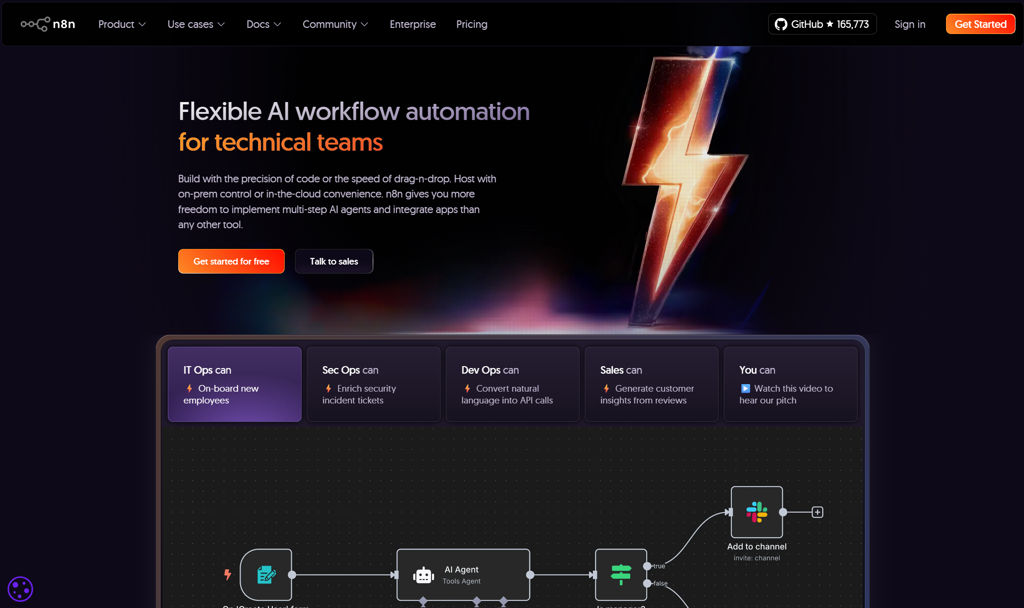
n8n screenshot

n8n is a workflow automation platform for building integrations and automations across apps, APIs, and internal systems. It provides a visual editor for creating multi-step workflows, with the option to add custom code and handle complex data transformations.

Key Features

  • Visual workflow editor with triggers, branching/IF logic, loops, and data mapping
  • Large library of prebuilt integration nodes (HTTP/API, SaaS apps, databases) plus generic HTTP Request node
  • Webhooks for event-driven automation and building lightweight API endpoints
  • Code and scripting steps (e.g., JavaScript) for custom logic and transformations
  • Credentials management for connecting services securely
  • Scheduling and polling triggers for time-based or interval automations
  • Execution history and tooling to debug runs and inspect data
  • Queue/worker execution mode for scaling and isolating job processing

Use Cases

  • Sync data between CRM, spreadsheets, and databases with transformations
  • Automate support/ops workflows (ticket enrichment, notifications, escalations)
  • Build internal integrations using webhooks + custom logic without a full app

Limitations and Considerations

  • Some advanced capabilities (e.g., certain governance/enterprise controls) may depend on paid offerings
  • Complex workflows can require careful error handling/retries design to be resilient at scale

n8n fits teams that want an approachable low-code automation tool while keeping the option to write code for edge cases. It is commonly used to replace ad-hoc scripts and brittle point-to-point integrations with observable, reusable workflows.

167.5kstars
53.3kforks

#2
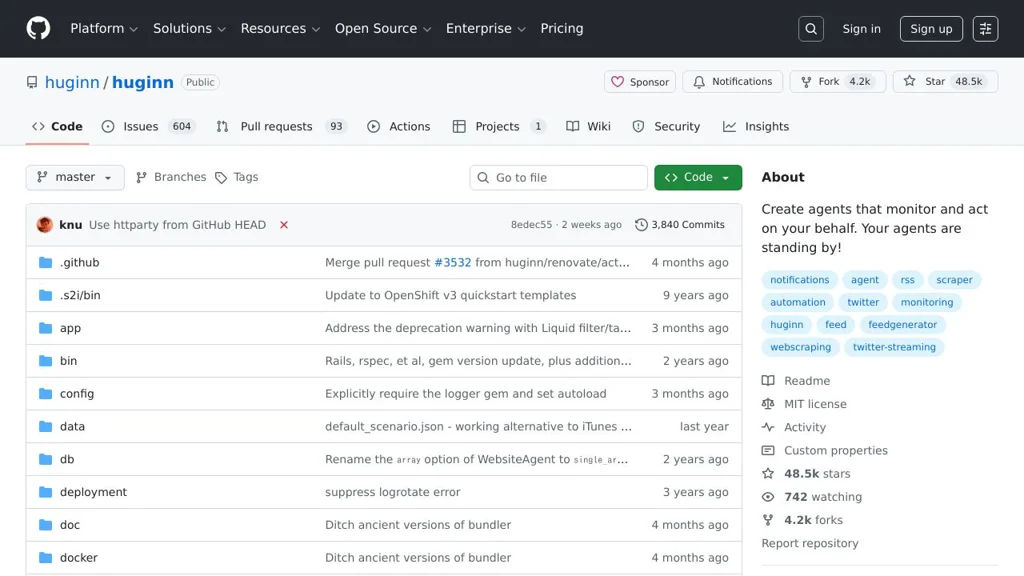
Huginn

Huginn

Self-hosted automation platform to create agents that watch web/services, ingest data (RSS, APIs, scraping), and trigger actions like notifications or webhooks.

Huginn screenshot

Huginn is a self-hosted automation system for creating “agents” that watch the web and your services, collect and transform data, and trigger actions based on events. It’s often used as an open alternative to IFTTT/Zapier-style workflows, with strong support for web scraping, scheduling, and event chaining.

Key Features

  • Agent-based workflows where agents emit events that other agents can consume
  • Large catalog of built-in agents (e.g., Website/Change detection, RSS, JSON/API, Email, Weather, etc.)
  • Web scraping and extraction using CSS selectors/XPath (via a dedicated Website Agent)
  • Scheduling and periodic execution for polling-based integrations
  • Event transformation and filtering (templating/interpolation, de-duplication, and conditional logic)
  • Actions and outputs such as email, HTTP requests/webhooks, and notifications
  • Web UI to configure agents, view event logs, and debug data flow
  • Optional user multi-tenancy (multiple users on one instance) and agent sharing/import/export

Use Cases

  • Monitor websites for changes (price drops, new postings, status updates) and send alerts
  • Aggregate feeds/APIs into a unified stream, filter/enrich, then forward via webhooks
  • Automate personal ops tasks (periodic checks, reminders, and lightweight integrations)

Limitations and Considerations

  • Many integrations are polling-based; real-time triggers depend on available agents/webhooks
  • Requires careful handling of scraping targets (rate limits, site changes) and secrets management

Huginn is well-suited for users who want transparent, customizable automation with event pipelines and web scraping. Its agent model and UI make it practical for building reliable personal or small-team automations without relying on third-party workflow services.

48.5kstars
4.2kforks
#3
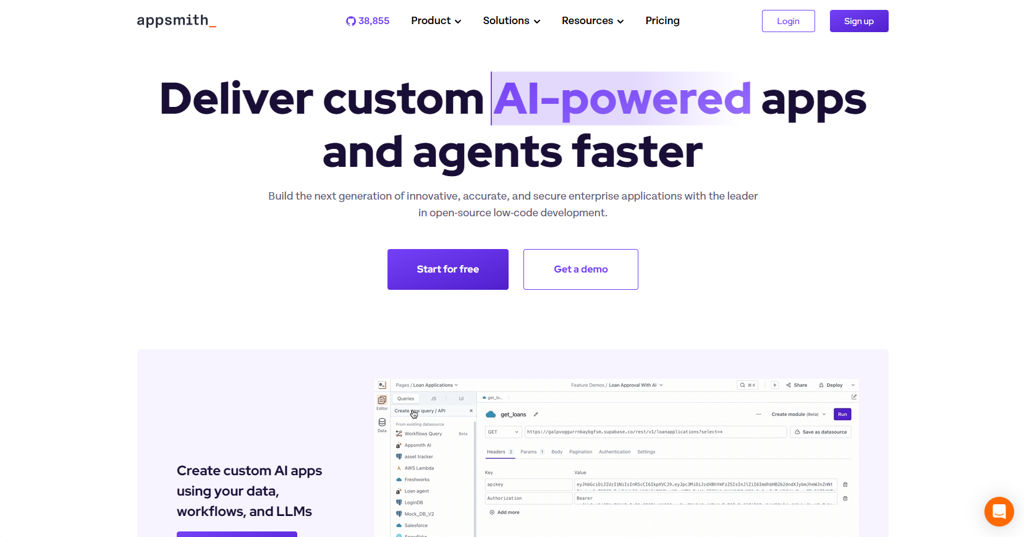
Appsmith

Appsmith

Build and deploy internal tools fast with a low-code builder, prebuilt UI widgets, and secure integrations with databases, APIs, and SaaS services.

Appsmith screenshot

Appsmith is an open-source low-code platform for building internal tools such as admin panels, CRUD apps, dashboards, and workflow apps. It provides a browser-based editor to compose UIs, connect to data sources, and write logic with JavaScript, then deploy apps with access controls.

Key Features

  • Visual app builder with drag-and-drop widgets (tables, forms, charts, modals, tabs) and theming
  • Connectors for databases and services plus REST/GraphQL APIs; query editor with parameters and environment configuration
  • JavaScript logic for actions, data transformations, and client-side state (bindings between widgets and queries)
  • Reusable modules/components and templates to accelerate common internal-tool patterns
  • Authentication and authorization options, including role-based access control (RBAC) and SSO integrations
  • Git-based version control and CI-friendly workflows for app promotion across environments
  • Auditability features such as activity/audit logs (plan-dependent) and granular permissions
  • Deployment via Docker and Kubernetes with support for external database and object storage configurations

Use Cases

  • Build admin consoles for operational workflows (users, orders, inventory) backed by SQL/NoSQL
  • Create internal dashboards and reporting apps that combine multiple data sources
  • Rapidly ship support/ops tooling (approval flows, customer lookup, incident utilities)

Limitations and Considerations

  • Advanced enterprise features (some SSO options, audit/advanced governance) may be plan-dependent
  • Complex UI/UX beyond provided widgets may require custom code or embedding external components

Appsmith fits teams that want a developer-friendly low-code builder while keeping full control over deployment and data access. It is commonly used to replace spreadsheet-driven operations with governed, repeatable internal applications.

38.9kstars
4.4kforks
#4
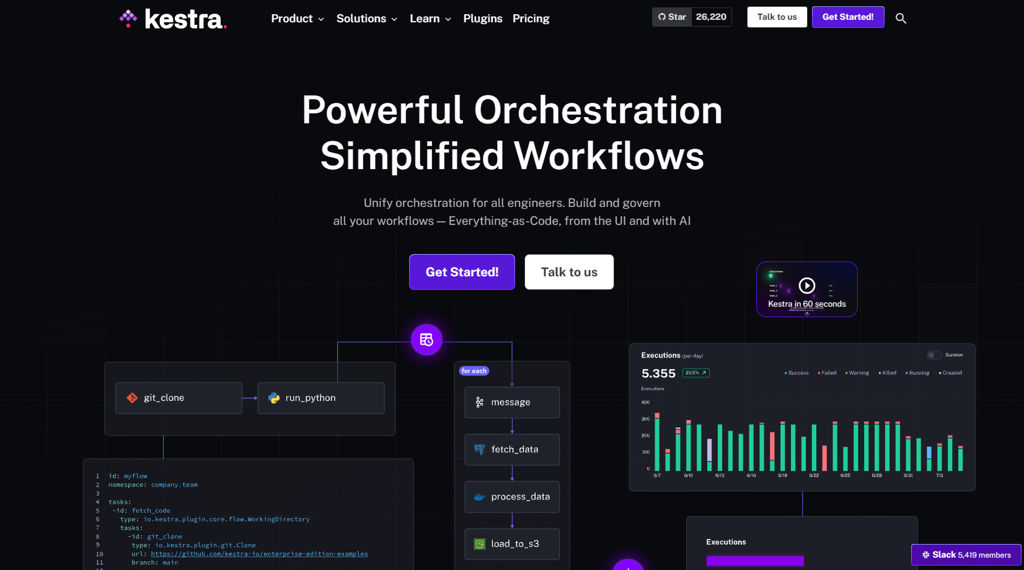
Kestra

Kestra

Kestra is an open-source workflow orchestration platform to build, schedule, and monitor event-driven pipelines with YAML, a web UI, and hundreds of integrations.

Kestra screenshot

Kestra is an open-source workflow orchestration platform for running scheduled and event-driven automations and data pipelines. Workflows are defined as code (YAML) and executed by workers, with a web UI to manage executions, logs, and operational controls.

Key Features

  • Workflow-as-code in YAML with reusable tasks, inputs/outputs, variables, retries, and error handling
  • Event-driven triggers (e.g., schedules and external events) and dependency-based orchestration
  • Web UI for authoring, running, and monitoring executions, including logs and execution history
  • Built-in versioning, namespaces, and environment separation to manage many workflows safely
  • Rich integrations via plugins (e.g., databases, cloud services, messaging, and scripts) to run end-to-end pipelines
  • Runtime controls such as concurrency limits, timeouts, backfills, and manual re-runs
  • Operational features including RBAC/tenancy options (edition-dependent), auditability, and API-based automation

Use Cases

  • Orchestrate ELT/ETL pipelines across SQL engines, object storage, and transformation tools
  • Automate ops tasks (batch jobs, file processing, notifications) on schedules or events
  • Coordinate multi-step application workflows (webhooks, queues, microservices) with retries and observability

Limitations and Considerations

  • Some enterprise features (e.g., advanced governance/security/SSO) may require paid editions depending on deployment needs.

Kestra is well-suited for teams that want an orchestrator that is both developer-friendly (workflow-as-code) and operations-friendly (strong UI and execution controls). It fits data engineering and general automation scenarios where reliability, visibility, and integrations matter.

26.2kstars
2.4kforks
#5
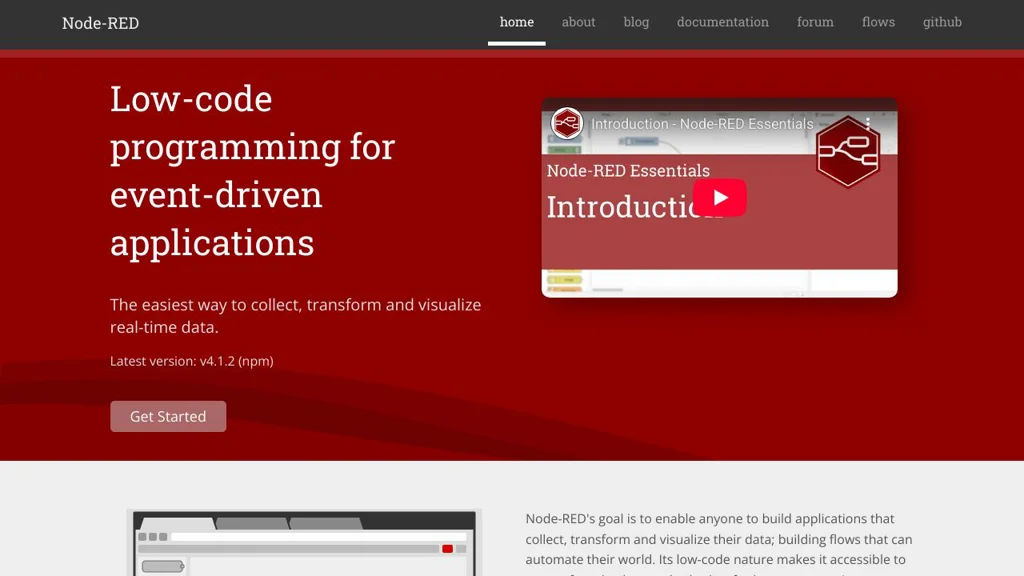
Node-RED

Node-RED

Low-code, flow-based tool to wire devices, APIs, and services using a browser editor and Node.js runtime; widely used for IoT, automation, and integrations.

Node-RED screenshot

Node-RED is a flow-based development tool for building event-driven applications by wiring together “nodes” in a browser-based editor. It provides a Node.js runtime that executes flows and integrates with devices, APIs, and online services via a large ecosystem of community-contributed nodes.

Key Features:

  • Browser-based visual editor to create flows by connecting nodes (inputs, processing, outputs)
  • Node.js runtime for executing event-driven flows, suitable for edge devices and servers
  • Large palette/ecosystem of nodes (community “contrib” modules) to integrate protocols, services, and hardware
  • Built-in support for common integration patterns: HTTP endpoints, WebSockets, TCP/UDP, file I/O, and scheduling
  • Function nodes for custom logic in JavaScript plus reusable subflows for modularity
  • Context storage (in-memory and pluggable persistent stores) for state across messages/flows
  • Admin HTTP API for managing flows and runtime operations; supports projects mode for Git-backed flow versioning
  • Extensible editor/runtime via plugins and custom nodes; packaging/distribution via npm

Use Cases:

  • IoT and home automation: connect sensors/actuators via MQTT/HTTP and trigger actions
  • API and system integration: glue internal services together, transform payloads, and route events
  • Edge data collection: ingest, filter, and forward telemetry from gateways to databases/cloud services

Limitations and Considerations

  • Visual flows can become difficult to maintain at scale without strong conventions, modular subflows, and version control practices.
  • Security hardening (auth, TLS, network exposure) requires deliberate configuration; deployments should avoid exposing the editor publicly without protection.

Node-RED is a practical choice for rapid integration and automation where a visual, event-driven approach is preferred. Its extensible node ecosystem and JavaScript-based customization make it adaptable from lightweight Raspberry Pi deployments to larger integration workloads.

22.6kstars
3.8kforks
#6
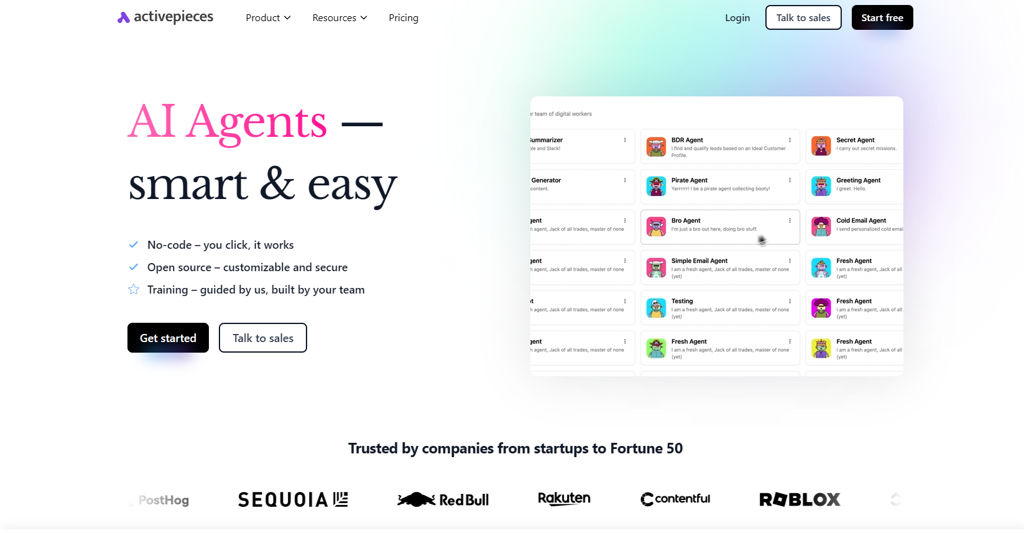
Activepieces

Activepieces

Self-hostable workflow automation tool to build and run integrations, triggers, and multi-step flows with a visual builder and reusable “pieces”.

Activepieces screenshot

Activepieces is a low-code workflow automation platform for building integrations between apps and internal systems. It lets you create trigger-based flows, run multi-step automations, and connect services using a visual builder and reusable integration modules (“pieces”).

Key Features

  • Visual flow builder for creating multi-step automations with branching and logic
  • Large and growing catalog of reusable integration “pieces” (connectors) plus custom pieces
  • Webhook and scheduled triggers for event-driven and time-based automations
  • Support for common workflow actions such as HTTP requests, data mapping, and transformations
  • Credentials/connections management for authenticating to third-party services
  • Runs as a server application with a web UI for designing, testing, and monitoring flows

Use Cases

  • Automate business processes (e.g., lead intake → CRM updates → notifications)
  • Integrate internal tools with SaaS systems via webhooks and API calls
  • Build lightweight event-driven automations for ops tasks and alert routing

Limitations and Considerations

  • Connector coverage and parity varies by “piece”; niche integrations may require building custom pieces
  • Advanced governance features (e.g., enterprise-grade policy controls) may be limited compared to large commercial iPaaS tools

Activepieces is a solid fit for teams that want an automation builder similar to Zapier/Make but with control over deployments and the ability to extend integrations. Its modular “pieces” approach makes it practical for both quick automations and custom integration development.

20.3kstars
3.1kforks
#7
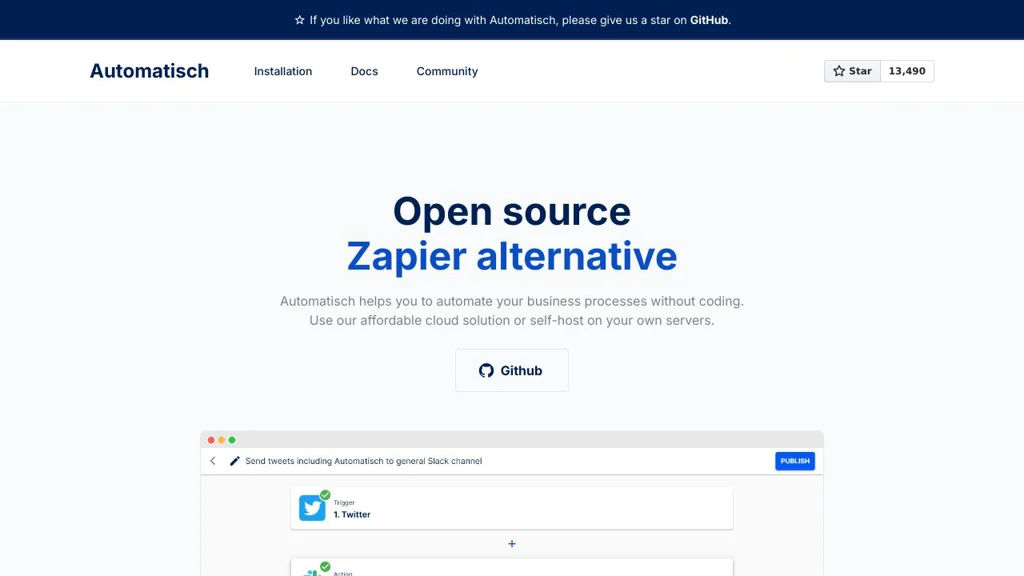
Automatisch

Automatisch

Build and run automated workflows connecting apps via triggers and actions, with a web UI, reusable steps, and community connectors.

Automatisch screenshot

Automatisch is a self-hosted workflow automation platform for connecting apps and automating repetitive tasks using triggers and actions. It provides a visual web interface to build flows, authenticate to third‑party services, and run automations on a schedule or in response to events.

Key Features

  • Workflow builder for creating automations from triggers and actions
  • App integrations (“connectors”) to interact with third-party services
  • Webhook-based and polling-based triggers (depending on connector)
  • Credential management for connecting external accounts/services
  • Workflow execution history/logs for monitoring runs and debugging
  • Extensible connector system for adding new integrations

Use Cases

  • Sync leads or contacts between forms/CRM/email marketing tools
  • Post notifications to chat when events occur in other systems
  • Automate recurring data pulls/updates between SaaS tools

Limitations and Considerations

  • Connector coverage and feature depth depend on available/community integrations
  • Advanced enterprise governance features (fine-grained audit/compliance) may be limited compared to large commercial iPaaS offerings

Automatisch is a practical option for teams that want Zapier-like automation with more control over deployment and integrations. It fits well for internal operations automations, cross-tool syncing, and event-driven workflows where extensibility matters.

13.5kstars
1kforks
#8
Mautic

Mautic

Self-hosted marketing automation for email campaigns, segmentation, lead scoring, forms, landing pages, and multi-channel customer journeys.

Mautic screenshot

Mautic is a self-hosted marketing automation platform for creating, delivering, and measuring multi-channel campaigns across email and other customer touchpoints. It combines contact management, segmentation, and campaign orchestration to help teams run personalized journeys and track engagement over time.

Key Features

  • Visual Campaign Builder to design automated customer journeys with decisions/actions
  • Email marketing with template/asset management, scheduling, and performance reporting
  • Segmentation and dynamic contact lists based on behavior and attributes
  • Forms and Landing Pages for lead capture (including progressive profiling)
  • Lead scoring and lead nurturing tools to qualify and route contacts
  • Multi-channel messaging support via plugins/integrations (e.g., SMS, webhooks)
  • REST API and webhooks for integrations with CRMs, e-commerce, and data pipelines
  • Role-based access control and multi-user administration

Use Cases

  • Automate onboarding/drip sequences for product trials and SaaS signups
  • Run segmented newsletters and targeted lifecycle campaigns based on behavior
  • Capture leads via forms/landing pages and sync them to a CRM for sales follow-up

Limitations and Considerations

  • Some channels/connectors are provided via plugins and may require additional configuration/maintenance
  • Deliverability depends heavily on correct SMTP setup, DNS (SPF/DKIM/DMARC), and reputation management

Mautic is well-suited for teams that need full control over marketing automation infrastructure while keeping strong campaign capabilities. Its combination of segmentation, journey automation, and integration options makes it a flexible alternative to many hosted marketing automation suites.

9kstars
3.1kforks
#9
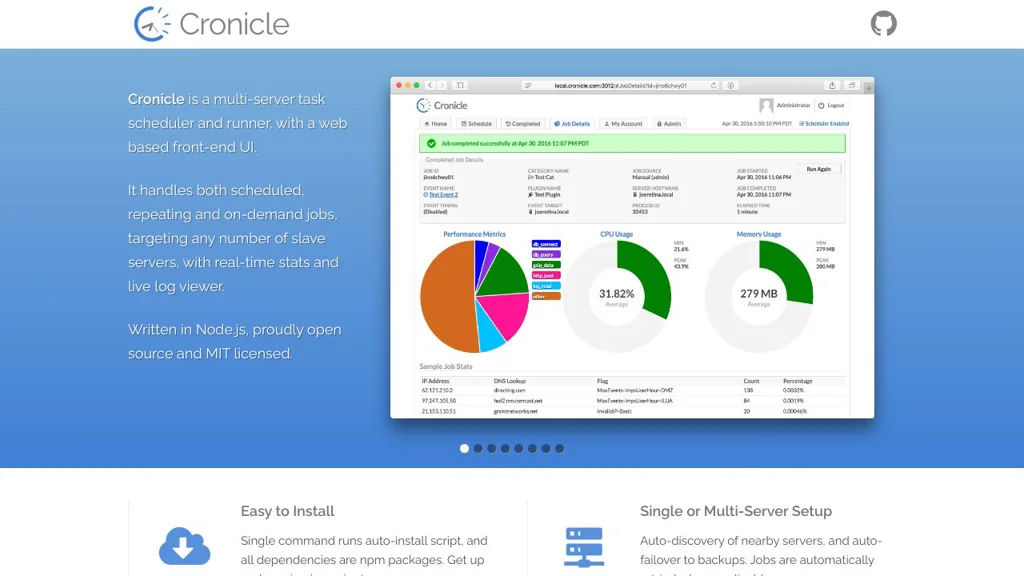
Cronicle

Cronicle

A web-based, distributed cron replacement for scheduling and running scripts across a fleet with logging, retries, notifications, and access controls.

Cronicle screenshot

Cronicle is a self-hosted, web-based job scheduler designed as a modern replacement for traditional cron. It provides a central UI and API to schedule, run, and monitor scripts across multiple servers, with distributed execution, logging, and operational controls.

Key Features

  • Web UI for creating schedules (cron-style and intervals), launching jobs manually, and monitoring runs
  • Distributed “worker” architecture to execute jobs across multiple servers/nodes
  • Multiple schedule types and timezone-aware scheduling
  • Per-job concurrency controls, timeouts, retries, and error handling
  • Centralized logging with per-run output capture and searchable history
  • Notifications and webhooks for job success/failure (integration-friendly)
  • Role-based access controls (users, privileges) for multi-user operations
  • REST-style API for automation and external integrations

Use Cases

  • Centralize cron jobs for a multi-server environment (backups, ETL, maintenance)
  • Run operational runbooks on demand with audit-friendly run history
  • Coordinate scheduled scripts with notifications for failures and SLA monitoring

Limitations and Considerations

  • Requires deploying and maintaining Cronicle server plus workers and its backing storage; sizing depends on job volume and log retention
  • Focused on scheduling/executing scripts rather than full DAG workflows (may not fit complex pipeline orchestration needs)

Cronicle fits teams that want a lightweight, UI-driven scheduler to replace scattered crontabs and provide visibility, controls, and integrations. Its distributed worker model makes it well-suited for reliably running recurring automation across a server fleet.

5.3kstars
466forks
#10
OliveTin

OliveTin

OliveTin provides a web UI to run predefined, audited commands on your server with buttons, inputs, and role-based access—an alternative to ad-hoc SSH.

OliveTin screenshot

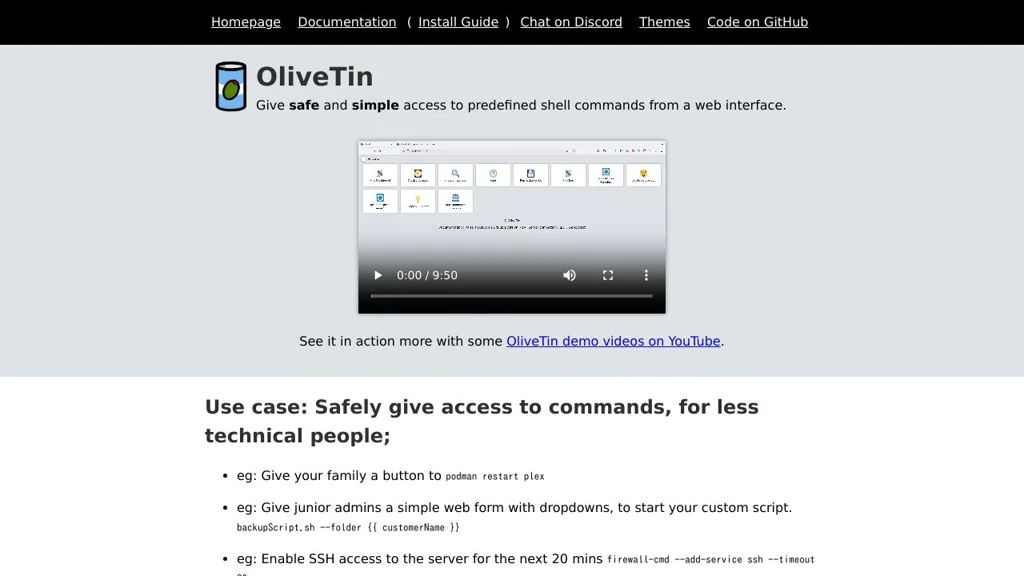
OliveTin is a lightweight web application that exposes a controlled “button-based” interface for running predefined commands on your server. It is designed to let non-technical users perform common operational tasks without granting shell access, while keeping execution constrained and auditable.

Key Features

  • Web UI with configurable actions (buttons) that execute predefined commands/scripts
  • Parameterized inputs (e.g., text/select/checkbox) passed to actions for safer, repeatable runs
  • Authorization controls for restricting who can see/run specific actions (RBAC-style per action)
  • YAML-based configuration for defining actions, forms/fields, and command execution settings
  • Built-in logging/history of action runs to support operational traceability
  • Designed for “runbooks in a UI”: wrap existing scripts/tools rather than replacing them

Use Cases

  • Provide a simple operator panel for routine admin tasks (restart services, rotate logs, run backups)
  • Offer a safe alternative to sharing SSH for helpers/family/teammates (home lab, SMB ops)
  • Expose curated runbooks for on-call operations with standardized inputs and execution

OliveTin fits teams and home labs that already have scripts/CLI workflows but want a minimal, controlled web front-end to run them consistently. It emphasizes simplicity and safe delegation over building complex automation pipelines.

3.4kstars
104forks
#11
Dagu

Dagu

Self-hosted workflow scheduler that runs DAGs from YAML, with a web UI, retries, notifications, and logs for operational automation.

Dagu screenshot

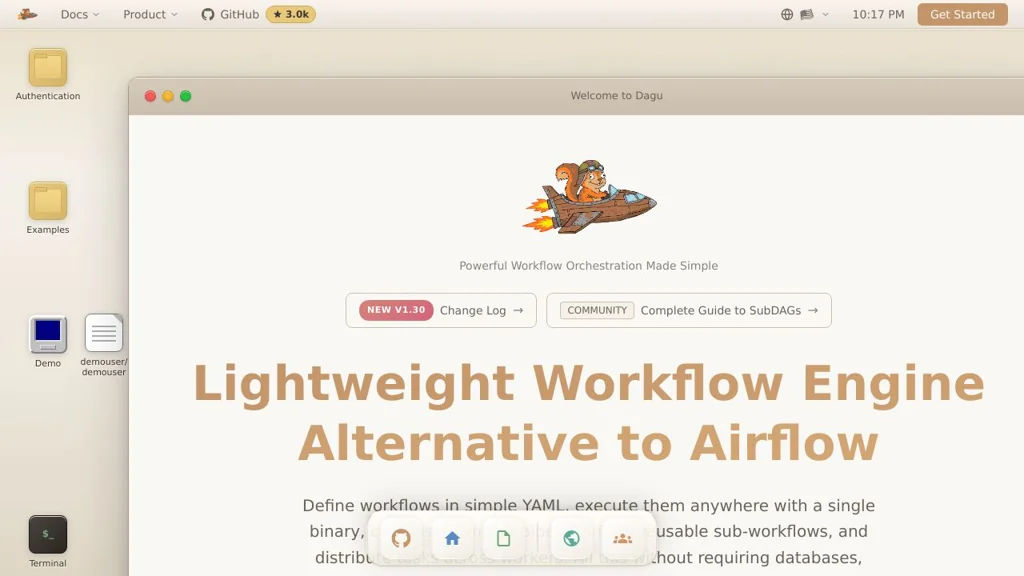
Dagu is a lightweight workflow engine and scheduler for running tasks as Directed Acyclic Graphs (DAGs). Workflows are defined in simple YAML files and executed by an agent, with a built-in web UI for operations such as running, monitoring, and debugging.

Key Features

  • Define workflows as DAGs in YAML (steps, dependencies, schedules)
  • Built-in Web UI to view DAG status, runs, and execution history
  • Manual runs, scheduled runs (cron-style), and dependency-based execution
  • Retries, timeouts, and failure handling per step/workflow
  • Centralized logging and execution artifacts/history for troubleshooting
  • Notifications (e.g., via common channels like email/Slack) and callbacks/hooks for run events
  • Parameterization and environment variables for reusable workflows

Use Cases

  • Server and ops automation (backups, maintenance jobs, batch scripts)
  • Data/ETL-style pipelines that can be expressed as shell commands or scripts
  • Scheduled report generation or periodic integrations between systems

Dagu is a good fit when you want a simple, file-defined DAG scheduler with an operational UI, without adopting a heavier orchestration stack. It works well for teams that prefer Git-managed YAML workflows and straightforward deployment for internal automation.

3kstars
222forks

Why choose an open source alternative?

  • Data ownership: Keep your data on your own servers
  • No vendor lock-in: Freedom to switch or modify at any time
  • Cost savings: Reduce or eliminate subscription fees
  • Transparency: Audit the code and know exactly what's running