monday.com

Best Self Hosted Alternatives to monday.com

A curated collection of the 9 best self hosted alternatives to monday.com.

monday.com is a cloud-based Work OS that helps teams plan, track, and manage projects, workflows, and everyday work. It offers customizable boards, automations, reporting, and integrations to improve collaboration and productivity.

Alternatives List

#1
OpenProject

OpenProject

Self-hosted project management platform with work packages, Agile boards, Gantt charts, roadmaps, wikis, time tracking, and team collaboration.
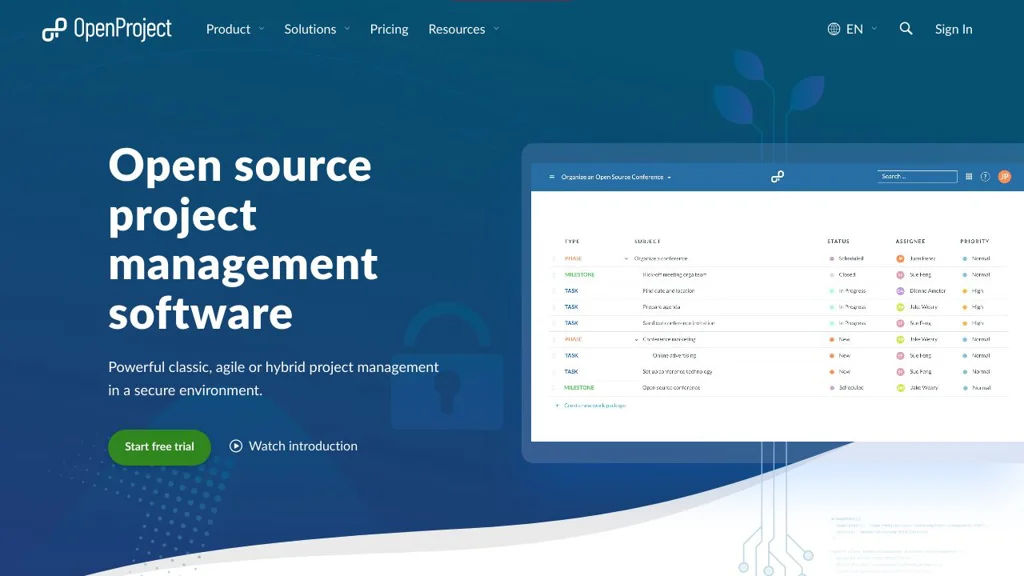
OpenProject screenshot

OpenProject is a web-based project management platform for planning, tracking, and collaborating across projects. It supports both classic project planning and agile delivery, combining task/issue tracking with timelines, documentation, and reporting in one application.

Key Features

  • Work packages for unified task/issue management with custom fields, relations, watchers, and notifications
  • Agile boards (Scrum/Kanban) with backlogs, sprints, and swimlanes (depending on configuration)
  • Gantt charts and interactive project timelines, including dependencies and milestone planning
  • Roadmaps and release planning views for progress and deliverables
  • Time tracking and cost reporting features (project/accounting-oriented reporting varies by edition/config)
  • Wiki and project documentation features integrated with project navigation
  • Role-based permissions and project-level access control for multi-project organizations
  • Integrations via REST API and webhooks for automation and external tooling

Use Cases

  • Software teams running Scrum/Kanban with backlogs, sprints, and issue tracking
  • PMOs managing multi-project plans with Gantt charts, dependencies, and milestones
  • Cross-functional teams centralizing project docs (wiki) and progress reporting

Limitations and Considerations

  • Some advanced features are edition-dependent (community vs. enterprise), so feature availability may vary
  • Migrating from Jira/MS Project can require careful mapping of workflows, fields, and permissions

OpenProject fits organizations that want a single, auditable system for project planning and execution across agile and traditional approaches. It is commonly used as an alternative to hosted PM suites when teams need strong timeline planning, structured permissions, and on-prem control.

13.5kstars
3kforks

#2
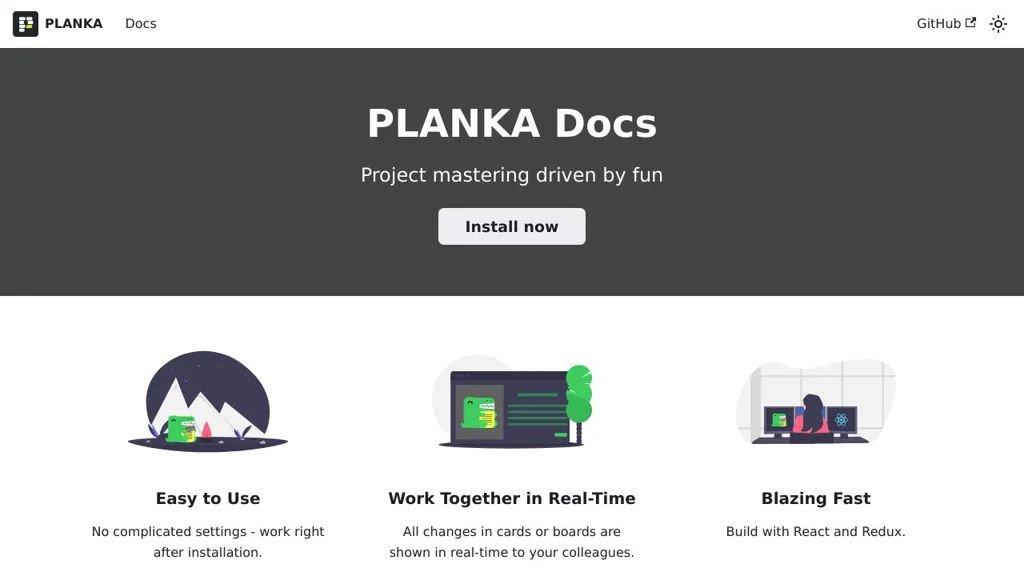
Planka

Planka

Planka is a self-hosted kanban project management tool with boards, lists, cards, swimlanes, WIP limits, labels, checklists, due dates, and team collaboration.

Planka screenshot

Planka is a web-based kanban project management app for organizing work into boards, lists, and cards. It is designed as a Trello-like experience for teams that want a lightweight workflow tool with collaboration features and an API.

Key Features

  • Multiple projects and boards with lists and draggable cards
  • Card details including description, labels, due dates, checklists, attachments, and comments
  • Swimlanes and WIP limits to model workflows and constrain in-progress work
  • Board and card filters (e.g., by members/labels), quick search, and keyboard shortcuts
  • User management with roles/permissions and per-project membership
  • Activity history/audit trail for changes on boards/cards
  • REST API for automation and integrations

Use Cases

  • Team kanban boards for product development, support, or operations
  • Personal or small-team task boards as a Trello replacement
  • Lightweight project tracking with labels, checklists, and due dates

Limitations and Considerations

  • Feature set is intentionally focused on kanban; advanced portfolio planning and reporting are limited compared to enterprise PM suites.

Planka provides a familiar kanban workflow with strong core collaboration features and a pragmatic deployment model. It fits best where teams want a simple, fast board-centric system with an API rather than a full-scale project suite.

11.3kstars
1.2kforks
#3
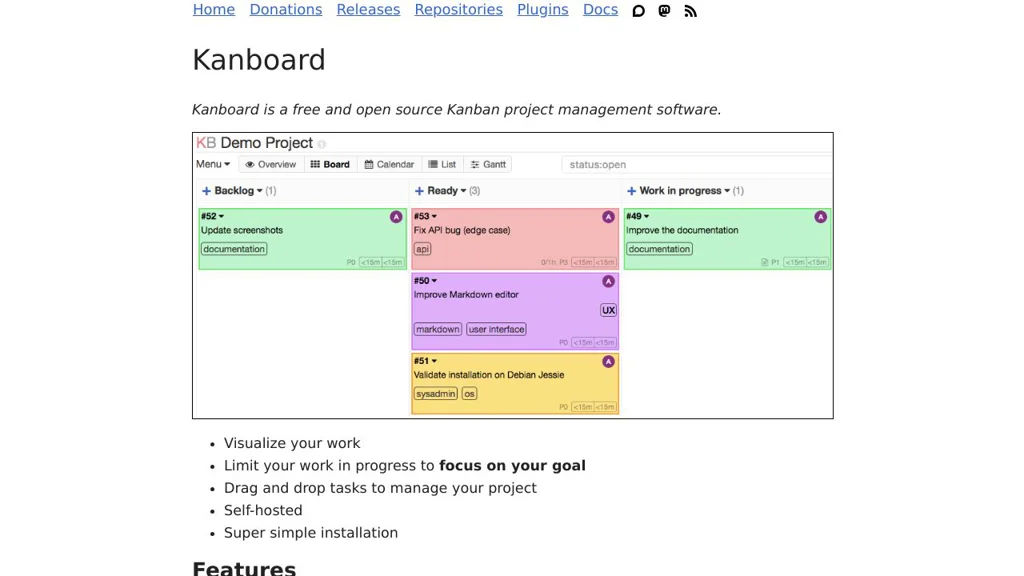
Kanboard

Kanboard

Self-hosted Kanban project management tool with boards, swimlanes, WIP limits, analytics, and integrations via plugins and webhooks.

Kanboard screenshot

Kanboard is a lightweight project management application built around the Kanban method. It helps teams visualize work, limit work-in-progress, and collaborate on tasks using configurable boards, swimlanes, and automation.

Key Features

  • Kanban boards with configurable columns, swimlanes, and WIP limits
  • Tasks with due dates, attachments, comments, subtasks, checklists, and recurring tasks
  • User roles and project permissions; multi-project support
  • Built-in analytics and reporting (e.g., cumulative flow/lead & cycle time views)
  • Email integration (notifications and “email to task” workflows) and activity stream
  • Automation rules and triggers; webhooks for event-driven integrations
  • Plugin architecture for extending features and connecting external services
  • Public and private project sharing options and task duplication/templates

Use Cases

  • Manage software development or ops work with WIP limits and swimlanes
  • Run editorial/content pipelines (ideas → drafting → review → published)
  • Track personal or small-team projects needing a simple, fast Kanban tool

Limitations and Considerations

  • UI and feature set are intentionally minimal compared to large enterprise suites; advanced portfolio planning may require plugins or external tools

Kanboard focuses on speed, simplicity, and a clear Kanban workflow while still providing the essentials for collaboration and integrations. Its extensibility via plugins and webhooks makes it suitable for teams that want a compact core with optional add-ons.

9.4kstars
1.9kforks
#4
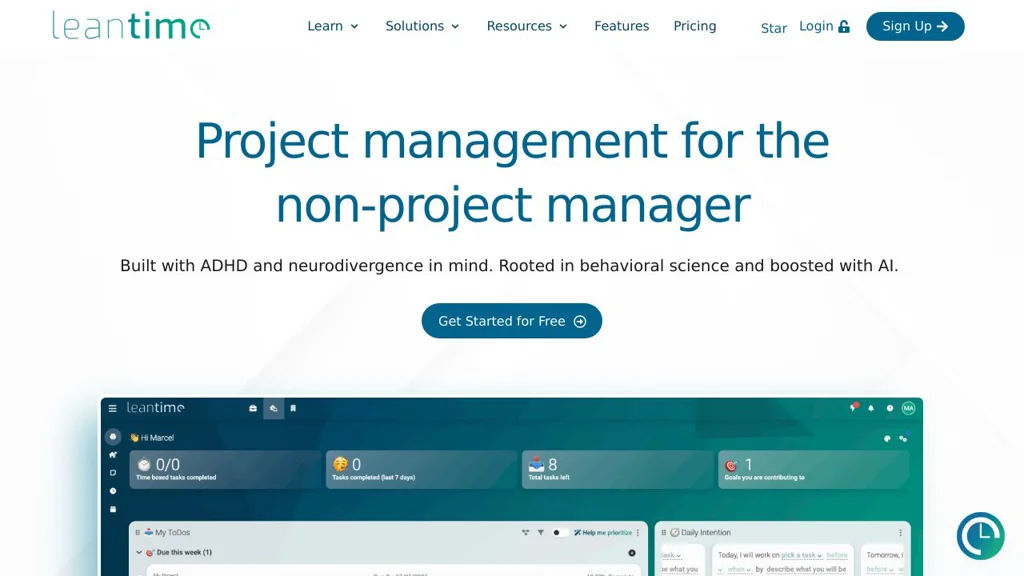
Leantime

Leantime

Self-hosted project management system with roadmaps, kanban, tasks, time tracking, and client collaboration designed around Lean/Agile workflows.

Leantime screenshot

Leantime is a self-hostable project management platform designed around Lean and Agile practices. It helps teams plan strategy, define goals, manage projects, and track execution using a mix of roadmaps, boards, and task workflows. Leantime targets small-to-mid sized teams and agencies that need a lightweight PM tool with client-friendly collaboration features.

Key Features

  • Strategy and planning modules (ideas, goals, milestones/roadmaps) to connect execution to outcomes
  • Kanban-style task boards with statuses and swimlanes for day-to-day work management
  • Backlog and sprint-style workflows for iterative delivery
  • Time tracking and timesheets per task/project for billing and reporting
  • Project documentation features (wikis/notes) to keep context with work items
  • Role-based access and multi-user collaboration across multiple projects
  • Client collaboration options (invite external users to selected projects)
  • Integrations via webhooks/API support (where configured) and email notifications

Use Cases

  • Manage product development with a roadmap → backlog → sprint/board workflow
  • Run an agency with per-client projects, task-level time tracking, and shared status visibility
  • Coordinate internal IT/ops projects with milestones, tasks, and lightweight documentation

Limitations and Considerations

  • Feature depth is typically lighter than enterprise suites (advanced portfolio management and extensive native integrations may require customization)

Leantime provides an opinionated Lean/Agile structure that connects higher-level planning to tasks and delivery. It is suitable for teams wanting an integrated roadmap/kanban/time-tracking tool without adopting heavier enterprise project platforms.

8.8kstars
869forks
#5
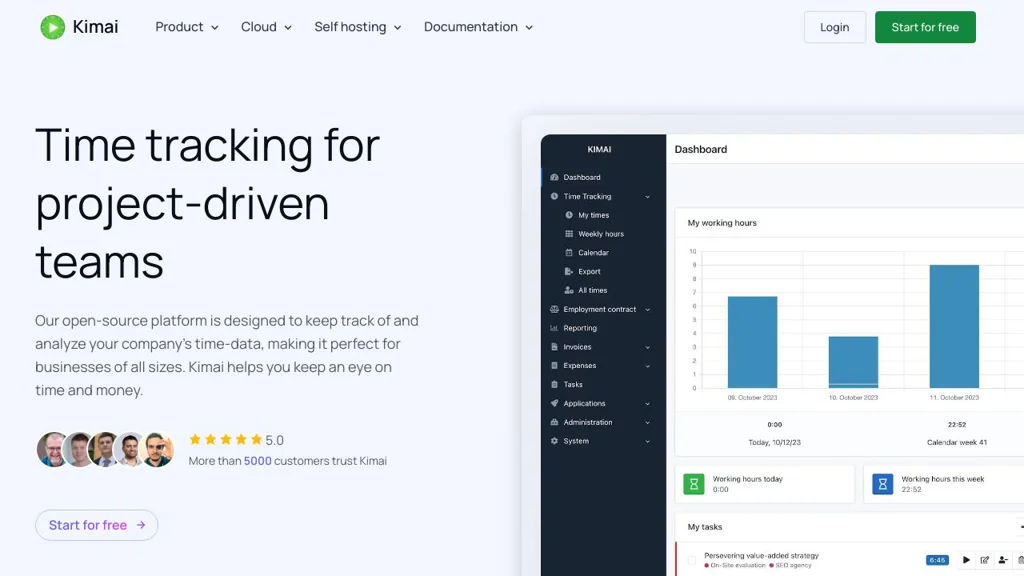
Kimai

Kimai

Self-hosted time tracking and timesheet app with projects, rates, reporting, invoicing exports, and extensions for teams and freelancers.

Kimai screenshot

Kimai is a web-based time tracking and timesheet application for freelancers, agencies, and teams. It helps you record work time against customers/projects/activities, manage rates, and generate reports and exports for billing and payroll workflows.

Key Features

  • Track time via browser UI with running timers and manual entries
  • Organize work by customer, project, and activity with configurable rates
  • Timesheets with filtering, approvals/validation workflows (via permissions) and comments
  • Reporting and analytics with export options (e.g., CSV/Excel/PDF depending on setup/extensions)
  • User, team, and role-based access control (RBAC) for multi-user environments
  • Extensible via a plugin/extension system (marketplace) to add features (e.g., invoicing, expenses, additional reporting)
  • API support for integrations and automation
  • Internationalization (multi-language UI) and configurable currencies/time zones

Use Cases

  • Freelancers tracking billable hours per client/project and exporting timesheets for invoicing
  • Agencies tracking team time across projects with permission-controlled access and reporting
  • Internal teams tracking effort for cost allocation, payroll inputs, or project analytics

Limitations and Considerations

  • Some advanced features (e.g., invoicing/expenses, specialized reports) may require installing extensions rather than being included in the core

Kimai is a mature option for organizations that want full control of time tracking data while supporting multi-user workflows, reporting, and integrations. Its structured customer/project/activity model and extension ecosystem make it suitable from solo use up to team deployments.

4.4kstars
713forks
#6
Baserow

Baserow

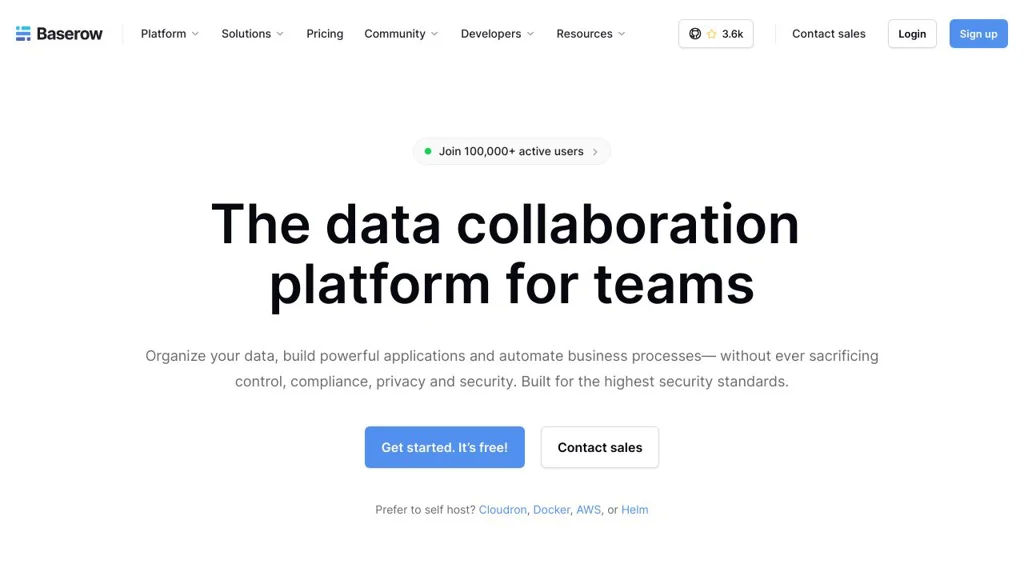
Baserow is a collaborative no-code database (Airtable alternative) to create tables, views, forms, and an API for building internal tools and lightweight apps.

Baserow screenshot

Baserow is an open-source, web-based no-code database for creating and collaborating on structured data. It provides spreadsheet-like tables with multiple views, supports building data entry forms, and exposes your data through APIs for integrations and lightweight internal tools.

Key Features

  • Airtable-style databases with workspaces, databases, tables, and field types
  • Multiple views (e.g., grid and kanban) to organize and visualize records
  • Form view for collecting data via shareable forms
  • Role-based access and collaboration features for teams
  • REST API and webhook support for integrations and automation
  • Import/export capabilities (commonly including CSV) for data migration
  • Extensible architecture designed for plugins/enterprise add-ons and scaling

Use Cases

  • Build internal tools (inventory, CRM-lite, operations trackers) without custom code
  • Replace spreadsheets with structured, permissioned team databases
  • Collect and manage submissions (intake requests, surveys, applications) via forms

Limitations and Considerations

  • Advanced analytics/dashboarding and complex relational reporting are more limited than dedicated BI tools
  • Feature completeness can vary by view type and edition (community vs. paid offerings)

Baserow is a strong choice for teams that want an Airtable-like experience with control over deployment and data. Its combination of no-code UI, collaboration, and APIs makes it suitable for operational databases, simple apps, and integration-driven workflows.

3.7kstars
483forks
#7
Tasks.md

Tasks.md

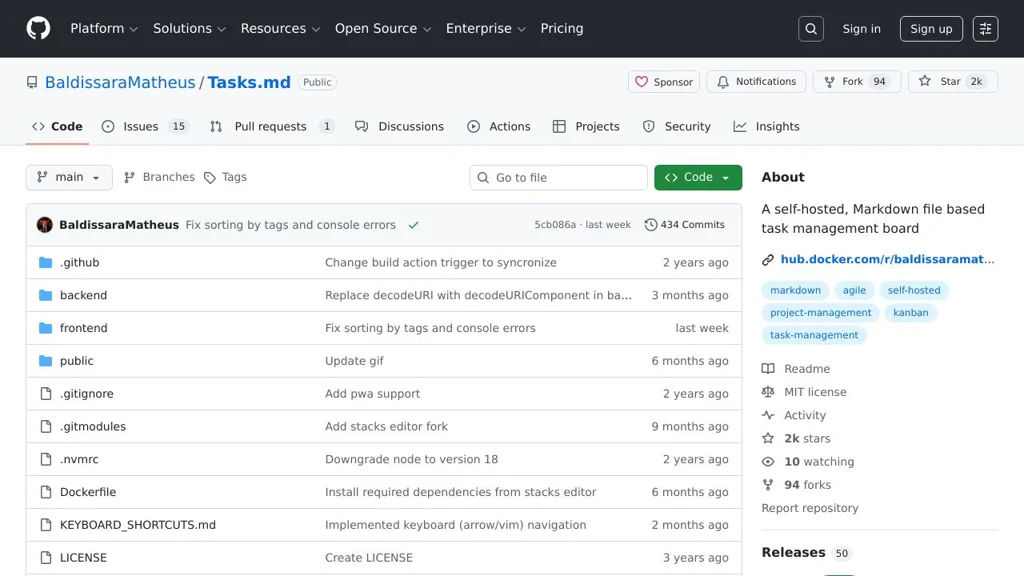
A GitHub-integrated task list that syncs Markdown checklists with GitHub Issues for lightweight planning and tracking.

Tasks.md screenshot

Tasks.md is a lightweight task management approach built around a Markdown file that stays in your repository and integrates with GitHub Issues. It’s designed for teams or individuals who prefer planning in Markdown while still using an issue tracker for assignment, discussion, and status tracking.

Key Features

  • Stores tasks in a Markdown file within the repository (easy to review in PRs)
  • Synchronizes tasks with GitHub Issues to track work in an issue tracker
  • Supports checkbox-style task lists (Markdown) as the primary editing interface
  • Keeps task context close to the codebase (works naturally with Git workflows)

Use Cases

  • Maintain a project to-do list in the repo while tracking execution via Issues
  • Manage lightweight sprint/backlog notes without a separate project tool
  • Track personal or small-team tasks alongside source code changes

Limitations and Considerations

  • GitHub Issues integration implies reliance on GitHub APIs and GitHub-specific workflows
  • Feature set depends on the project’s current implementation; it is not a full PM suite (e.g., advanced roadmaps/reporting)

Tasks.md fits best when you want Markdown-first planning with issue-tracker traceability. It can reduce overhead for small projects by making the task list reviewable in code changes while still leveraging Issues for collaboration.

2kstars
94forks
#8
Taiga

Taiga

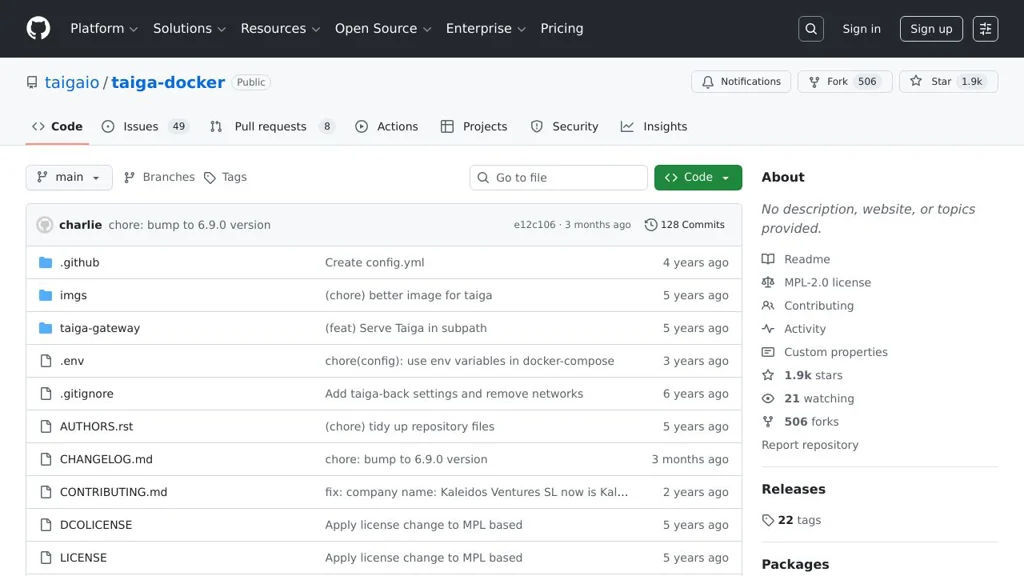
Taiga is an agile project management platform with Scrum and Kanban boards, backlog and sprint planning, issue tracking, and a REST API, deployable via Docker.

Taiga screenshot

Taiga is an agile project management web application designed for teams that plan and track work using Scrum or Kanban. It provides end-to-end workflows for managing backlogs, sprints, tasks, issues, and team collaboration, and is commonly deployed using the official Docker-based stack.

Key Features

  • Scrum projects: product backlog, sprint planning, story points, sprint backlog, and sprint burn-down style progress tracking
  • Kanban projects with configurable columns and WIP-style flow
  • Issue tracking with custom fields, tags, priorities, severities, statuses, and assignments
  • Wiki/knowledge pages and rich text editing for project documentation
  • Roles/permissions and per-project membership management
  • REST API for integrations and automation; webhooks supported in Taiga’s ecosystem
  • Email notifications and watcher/follower-style updates on work items
  • Dockerized deployment (taiga-docker) providing a full stack: backend, frontend, events, PostgreSQL, and reverse proxy

Use Cases

  • Software teams running Scrum ceremonies (backlog grooming, sprint planning, daily updates)
  • Product teams managing feature requests, bugs, and releases in a single system
  • Cross-functional teams tracking operational work with Kanban flow

Limitations and Considerations

  • The Docker repository is a deployment bundle; core feature development occurs in other Taiga repositories (backend/frontend), so updates require coordinating stack versions.

Taiga fits teams wanting a structured agile tool with both Scrum and Kanban, plus a mature issue/work item model. The official Docker stack simplifies standing up the full service with the required supporting components.

1.9kstars
506forks
#9
Donetick

Donetick

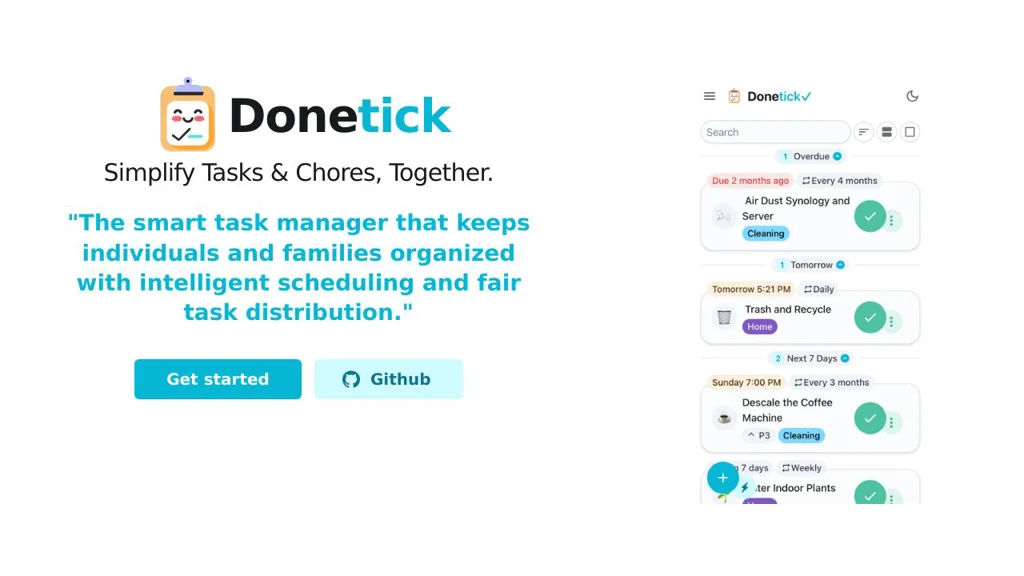
Donetick is a self-hosted web app for managing household chores and recurring tasks with assignments, schedules, and reminders for individuals or families.

Donetick screenshot

Donetick is a self-hosted web application focused on managing household chores and recurring tasks. It helps families, roommates, or individuals organize what needs to be done, who is responsible, and when tasks repeat, with a simple UI for tracking completion.

Key Features

  • Create chores/tasks with recurring schedules (e.g., daily/weekly/monthly)
  • Assign tasks to household members and track completion history
  • Task lists and status views to see what’s due/overdue
  • Lightweight, web-based UI suitable for shared household use
  • Container-friendly deployment for running on home servers

Use Cases

  • Coordinate recurring chores for families or roommates (cleaning, trash, laundry)
  • Track personal recurring responsibilities (meds, maintenance, routines)
  • Manage periodic home maintenance schedules (filters, inspections, supplies)

Donetick is a practical option for users who want a focused, self-hosted chore tracker without the overhead of a full project-management suite. It emphasizes recurring household workflows: assigning responsibility, keeping history, and staying on schedule.

1.7kstars
101forks

Why choose an open source alternative?

  • Data ownership: Keep your data on your own servers
  • No vendor lock-in: Freedom to switch or modify at any time
  • Cost savings: Reduce or eliminate subscription fees
  • Transparency: Audit the code and know exactly what's running