
TCAdmin

Best Self Hosted Alternatives to TCAdmin

A curated collection of the 3 best self hosted alternatives to TCAdmin.

TCAdmin is a commercial game-server control panel that automates deployment, configuration, and management of Windows/Linux game server instances for hosting providers and resellers. It offers a web admin/user panel, mod support, scheduling and billing integrations.

Alternatives List

#1
Pterodactyl

Pterodactyl

Open-source game server management panel with Docker-based isolation, resource controls, SFTP/file manager, scheduled tasks, and multi-node deployments via Wings.
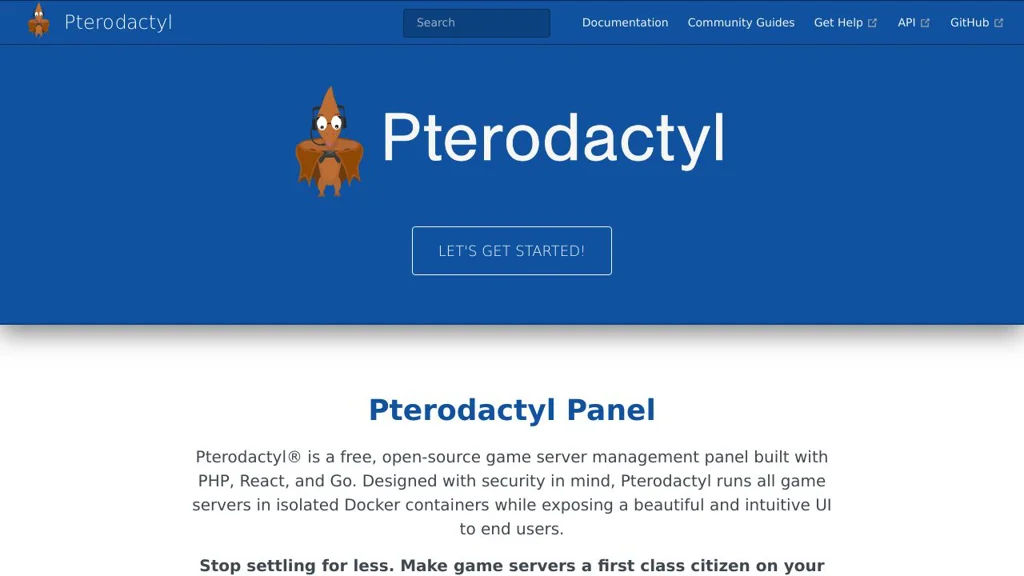
Pterodactyl screenshot

Pterodactyl is a web-based control panel for deploying and managing game servers and other long-running server processes. It combines a Laravel-powered panel with a node daemon (Wings) to run each server in isolated Docker containers with configurable resource limits.

Key Features

  • Docker container isolation per server with CPU/RAM/disk limits and allocations
  • Multi-node architecture: a single panel can manage many machines running Wings
  • Web console for server startup/shutdown, command execution, and live log viewing
  • File management via built-in web file manager and SFTP access
  • Scheduled tasks for automated restarts, backups/scripts, and routine maintenance
  • Role-based access control for administrators and server owners/subusers
  • “Eggs” system (templates) for installing/configuring popular game servers and apps
  • API for automation/integrations (panel and client APIs)

Use Cases

  • Hosting multiple game servers (e.g., Minecraft/Source/Valheim) across one or more nodes
  • Offering managed game server hosting for communities or small providers
  • Running isolated, resource-governed workloads that need a simple web console

Limitations and Considerations

  • Requires Docker and a separate Wings daemon on each node; setup is more involved than single-binary tools
  • Primary focus is game servers; advanced general-purpose PaaS features (buildpacks, app routing) are out of scope

Pterodactyl is well-suited when you need a centralized web UI to provision and operate many containerized servers with clear resource controls and delegated access. Its node-based design and templating ecosystem make it practical for both homelabs and community hosting at scale.

8.5kstars
2.4kforks

#2
LinuxGSM

LinuxGSM

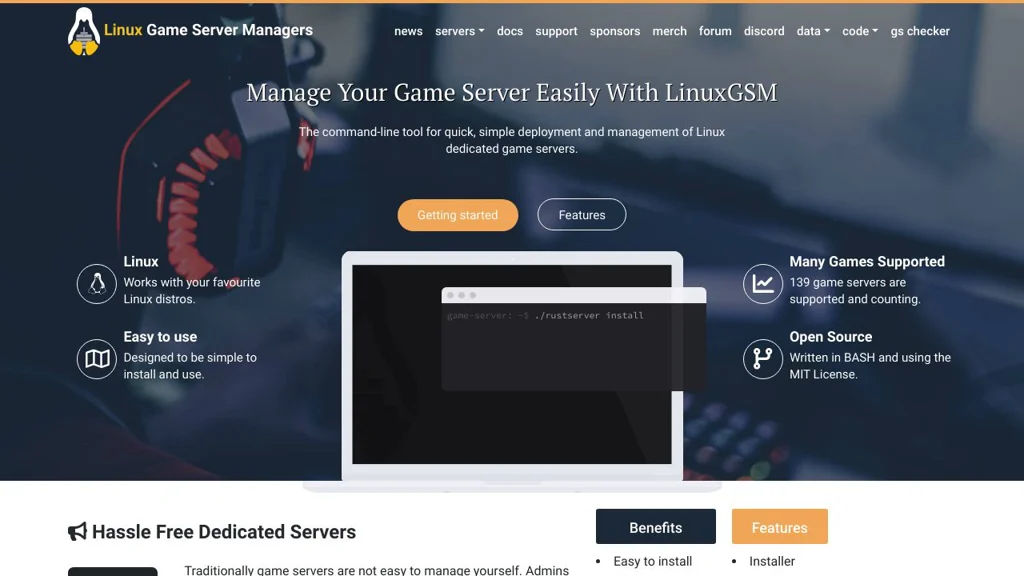
LinuxGSM is a CLI for deploying, updating, and operating dedicated game servers on Linux with automation for installs, validation, backups, and monitoring.

LinuxGSM screenshot

LinuxGSM is a command-line management suite for installing and operating dedicated game servers on Linux. It provides per-game server scripts that automate common lifecycle tasks—setup, updates, configuration, and day-2 operations—so administrators can run multiple servers more reliably.

Key Features:

  • One-command install workflow for many dedicated game servers via per-game scripts
  • Server lifecycle commands: start/stop/restart, console access, and status checks
  • Update automation for game servers (SteamCMD-supported titles where applicable)
  • Configuration and validation helpers (dependency checks, installation validation)
  • Built-in monitoring and alerting via integrations (e.g., email/Discord/Slack-style notifications depending on config)
  • Backup and restore utilities for server files and configurations
  • Log management and troubleshooting tooling (log viewing, health checks)
  • Support for running multiple game server instances with separate configs

Use Cases:

  • Hosting community game servers (e.g., Minecraft/CS/Valheim/ARK) with repeatable installs
  • Operating several dedicated servers on one host with consistent maintenance commands
  • Automating updates, backups, and health checks for a small game-server fleet

Limitations and Considerations

  • Primarily a CLI workflow; there is no official full-featured web control panel in the core project
  • Feature depth can vary per supported game server depending on upstream tooling and script support

LinuxGSM is best suited for administrators who want a scriptable, repeatable way to manage dedicated servers without adopting a heavy hosting panel. Its per-game scripts and operational utilities cover most day-to-day tasks needed to keep servers updated, monitored, and recoverable.

4.7kstars
854forks
#3
Pelican Panel

Pelican Panel

Web panel for provisioning and managing game servers, built as a modern Pterodactyl-compatible alternative with a redesigned UI and updated architecture.

Pelican Panel screenshot

Pelican Panel is an open-source web control panel for deploying, managing, and monitoring game servers and other long-running processes in isolated environments. It is designed as a modern successor/alternative in the Pterodactyl ecosystem, pairing a web UI (Panel) with a node/daemon (Wings-compatible) to run server instances and handle files, backups, and resource limits.

Key Features

  • Centralized web UI for creating and managing server instances (“servers”) and users
  • Resource controls (CPU/RAM/disk), startup configuration, and environment variables
  • File management, console access, and power controls (start/stop/restart/kill)
  • Support for Pterodactyl-style “eggs”/templates to define install/start behavior
  • Docker-based isolation for server processes and standardized deployment patterns
  • Role-based access for admins and server-level permissions for users
  • API support for automation/integration (panel-to-daemon orchestration)

Use Cases

  • Hosting multiple game servers for a community with delegated access for staff
  • Running isolated application instances (bots, workers, test servers) via templates
  • Replacing a hosted game panel with an internally managed control plane

Limitations and Considerations

  • Functionality and compatibility depend on the daemon/“wings” side and available eggs; some features may lag or differ from Pterodactyl depending on release maturity.

Pelican Panel targets operators who need a modern, web-based control plane for repeatable game server provisioning and management. It fits well for communities and small providers that want standardized templates, access control, and operational tooling around Dockerized server workloads.

1.8kstars
254forks

Why choose an open source alternative?

  • Data ownership: Keep your data on your own servers
  • No vendor lock-in: Freedom to switch or modify at any time
  • Cost savings: Reduce or eliminate subscription fees
  • Transparency: Audit the code and know exactly what's running