
Wix

Best Self Hosted Alternatives to Wix

A curated collection of the 5 best self hosted alternatives to Wix.

Wix is a cloud-based website builder and SaaS platform that lets individuals and businesses create, design, host, and manage websites and online stores using drag-and-drop tools, templates, domains, hosting, and integrated marketing and e-commerce features.

Alternatives List

#1
Odoo

Odoo

Odoo is a modular ERP and business app suite covering CRM, sales, accounting, inventory, manufacturing, HR, eCommerce, and website building with a unified database and extensible framework.
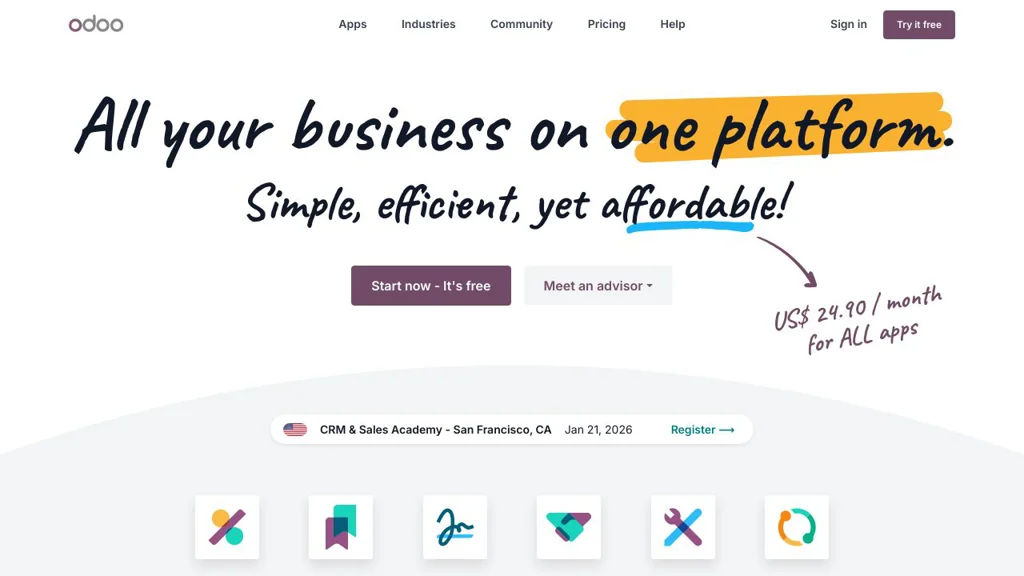
Odoo screenshot

Odoo is a modular enterprise resource planning (ERP) platform that bundles a large suite of business applications (CRM, Sales, Accounting, Inventory, Manufacturing, HR, eCommerce, Website, and more) into a single system. It is designed around a unified data model so departments can share workflows, reporting, and automations across apps.

Key Features

  • Large catalog of installable business apps (CRM, Sales, Accounting/Invoicing, Inventory/WMS, MRP, Purchase, HR, Project, Helpdesk, Website/eCommerce)
  • Single database and integrated workflows across modules (e.g., sales → invoicing → delivery → accounting)
  • Highly extensible server framework with custom modules, views, and business logic
  • Built-in access control and multi-company support for managing multiple entities
  • Web client with responsive UI, dashboarding, and reporting across business data
  • Internationalization support (multi-language) and localization packages for many countries

Use Cases

  • Replace disconnected tools with one ERP for sales, invoicing, purchasing, inventory, and accounting
  • Run end-to-end operations for SMBs (quotations, orders, stock, manufacturing, shipping)
  • Build custom line-of-business apps on top of Odoo’s modular framework

Limitations and Considerations

  • Some advanced features and apps are only available in Odoo Enterprise; the GitHub repo is the Community edition codebase
  • Upgrades between major versions can require migration work, especially with custom modules

Odoo is a broad, integrated business platform that can scale from small companies to complex multi-company setups. Its modular architecture allows starting with a few apps and expanding into a full ERP as needs grow.

48.3kstars
31kforks

#2
Payload

Payload

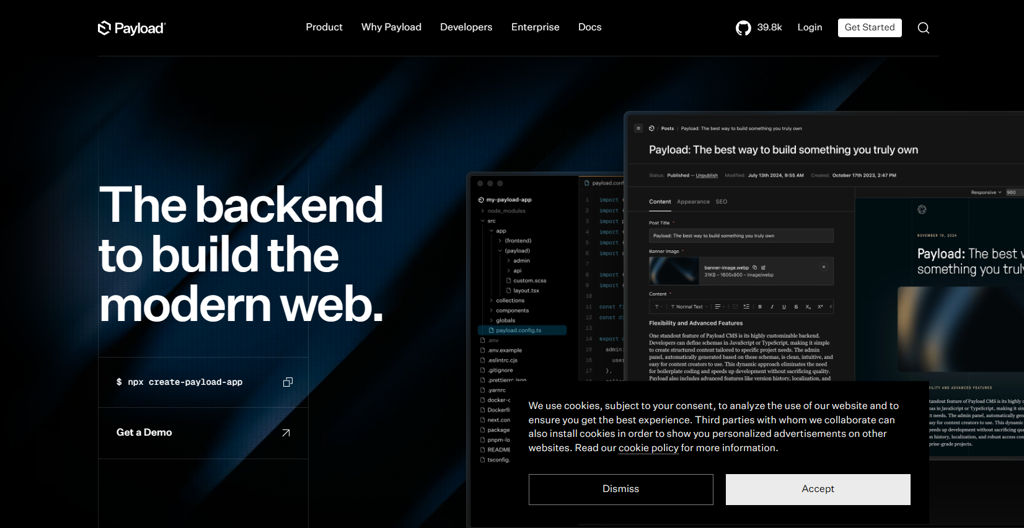
Open-source TypeScript headless CMS with a React admin UI, powerful access control, media handling, and first-class Next.js integration for modern content-driven apps.

Payload screenshot

Payload is a TypeScript-first headless CMS and application framework built on Node.js, designed to power content-driven websites and products with a fully customizable admin UI and developer-friendly APIs. It models your data as code, generates REST/GraphQL endpoints, and supports rich content editing, media, and granular access control.

Key Features

  • TypeScript-first configuration with schema-driven Collections/Globals
  • Auto-generated REST and GraphQL APIs from your content models
  • React-based Admin UI with extensible fields, custom views, and role-aware controls
  • Authentication and authorization with granular, field-level access control
  • Drafts, versions, autosave, and scheduled publishing (via jobs/workflows depending on setup)
  • Media management with upload storage adapters and image processing integrations
  • Relationship fields, localization (i18n), and rich content editing blocks
  • First-class Next.js integration for live preview and modern app routing patterns

Use Cases

  • Headless CMS for marketing sites, documentation, and multi-page web properties
  • Content backend for Next.js applications (blogs, ecommerce content, directories)
  • Internal tools/content operations portal with custom admin workflows

Limitations and Considerations

  • Requires Node.js/TypeScript proficiency; configuration is code-centric rather than purely UI-driven
  • Some advanced workflows (e.g., background jobs, complex publishing flows) may require additional setup/plugins

Payload is well-suited for teams that want strong typing, code-defined content models, and a customizable admin experience. It provides both API-first delivery and tight integration with modern React/Next.js stacks, making it a practical foundation for bespoke content platforms and products.

39.8kstars
3.3kforks
#3
WordPress

WordPress

WordPress is a PHP/MySQL CMS for building and managing websites, blogs, and content-rich applications with themes, plugins, and a built-in editor.

WordPress screenshot

WordPress is an open-source content management system (CMS) for creating and managing websites, blogs, and other content-driven experiences. It provides an admin interface, a block-based editor, and an extensible architecture built around themes and plugins.

Key Features

  • Block editor (Gutenberg) for composing pages and posts with reusable content blocks
  • Theme system for controlling site appearance, including custom themes and template hierarchy
  • Plugin architecture enabling site functionality extensions (SEO, forms, e-commerce, caching, etc.)
  • Media library for managing images and other uploads, with built-in image handling
  • User roles and capabilities for multi-user publishing workflows
  • Built-in comments system with moderation tools
  • Permalinks and URL routing for human-readable URLs
  • REST API for integrating WordPress content with external services and headless/front-end apps
  • Multisite mode to run multiple sites from a single installation (optional)

Use Cases

  • Company websites, marketing sites, and landing pages managed by non-technical editors
  • Blogging and online publishing with editorial workflows and scheduled posts
  • Headless CMS back end powering a separate front-end (e.g., SPA/static site)

Limitations and Considerations

  • Security and performance depend heavily on theme/plugin choices and update hygiene
  • Complex sites can accumulate plugin dependencies that increase maintenance overhead

WordPress is widely used for both simple sites and complex publishing platforms due to its mature ecosystem and extensibility. With careful theme/plugin selection and regular updates, it can serve as a flexible foundation for many web publishing needs.

20.8kstars
12.9kforks
#4
WooCommerce

WooCommerce

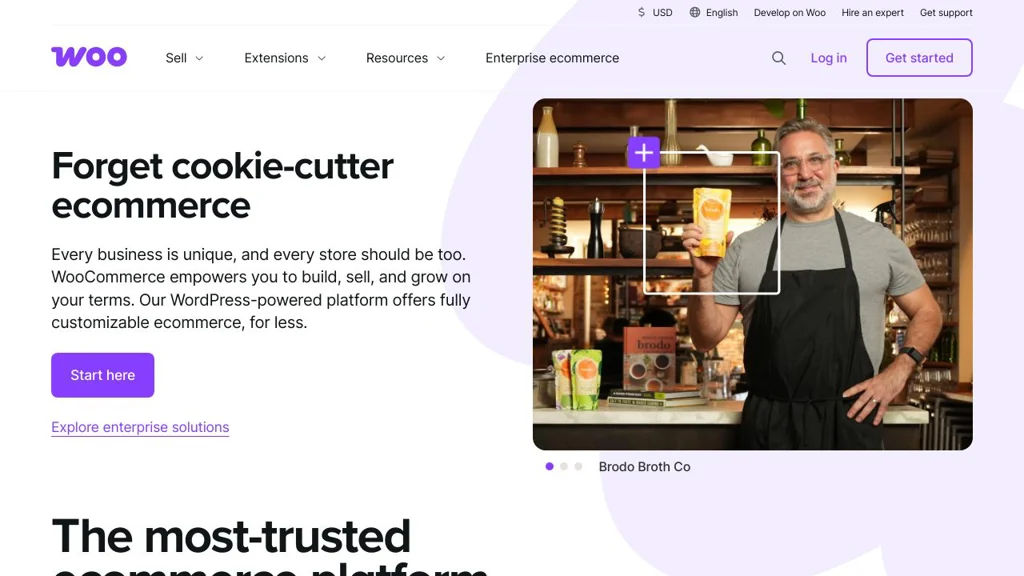
A WordPress eCommerce plugin for selling products, managing orders, payments, shipping, taxes, and store operations with a large extension ecosystem.

WooCommerce screenshot

WooCommerce is a WordPress plugin that turns a WordPress site into a full eCommerce store. It provides core storefront, product, cart/checkout, order management, and a configurable platform that can be extended via themes and plugins.

Key Features

  • Product catalog for physical and digital goods, including variants and downloadable products
  • Cart and checkout flow with configurable payments and shipping methods
  • Order management with statuses, refunds, notes, and customer management
  • Tax configuration and shipping calculations, with extensible integrations
  • Store administration inside WordPress (settings, reports/analytics depending on setup)
  • Extensibility via a large ecosystem of extensions and themes, plus a developer REST API
  • Internationalization support and multi-currency/multi-language via extensions

Use Cases

  • Small to mid-sized online stores that want to run commerce within WordPress
  • Content-driven sites (blogs/publishers) adding merchandise or digital downloads
  • Businesses needing a customizable checkout and integrations via plugins or APIs

Limitations and Considerations

  • Requires WordPress and is affected by WordPress hosting quality, theme/plugin compatibility, and update management
  • Many advanced features (subscriptions, memberships, some payment/shipping options) typically require additional extensions

WooCommerce is a widely adopted eCommerce option for WordPress sites that need a flexible, plugin-based approach. It fits best when you want commerce tightly integrated with WordPress content and are comfortable managing WordPress updates and extensions.

10.1kstars
10.7kforks
#5
PrestaShop

PrestaShop

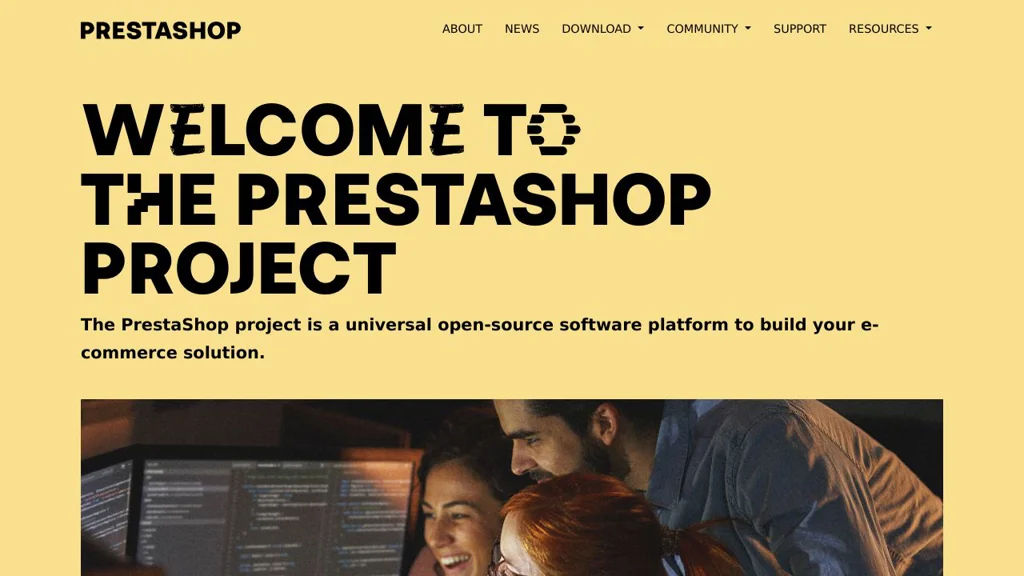
PrestaShop is a PHP-based eCommerce platform for building and managing online stores with product, order, payment, shipping, tax, and multilingual features plus themes and modules.

PrestaShop screenshot

PrestaShop is an open-source eCommerce application for creating and operating online stores. It provides a back office to manage catalog, orders, customers, and storefront presentation, and it can be extended through a large ecosystem of themes and modules.

Key Features

  • Storefront + back office for managing products, categories, attributes/variants, pricing, and inventory
  • Order lifecycle management (carts, checkout, payments, invoices/credit slips, returns/RMA depending on configuration)
  • Customer management with groups, addresses, and account features
  • Multi-store support to run multiple shops from one back office
  • Multilingual and multi-currency capabilities with localization for taxes and regions
  • Shipping and carrier configuration, taxes, and promotions (vouchers/discount rules)
  • Extensible architecture via modules/add-ons and theme system
  • REST/Webservice API for integrating products, orders, and customers

Use Cases

  • Small-to-mid sized retail store needing full control of catalog, checkout, and operations
  • Multi-brand operator managing several storefronts from one admin
  • Merchants integrating an eCommerce backend with external ERP/PIM/fulfillment via API

Limitations and Considerations

  • Many advanced capabilities (specific payment providers, marketplace connectors, SEO tools) are typically provided by modules and may be paid
  • Major upgrades can require careful planning due to theme/module compatibility

PrestaShop is a mature, widely-used eCommerce stack with a feature-rich admin and a strong extension ecosystem. It fits teams that want a customizable PHP-based storefront and operational tooling without relying on a hosted commerce provider.

8.9kstars
5kforks

Why choose an open source alternative?

  • Data ownership: Keep your data on your own servers
  • No vendor lock-in: Freedom to switch or modify at any time
  • Cost savings: Reduce or eliminate subscription fees
  • Transparency: Audit the code and know exactly what's running