
Zendesk

Best Self Hosted Alternatives to Zendesk

A curated collection of the 10 best self hosted alternatives to Zendesk.

Zendesk is a cloud-based customer service platform that provides help desk ticketing, live chat, knowledge base, voice, and analytics to help businesses manage support across channels, track issues, and improve customer experience.

Alternatives List

#1
Odoo

Odoo

Odoo is a modular ERP and business app suite covering CRM, sales, accounting, inventory, manufacturing, HR, eCommerce, and website building with a unified database and extensible framework.
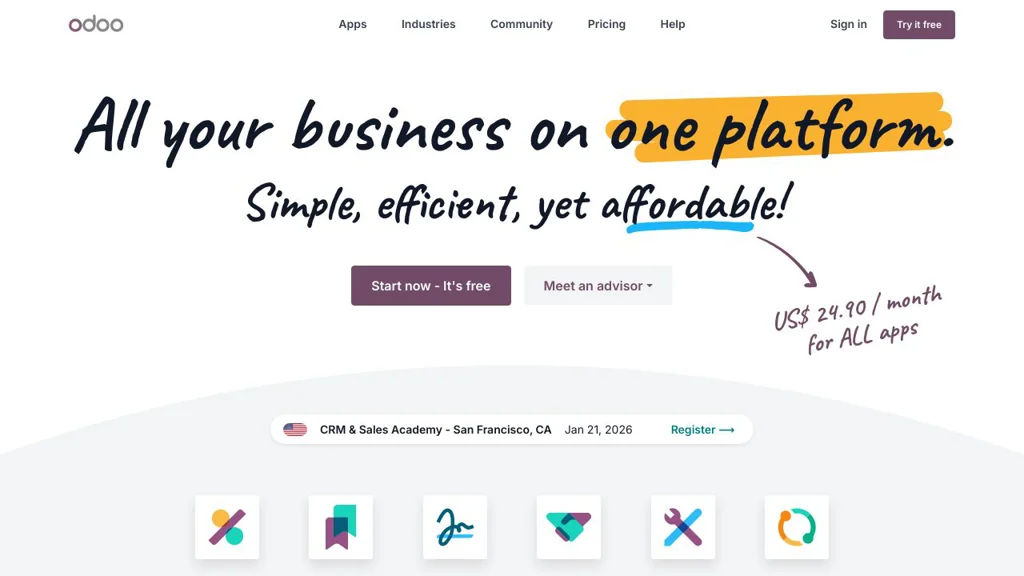
Odoo screenshot

Odoo is a modular enterprise resource planning (ERP) platform that bundles a large suite of business applications (CRM, Sales, Accounting, Inventory, Manufacturing, HR, eCommerce, Website, and more) into a single system. It is designed around a unified data model so departments can share workflows, reporting, and automations across apps.

Key Features

  • Large catalog of installable business apps (CRM, Sales, Accounting/Invoicing, Inventory/WMS, MRP, Purchase, HR, Project, Helpdesk, Website/eCommerce)
  • Single database and integrated workflows across modules (e.g., sales → invoicing → delivery → accounting)
  • Highly extensible server framework with custom modules, views, and business logic
  • Built-in access control and multi-company support for managing multiple entities
  • Web client with responsive UI, dashboarding, and reporting across business data
  • Internationalization support (multi-language) and localization packages for many countries

Use Cases

  • Replace disconnected tools with one ERP for sales, invoicing, purchasing, inventory, and accounting
  • Run end-to-end operations for SMBs (quotations, orders, stock, manufacturing, shipping)
  • Build custom line-of-business apps on top of Odoo’s modular framework

Limitations and Considerations

  • Some advanced features and apps are only available in Odoo Enterprise; the GitHub repo is the Community edition codebase
  • Upgrades between major versions can require migration work, especially with custom modules

Odoo is a broad, integrated business platform that can scale from small companies to complex multi-company setups. Its modular architecture allows starting with a few apps and expanding into a full ERP as needs grow.

48.3kstars
31kforks

#2
Discourse

Discourse

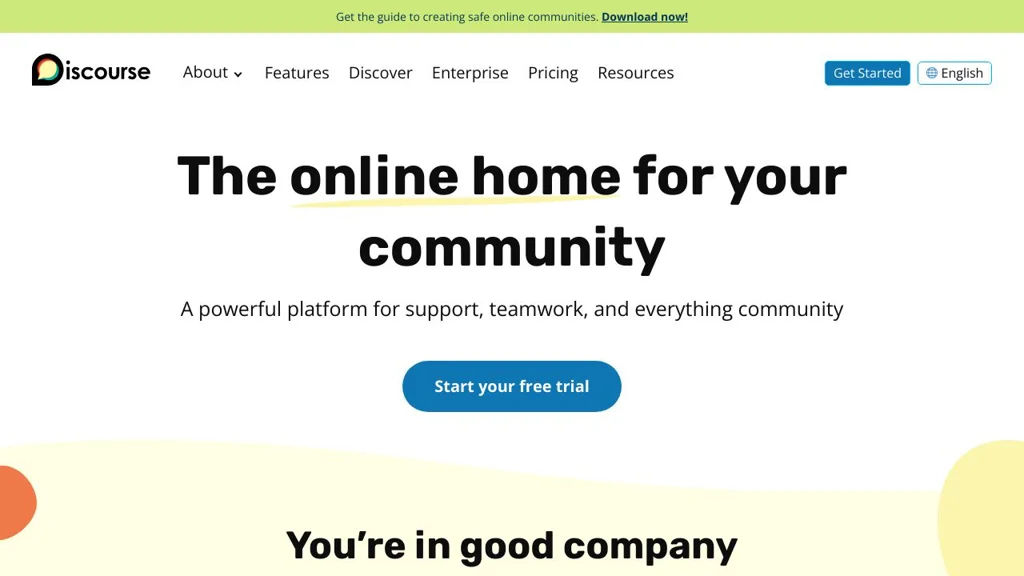
Open source forum software with real-time discussions, powerful moderation, SSO, and integrations—built for long-lived, searchable community knowledge.

Discourse screenshot

Discourse is an open source discussion platform for building community forums that feel real-time like chat but retain the structure and long-term value of threaded discussions. It is designed to be searchable, mobile-friendly, and highly moderatable, with extensive customization and integration options.

Key Features

  • Trust levels, flagging, review queue, and granular moderation tools
  • Rich post composer with Markdown support, quoting, mentions, and uploads
  • Categories, tags, and full-text search for organizing and discovering content
  • Real-time updates (live topics/notifications) plus email-in/out style participation
  • Single Sign-On and multiple authentication providers via built-in support/plugins
  • Admin console for site settings, user management, and analytics dashboards
  • Extensible plugin/theme system (Theme Components) for UI and behavior changes
  • API and webhooks for automation and external integrations

Use Cases

  • Product/company community forums with announcements, Q&A, and support deflection
  • Open source project discussion hub replacing mailing lists and fragmented threads
  • Private team/customer portals for structured discussions and knowledge capture

Limitations and Considerations

  • Heavier operational footprint than simple PHP forums (requires Redis and PostgreSQL)
  • Many advanced capabilities depend on correct email deliverability and configuration

Discourse is well-suited for communities that need durable, searchable conversations with strong moderation and governance. Its extensibility, integrations, and modern UX make it a common replacement for legacy forums and mailing-list-based support channels.

46kstars
8.8kforks
#3
Rocket.Chat

Rocket.Chat

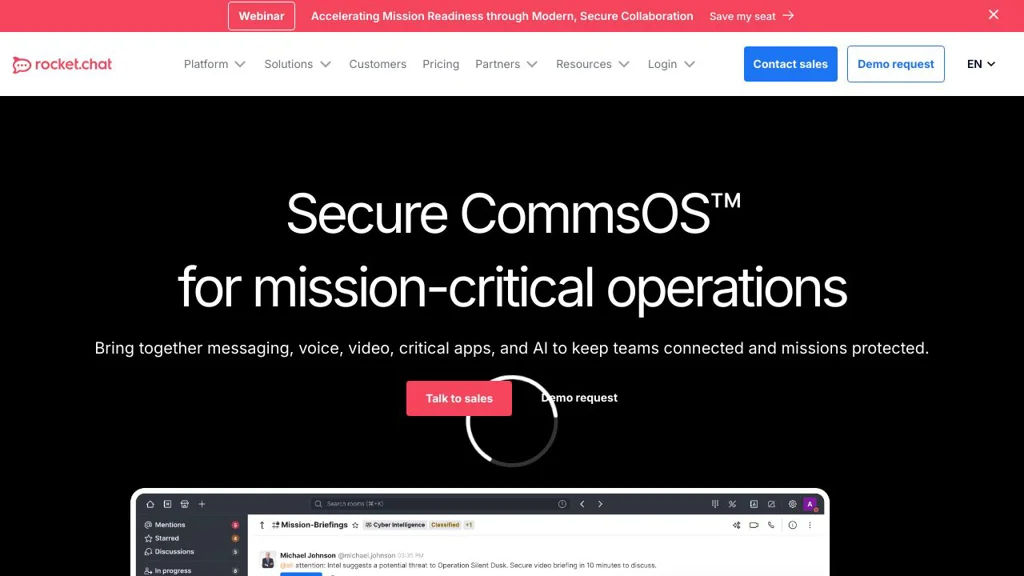
Self-hosted team chat platform with channels, DMs, voice/video, rich integrations, and omnichannel customer support features.

Rocket.Chat screenshot

Rocket.Chat is an open-source communications platform for team messaging and customer engagement. It provides persistent chat (channels and direct messages), collaboration features, and enterprise-grade controls, and can be extended via apps, integrations, and APIs.

Key Features

  • Public/private channels, direct messages, threads, reactions, mentions, and file sharing
  • Omnichannel inbox for customer support (live chat widget, queueing/routing, agents, transcripts)
  • Audio/video meetings and screen sharing (deployment-dependent), plus voice messages
  • Federation support (Rocket.Chat Federation) to connect separate Rocket.Chat servers
  • Strong administration features: roles/permissions (RBAC), audit logs, retention policies, and compliance tooling (plan-dependent)
  • SSO/identity integrations (e.g., SAML/OIDC/LDAP) and granular access controls
  • Extensive integrations and automation: webhooks, REST APIs, bots, and a marketplace/app framework
  • Multi-platform clients (web, desktop, mobile) and localization support

Use Cases

  • Internal team chat for organizations that need control over deployment and data
  • Customer support and sales chat using an embedded website live-chat widget
  • Cross-organization collaboration via federation between independently operated servers

Limitations and Considerations

  • Some advanced security/compliance and omnichannel features may be gated by licensing/plan
  • Real-time performance and search depend on sizing and backing services (notably MongoDB)

Rocket.Chat is a mature, widely deployed Slack alternative that combines team chat with customer messaging workflows. It is best suited to organizations that want extensibility, admin controls, and optional omnichannel support in one platform.

44.3kstars
12.9kforks
#4
listmonk

listmonk

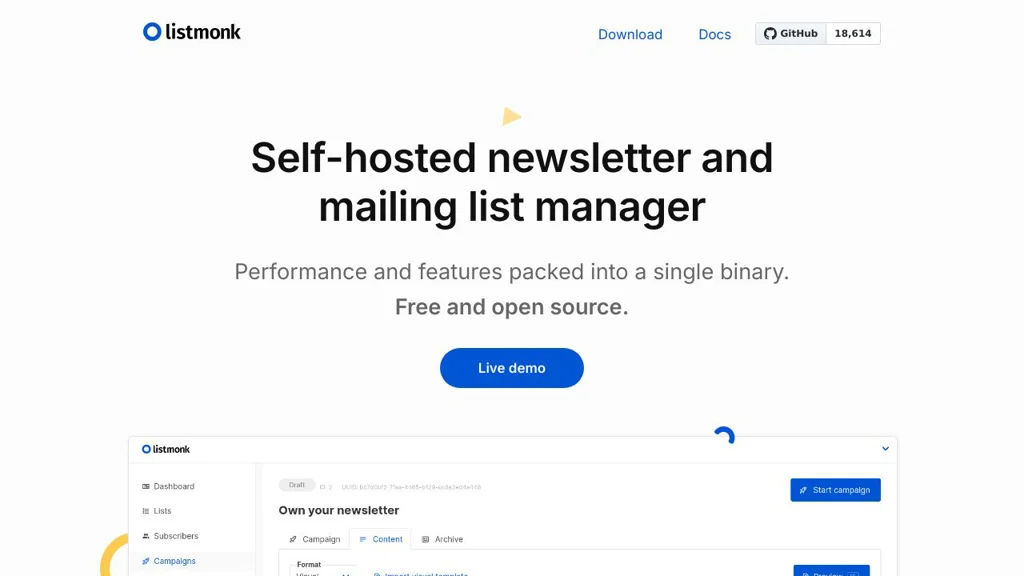
Self-hosted newsletter and email list manager with templating, segmentation, campaigns, and PostgreSQL-backed performance.

listmonk screenshot

listmonk is a self-hosted mailing list manager and newsletter platform designed for high performance and simple operations. It provides a web UI and APIs to manage subscribers, lists, and campaigns, backed by PostgreSQL for scalable storage and querying.

Key Features

  • Subscriber management with custom attributes/fields and import/export (e.g., CSV)
  • List and segment-based targeting using PostgreSQL queries for flexible filtering
  • Campaign creation with HTML templates, previews, and personalization variables
  • Transactional email and newsletter sending via SMTP and third-party email gateways
  • Bounce handling and basic list hygiene workflows (depending on mail setup)
  • Built-in admin web UI plus REST-style APIs for automation and integrations
  • Metrics/reporting for campaigns (opens/clicks) via tracking mechanisms

Use Cases

  • Send periodic newsletters to product users, communities, or customers
  • Run segmented email campaigns (e.g., onboarding, announcements) from internal data
  • Operate a privacy-controlled mailing system for organizations that can’t use SaaS

Limitations and Considerations

  • Deliverability, bounce processing, and reputation management depend heavily on your SMTP/provider configuration
  • Email template building is developer-oriented compared to drag-and-drop marketing suites

listmonk is a solid fit for teams that want a fast, PostgreSQL-driven newsletter system with a clean UI and automatable APIs. It focuses on dependable list and campaign operations rather than heavyweight marketing-automation features.

18.7kstars
1.9kforks
#5
Zammad

Zammad

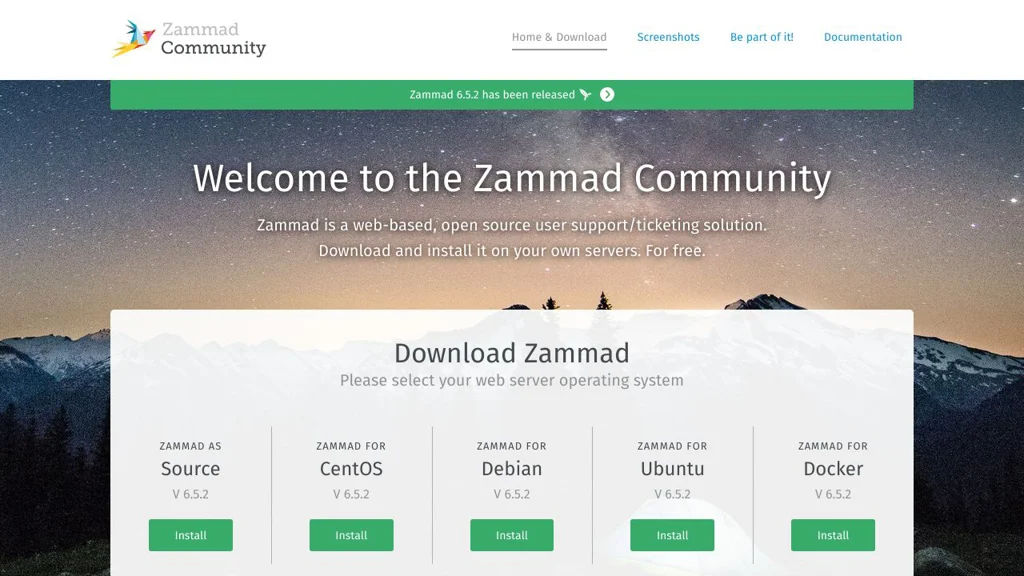
Self-hosted helpdesk for email and multichannel ticketing with SLA, automation, knowledge base, and integrations for support teams.

Zammad screenshot

Zammad is an open-source helpdesk and customer support platform for managing customer inquiries as tickets across email and other channels. It combines ticketing, automation, knowledge management, and reporting in a web-based interface designed for support desks of many sizes.

Key Features

  • Multichannel ticket creation and handling (email plus additional channels via integrations)
  • Flexible ticket workflows with groups/roles, assignments, tags, priorities, and states
  • SLA management with escalation handling and time tracking
  • Automation and macros (triggers/schedulers) to route and act on tickets automatically
  • Integrated knowledge base and text modules for consistent replies
  • Full-text search and fast filtering for ticket discovery
  • Customer and organization management with history/context on interactions
  • Integrations and APIs for connecting external systems (REST API, webhooks, and apps)

Use Cases

  • Customer support desk for SaaS/IT services managing inbound email and requests
  • Internal IT/helpdesk handling incidents, service requests, and SLA-based queues
  • Support operations needing automation rules, canned responses, and knowledge articles

Zammad is a strong choice when you need a modern, extensible ticketing system with automation, SLAs, and a built-in knowledge base. It is widely used as a self-managed alternative to commercial helpdesk platforms and integrates well into existing infrastructure via APIs and connectors.

5.3kstars
919forks
#6
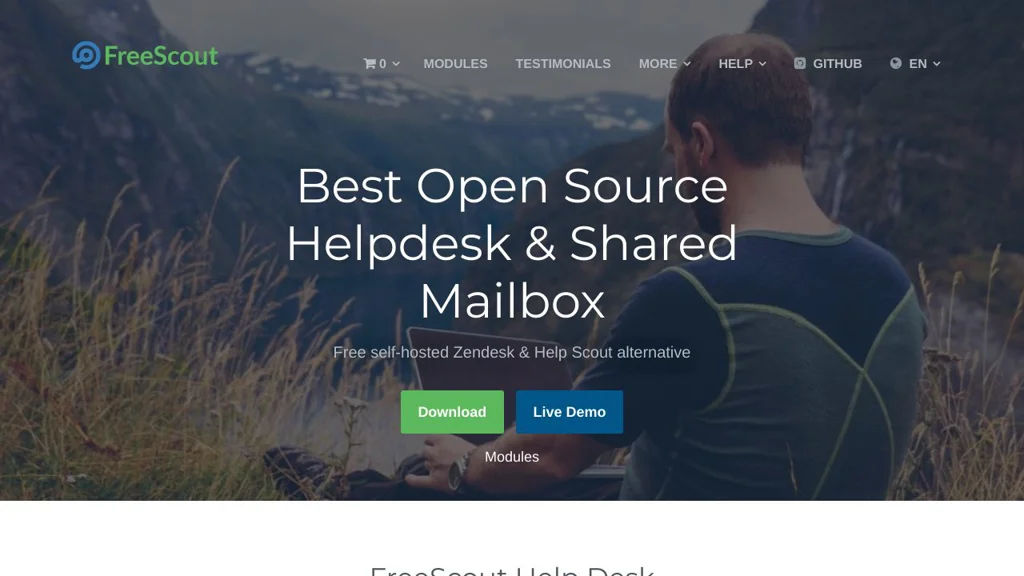
FreeScout

FreeScout

FreeScout is a lightweight help desk for managing shared email inboxes with ticketing, assignments, collision detection, and extensible modules.

FreeScout screenshot

FreeScout is an open source help desk designed for teams that manage customer support through shared email inboxes. It provides a mailbox-centric ticketing workflow similar to commercial tools like Help Scout, focusing on fast email handling, collaboration, and simple operations.

Key Features

  • Shared mailboxes with email-to-ticket conversion (IMAP fetching) and outbound replies (SMTP)
  • Threaded conversations with customer profiles, notes, and internal discussions
  • Team collaboration features including assignments, mentions, and collision detection to avoid duplicate replies
  • Productivity tools such as saved replies, tags, custom folders/views, and search
  • Automation rules and workflows via modules (e.g., auto-actions) depending on installed extensions
  • Multi-user access with roles/permissions and per-mailbox access control
  • Extensible module system for adding functionality (official and community modules)
  • Web-based UI optimized for support agents and email-first workflows

Use Cases

  • Small/medium teams replacing SaaS help desks for support@ or sales@ inboxes
  • IT/service teams managing internal requests via email with assignment and tracking
  • Organizations needing a simple, mailbox-driven ticket system with optional add-ons

Limitations and Considerations

  • Many advanced capabilities are delivered via optional modules; functionality depends on which modules you install
  • Email-centric design: teams needing live chat, omnichannel, or deep CRM features may need additional tools

FreeScout fits teams that want a straightforward, email-based help desk with strong collaboration basics and an extendable architecture. It is particularly suitable when shared mailbox workflows are central and simplicity and control over data are priorities.

4kstars
613forks
#7
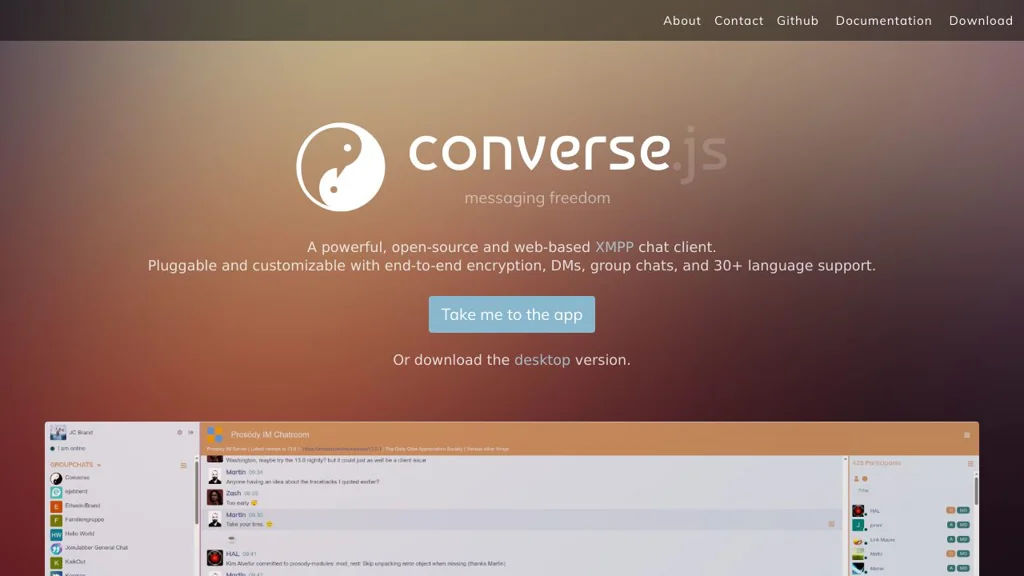
Converse

Converse

Converse is an open-source, browser-based XMPP/Jabber chat client you can embed in any site to provide 1:1 and group messaging over existing XMPP servers.

Converse screenshot

Converse is a web-based XMPP (Jabber) chat client designed to be embedded into websites or used as a standalone browser client. It connects to XMPP servers via BOSH or WebSocket and supports common XMPP features for real-time messaging and presence.

Key Features

  • XMPP client in the browser with roster (contacts), presence, and real-time messaging
  • Multi-User Chat (MUC) support for group chat rooms
  • Supports connecting via BOSH and WebSocket (depending on XMPP server configuration)
  • OMEMO end-to-end encryption support (when server/contact capabilities allow)
  • Pluggable/extendable architecture with a plugin system and theming/customization options
  • Embeddable “chat widget” style integration for adding chat to existing sites/apps
  • Internationalization support (multiple UI languages)

Use Cases

  • Add live chat to a website backed by your own XMPP server
  • Provide a web client for an organization’s XMPP deployment (e.g., Prosody/ejabberd/Openfire)
  • Secure 1:1 conversations in the browser using OMEMO where supported

Limitations and Considerations

  • Requires an XMPP server plus BOSH/WebSocket endpoints and correct CORS/proxy setup for browser access
  • E2EE capabilities depend on client/server/contact feature support and may not cover all XMPP extensions

Converse is a solid choice when you want standards-based chat in the browser and prefer integrating with an existing XMPP ecosystem. Its embeddable approach and extensibility make it suitable for both simple site widgets and full-featured web chat deployments.

3.2kstars
801forks
#8
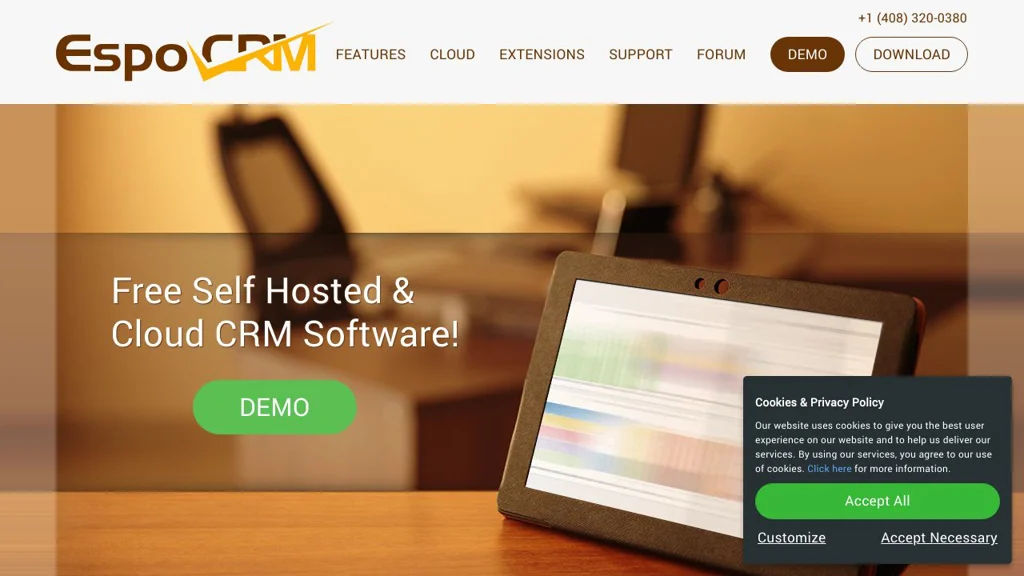
EspoCRM

EspoCRM

Self-hosted CRM with leads/opportunities, email & calendar sync, marketing automation, workflows, and extensible entity-based customization.

EspoCRM screenshot

EspoCRM is a self-hosted customer relationship management (CRM) platform focused on managing leads, accounts, contacts, opportunities, and customer interactions in a single system. It provides sales pipeline tools, email-centric communication features, and a flexible entity model that supports customization and extensions.

Key Features

  • Sales pipeline management with leads, opportunities, accounts/contacts, activities, and reporting dashboards
  • Email integration (IMAP/SMTP) with email archiving to CRM records and templates for outbound communication
  • Calendar and activities (calls, meetings, tasks) with scheduling and reminders
  • Workflow automation (rules/actions) and business process tools (BPM) for automating CRM operations
  • Role-based access control (teams, roles, permissions) and audit/logging capabilities
  • Custom entities, fields, layouts, relationships, and formulas for tailoring data model and UI
  • Extensions ecosystem (add-ons/modules) and API for integrations

Use Cases

  • Track B2B sales pipelines from lead capture through opportunity stages to close
  • Centralize customer communication by linking emails, calls, meetings, and notes to records
  • Automate routine CRM tasks (assignment, notifications, stage changes) with workflows

Limitations and Considerations

  • Some advanced capabilities are delivered via paid extensions; feature set depends on edition/modules enabled

EspoCRM fits teams that need a customizable, email-integrated CRM with strong automation options and an extensible architecture. It is particularly suitable for organizations wanting control over CRM data and flexible customization without building a CRM from scratch.

2.7kstars
787forks
#9
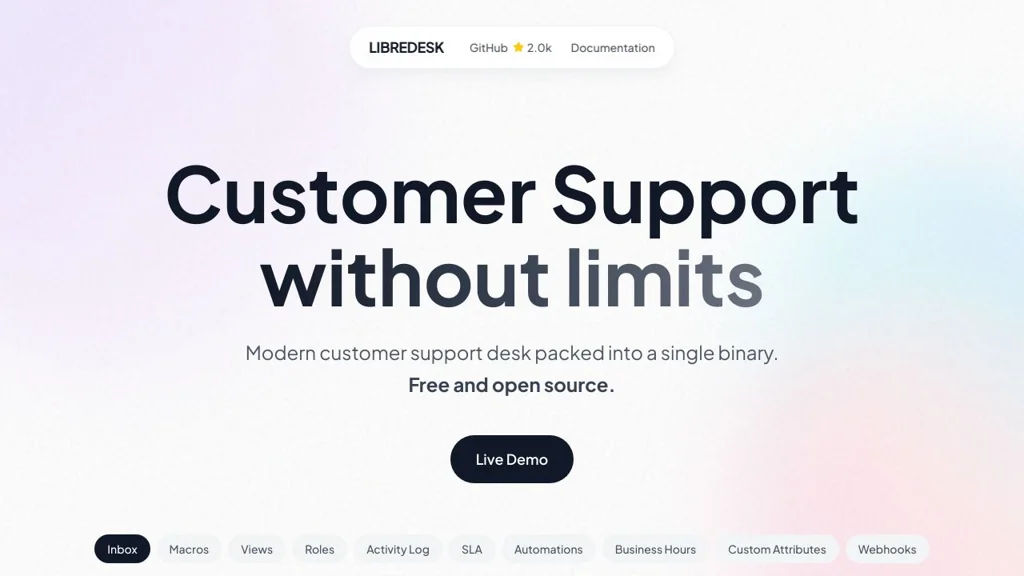
Libredesk

Libredesk

Open-source helpdesk that turns inbound email into tickets, supports assignments and statuses, and provides a simple web UI for teams to manage customer support.

Libredesk screenshot

Libredesk is an open-source helpdesk designed to manage customer support via a clean, lightweight web interface with an email-centric workflow. It focuses on turning inbound support emails into trackable tickets and providing the core tools teams need to triage, assign, and resolve requests.

Key Features

  • Email-to-ticket workflow for receiving and tracking inbound support requests
  • Ticket management with status/state changes and conversation history
  • Agent workflow tools such as assignment and basic organization of requests
  • Web-based interface for handling tickets in a shared queue
  • Designed to be minimal and straightforward to deploy and operate

Use Cases

  • Small teams needing a simple shared support inbox with ticket tracking
  • Internal IT/helpdesk handling requests submitted via email
  • Projects that want a lightweight helpdesk without a full ITSM suite

Limitations and Considerations

  • Feature scope is intentionally minimal compared with enterprise helpdesks (e.g., advanced automations, SLAs, omnichannel, or extensive reporting may be limited)

Libredesk is best suited for individuals or small teams who want an email-first ticketing workflow with a simple UI and minimal operational complexity. If you need advanced ITSM features and deep automation, a more full-featured helpdesk may be a better fit.

2kstars
124forks
#10
Roundup

Roundup

Roundup is a Python issue tracker with email and web interfaces, customizable schemas, and built-in workflow features for bugs, tasks, and support queues.

Roundup is an issue/bug tracker written in Python designed to be lightweight yet highly adaptable. It provides web and email-driven workflows and lets you model your tracker’s data (issues, tasks, users, etc.) to match how your team works.

Key Features:

  • Customizable tracker schema (define classes/fields and relationships to fit your process)
  • Web interface for creating, editing, searching, and triaging issues
  • Email interface for creating/updating issues via messages and replies
  • Flexible permissions model to control access by role/user
  • Full-text and field-based searching with configurable queries
  • File attachments and message history per issue
  • Extensible via detectors/extensions to implement workflow rules and automation
  • Multiple database backends supported (commonly SQLite, PostgreSQL, MySQL)

Use Cases:

  • Bug and issue tracking for software projects needing a custom data model
  • Internal helpdesk/support ticket tracking with email-based updates
  • Lightweight task/defect tracking for small teams that want simple deployment

Limitations and Considerations

  • UI is functional but comparatively minimal versus modern, highly polished trackers
  • Customization often involves editing tracker templates/schema and Python-based extensions

Roundup is a good fit when you want an established, scriptable tracker that can be tailored to non-standard workflows and data fields. Its email and web interfaces make it practical for teams that prefer inbox-driven ticket handling alongside a web UI.

38stars
14forks

Why choose an open source alternative?

  • Data ownership: Keep your data on your own servers
  • No vendor lock-in: Freedom to switch or modify at any time
  • Cost savings: Reduce or eliminate subscription fees
  • Transparency: Audit the code and know exactly what's running